


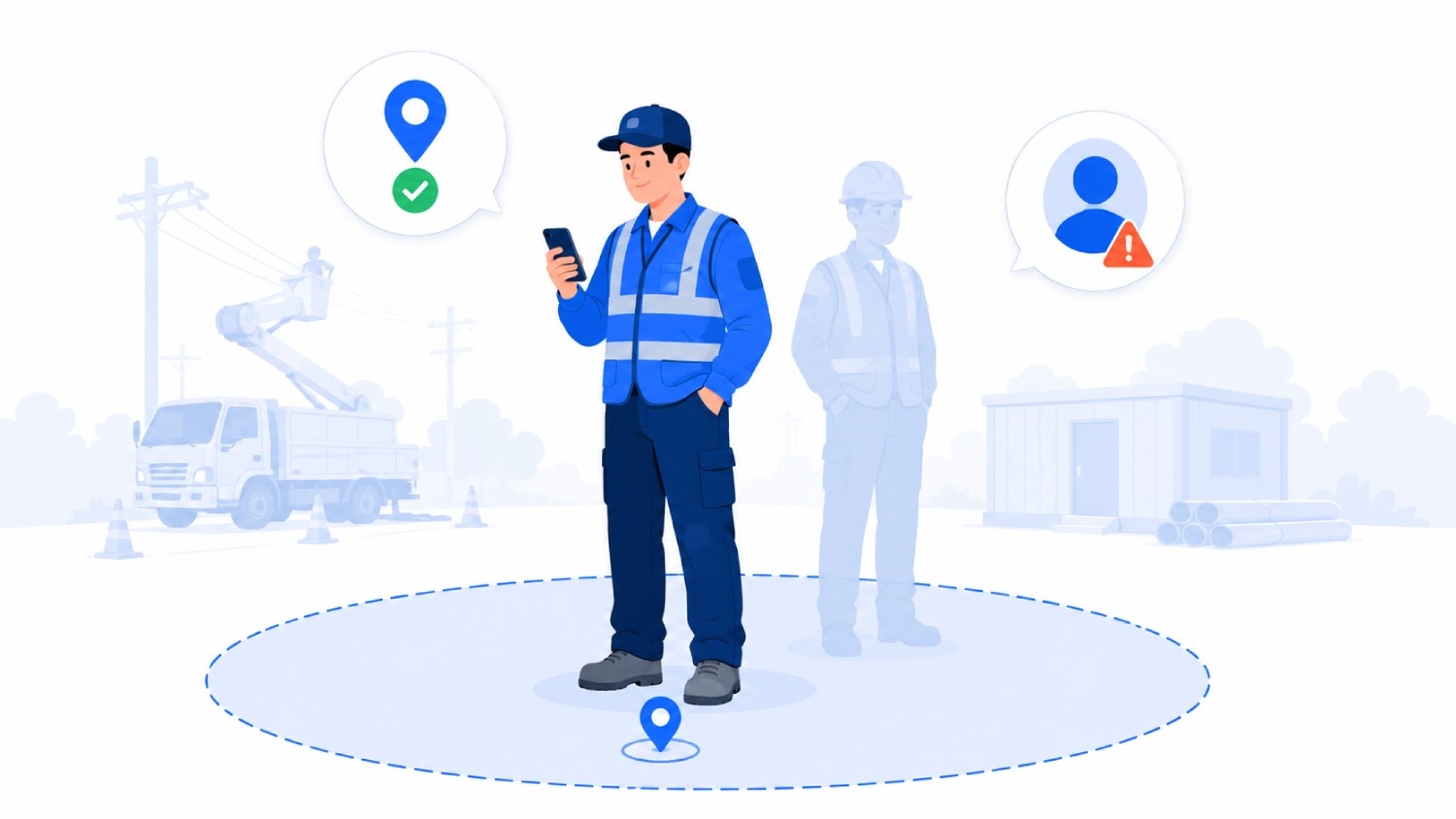

Most geofencing time clock apps answer one question: was the phone inside the boundary when the punch happened. Payroll teams need the second answer too, which is whether the person holding that phone was the worker scheduled to be on that site.
The gap between those two questions is where buddy punching survives. A crew member can hand a phone to a coworker who is already inside the geofence, and a location-only system records a clean punch. Every app in this comparison handles the first question competently, and only a few close the second one.
Truein is an AI-powered time tracking platform that pairs face verification with GPS geofencing at the moment of clock-in, built for hourly, field, and multi-site workforces. This guide compares 10 geofencing time clock apps and GPS time clock software for employees across multiple locations, on boundary type, identity verification, offline behavior, and payroll integrations. It states plainly which one fits which operation, and which ones work for field employees punching from personal phones rather than a shared kiosk.
Key Takeaways
- A geofencing time clock app records a punch only when the worker's device sits inside a virtual GPS boundary drawn around an approved work location.
- Choosing between these apps starts with one question: do you need to block punches from the wrong place, or track movement while crews are already on the clock.
- Geofence enforcement is not uniform. Buddy Punch blocks off-site punches outright, Truein can be configured to block, alert, or route them for approval, and QuickBooks Time allows a note-and-proceed override that flags the entry for a manager.
- Circular geofences bleed into parking lots and neighboring lots, which is why minimum radius matters. Truein supports a 20 meter (roughly 65 foot) minimum configurable radius, Timeero documents a 50 to 3,000 meter range, and Workyard offers polygon boundaries drawn to the property line.
- Face verification at the punch is rarer than feature lists suggest. ClockShark runs facial recognition in its shared KioskClock mode, while personal-phone punches are GPS-verified only.
- Five US states have biometric consent laws that apply to attendance tracking: Illinois, California, Texas, Washington, and Colorado. Only Illinois lets employees sue directly.
- Geofencing time tracking software for field employees splits into two categories before you compare a single feature: enforcement-first tools that block or verify at the boundary, and tracking-first tools built for routes and mileage across a moving day.
What Is a Geofencing Time Clock App?
A geofencing time clock app is time tracking software that draws a virtual GPS boundary, called a geofence, around an approved work location and permits a clock-in only when the worker's phone or tablet sits inside that boundary. Every punch is stamped with a timestamp and GPS coordinates.
The mechanics are covered in depth in our guide to how geofenced time tracking works. This page focuses on which app to buy.
How We Selected These Geofencing Time Clock Apps
Every app below had to meet four conditions before it made the list.
- It supports GPS geofencing as a documented product feature, not a roadmap item.
- It serves hourly workers, field employees, or multi-site teams rather than desk-based knowledge workers.
- Its geofence behavior at the boundary is publicly documented, so a buyer can tell whether an off-site punch is blocked, flagged, or ignored.
- It exports timesheets to at least one named payroll or accounting system.
Apps were evaluated on boundary type, what gets verified at the punch, offline behavior, multi-site handling, and payroll integrations. Product claims were checked against vendor documentation as of August 2026.
Enforcement or Tracking: The Decision That Narrows the List
Geofencing time tracking software for field employees splits into two categories, and picking the wrong one is the most expensive mistake in this purchase. Choose an enforcement-first app when your problem is punches happening from the wrong place or by the wrong person, because these tools block or flag the punch at the boundary and verify who is punching. Choose a tracking-first app when crews are already legitimately on the clock and you need routes, mileage, and cost-code allocation across a moving day. Neither category fixes attendance when your sites have no defined address or boundary at all.
Enforcement-first tools in this comparison are Truein, Buddy Punch, and ClockShark in kiosk mode. Tracking-first tools are Workyard, Timeero, Hubstaff, and allGeo. Jibble, Connecteam, and QuickBooks Time sit in the middle and lean toward whichever plan tier you buy.
Getting this wrong is the most common procurement mistake in this category. A contractor who buys mileage tracking to solve buddy punching still has buddy punching, and a service business that buys strict boundary blocking still cannot bill drive time accurately.
Geofencing Time Clock Apps Compared
Geofence time tracking behavior varies more than feature lists suggest. Values below were verified against vendor documentation and published third-party testing as of August 2026.
Verdict: Truein wins when the same worker must be provably present across many sites and the punch happens on a personal phone rather than a shared kiosk, because face verification runs on every device mode. ClockShark wins for small trade contractors clocking in through one shared tablet at a single gate. Workyard wins on irregular sites where a circle cannot describe the boundary and labor cost allocation matters more than identity. Jibble wins for teams that need two geofences and no budget.
The 10 Best Geofencing Time Clock Apps for Employees
1. Truein: best for multi-site and subcontractor crews needing identity verified at the punch

Truein is time tracking software that verifies both location and worker identity at clock-in, using face recognition and GPS geofencing on any Android or iOS phone or tablet a company already owns.
A face-match failure blocks the punch immediately and prompts a retry. Spoofing attempts can be flagged after the punch in the default configuration, after which the record is flagged and the staff member can be blocked. Approved accuracy for the face match is roughly 95% to 100%, including with facial hair, masks, changed hairstyles, and hard hats.
Geofence enforcement is configurable rather than absolute. Out-of-boundary punches can be blocked, alerted, or routed for approval based on account setup, and the minimum configurable radius is 20 meters, roughly 65 feet. Each floor, wing, or zone can carry its own geofence, which suits open sites, campuses, and buildings where one circle around the address is too coarse.
Geofencing: Circular, configurable to 20 m minimum, set per floor, wing, or zone. GPS-only clock-in without face verification is available on personal devices under some configurations.
Identity check at clock-in: Live face match on personal phone, shared tablet kiosk, or supervisor-assisted punch.
Offline: Punches are captured on-device with zero connectivity and auto-sync when the network returns, flagged as captured offline. Offline records appear in the dashboard after sync rather than in real time.
Multi-site: Multiple site clock-ins in a single day, with a centralized dashboard across sites, shifts, and subcontractors. Multiple subcontractors can sit under one account, with scoped supervisor access, per-subcontractor headcount limits, and document expiry tracking.
Payroll: Payroll-ready reports plus integrations with ADP, QuickBooks, Sage, Xero, SAP, Viewpoint, and Paychex, over application programming interface (API) for real-time sync or file transfer protocol (FTP) for batch workflows. Truein is not payroll software and does not process payroll.
Also included: Activity Punch tags time to a specific job, task, or cost code. More than 70 configurable policies cover overtime, breaks, holidays, and leave by location, category, and shift, and are designed to support compliance with local labor rules rather than guarantee it. AI TimeGuard flags anomalies such as impossible travel sequences, overtime spikes, and frequent timesheet corrections, and AI Analytics answers workforce questions without building a report.
Best suited for: Construction, facility management, cleaning and janitorial services, landscaping, and logistics operations running 100 or more hourly workers across several sites, particularly where subcontractor hours must stay separate from direct staff hours. Scale is proven at 500-plus clients across 25 countries and more than 10,000 locations, with a G2 rating of 4.8 out of 5 across 95 reviews and a Capterra rating of 4.8 out of 5 across 42 reviews, as of August 2026.
Where it is not the fit: Truein is built for field, hourly, and multi-site work, not desk-based or office staff. Teams whose primary need is continuous route replay, drive-time mileage reimbursement, or road-snapped GPS breadcrumbs between sites will find Workyard or Timeero closer to that job.
Running crews across more sites than your supervisors can visit? See how Truein verifies who clocked in, not just where the phone was.
2. ClockShark: best for local construction and trade contractors
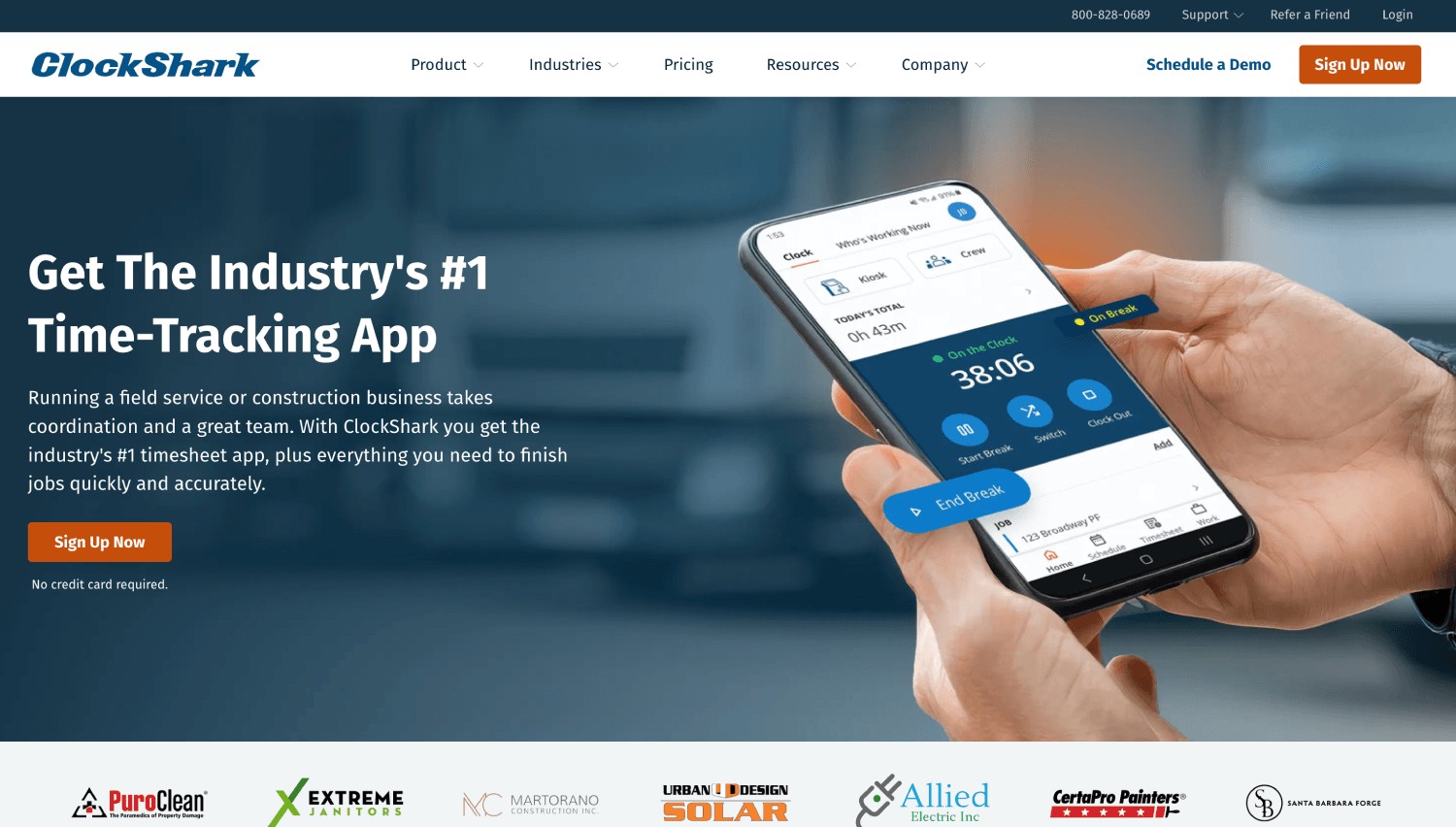
ClockShark is a time tracking, scheduling, and job costing platform for construction, trades, and field service businesses, now part of Simpro Group.
Its GPSFence feature prompts workers to clock in or out as they cross a jobsite boundary and sends managers an alert when a punch lands outside the fence. CrewClock lets a foreman clock in an entire crew from one phone, which solves the problem of workers without smartphones. An offline Sync Queue holds entries on the device until connectivity returns.
The detail most comparisons miss: ClockShark's ADP Marketplace listing describes facial recognition inside KioskClock, its shared-tablet mode, alongside 4-digit PIN entry. Punches from a worker's personal phone are verified by GPS rather than by a face match.
Best suited for: Small and mid-sized trade contractors, electrical, plumbing, roofing, and painting businesses, where most of the crew reports to one gate and clocks in on a shared tablet.
Where it is not the fit: Operations where workers punch from personal phones across many scattered sites, since kiosk-only face verification does not cover that pattern.
3. Workyard: best for irregular jobsites and labor cost allocation
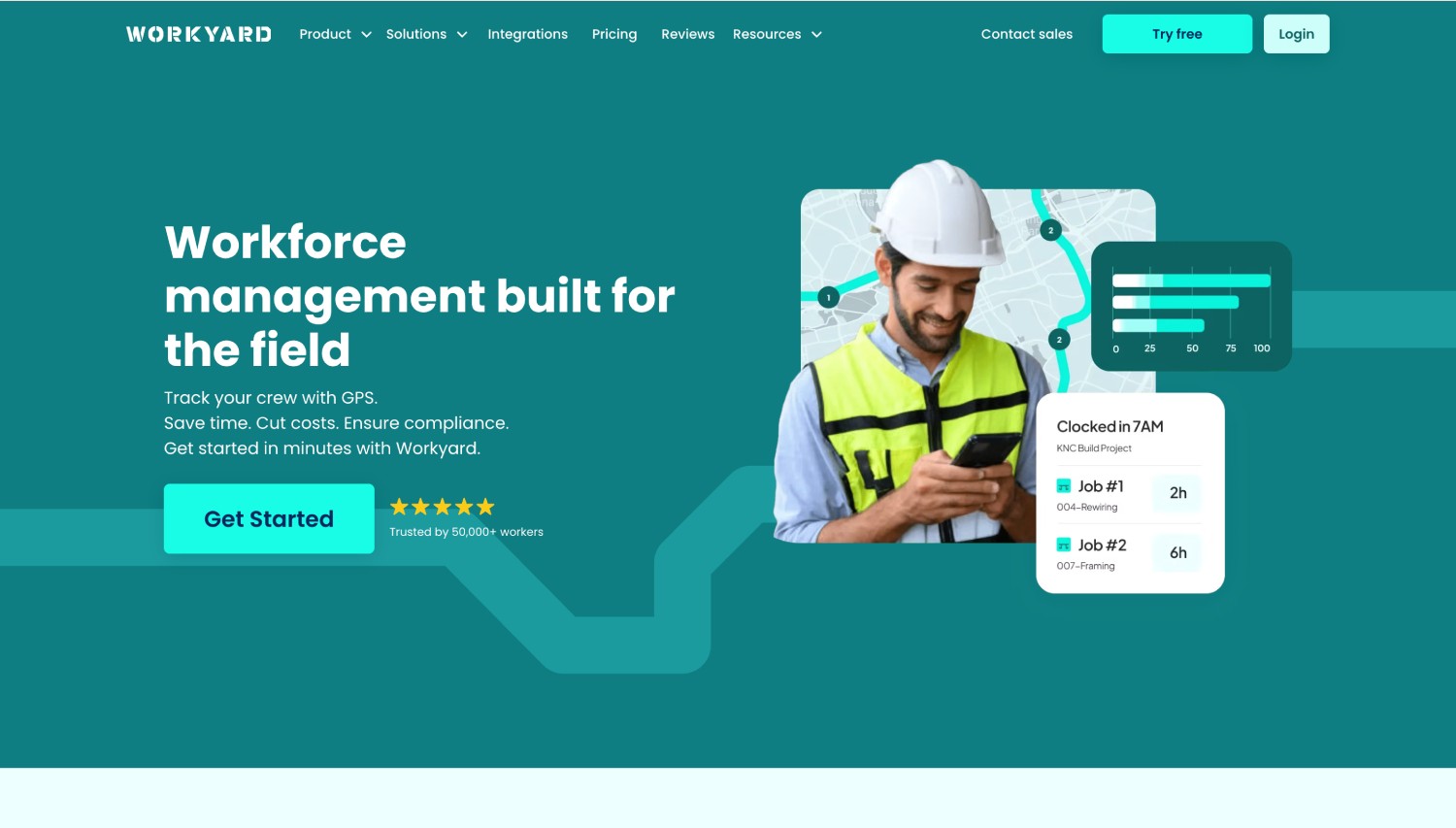
Workyard is a GPS time tracking and workforce management platform built for construction contractors and trades.
It is the only app in this comparison offering polygon geofences drawn point by point to match a property line, alongside standard circular fences. Workyard's own documentation notes that circular fences become unreliable on oddly shaped or spread-out sites. GPS data is collected only between clock-in and clock-out, and punches captured without signal upload once the device reconnects.
Best suited for: Contractors on irregular or spread-out sites who want automatic cost-code allocation and continuous location detail while crews are on the clock.
Where it is not the fit: Teams whose core problem is one worker punching for another, since Workyard captures a photo for supervisor review rather than matching identity at the punch.
4. Jibble: best for small teams starting on a free plan
Jibble is a time and attendance platform known for a free tier that carries no user cap.
Face recognition, GPS tagging, and kiosk mode are included on the free plan, which is unusual in this category. The constraint sits elsewhere: Jibble's published plan documentation states the free plan allows 2 geofences, with unlimited geofences moving to paid tiers along with custom overtime rules and multi-level approvals.
Best suited for: Teams operating one or two fixed locations that need verified attendance without a budget line.
Where it is not the fit: Multi-site operations. Two geofences do not cover a contractor running eight active jobsites, and the upgrade path adds cost per user as headcount grows.
5. Timeero: best for mileage and route tracking between sites
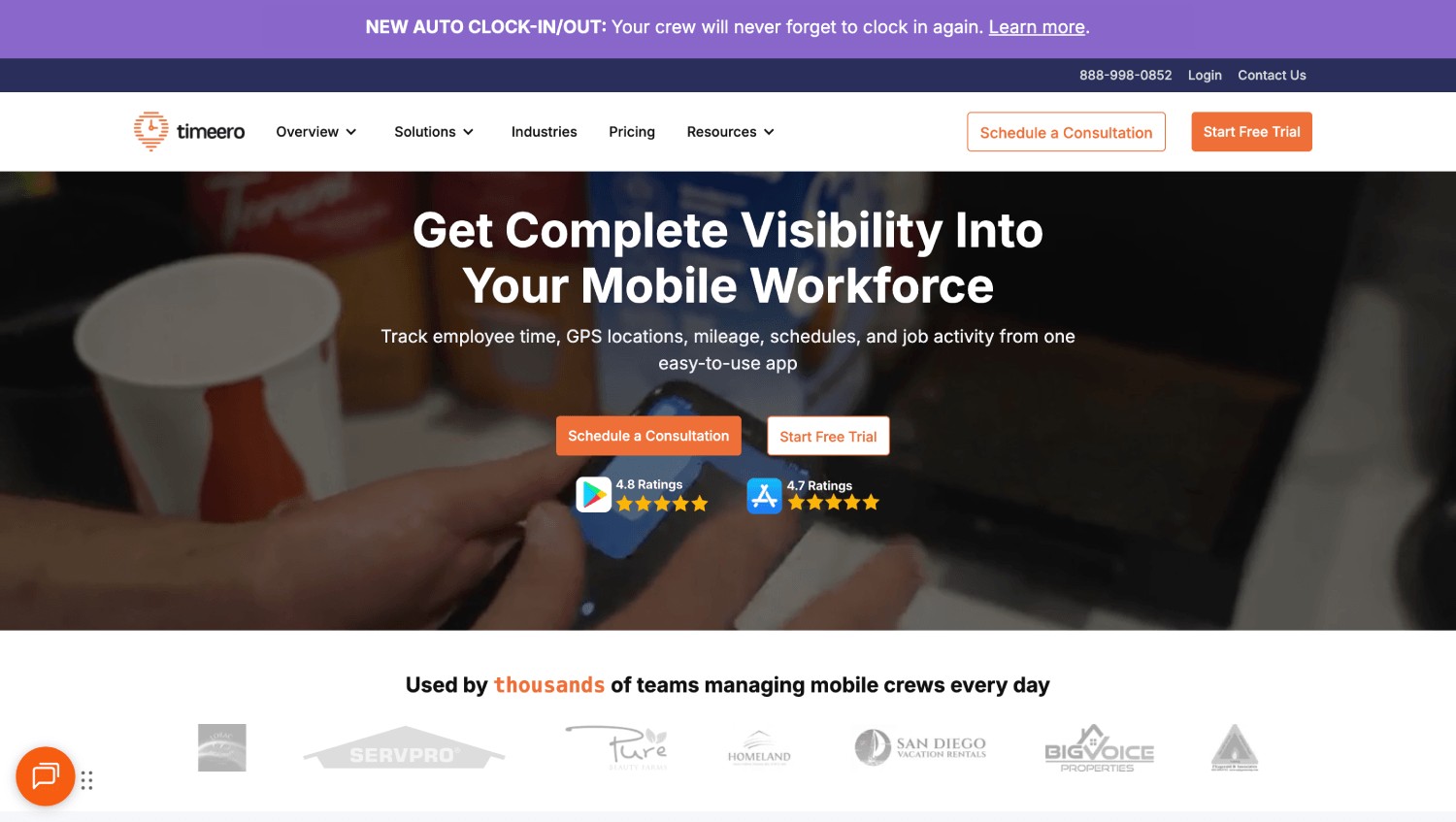
Timeero is GPS time and mileage tracking software aimed at field teams that move between locations throughout the day.
Its geofence radius range runs from 50 to 3,000 meters, and geofences can prevent off-site punches, send entry and exit reminders, or automatically switch the job code a worker is billing against. Segmented tracking reviews a worker's route without requiring repeated clock-ins and clock-outs, and an Auto Clock-In feature starts time on geofence entry. Facial recognition and kiosk photo authentication sit on higher-priced tiers.
Best suited for: Home healthcare, field sales, inspection, and service teams where drive time and visit sequence carry as much weight as attendance.
Where it is not the fit: Budget-sensitive teams that only need boundary enforcement, since identity verification requires a higher tier.
6. Buddy Punch: best for simple punch rules with hard boundary blocking
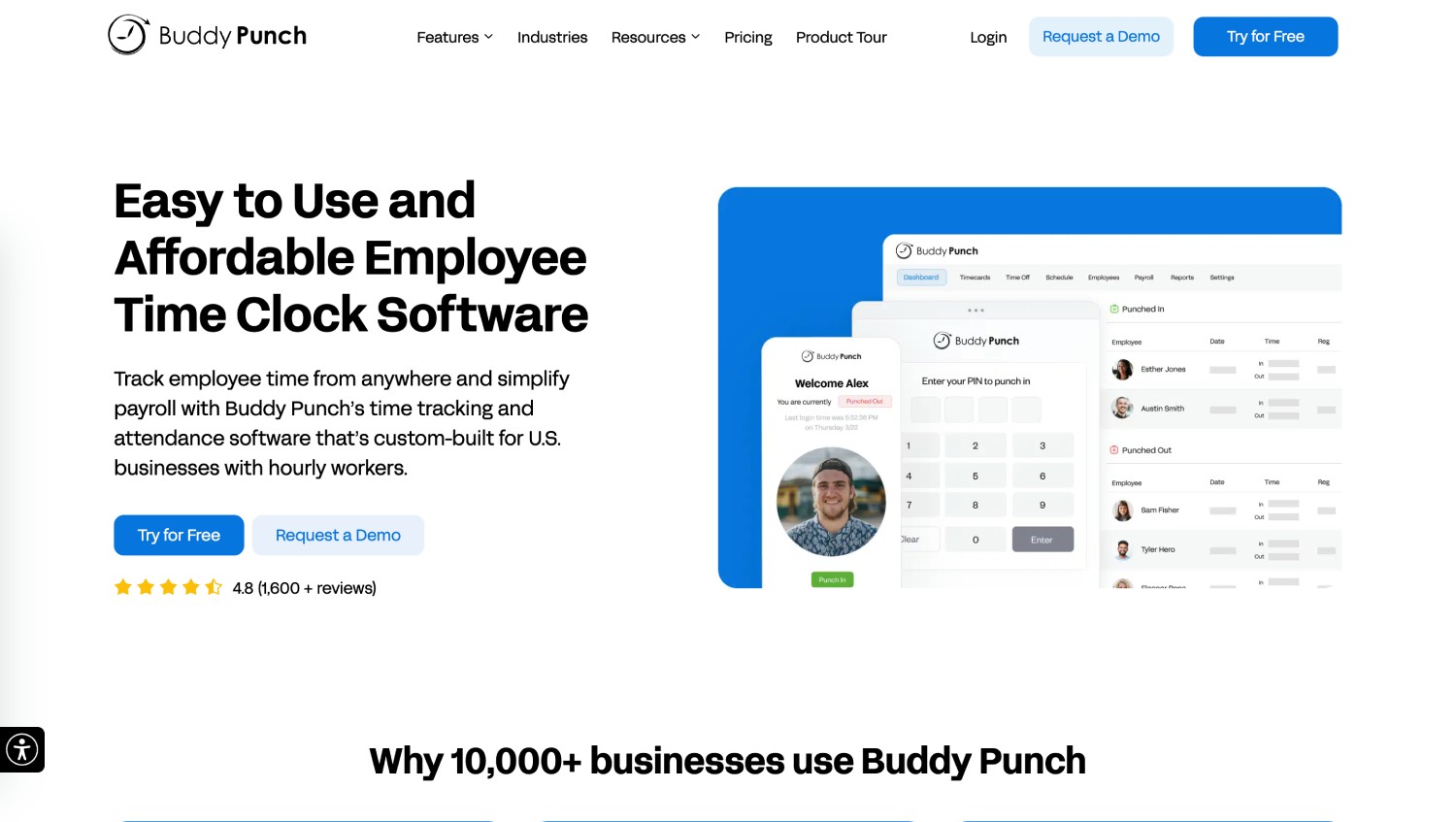
Buddy Punch is an employee time clock app focused on strict controls over how and where a punch happens.
Geofences are unlimited in number and configurable by radius, and Buddy Punch's own documentation states that a clock-in attempt from outside the boundary is blocked rather than flagged. Photo on punch, facial recognition, PIN codes, QR codes, and IP address locking stack on top of the geofence. Entry and exit reminders depend on an active internet connection.
Best suited for: Small and mid-sized businesses that want hard location rules and clean payroll exports without scheduling or route tracking.
Where it is not the fit: Operations needing subcontractor separation, cost-code job costing, or a policy engine spanning many worker categories.
7. Connecteam: best for deskless teams wanting scheduling and comms bundled
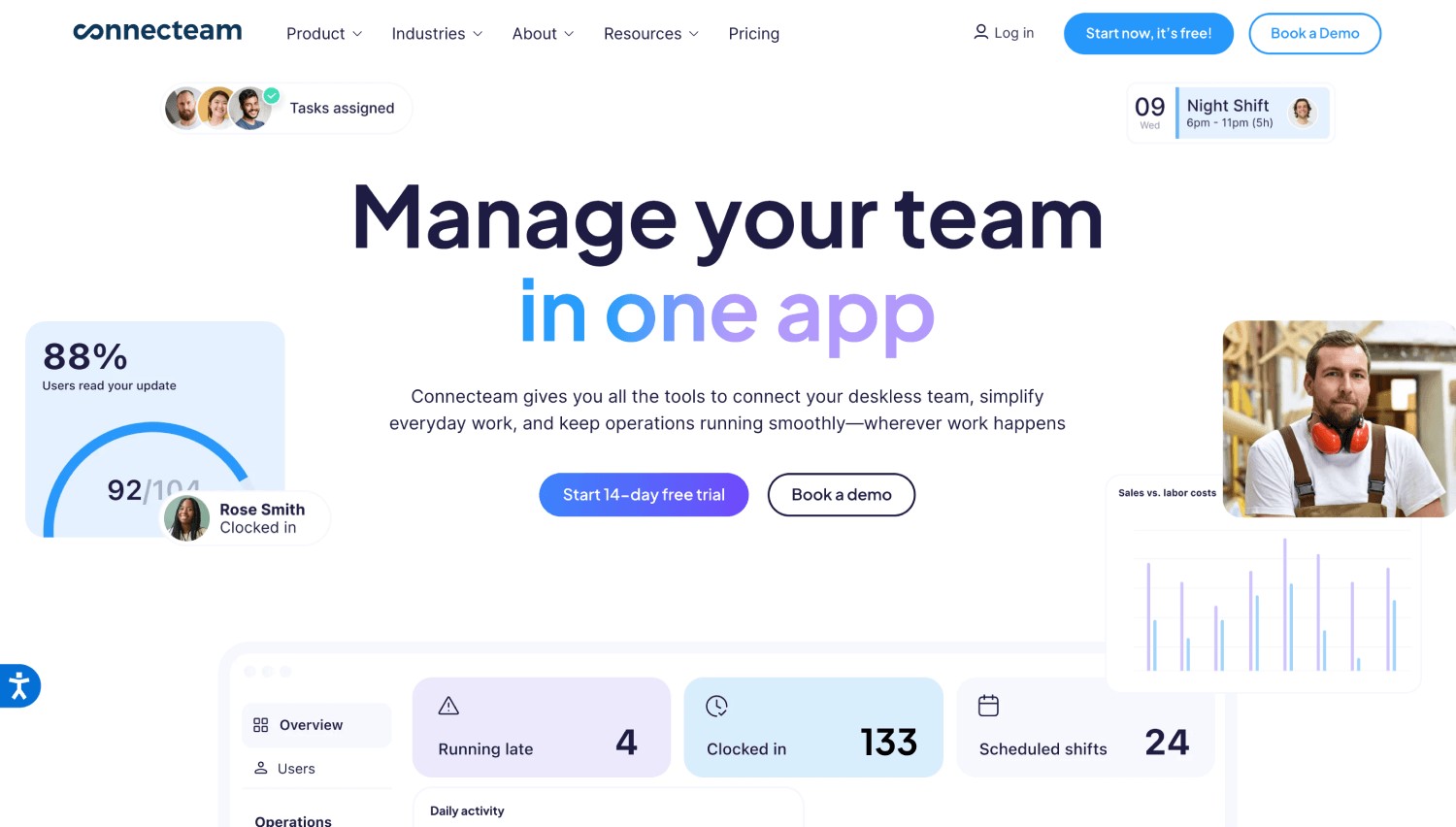
Connecteam is an all-in-one deskless workforce platform covering scheduling, internal communication, HR checklists, and time tracking.
Its attendance module combines GPS validation, geofencing, and a selfie capture at clock-in. The selfie functions as visual confirmation rather than a biometric match, which places it closer to photo-for-review than live identity verification. Geofencing in Connecteam flags whether a punch landed inside the boundary rather than blocking unauthorized clock-ins by default, and the feature sits on higher plan tiers.
Best suited for: Specialty contractors and service businesses that would rather buy scheduling, team chat, and attendance in one subscription than stitch three tools together.
Where it is not the fit: Companies where attendance fraud is the specific problem being solved, since flagging after the fact leaves the manual review burden in place.
8. QuickBooks Time: best for teams already running payroll in QuickBooks
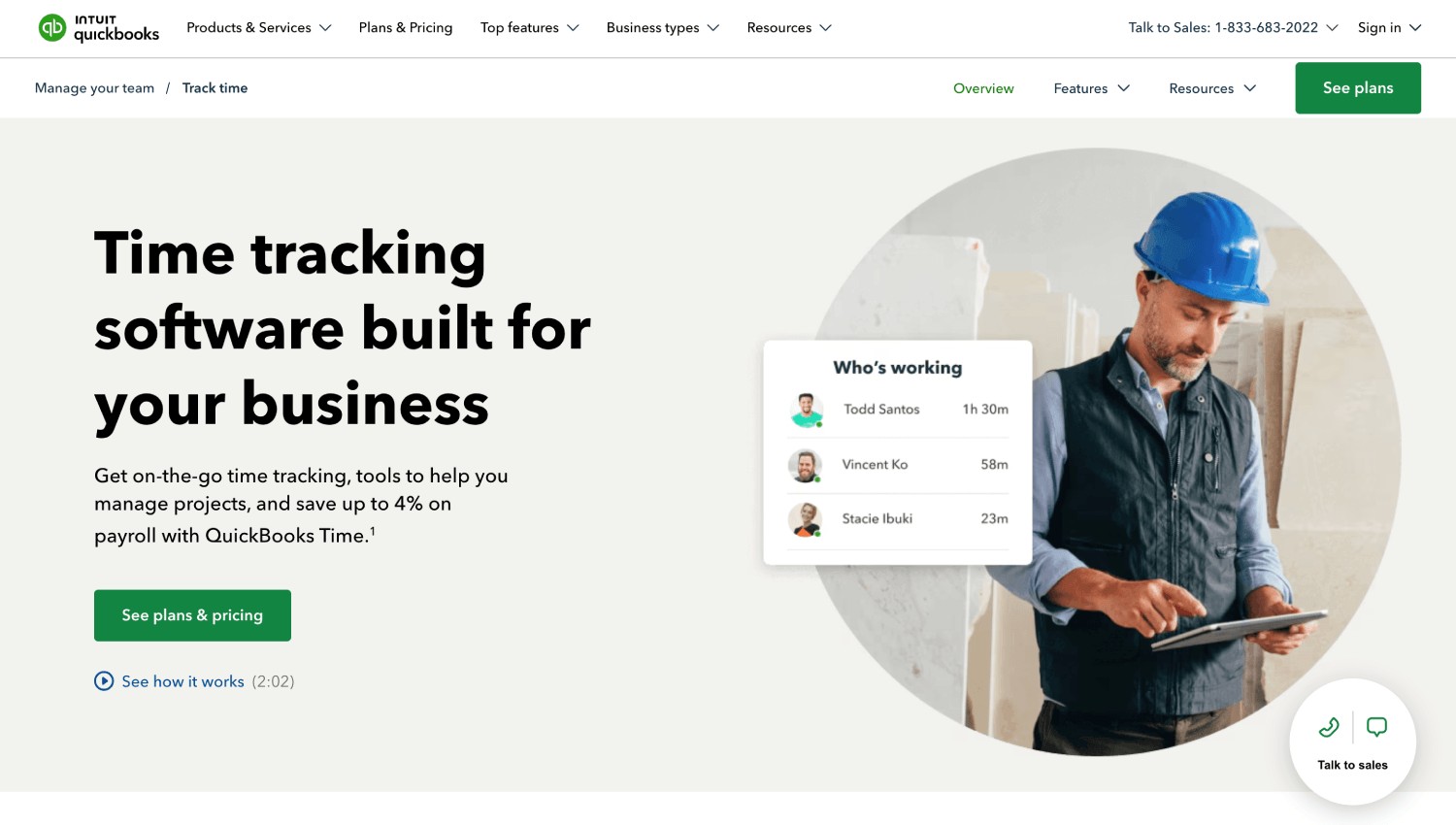
QuickBooks Time is Intuit's time tracking product, tied closely to QuickBooks payroll and accounting.
Geofencing is available on the Elite plan only and requires workers to set location permissions to Always. Geofences are created by address recognized in Google Maps or by latitude and longitude for sites without an address, and can be added in bulk through the API. Enforcement is soft: testing in 2026 found that a worker can clock in outside the fence by adding a note, with the entry flagged for manager review.
Best suited for: Businesses whose payroll already lives in QuickBooks and who value native sync over strict boundary control.
Where it is not the fit: Teams that need the boundary to actually stop a punch, since note-and-proceed shifts enforcement onto the manager.
9. Hubstaff: best for mixed remote and field teams
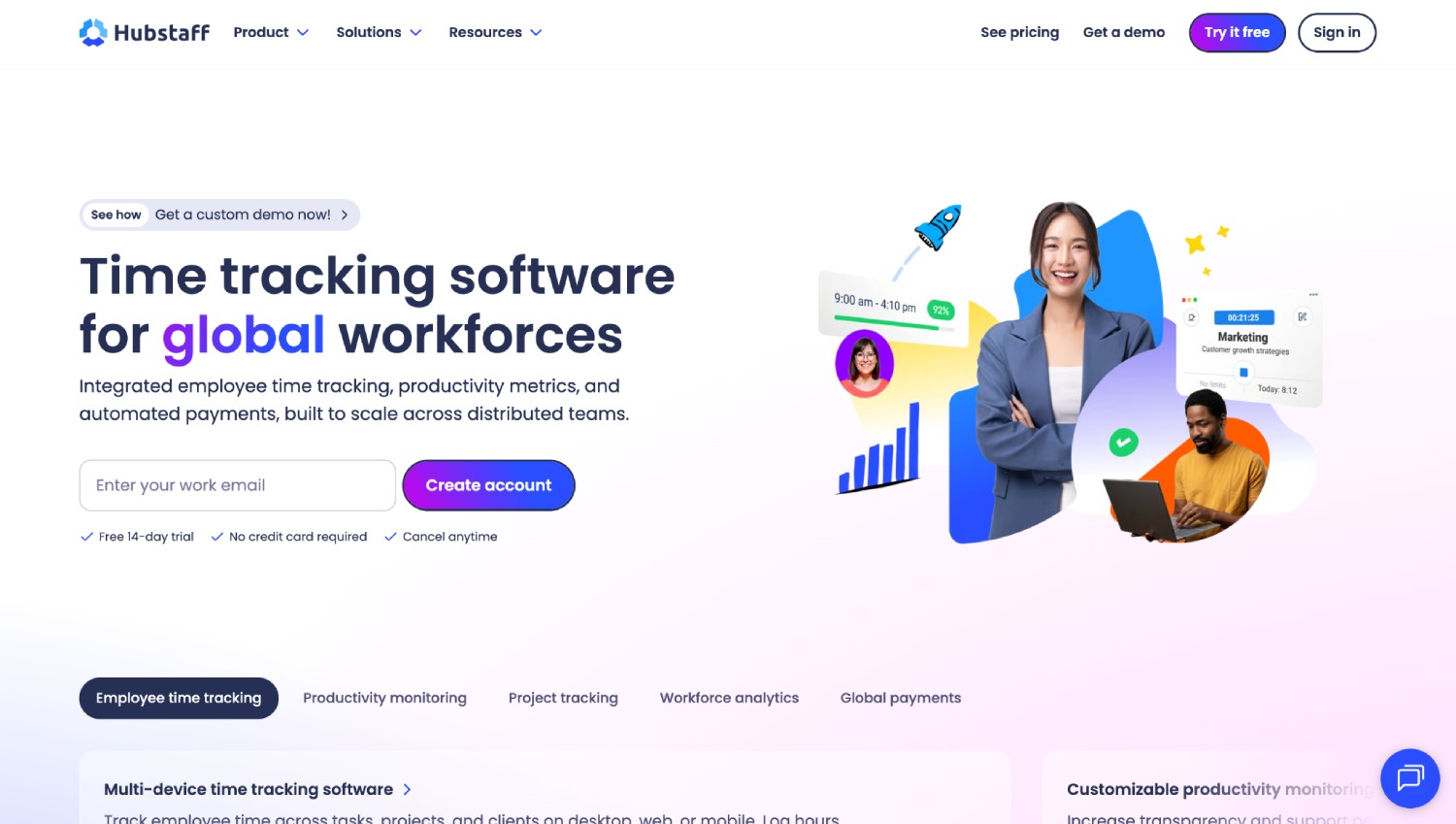
Hubstaff is a time tracking and workforce productivity platform with GPS tracking, geofencing, and route history for mobile teams.
Managers receive a notification when a worker enters or leaves a geofenced area, and time tracking can start or stop automatically at those boundaries. Screenshots, activity levels, and project-based reporting sit alongside the location features.
Best suited for: Agencies and service businesses running a mix of office, remote, and field staff who want one system covering all three.
Where it is not the fit: Purely field-based hourly operations. Hubstaff's productivity monitoring, including screenshots and activity levels, is built around desk work rather than jobsite work, which makes it a poor match for crews whose entire shift happens away from a screen.
10. allGeo: best for complex field service workflow automation
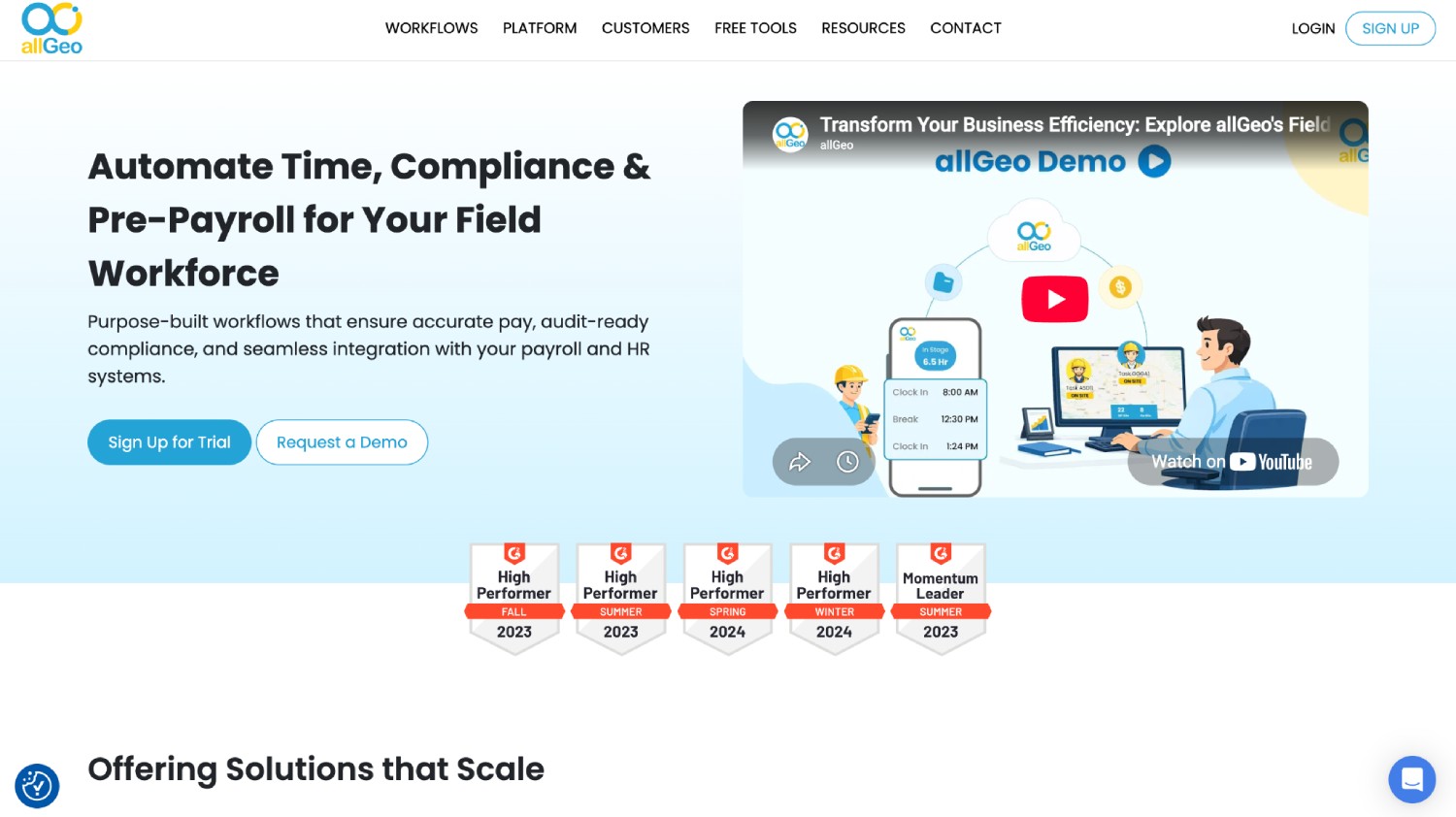
allGeo is a field service automation platform built around geofence-triggered workflows rather than attendance alone.
Zero-touch auto punch starts and stops time on geofence entry and exit, and the platform layers mobile forms, photos, signatures, mileage capture, and breadcrumb trails on top. Exception alerts handle missed punches and out-of-zone activity.
Best suited for: Utilities, home services, logistics, and healthcare operations where field data capture and job status automation matter as much as hours.
Where it is not the fit: Companies looking for a straightforward time clock. allGeo's configuration depth is an advantage for complex workflows and overhead for everyone else.
Which Geofencing Time Clock Apps Verify Identity, Not Just Location?
Three tiers exist in this market, and vendor feature lists blur them. Tier one records a GPS stamp, proving a device was present. Tier two captures a photo for a supervisor to review later, documenting a claim without checking it. Tier three matches the face against an enrolled profile at the moment of the punch and acts on the result.
Truein and Jibble run face matching at the punch across device modes. ClockShark runs it in shared kiosk mode while personal-phone punches stay GPS-only. Buddy Punch, Timeero, and QuickBooks Time offer facial recognition or photo capture depending on tier and device. Workyard, Connecteam, Hubstaff, and allGeo sit in tier one or tier two.
The practical test is what happens on a personal phone at a site with no supervisor. A geofence answers where the device was, and face verification answers who was holding it. Time theft survives in the space between those two answers, because buddy punching only needs one of the two checks to be missing.
Why Circular Geofences Let Workers Clock In From Across the Street
A circular geofence is defined by a center point and a radius, so it covers everything within that distance in every direction, including the gas station across the road and the neighboring lot. Widening the radius to stop legitimate workers from being blocked at the site edge is what creates the gap.
Two approaches close it. The first is drawing the boundary to the actual property line using a polygon, which Workyard supports and most competitors do not. The second is shrinking the circle and adding identity verification, which is Truein's approach: a 20 meter minimum radius, separate geofences per floor, wing, or zone, and a face match that makes the location of the phone less decisive.
Truein does not offer polygon geofencing. Contractors working sites with genuinely irregular perimeters, long linear scopes such as highway work, or boundaries that follow a property line rather than a radius should evaluate polygon support directly. Where the problem is a worker punching from a coffee shop 30 meters away, a tighter circle plus a verified face solves it without a custom shape.
Neither approach removes the need to test. Walk the boundary at the start of a shift and again at shift change, because GPS behaves differently near structures, and set the radius from what you observe rather than from a default.
How Geofencing Time Clocks Behave When the Signal Drops

Offline handling separates field-grade tools from office tools, and the differences are mechanical rather than marketing. Truein captures the punch on the device with zero connectivity, auto-syncs when the network returns, and flags the record as captured offline for review. Those records appear in the dashboard after sync, so a supervisor does not see them in real time.
ClockShark holds entries in a Sync Queue on the device. Workyard captures the punch locally and uploads on reconnect. Buddy Punch records the punch offline, though its entry and exit reminders need an active connection to fire.
For most urban US construction and field service work, connectivity is adequate and offline capture is a safety net rather than a deciding factor. Lead with offline capability when your sites are rural highway work, energy and mining operations, basements, or concrete structures where signal reliably disappears.
GPS Accuracy, Battery Drain, and Spoofed Locations
GPS accuracy degrades near tall structures, inside partially built shells, and below grade, which produces false exceptions that erode worker trust in the system faster than any other failure. No vendor in this category delivers pinpoint or sub-meter precision, and any that claims to should be asked for the test conditions.
Battery cost follows the enforcement-versus-tracking split. Apps that capture location at the punch draw far less power than apps running continuous background location for breadcrumb trails and mileage. Workyard limits collection to the window between clock-in and clock-out for exactly this reason.
Location spoofing through mock-GPS apps is the failure mode that location-only systems cannot address on their own. A spoofed coordinate satisfies a geofence check, which is why identity verification at the punch carries weight independent of boundary accuracy. Spoofing is one of six failure points covered in our guide to monitoring job site attendance with GPS time clocks.
Is Geofencing With Face Recognition Legal for US Employers?
Yes, when deployed with consent-first enrollment and clear notice. Five US states have biometric consent requirements that apply to workplace attendance tracking: Illinois, California, Texas, Washington, and Colorado. Employers with sites in any of them should treat biometric consent as an active procurement requirement rather than a legal footnote.
California matters most for the largest number of employers right now. The employee exemption under the California Consumer Privacy Act (CCPA) and its California Privacy Rights Act (CPRA) amendment expired on 1 January 2023, so California employees hold full notice, access, and deletion rights over biometric data collected at work, including for time and attendance.
Illinois carries the highest litigation exposure. The Biometric Information Privacy Act requires written consent before biometric data is collected and, unlike the other statutes here, permits individuals to sue directly. That private right of action is why face recognition should be introduced carefully in Illinois operations, typically alongside GPS rather than as a standalone control.
Texas enforces the Capture or Use of Biometric Identifier Act, requiring notice and consent before capturing a record of face geometry for a commercial purpose. Enforcement rests solely with the Texas Attorney General, with civil penalties reaching $25,000 per violation and no private right of action.
Washington applies RCW 19.375, the Washington Biometric Privacy Act, which requires notice and consent before enrolling a biometric identifier in a database for a commercial purpose. The state Attorney General enforces it through the Consumer Protection Act, and there is no private right of action. The My Health My Data Act does not apply here, since it excludes employment-context data.
Colorado brought HB 24-1130 into force on 1 July 2025. It requires employee consent before biometric identifiers are collected for employment use, a written retention and deletion policy, and deletion within 24 months of an employee's last interaction unless a statutory exception applies. Time and attendance is a permitted use once those conditions are met.
Florida sits outside this list. Its Digital Bill of Rights excludes employment-context data and applies only to companies above $1 billion in global revenue that meet specific advertising and platform thresholds.
Truein supports consent-first enrollment. When it is enabled, workers review and accept a recorded consent screen before any face data is captured. Collecting the consent stays the employer's obligation. Pairing GPS verification with face verification in the same policy, rather than presenting face capture alone, is the framing that holds up best across all five states.
Disclaimer: This section is for general informational purposes only and does not constitute legal advice. Biometric privacy laws vary by state and change over time; the information above reflects publicly available sources as of the article's publish date and may not reflect subsequent legal developments in your jurisdiction. Before deploying biometric attendance technology, consult a licensed attorney familiar with the applicable state and local requirements.
How to Choose a Geofencing Time Clock App for Multiple Locations
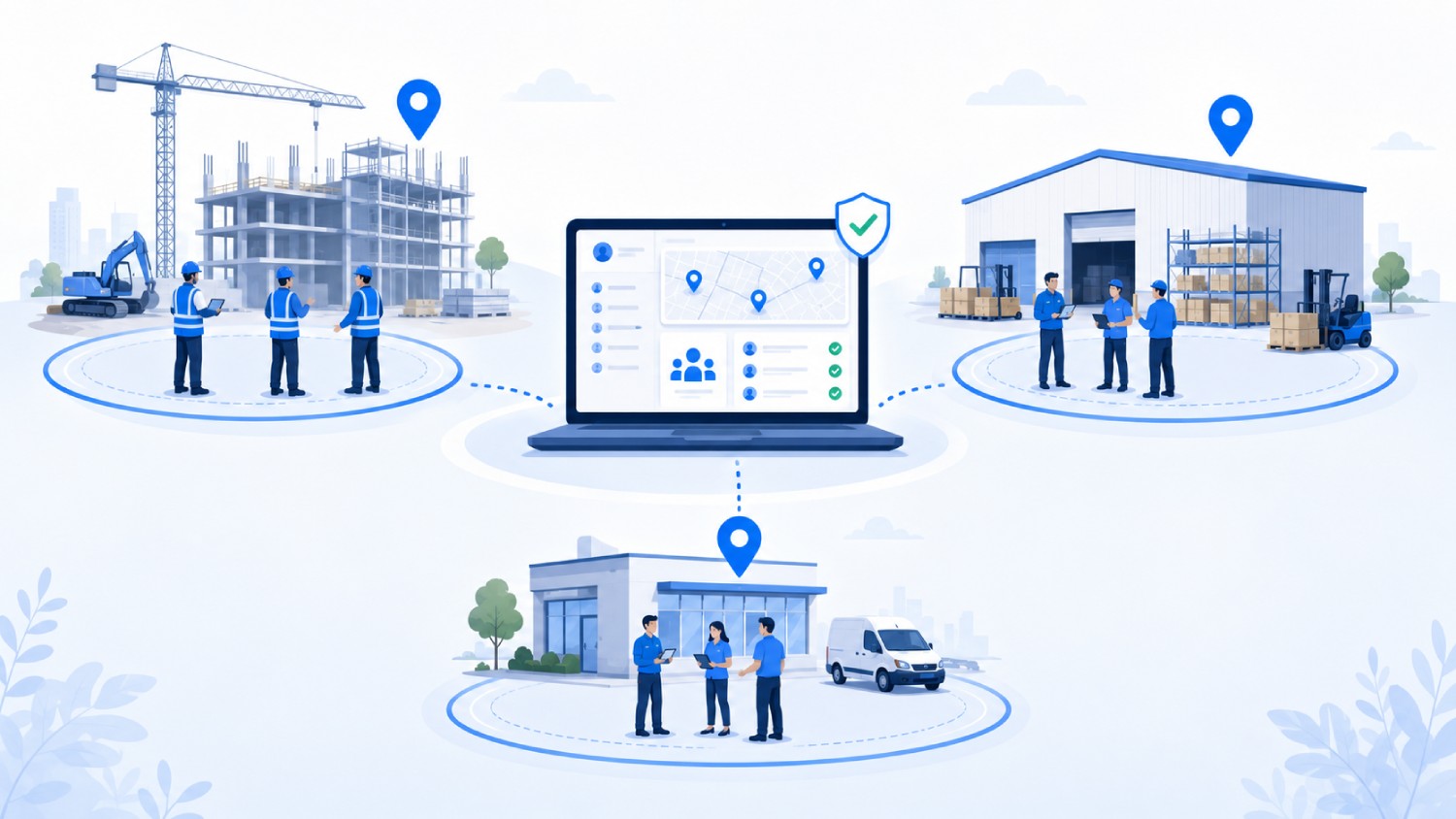
Six criteria separate the shortlist once the enforcement-versus-tracking question is settled.
1. Boundary behavior at the edge
Ask the vendor what happens to a punch 10 meters outside the fence: blocked, alerted, or approved after review. Vendors describe all three as geofencing, and the difference decides how much manual review lands on your supervisors.
2. What gets verified, and on which device
Confirm whether identity verification runs on personal phones or only in shared kiosk mode. This single distinction accounts for most of the difference between apps that stop buddy punching and apps that document it.
3. Multi-site and subcontractor separation
Multi-location operations need per-site geofences, multiple site clock-ins in a single day, and a way to keep subcontractor hours separate from direct staff hours. Per-subcontractor headcount limits and scoped supervisor access matter once more than one subcontractor works the same site. Truein provides the visibility and controls to spot overlap and overbilling, though overlapping subcontractor headcount is not detected automatically.
4. Offline capture and sync behavior
Check whether the punch is stored on-device, how it is labeled after sync, and whether managers can see anything during the outage. Most vendors capture offline punches; fewer flag them clearly for review afterward.
5. Payroll and HRMS integration
Confirm the named integration, the sync method, and the direction of data flow. Truein connects to ADP, QuickBooks, Sage, Xero, SAP, Viewpoint, and Paychex through API for real-time sync or FTP for batch workflows, and produces payroll-ready reports rather than processing payroll itself.
6. Policy depth across sites and worker categories
Multi-site operations rarely run one set of rules. Look for overtime, break, holiday, and leave policies configurable by location, worker category, and shift, which is where a purpose-built employee time tracking system separates from an HRMS attendance module.
How to Roll Out a Geofencing Time Clock in 7 Steps
- Name the specific failure you are fixing. Off-site punches, missing timesheets, or payroll corrections each point to different configurations, and telling the crew which one you are solving reduces resistance.
- Map sites and set radius from field testing, not defaults. Walk each boundary at shift start and shift change, and record where GPS behaves poorly before going live.
- Handle consent before enrollment. Written notice and consent, plus a documented retention and deletion policy, are requirements in five states and good practice everywhere.
- Pilot one site or one crew. Use two payroll cycles to surface exception patterns before rolling out further.
- Write the exception policy before you need it. Decide in advance what happens when a phone dies, a worker forgets a device, or GPS fails, and publish the approval path.
- Connect payroll and run one parallel cycle. Compare system totals against your existing process before you retire the old one.
- Review flagged exceptions weekly for the first month. Adjust radius, notification rules, and shift timings from real data rather than assumptions.
When a Geofencing Time Clock App Is the Wrong Tool
Geofencing solves location fraud and does not solve attendance problems caused by understaffing, unclear shift assignments, or supervisors who never enforce policy. A tighter geofence will not make a crew show up.
These tools also do not fit desk-based or office staff, where location adds no signal and biometric capture creates consent obligations for no operational return. Companies looking for a full human resource management system (HRMS) should keep looking, since purpose-built time and attendance platforms integrate with HRMS tools rather than replacing them.
Anyone expecting a geofence to catch every fraudulent punch on its own will be disappointed. Location checks and identity verification address different failures, and buying one while assuming it covers the other is how attendance leakage survives a software migration.
Frequently Asked Questions
1. Which time clock apps use geofencing for restaurants?
Homebase, Connecteam, and Deputy are the common picks for restaurants and quick-service chains, since they bundle geofenced clock-in with shift scheduling and point-of-sale (POS) integrations. Restaurant operations usually run one fixed location per team, so boundary precision matters less than scheduling depth and labor cost controls.
2. Is there a free time clock app with geofencing?
Jibble offers face recognition, GPS tagging, and geofencing on a free plan with no user cap, limited to 2 geofences. Connecteam includes a free tier for up to 10 users, though geofencing sits on its Advanced plan and above. Multi-site operations outgrow both quickly.
3. How small can a geofence radius be?
Minimums vary by vendor. Truein supports a 20 meter minimum configurable radius, roughly 65 feet, and Timeero documents a 50 to 3,000 meter range. Smaller radii reduce coverage of neighboring property but raise the chance of blocking workers at the true site edge, so test before committing.
4. Can employees fake their GPS location?
Mock-location apps can feed a false coordinate to a time clock app, and a geofence check alone cannot distinguish it from a real one. Systems that verify worker identity at the moment of the punch, rather than location only, close that gap because a spoofed coordinate still needs the correct face.
5. What is the difference between GPS time tracking and geofencing?
GPS time tracking records where a worker was when they punched and, in some tools, continuously while on the clock. Geofencing sets a boundary and acts on it, either blocking, flagging, or auto-triggering the punch at the edge. GPS observes, and geofencing enforces.
6. What is the best geofencing solution for workforce management?
No single geofencing solution for workforce management fits every operation. Purpose-built time and attendance platforms like Truein suit multi-site employers who need identity verified at the punch, while broader workforce suites like Connecteam suit teams wanting scheduling and communication bundled in. Decide depth or breadth before comparing feature lists.
7. Which platforms let employees clock in from their phone with GPS and geofencing verification?
Truein, Buddy Punch, Jibble, Timeero, Workyard, Connecteam, Hubstaff, and allGeo all support clock-in from a personal phone with GPS and geofence verification. QuickBooks Time supports it on the Elite plan. The difference that matters is what happens at the boundary and whether identity is verified on that personal phone or only in shared kiosk mode. Truein and Jibble run a face match across device modes; ClockShark verifies faces in kiosk mode only.
8. Can a geofencing time clock stop buddy punching?
A geofence on its own does not stop buddy punching. It confirms a device was inside a boundary, not who was holding it, so a worker already on site can punch for a colleague and the record looks clean. Stopping it requires identity verification at the moment of the punch, on whatever device the worker actually uses.
9. Which geofencing time clock apps work offline?
Truein, Jibble, Timeero, Hubstaff, and allGeo capture punches offline and sync when the network returns. ClockShark holds entries in a device-side queue, and Workyard captures the punch locally and uploads on reconnect. Buddy Punch records the punch offline, though its entry and exit reminders need a connection. QuickBooks Time and Connecteam offer limited or partial support. The detail that matters is whether the record is flagged as captured offline once it syncs, because an unflagged offline punch looks identical to a live one on the dashboard.
10. Do geofencing time clock apps drain the phone battery?
It depends on which category you buy. Apps that capture location only at the punch draw far less power than apps running continuous background location for breadcrumb trails and mileage. Workyard limits collection to the window between clock-in and clock-out for exactly this reason. If battery complaints are a live concern on your crews, an enforcement-first tool that checks location at the punch will cost less power than a tracking-first tool that follows the route.
Geofencing narrowed employee time tracking from a trust exercise to a location record, and identity verification at the punch is what closes the remaining gap. If your crews clock in from personal phones across sites your supervisors cannot visit daily, the boundary alone will not hold.
Schedule a Truein demo to see how face verification and GPS geofencing work together across multiple sites, subcontractor, and offline locations.
