

Book A Free Demo
Book A Free Demo
Time and attendance tracking system
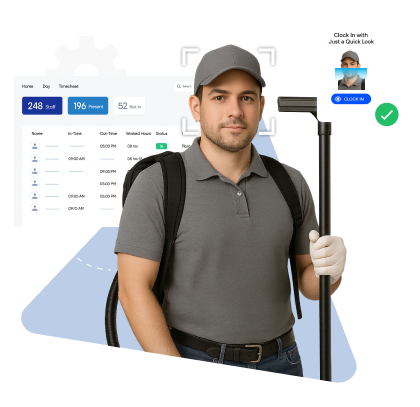










Trusted by Workforces Across Industries
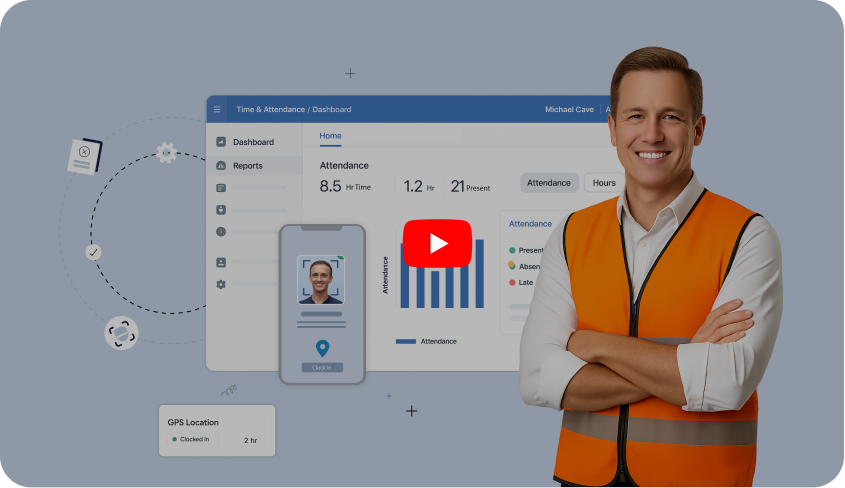


Compass Group operates across thousands of client locations, often within the same building. With teams operating across multiple sites and shifts, attendance tracking became complex, causing attendance leakages, and client concerns . Truein helped them bring accurate, centralized, and location-accurate attendance across their client sites. Read Full Case Study


Piyush Dutt
CHRO, Compass Group

From clock-ins to final reports, Truein’s centralized platform keeps everything organized and effortless.
Book A Demo








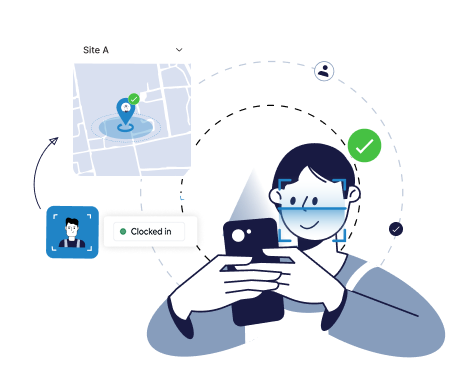
AI powered Face recognition with geofencing ensures only the assigned person marks attendance at the correct client site.
Quick FAQs

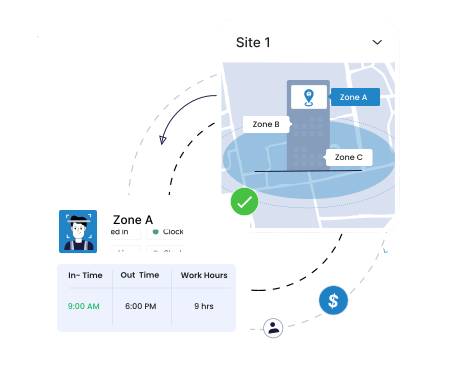
Large facilities can be divided into geofenced wings, floors or blocks. Staff clock in only within their assigned zone, which keeps reporting, task hours and billing accurate.
Quick FAQ’s
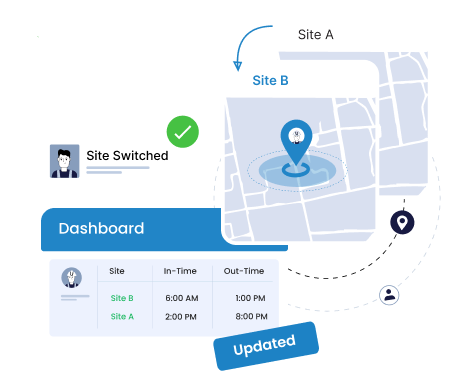
Workers can shift between client sites without re-registration. Their attendance history, applicable policies and kiosk or mobile access update instantly when they move.
Quick FAQs
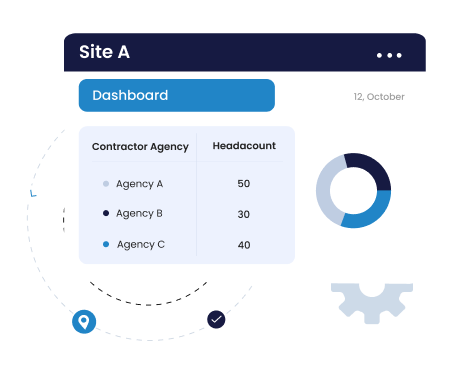
Map manpower agencies to sites, set attendance or headcount limits and track documents with expiries. Give agencies limited visibility only for their workers to keep operations controlled.
Quick FAQs
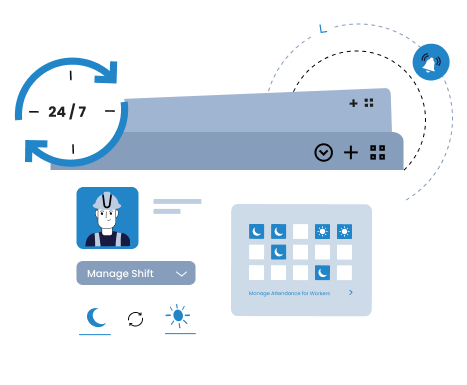
Cross-day shifts are auto-handled, ensuring accurate attendance for teams working round the clock.
Quick FAQs

Tag hours to services like housekeeping, security, or maintenance at clock-in or let supervisors assign it later, keeping job hours accurate for billing and reporting.
Quick FAQs
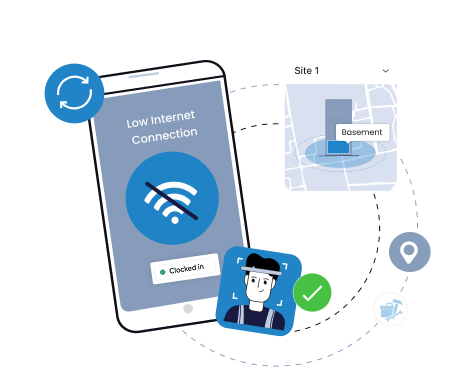
Staff can clock in even in basements, parking lots or service rooms with no connectivity. Clock-ins are stored securely and auto-synced when the device reconnects.
Quick FAQs
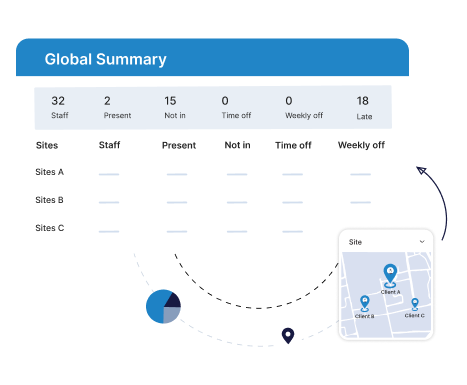
See who’s present, late or missing across every client site from one dashboard. Filter by site, contractor or team to track daily performance and attendance
Quick FAQs


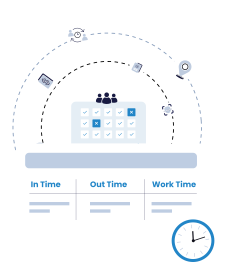

Truein is robust, reliable, and works as promised. I have implemented Truein in my previous and current companies. It's the best and most cost-effective solution.

Piyush Dutt
CPO, Compass Group
1200+
Sites
40,000+
Staff
Truein is a highly accurate, multipurpose, and user-friendly solution. It detects fake clock-ins and covers all the modules.

Sujit Pawar
DGM, OCS Group
100+
Sites
4000+
Staff
Moving from thumb-based attendance system to a Face recognition based time and attendance solution was made easy by the Truein team.

Srinivas G
Sr. HR Manager, Tata 1mg
200+
Sites
4000+
Staff
We are using Truein Time and Attendance system at our 80 sites for over 10,000 staff. Truein has built-in customization options and gives multiple real-time reports.

Girish Nimbalkar
AGM HR, SJ Contracts
80+
Sites
10,000+
Staff


Truein has helped Jumia a lot, not only in tracking attendance and work hours but also measuring productivity and calculating the payout for external employees.

Alaa Hassan
Head of Ops Excellence, Jumia
Pleased with Truein for its accuracy and ease of use in tracking the attendance of our staff. Truein team is always ready to assist us. Highly recommend it!

Nagham Nasr,
Payroll Officer, Reyada
This face detection time & attendance software is very effective at our construction company. Full marks to Truein and their support team!

Wajahat Khan
Payroll Admin, Al Magamsi General Contracting
Truein is robust, reliable, and works as promised. I have implemented Truein in my previous and current companies. It's the best and most cost-effective solution.
Piyush Dutt
CPO, Compass Group
Truein outshines all other time and attendance solutions. Its rich features, payroll ready timesheets and centralized controls put it in a class above all.

Carlos Woodson
Phoenix Transload Services
Truein is a perfect solution for tracking time of our temp workers. It has Excellent support and user-friendly system.

Nicolous Noble
Payroll Administrator, Backerhaus Veit
Truein has strengthened our Time & Attendance accuracy and quality, ensuring compliance and trust among end-users. Excellent product!

Henry Carrillo
Farm Administrator, Unispice
Truein is robust, reliable, and works as promised. I have implemented Truein in my previous and current companies. It's the best and most cost-effective solution.
Piyush Dutt
CPO, Compass Group







Hey there! I'm Aby! Schedule a demo to implement centralized time and attendance solution for multi-site workforce.
Hey there! I'm Aby! Schedule a demo

Schedule a demo with a Truein Solution Expert

58+
Global companies booked a Truein demo last week