

Book A Free Demo
Book A Free Demo
Janitorial Time Tracking Software







Trusted by 500+ Customers Globally
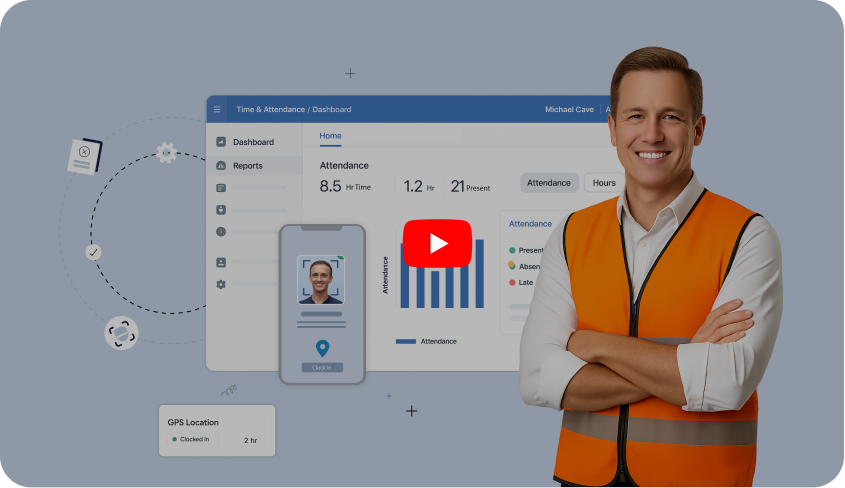


Compass Group operated across multiple client sites within the same buildings, where staff movement and frequent transfers made attendance hard to track. Truein fixed this with a single capture point, accurate records across clients, quick transfers, and clear controls. Leakages dropped, planning improved, and managers finally had clean, centralized visibility.
Read Full Case Study


Piyush Dutt
CPO, Compass Group
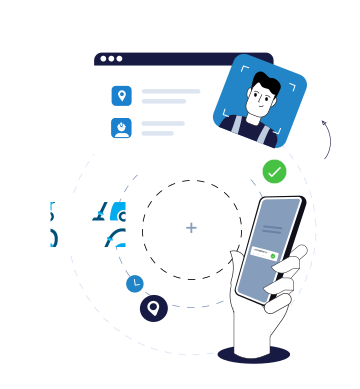

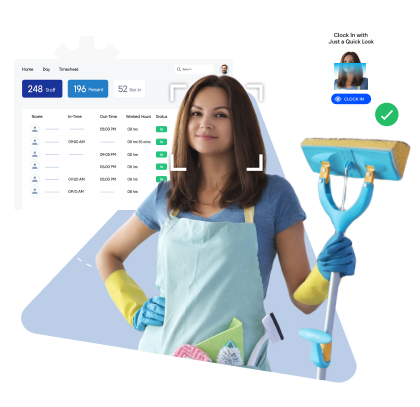
Shared tablet kiosks with face recognition and liveness checks ensure only the assigned cleaner clocks in and at the right location. Truein's time tracking app for cleaning companies works on any shared tablet or personal phone. Once enrolled, a cleaning staff can be reassigned to any site instantly.
Quick FAQ’s

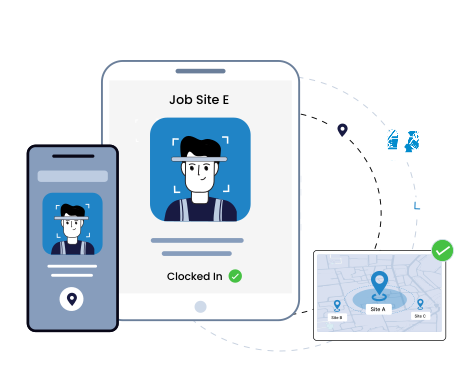
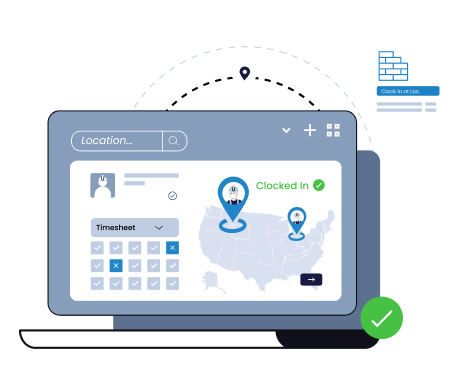
Janitorial staff can only clock in when they're physically on-site.
Quick FAQ’s
Cleaning staff select the job at every clock-in. This way, time spent across multiple client sites in a day is automatically linked to the right client. Know exactly how many hours went into each account for accurate job costing and client billing.
Quick FAQ’s
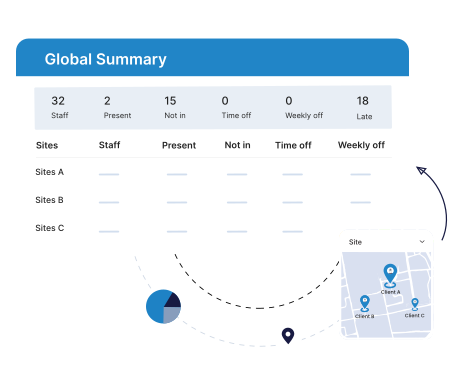
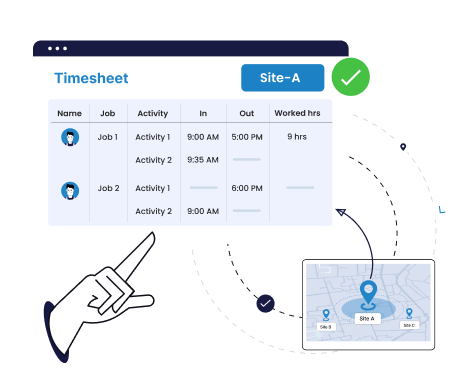
A single dashboard shows who has clocked in at each building or site, so under-staffed, over-staffed, or unattended locations are visible in real time.
Quick FAQ’s
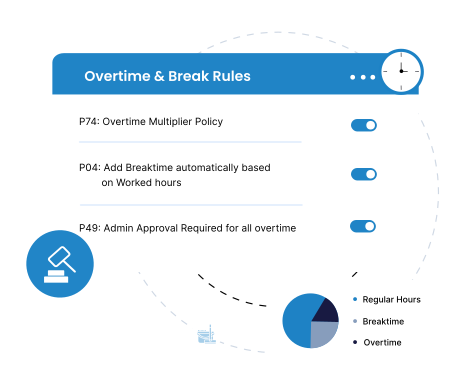
Standard overtime and break policies ensure extra hours and long breaks are controlled, preventing unnecessary payroll costs. Any missed punches are flagged automatically for manager review.
Quick FAQ’s

Truein's janitorial time tracking software lets you create and manage multiple schedules across sites for your commercial cleaning operation. Adjust for last-minute changes, ensuring each location has the required staff coverage.
Quick FAQ’s
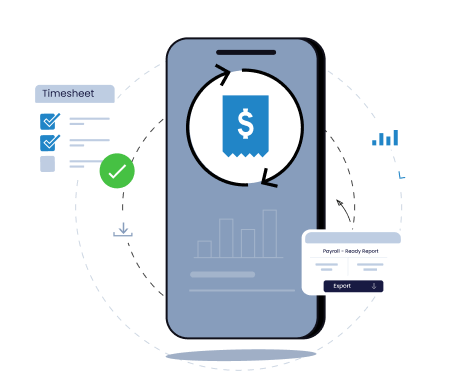
Truein is a time tracking software for cleaning companies that automatically compiles attendance into timesheet reports, ready to export at the end of every pay period. No manual compilation, no calculation errors. Integrates directly with QuickBooks, ADP, SAP, and Oracle HCM. Custom integration with other systems is also supported via API.
Quick FAQ’s

Cleaners can clock in even in low-signal areas like basements or utility corridors; punches sync automatically once the device reconnects.
Quick FAQ’s
 Kiosk Mode (Touchless)
 Selfie Attendance with Geofencing
 Face Mask Screening
 Multiple In-Out
 GPS Location Capture
 Offline Attendance
 Govt. ID Capture
 Integration with HRMS/Payroll
 Reports and Analytics
 Admin Dashboard (Web & Mobile)
 Shift Scheduling
 Time Off (Leave) Management
 Staff Directory
 Employee Self-Service (ESS)


Truein is robust, reliable, and works as promised. I have implemented Truein in my previous and current companies. It's the best and most cost-effective solution.

Piyush Dutt
CPO, Compass Group
1200+
Sites
40,000+
Staff
Truein is a highly accurate, multipurpose, and user-friendly solution. It detects fake clock-ins and covers all the modules.

Sujit Pawar
DGM, OCS Group
100+
Sites
4000+
Staff
Moving from thumb-based attendance system to a Face recognition based time and attendance solution was made easy by the Truein team.

Srinivas G
Sr. HR Manager, Tata 1mg
200+
Sites
4000+
Staff
We are using Truein Time and Attendance system at our 80 sites for over 10,000 staff. Truein has built-in customization options and gives multiple real-time reports.

Girish Nimbalkar
AGM HR, SJ Contracts
80+
Sites
10,000+
Staff


Truein has helped Jumia a lot, not only in tracking attendance and work hours but also measuring productivity and calculating the payout for external employees.

Alaa Hassan
Head of Ops Excellence, Jumia
Pleased with Truein for its accuracy and ease of use in tracking the attendance of our staff. Truein team is always ready to assist us. Highly recommend it!

Nagham Nasr,
Payroll Officer, Reyada
This face detection time & attendance software is very effective at our construction company. Full marks to Truein and their support team!

Wajahat Khan
Payroll Admin, Al Magamsi General Contracting
Truein is robust, reliable, and works as promised. I have implemented Truein in my previous and current companies. It's the best and most cost-effective solution.
Piyush Dutt
CPO, Compass Group
Truein outshines all other time and attendance solutions. Its rich features, payroll ready timesheets and centralized controls put it in a class above all.

Carlos Woodson
Phoenix Transload Services
Truein is a perfect solution for tracking time of our temp workers. It has Excellent support and user-friendly system.

Nicolous Noble
Payroll Administrator, Backerhaus Veit
Truein has strengthened our Time & Attendance accuracy and quality, ensuring compliance and trust among end-users. Excellent product!

Henry Carrillo
Farm Administrator, Unispice
Truein is robust, reliable, and works as promised. I have implemented Truein in my previous and current companies. It's the best and most cost-effective solution.
Piyush Dutt
CPO, Compass Group







Hey there! I'm Aby! Schedule a demo to implement centralized time and attendance solution for multi-site workforce.
Hey there! I'm Aby! Schedule a demo

Schedule a demo with a Truein Solution Expert

58+
Global companies booked a Truein demo last week