Book A Free Demo
Book A Free Demo
Job hour tracker





















Feature Overview
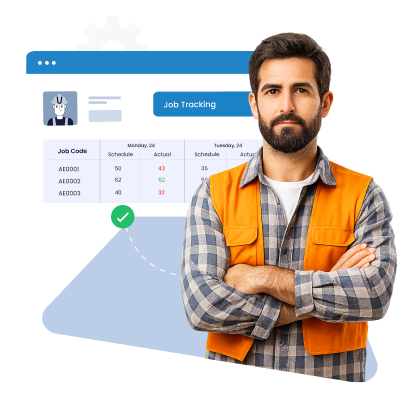
Track and manage job hours accurately across sites from one unified system. Truein's job time tracking software gives organizations clear job-wise visibility, correct job and activity tagging, and consistent data across multiple locations without manual corrections or spreadsheets.
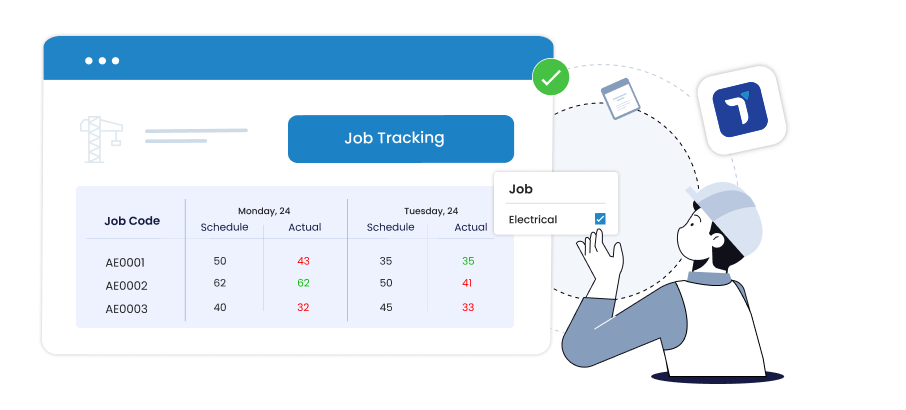
No reliable way to tag hours to the right job or project. Staff often select the wrong job, leading to billing errors and inaccurate records.
 Job Code selection at clock-in with auto-filtered visibility
Admin post-mapping via Timecard or Activity Planner
Restrict job access by department or kiosk
Split or adjust hours across jobs with approvals
Job Code selection at clock-in with auto-filtered visibility
Admin post-mapping via Timecard or Activity Planner
Restrict job access by department or kiosk
Split or adjust hours across jobs with approvals
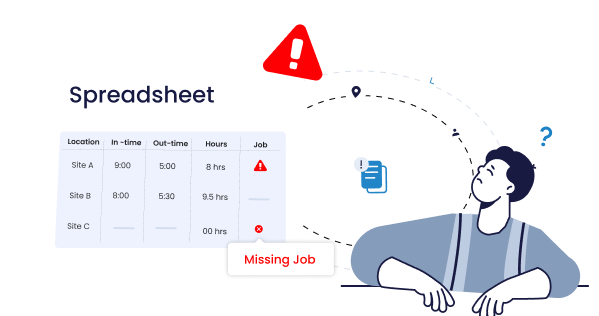
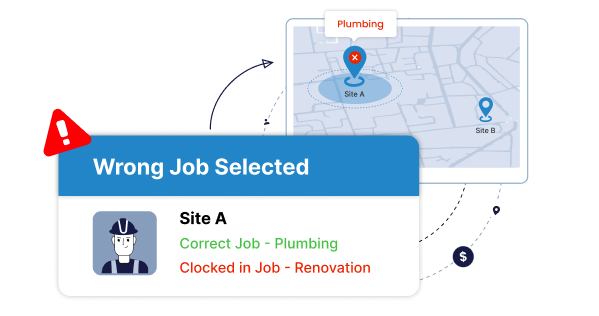
Teams clock hours to jobs not active at their location, skewing costing and utilization.
Geofence jobs to approved sites and devices
Restrict job visibility by site, category, or department
GPS and device-based eligibility control
Auto-block jobs outside assigned work zones
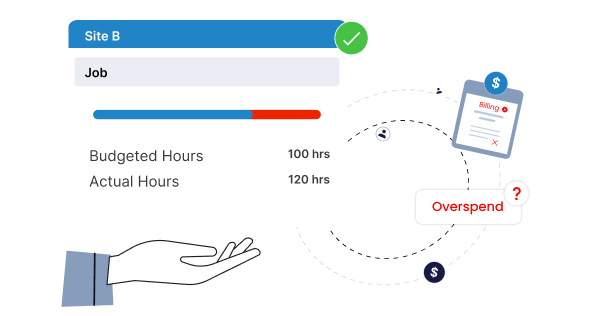
Teams continue clocking into a job after planned hours are exhausted, causing overspend and inaccurate forecasting.
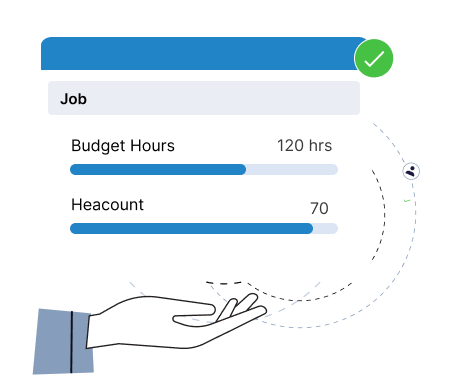
Set job-wise budget hours and auto-block after limits
Daily clock-in caps per job
Real-time tracking of progress vs planned hours
Alerts when nearing budget thresholds
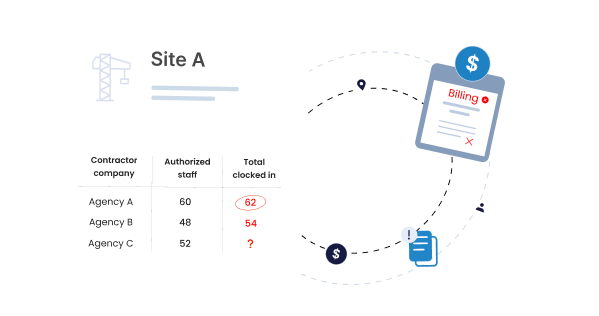
Too many staff clock into the same job without limits, increasing costs and slowing productivity.
Daily headcount limit per job
Role or department-based access rules
Site-specific job visibility
Centralized control for manpower allocation
Finance teams struggle to trace hours or cost centers, making payroll and billing reconciliation difficult.
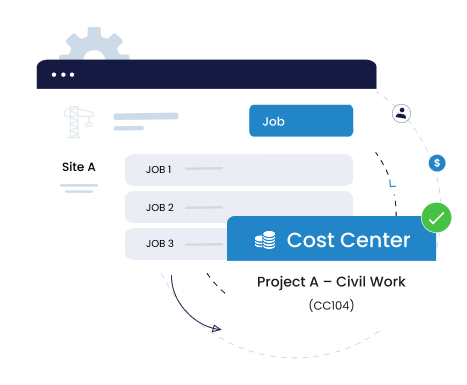
Link jobs, staff, and sites to cost centers
Export job-wise utilization for billing or payroll
Tag shifts to cost centers for finance reporting
Generate accurate, segregated reports instantly
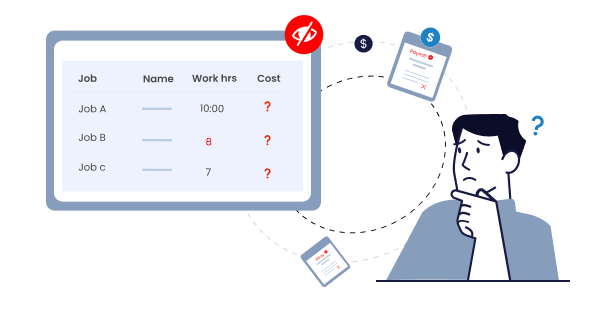
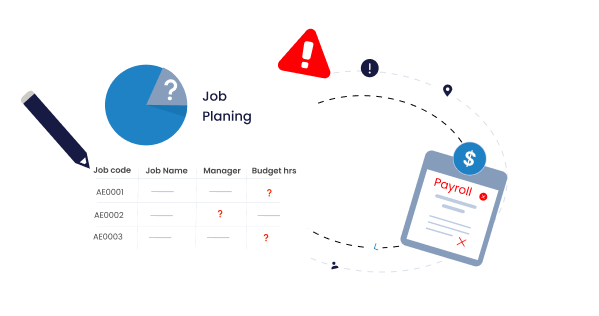
Scheduling jobs, assigning workloads, and reviewing progress rely on spreadsheets or verbal updates, which delays corrections.
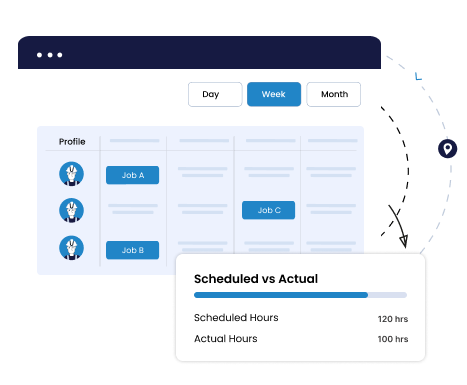
Job Scheduler for day, week, and month planning
Planned vs actual job-hour visibility
Real-time dashboards showing job and site progress
Bulk scheduling and quick edits across teams and locations
Benefits

Every clock-in is tied to the right job, so hours never go missing or end up under the wrong project. Approvals keep everything clean and traceable.

When planned hours are done, clock-ins stop. Projects stay within the effort and cost set from day one.

Only the right people can log time for the right job. Location and kiosk rules keep it that way.

Schedule jobs and shifts in bulk across sites. What used to take hours now takes minutes with Truein's job tracking and scheduling software.

See exactly how planned hours stack up against recorded job hours. The reports make it clear where teams stand and what needs attention.
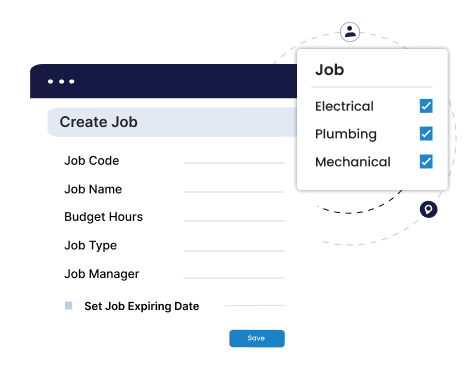
Define each job with a unique code, name, and budget hours. Add optional rules such as manager assignment, expiry dates, or cost-center mapping so jobs stay clean and easy to manage.
Quick FAQs

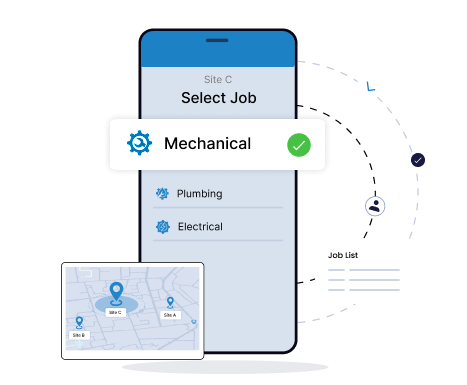
Truein's job tracking system lets staff to see only the jobs allowed for their site, device, or role. Geofencing and access rules prevent wrong-job clock-ins and keep hours tied to the correct location.
Quick FAQs
Set job-wise budget hours and daily headcount limits to prevent excess hours and overstaffing. Stop unplanned staffing or inflated job hours before they impact payroll or project schedules.
Quick FAQs
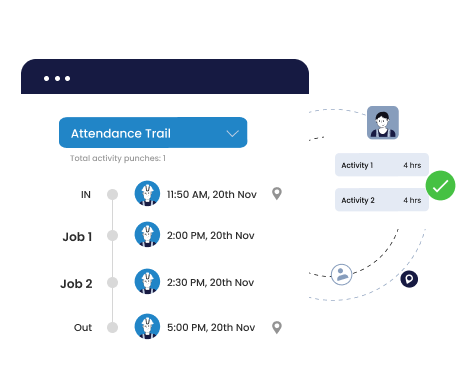
Staff can select a job at clock-in, or supervisors can update it after the shift. Hours can be split across jobs and activities to keep records accurate, even when work changes during the day.
Quick FAQ’s
Map jobs, staff, or sites to cost centers to keep job-wise costing clean and organized. Export job-wise utilization for payroll, costing, or client billing with clear segregation.
Quick FAQs
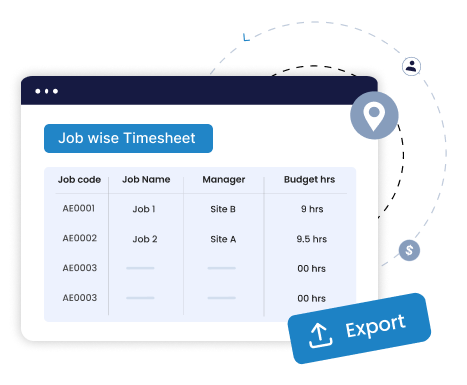
View job hours in Day or Timesheet dashboards with full site, device, and location context. Filter by job, site, or team and export verified data directly for payroll, costing, or client billing.
Quick FAQ’s
Assign and update job schedules in bulk. Compare planned versus actual hours using filters for site, department, or team to keep operations aligned and on track.
Quick FAQs



Truein is robust, reliable, and works as promised. I have implemented Truein in my previous and current companies. It's the best and most cost-effective solution.

Piyush Dutt
CPO, Compass Group
1200+
Sites
40,000+
Staff
Truein is a highly accurate, multipurpose, and user-friendly solution. It detects fake clock-ins and covers all the modules.

Sujit Pawar
DGM, OCS Group
100+
Sites
4000+
Staff
Moving from thumb-based attendance system to a Face recognition based time and attendance solution was made easy by the Truein team.

Srinivas G
Sr. HR Manager, Tata 1mg
200+
Sites
4000+
Staff
We are using Truein Time and Attendance system at our 80 sites for over 10,000 staff. Truein has built-in customization options and gives multiple real-time reports.

Girish Nimbalkar
AGM HR, SJ Contracts
80+
Sites
10,000+
Staff


Truein is more than a timekeeping tool. It is an enabler of efficiency, transparency, and data-driven decision-making.

Muhammad Bashir
Digital Transformation Manager, Group AMANA
This face detection time & attendance software is very effective at our construction company. Full marks to Truein and their support team!

Wajahat Khan
Payroll Admin, Al Magamsi General Contracting
We have had a very positive experience using Truein, and weare pleased to recommend it.

Hadi Hassan Khan
AZ Engineers & Partners L.L.C., Oman
Because of Truein, proxy attendance has completely stopped, and it saves us a lot of time during payroll.

Sridher Mothukuri
Almoayyed Contracting Group, Bahrain
Our guys in the field like it. And in the back office, we're loving it as well. So, we would definitely recommend Truein.

Judith Hotek
Senior IT Admin, Walker Engineering
Truein outshines all other time and attendance solutions. Its rich features, payroll ready timesheets and centralized controls put it in a class above all.

Carlos Woodson
Phoenix Transload Services
Truein is a perfect solution for tracking time of our temp workers. It has Excellent support and user-friendly system.

Nicolous Noble
Payroll Administrator, Backerhaus Veit
Truein has strengthened our Time & Attendance accuracy and quality, ensuring compliance and trust among end-users. Excellent product!

Henry Carrillo
Farm Administrator, Unispice














































Hey there! I'm Aby! Schedule a demo
Hey there! I'm Aby! Schedule a demo
Hey there! I'm Aby! Schedule a demo

58+
Global companies booked a Truein demo last week