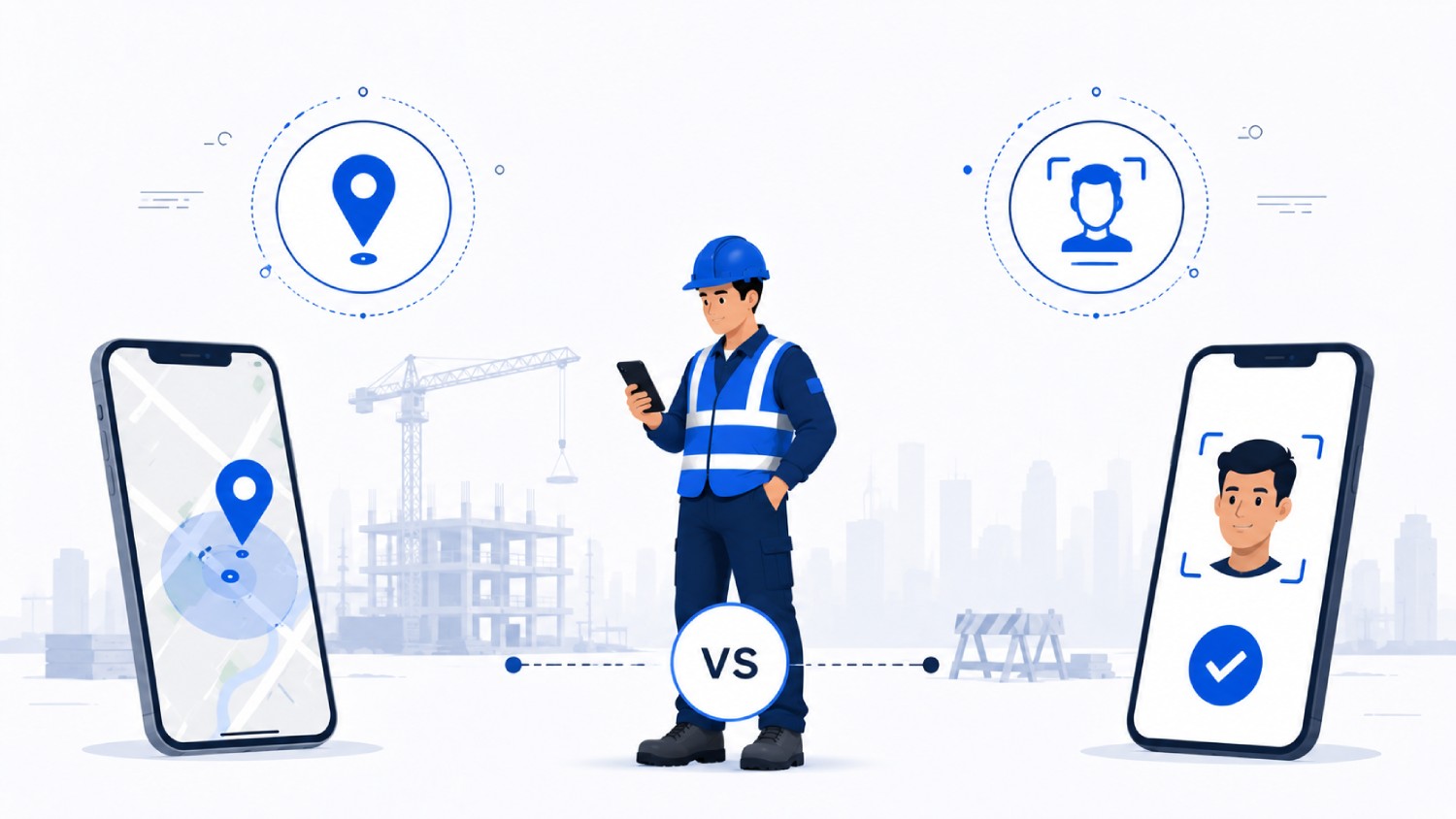

Most buying guides compare GPS accuracy and monthly price. The question that actually decides fraud exposure is whether the app verifies who clocked in, not just where the phone was.
For a solo contractor tracking billable hours across two or three clients, almost any timer app with invoicing will do the job, and Clockify or Toggl Track cover that case well.
For a contractor running a crew across multiple job sites, the decision gets harder, and most buying guides answer the wrong question. They compare GPS accuracy and monthly price, when the deciding factor is actually whether the app verifies who clocked in, not just where the phone happened to be.
That distinction sorts the market into two real categories. Location-verified apps, which is most of them, confirm a device was inside a job site boundary. Identity-verified apps confirm the person clocking in matches the worker on record before the punch is even accepted.
Truein, ClockShark, and Workyard lead the field-crew category on different strengths: ClockShark on bundled scheduling, Workyard on GPS-driven job costing, and Truein on identity verification at the moment of clock-in using face recognition paired with GPS, rather than location alone or a photo a supervisor reviews after the fact.
Which one is right depends less on brand reputation than on crew size, jobsite conditions, and which kind of fraud is actually costing money.
Key Takeaways
- A GPS pin at clock-in proves a phone was on the job site. It does not prove who was holding it, which is why buddy punching survives GPS-only apps.
- Solo contractors need simple billable-hour tracking. Crews need identity verification, job costing, and payroll export.
- Offline capture matters most on remote or low-signal sites. On a well-served urban jobsite, it is a safety net, not the main event.
- Payroll integration with tools like QuickBooks, ADP, or Sage is a requirement, not a bonus feature.
- Crew size changes which app fits: a solo contractor, a 5-person crew, and a 20-person crew are three different buying decisions.
- Testing an app on a real jobsite, including a dead zone and a missed clock-in, tells you more than any feature comparison table.
A Foreman's Friday, and Where the Hours Go Missing
Picture a foreman closing out a Friday across three active job sites. 14 workers, two subcontractor crews, and a stack of timesheets that were due Wednesday. Three of them do not match what he remembers seeing on-site.
That mismatch is not rare. The American Payroll Association estimates that manual timekeeping introduces payroll errors in roughly 1 to 8 percent of total payroll, and the cost of time theft at 1.5 to 5 percent of gross payroll across most industries. On a $2 million annual labor budget, even the low end of that range is $30,000 a year disappearing before anyone notices.
Most roundups of contractor time tracking apps stop at comparing GPS features and monthly price. That skips the question a foreman actually has: does this app prove someone was physically present, or does it prove who was the one clocking in? Those are two different problems, and most apps on the market solve only the first one.
This article separates location-verified apps from identity-verified apps, ranks the strongest 2026 options for U.S. contractors, and covers the questions that come up right after the first search: crew clock-in, multi-site hour allocation, offline coverage, and what these apps can legally track.
A GPS Pin Proves a Phone Was On-Site. It Does Not Prove Who Was Holding It.

Every major contractor time tracking app offers GPS geofencing, a virtual boundary around a job site so a clock-in is only accepted when a device sits physically inside that radius. It is genuinely useful. It is also not the whole story.
GPS confirms a phone's location. It does not confirm whose hand is holding that phone. A worker running late can hand their phone to a buddy already on-site, and the geofence cannot tell the difference.
This "spare phone in the geofence" gap is why most GPS-only apps catch a location problem but miss the actual fraud.
Two mechanisms get confused here, and it is worth separating them:
- Location verification: GPS coordinates checked against a geofence. Confirms a phone was present. Says nothing about identity.
- Identity verification: A biometric check, most often face recognition, confirms the person clocking in matches the person on record. This is what closes the loophole GPS alone leaves open.
ClockShark's face capture, for instance, runs only inside a shared kiosk mode rather than on personal-phone clock-ins, so the identity check does not travel with the worker the way GPS does.
WorkMax and BusyBusy pair GPS with a photo at clock-in, which gives a supervisor something to review after the fact rather than a check that blocks the punch automatically.
Decision rule: If more than one worker could plausibly use the same phone or kiosk on your site, GPS alone will not close that gap. Ask any vendor whether identity is verified at the moment of the punch or only reviewed from a photo later. Photo-review documents buddy punching. It does not stop it.
Truein takes a different approach. It verifies identity at clock-in using face recognition paired with GPS, on a standard Android or iOS phone or shared tablet, with no dedicated hardware to install. A face-match failure blocks that specific punch and prompts a retry. Spoofing attempts, such as a photo of a photo, are flagged by an AI-powered anomaly detection layer that can act after the punch depending on account configuration.
Those are two distinct safeguards, not one blanket guarantee, and it is worth keeping them separate when evaluating any vendor's fraud-prevention claims, Truein included.
Watch out: A demo showing a worker taking a selfie to clock in is not proof of identity verification on its own. Ask whether the system matches that face against a stored profile before the punch is accepted, or whether the photo just gets attached for a manager to review later. Those are different products wearing the same feature name.
Best Time Tracking and Time Clock Apps for Contractors, Compared
This comparison weighs five things: whether the app verifies location, identity, or both; how it handles multiple job sites in a day; whether it works offline; how cleanly it feeds payroll; and its honest limitation.
| App | Best For | Verification Type | Payroll Integration | Honest Limitation |
|---|---|---|---|---|
| Truein | Crews needing fraud-resistant, multi-site time clock | Face recognition + GPS (identity + location) | ADP, QuickBooks, Sage, Xero, Viewpoint (Trimble), Paychex | Not a scheduler or full HRMS; complements payroll rather than running it |
| ClockShark | Construction crews wanting scheduling bundled in | GPS on mobile; face capture in kiosk mode only | QuickBooks, Sage, payroll exports | Identity check does not travel with personal-phone clock-ins |
| Workyard | GPS-heavy job costing on active sites | Continuous GPS; no biometric layer | Payroll export integrations | GPS-only; a shared device can still be handed off |
| Connecteam | All-in-one deskless team app | GPS at clock-in; no biometric layer | QuickBooks, Gusto, exports | Broad toolkit means T&A depth is thinner than purpose-built tools |
| busybusy | Equipment and labor tracking together | GPS plus photo for supervisor review | Payroll export integrations | Photo review happens after the clock-in, not as an automated block |
| QuickBooks Time | Contractors already on QuickBooks | GPS at clock-in; no biometric layer | Native QuickBooks Online and Payroll | GPS and mileage features have required plan-tier upgrades |
| Clockify | Solo contractors on a tight budget | Manual entry and timer, no GPS or biometric | Exportable timesheets, no payroll sync | No jobsite verification at all |
The table shows the shape of the market fast, but it flattens nuance that matters once you know your crew size. The entries below fill in what the table cannot.
One more thing the table can't show: what these apps actually cost. This guide skips list pricing on purpose, since most vendors here quote a base platform fee plus a per-worker rate that shifts often enough to be stale within months of publishing.
As a rough sense of shape, expect a monthly base fee somewhere in the $20 to $50 range plus $6 to $10 per worker for GPS-and-scheduling tools, with identity-verification platforms typically priced on request based on crew size and site count.
Get a live quote for your actual headcount before comparing total cost, since base-fee-plus-per-user math changes the ranking fast once a crew grows past 15 or 20 people.
Best for Construction Crews & Time Theft Preventionand Job-Site Fraud Control: Truein

Truein is an AI-powered time tracking software built for hourly and multi-site workforces, and it verifies identity at the point of clock-in rather than relying on location alone.
Workers clock in with a face scan on a personal phone or a shared tablet kiosk, while GPS geofencing (minimum configurable radius of about 20 meters) confirms the punch happened inside the approved site boundary.
Truein's approved accuracy range for face recognition is around 95 to 100 percent, including with masks, hard hats, and facial hair, which matters where PPE is mandatory.
Truein also handles a problem specific to contracting: multiple contractor agencies working the same site. Its face-based contractor workers attendance gives each agency's supervisor a scoped view of only their own workers, applies per-agency headcount limits, and tracks document expiry under one account.
That gives a general contractor the visibility and controls to spot overlap and overbilling across subcontractor crews, though this is a visibility tool, not an automatic overlap-detection guarantee.
On sites with no signal, common in basements and remote highway or energy work, Truein captures the clock-in on the device and syncs it once connectivity returns, flagged as ‘captured offline.’ Those records only appear on the manager's dashboard after that sync, so it is offline-resilient rather than real-time for those punches.
Truein also has AI TimeGuard, a built-in anomaly detection layer that continuously reviews attendance data for signals like unusual correction activity and abnormal overtime spikes, surfacing exceptions for a manager to review before payroll runs.
Truein does not process payroll. It generates payroll-ready reports and integrates with ADP, QuickBooks, Sage, Xero, ViewpointTrimble, and Paychex, feeding verified attendance into whatever payroll system a business already runs.
Clients including Walker Engineering and Hallmark Housekeeping Services use it for exactly this kind of multi-site, contractor-heavy attendance problem, and Truein holds a 4.8 out of 5 rating on both G2 and Capterra, and serves more than 500 clients across 25 countries.
Best for: Construction crews, subcontractor-heavy job sites, and field service teams where buddy punching or contractor headcount accountability is an active problem, not a theoretical one.
Best for Construction Scheduling Bundled In: ClockShark
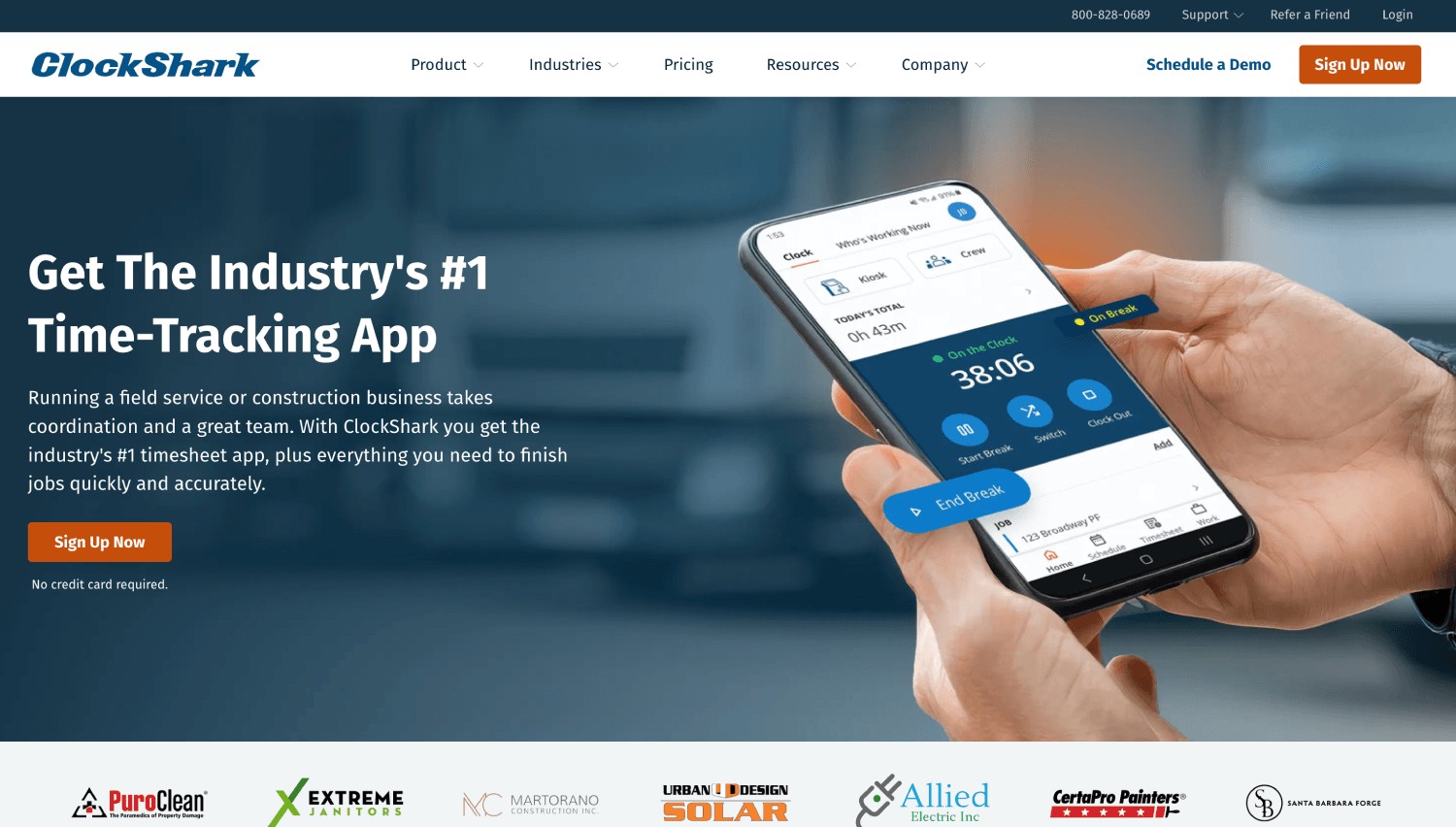
ClockShark pairs GPS time tracking with drag-and-drop crew scheduling, a strong pick for contractors who want scheduling and attendance under one subscription.
The honest limitation: face recognition runs in kiosk mode at a shared device, not on personal phones, so most individual clock-ins stay GPS-only.
Best for: Contractors who want scheduling and time tracking together and are comfortable with GPS-only verification on personal devices.
Best for GPS-Heavy Job Costing: Workyard
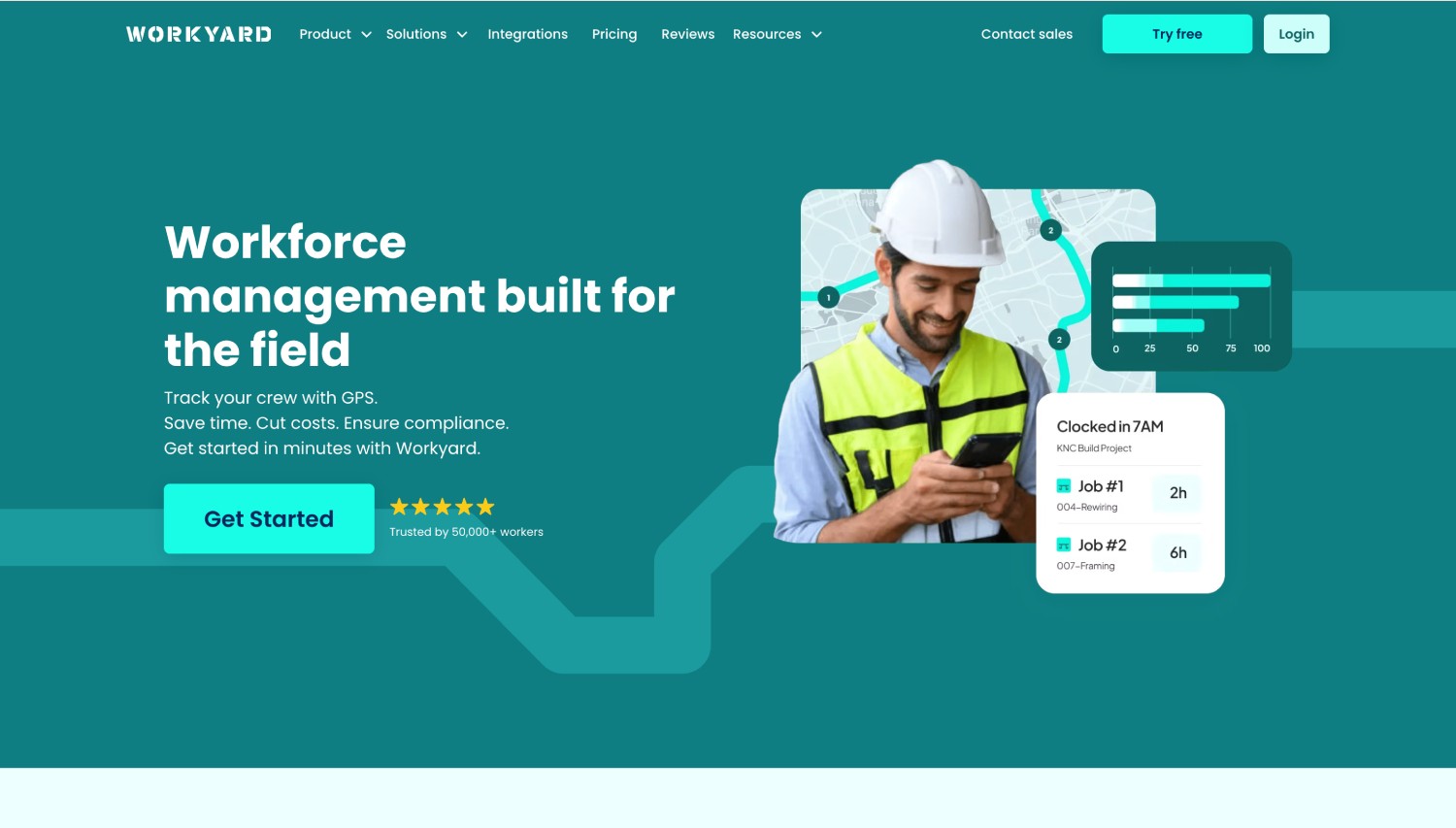
Workyard runs continuous GPS tracking tied to job costing, with automatic job-site detection for contractors who want a detailed record of where labor hours were spent.
The honest limitation: there is no biometric identity layer, so a phone handed to a coworker still registers as a valid on-site punch.
Best for: Construction contractors prioritizing granular job costing over fraud prevention at the punch.
Best for an All-in-One Deskless Team App: Connecteam
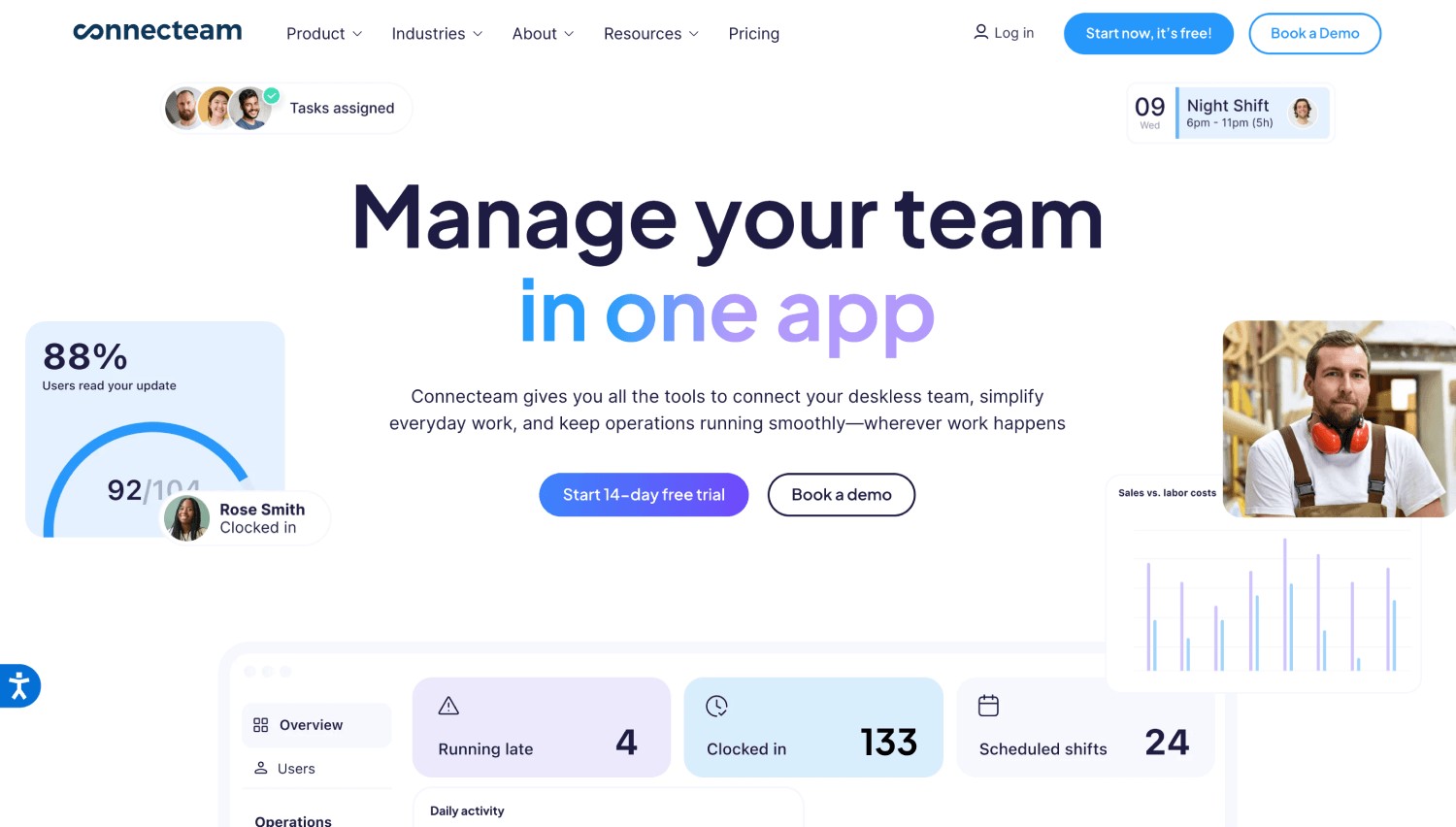
Connecteam bundles time tracking with scheduling, team chat, and checklists, with a genuinely usable free tier for small teams.
The honest limitation: because its scope is broad, attendance depth is thinner than a purpose-built tool, with no biometric identity check.
Best for: Small teams wanting communication and light operations alongside basic time tracking.
Best for Equipment and Labor Tracking Together: BusyBusy
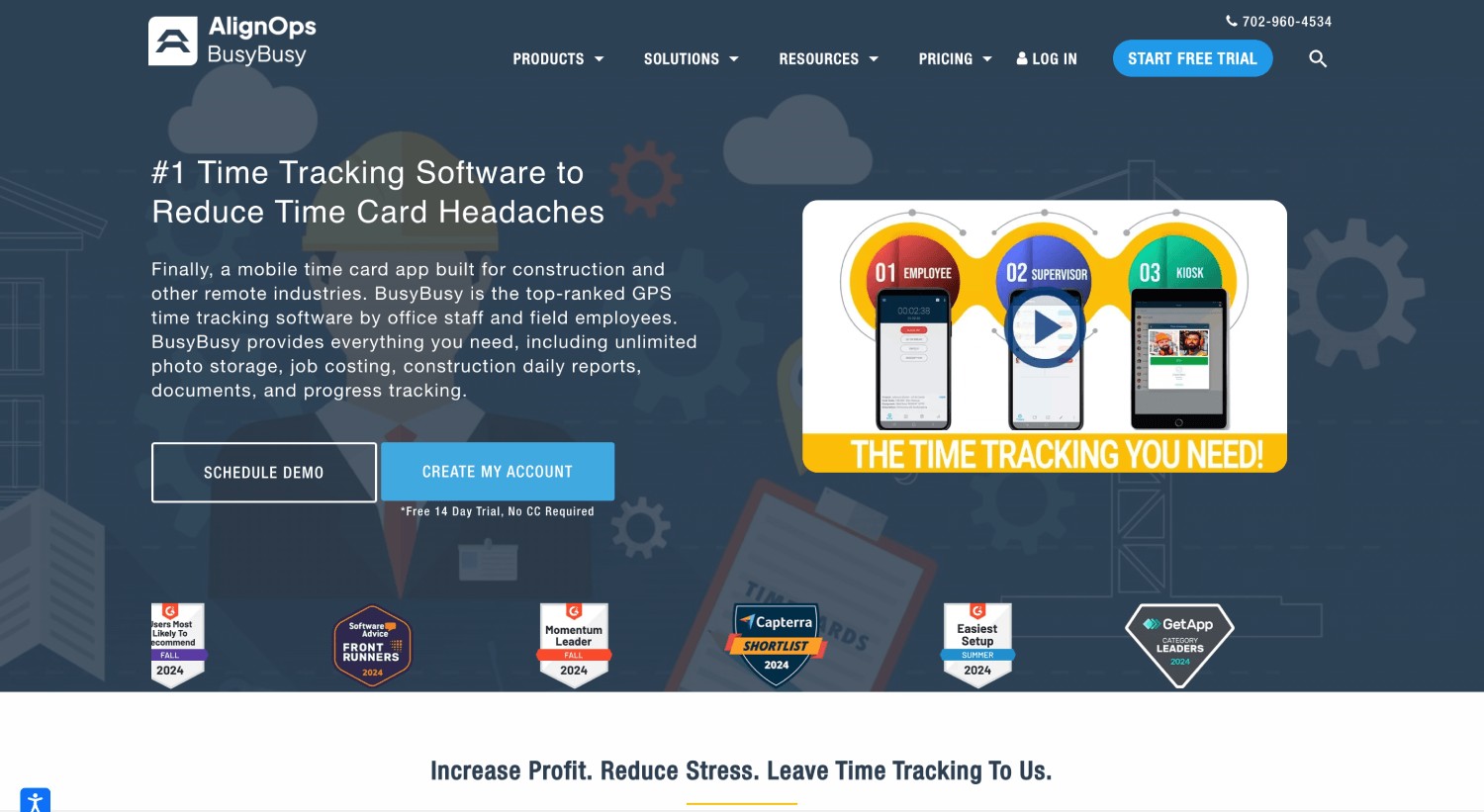
BusyBusy pairs GPS with equipment-hour logging and a photo captured at clock-in for supervisor review.
The honest limitation: that photo is a documentation step for later review, not an automated block on an unrecognized face.
Best for: Contractors tracking equipment utilization alongside labor hours, particularly in heavy construction.
Best if You're Already on QuickBooks: QuickBooks Time
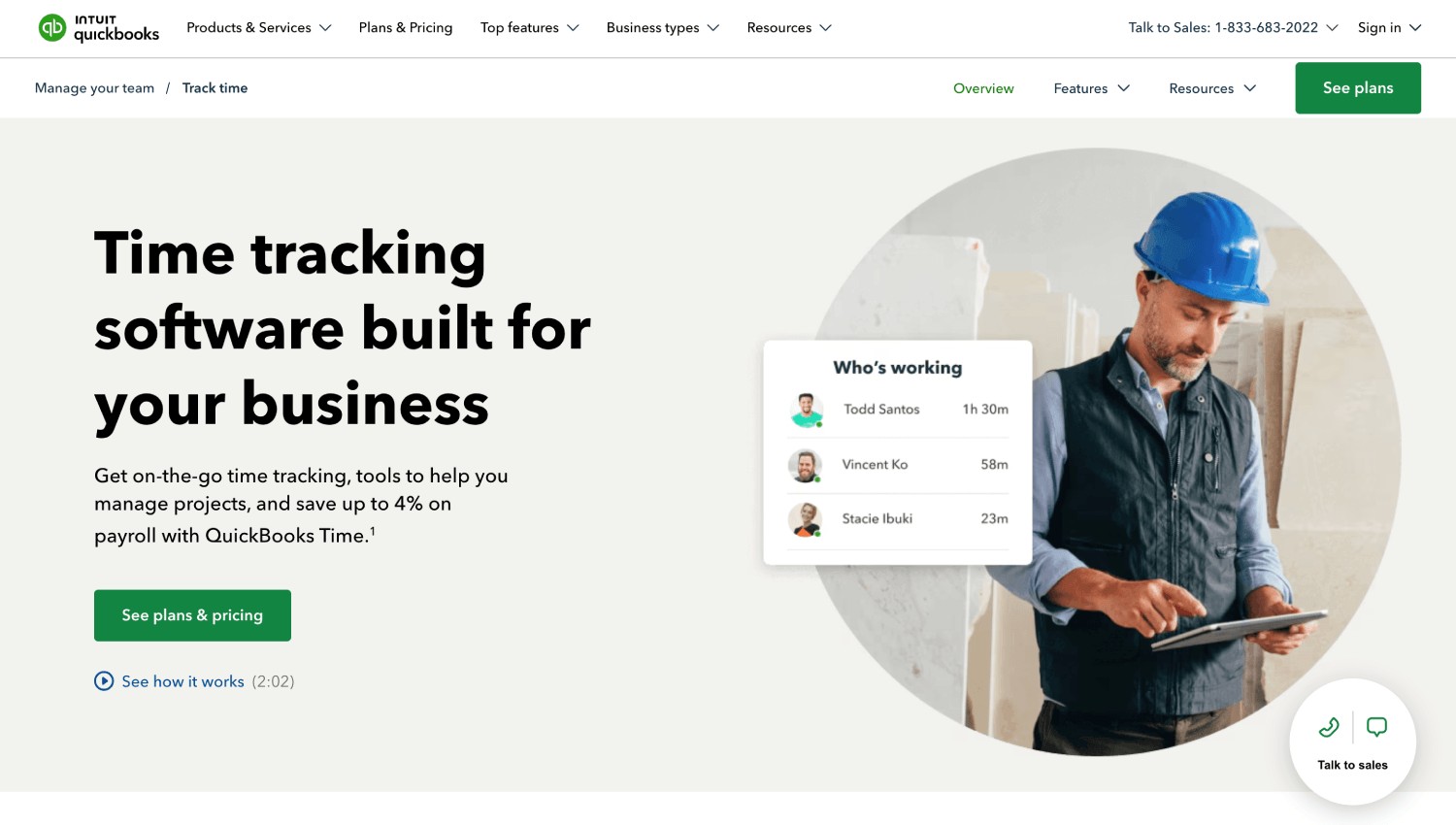
QuickBooks Time plugs directly into QuickBooks Online and Payroll, a natural fit for contractors already running their books there.
The honest limitation: GPS, mileage, and job-costing features have historically required an Elite-tier plan, so confirm current plan details first.
Best for: Contractors committed to the QuickBooks ecosystem who want the shortest path from timesheet to payroll run.
Best Free Option for Solo Contractors: Clockify
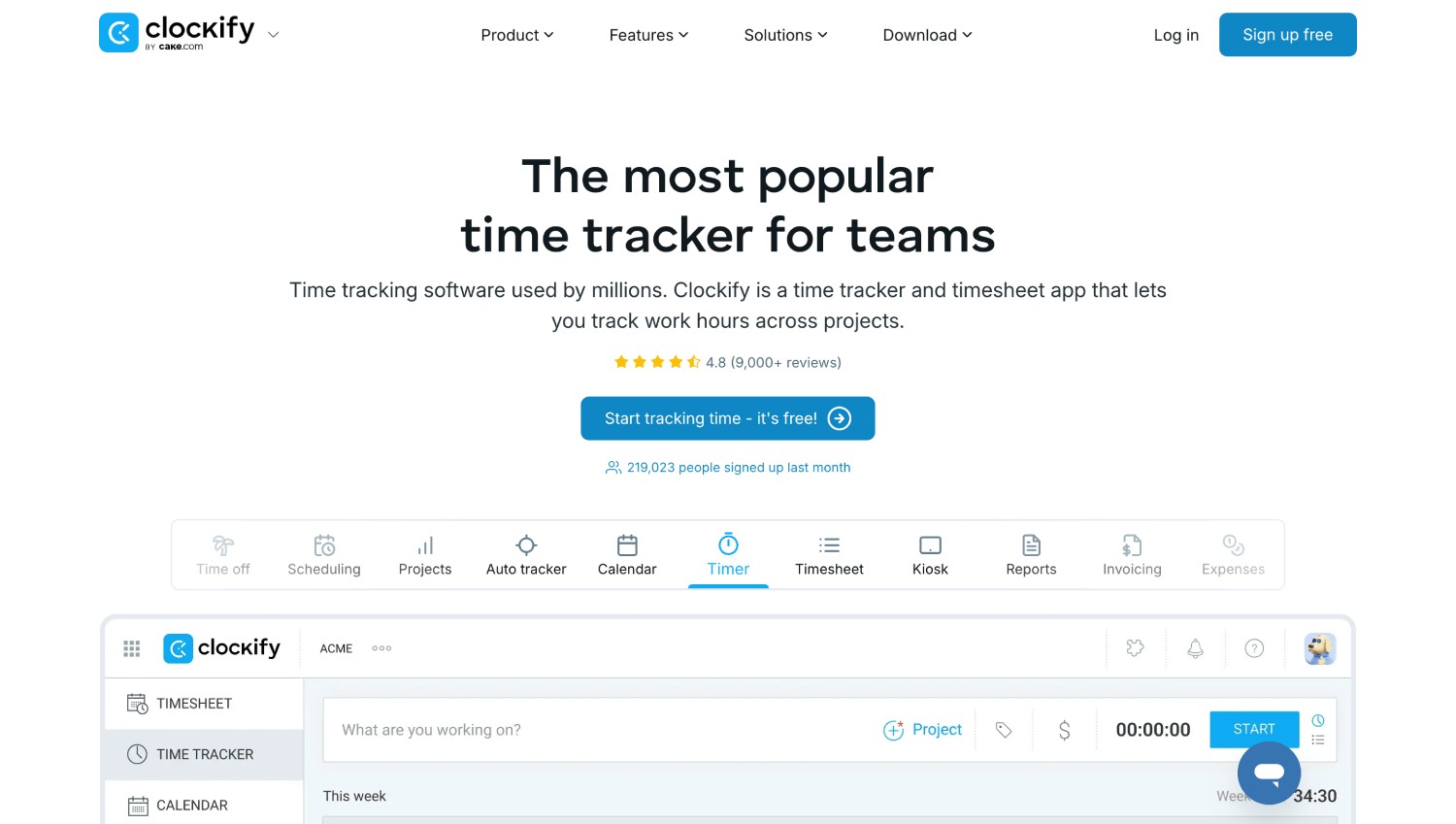
Clockify's free tier has no user limit, the lowest-friction entry point for a solo contractor logging hours by project and client.
The honest limitation: no GPS or identity verification, so it fits trust-based or desk-adjacent work far better than a multi-worker field crew.
Best for: Independent contractors needing simple, no-cost hour logging.
What Real Contractors Say About These Apps
Feature lists only tell half the story. A few patterns show up consistently in user reviews across these tools.
ClockShark users frequently praise its map-based crew visibility and job costing but flag that per-job pay rates and scheduling can feel clunky for crews that rotate often.
Workyard users highlight accurate route and mileage tracking, and its polygon geofences handle unusually large or oddly shaped sites, though continuous tracking draws noticeably more battery than punch-only capture.
BusyBusy reviewers like the generous free tier and job-costing depth but mention that skipping the job selection at clock-in can quietly disable the geofence check.
QuickBooks Time users value the native payroll sync but consistently flag that GPS, mileage, and project tracking sit behind the pricier Elite plan.
The pattern across all of them: every app looks similar in a demo, and the real differences show up during a live trial on an actual job site, not on a features page.
Solo Contractor or Crew: The Split That Actually Decides Your Shortlist
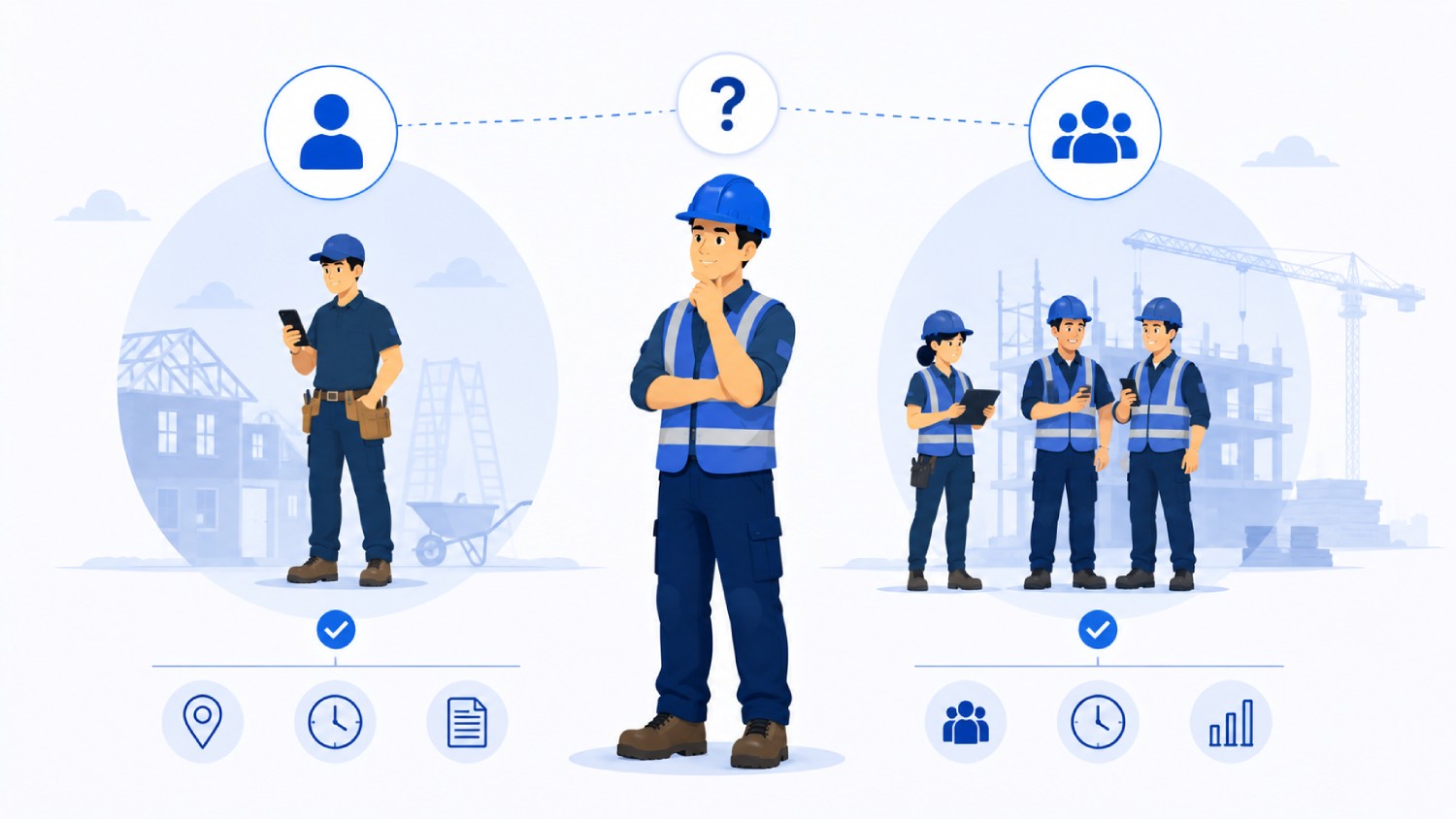
If you are a solo contractor or freelancer, you do not need GPS or identity verification. You need clean hour tracking by client that turns into an invoice.
Clockify covers this well, with a generous free tier for trying its features. GPS and geofencing solve a crew-coordination problem a one-person operation simply does not have.
Once a second worker enters the picture, the question flips from "how do I track my own hours" to "how do I know the hours my crew reports are the hours my crew actually worked."
A 5-person crew moving between multiple sites in a day needs an app that splits hours by location automatically. A 20-person crew with subcontractor agencies mixed in needs contract-based labor time tracking on top of that, so a general contractor sees headcount and hours per agency without agencies seeing each other's data.
Truein, ClockShark, and Workyard are the strongest fits here, in that order if identity verification at the moment of clock-in is the priority, or in a different order if scheduling or GPS job-costing depth matters more.
Decision rule: If you never manage another person's clock-in, GPS and biometric verification add cost without solving a problem you have. Pick the simplest tool that gets billable hours into an invoice cleanly.
The 6 Features That Actually Matter Before You Buy a Time Tracking Software
Cut through the marketing pages and every contractor time tracking app worth considering needs to clear these six bars:
- Mobile clock-in that works with gloves on: Workers punch in and out in seconds, ideally on a device they already carry.
- GPS geofencing: A virtual boundary so a clock-in only registers when the device is physically present.
- Job and cost-code tracking: Hours tie back to a specific project, so job costing numbers are usable.
- Offline capture: Clock-ins save on-device and sync automatically once connectivity returns.
- Payroll and accounting integration: A clean sync to ADP, QuickBooks, Sage, or Trimble saves hours of manual re-entry every pay cycle.
- Approval workflows and audit trails: Every edit to a timesheet is tracked and timestamped.
The feature contractors most often skip evaluating, and regret skipping, is the audit trail on manual corrections. A supervisor who can quietly edit a clock-in with no record of who changed it has the same blind spot a paper timesheet had, just with a nicer interface.
Does GPS Tracking Watch Your Crew All Day, or Just at the Moment of Clock-in?

Behavior splits into two categories. Some apps capture GPS only at clock-in and clock-out, a single location check with minimal battery impact. Others, like Workyard, run continuous tracking for the full shift, which gives richer job-site data but uses meaningfully more battery and raises the stakes on how that tracking is disclosed to workers.
Truein's GPS geofencing applies at the point of clock-in and clock-out rather than running continuous all-day tracking on personal devices. On personal devices, GPS-only clock-in without face recognition is also available for some account configurations, so it is not accurate to assume every Truein clock-in always uses both checks together.
Decision rule: If your crew works on personal phones, ask specifically whether GPS runs continuously through the shift or only captures a snapshot at each punch. Continuous tracking uses more battery and is a bigger conversation to have with workers before rollout. For tools built around tracking during the shift rather than at the punch, see our roundup of GPS and face-verified location tracking apps.
Which Apps Plug Into QuickBooks, ADP, Sage, and Paychex?
Truein integrates with payroll softwares like ADP, QuickBooks, Sage, Xero, ViewpointTrimble, and Paychex, using API-based sync for real-time data and FTP-based batch sync for larger workflows.
Trimble integration matters specifically for construction contractors, since Trimble's project and cost-code structures are common in that vertical.
QuickBooks Time has the most direct native tie to QuickBooks Online and Payroll. ClockShark and Workyard both offer exports to major payroll systems, though native sync depth varies by platform.
It is worth being precise here: None of these apps process payroll themselves. They produce structured attendance data formatted for a payroll system to consume, a meaningfully different product than payroll software, and worth confirming with any vendor who gets vague about the distinction.
A Decision Framework: Which App Fits Which Kind of Contractor
| Contractor Type | Best-Fit App(s) | Why |
|---|---|---|
| Solo contractor or freelancer | Clockify | No jobsite verification needed; simple client billing is the priority |
| Small field crew (2 to 10 workers) | Truein or ClockShark | Crew clock-in, job tagging, and GPS become necessary at this size |
| Construction contractor with subcontractors | Truein | Contract worker attendance software separates each subcontractor's headcount and hours |
| Service contractor (electrical, plumbing, HVAC) | ClockShark or Truein | Job-based scheduling plus mobile clock-in fits dispersed service calls |
| Payroll-heavy employer already on QuickBooks | QuickBooks Time or Truein | Native QuickBooks sync, or Truein's payroll-ready export if fraud prevention matters more |
For a closer look at how this plays out in construction specifically, Truein's construction time tracking page covers job-site scenarios in more depth.
Can a Foreman Clock-in the Whole Crew at Once?
Truein and ClockShark both support a crew or kiosk clock-in mode, where a supervisor or shared device handles attendance for multiple workers on one site, rather than requiring every worker to carry a personal phone.
This matters for managing multiple contractors on one job. Truein's face-based contract worker attendance software lets each agency's supervisor see only their own workers, with headcount caps and document expiry tracking set per agency, while the general contractor keeps visibility across everyone on-site.
It is worth being precise about the limits here. Truein gives visibility and controls that make it easier to spot overlap or overbilling between agencies on the same site. It does not automatically detect every instance of overlap on its own, so a supervisor still needs to review flagged exceptions rather than assume the system catches everything silently.
Multi-Site Days, Travel Time, and Missed Clock-ins

An electrician spending three hours at Job A, two at Job B, and three at Job C in one day needs every hour billed to the correct site.
Apps with activity punch functionality let a worker tag their clock-in against a specific job, so the day's hours split automatically across the right sites instead of landing in one generic total, which matters for job costing and for not eating hours that belong on someone else's invoice.
Travel time is a related wrinkle. Some apps let a worker classify travel separately from on-site labor, so those hours still get paid correctly without counting as productive job time. Not every app handles this cleanly, so check directly.
Missed punches are the other common gap, and the correction workflow matters more than the marketing page suggests. Look for edit history, manager approval on any change, and a visible audit trail, so a forgotten punch becomes a two-minute fix rather than a payroll dispute.
What Happens if Your Crew Has Zero Signal On-Site?
Basements, rural highway projects, and remote energy or mining sites regularly have no cell signal, a real problem for any app that assumes constant connectivity.
Offline clock-in solves this by capturing the clock-in entirely on the device, with no network required at the moment of the tap, syncing automatically once the device reconnects. Truein flags these clock-ins as ‘captured offline’ so a manager reviewing the dashboard can see which records came in through that path.
One guardrail worth stating clearly: offline punches only appear on the manager's dashboard after the sync completes, not in real-time while the device stays disconnected.
For any vendor's offline claim, that is the specific question to ask: does the record sync completely, and when does it actually become visible to a manager.
Decision rule: If more than a fifth of your sites regularly lose signal during a shift, treat offline capture as a requirement to test directly during a trial.
Can Employers Legally Track a Contractor's Location Through a Time Tracking App?
Yes, with proper disclosure and consent, though requirements vary by state and have shifted meaningfully in the past few years. This is the most common hesitation contractors raise before rolling out GPS or face-based tracking, and it deserves a direct answer.
Since January 1, 2023, California's employee exemption under the CCPA and its amendment, the CPRA, expired, so California employees now have full rights, including notice, access, and deletion rights, over biometric data collected at work, including for time and attendance. Any contractor with California job sites should treat this as active and current, not a future consideration.
Illinois has its own law, the Biometric Information Privacy Act, known as BIPA, which requires written consent before biometric data collection and, unlike most state laws, lets individuals sue directly, which is why face recognition deserves a more cautious rollout there than elsewhere.
Texas has a similar law enforceable only by the state Attorney General, Washington has a comparable statute under RCW 19.375, and Colorado's HB 24-1130, effective July 1, 2025, requires consent plus a written retention and deletion policy for biometric data collected for employment use.
None of this makes biometric attendance tracking risky by default. It means consent-first enrollment, clear disclosure before any data is collected, and a written retention policy are the baseline for doing it correctly.
Disclaimer: This section is for general informational purposes only and does not constitute legal advice. Biometric privacy laws vary by state and change over time. The information above reflects publicly available sources as of this article's publish date and may not reflect subsequent legal developments in your jurisdiction. Before deploying biometric attendance technology, consult a licensed attorney familiar with the applicable state and local requirements.
What to Test Before You Buy
- Clock in from an actual job site, then walk just outside the geofence and try again, to confirm real-world GPS accuracy and see whether the app blocks, flags, or silently allows an out-of-bounds punch.
- Turn off your signal and clock in any way, then reconnect later to confirm the offline clock-in actually syncs.
- Have a worker switch jobs mid-shift to see whether hours split cleanly across job codes, and deliberately create a missed clock-in to walk through the correction workflow.
- Have a supervisor approve a full timesheet to confirm the approval flow is fast enough for a busy Friday.
- Export a completed pay period into your actual payroll system before relying on it for a live run.
Frequently asked questions
1. Is there a time tracking app that's actually contractor-friendly for keeping track of hours?
Yes, though "contractor-friendly" means different things depending on whether you work solo or run a crew. Solo contractors do well with Clockify, which handles billable hours and client tagging without jobsite complexity.
Contractors managing a crew need GPS geofencing at minimum, and ideally identity verification, since a crew introduces a buddy-punching risk a solo operation never faces.
GPS-only apps confirm a device was inside a geofence at clock-in but say nothing about the person holding it, so a late worker can hand a phone to a coworker already on-site and the app cannot tell.
Truein, ClockShark, and Workyard are the strongest options once a second worker enters the picture, with Truein specifically built around verifying identity, not just location, matching the person clocking in against the worker on record before the punch is accepted.
2. What is the best free time tracking app for contractors?
Clockify offers the most generous genuinely free tier, with no cap on users or projects, a strong choice for a solo contractor or a very small team. Its free tier does not include GPS or geofencing, so it fits trust-based or desk-adjacent contracting better than a field crew where site verification matters.
For contractors who need GPS or identity verification, most tools in that category, including Truein, are built around paid plans, since hardware-free deployment and biometric matching carry real infrastructure costs.
3. Does a time tracking app stop buddy punching, or just prove a phone was there?
It depends entirely on whether the app verifies identity or only location. GPS-only apps, which cover most of the market, confirm a device was inside a geofence at the moment of the clock-in. They cannot confirm which person was holding that device, so a worker running late can hand their phone to a coworker already on-site and the app has no way to catch it.
Apps with a biometric identity check, such as Truein's face recognition paired with GPS, verify the person clocking in matches the worker on record before the punch is accepted, which closes that gap rather than just documenting it.
4. Do these apps work with no cell signal on-site?
The strongest ones do, through offline clock-in, which stores the clock-in on the device with no network required and syncs it once the device reconnects. Truein flags these punches as ‘captured offline’ so a manager can see which records came through that path rather than a live connection.
Offline records only become visible on a manager's dashboard after that sync completes, not in real-time while the device stays disconnected, which matters for contractors on rural, remote, or basement job sites with genuinely unreliable signal.
5. Can contractors use time tracking apps to invoice clients directly?
Yes, most apps built for solo contractors and freelancers, including Clockify, convert tracked billable hours directly into an invoice or an export formatted for invoicing. For example, 12.5 tracked hours at an $80 hourly rate becomes a clean $1,000 line item without manual recalculation.
Apps built around field crews, like Truein, ClockShark, and Workyard, are built more around job costing and payroll-ready exports than direct client invoicing, since their core use case is verified attendance across a workforce rather than professional-services billing for one contractor's time.
6. Which time tracking app is best for a contractor with employees in multiple states?
The app matters less than the policy engine behind it. A contractor running crews in California and Texas on one payroll cycle needs overtime and break rules applied per state, not one blended policy, and a data feed clean enough for same-day payroll. Confirm any vendor supports state-specific rule configuration by worker category, and confirm the integration is a live API sync rather than a file export someone reformats by hand.
7. Can a time tracking app track subcontractor hours separately?
Only a few can. Look for per-agency headcount caps, supervisor views scoped to each agency's own workers, and agency-wise hour reports, so billed headcount can be checked against verified attendance before an invoice is approved. Most contractor time tracking apps treat every worker as an employee of one company, which is exactly where subcontractor overbilling hides. For the GC-side process, from the four things your record must prove to the weekly invoice reconciliation, see our guide to tracking subcontractor hours.
Choosing the Right App Comes Down to What You're Actually Trying to Fix
The single most useful takeaway from this comparison: most contractor time tracking apps solve a location problem, and only a handful solve an identity problem, and those are not the same problem.
If your crews are small, trusted, and mostly solo, a simple GPS or even a no-GPS app is genuinely enough. If you are running subcontractor agencies across multiple sites and have had a real buddy punching incident, or a payroll number that did not match what actually happened on-site, the app that matters is the one that checks who is clocking in, not just where.
Truein is built specifically for that second scenario: multi-site and hourly workforces where identity verification at clock-in, offline resilience on low-signal sites, and contract worker attendance management are actual requirements.
It does not replace a payroll system or HR software. It feeds clean, payroll-ready, verified attendance data into the systems already in place.
If your crews move across job sites and payroll keeps catching hours that do not match what happened on-site, a walkthrough of how Truein verifies identity at clock-in, not just location, is worth the 20 minutes.
Schedule a demo and see it against your own sites, crews, and payroll setup before deciding anything.