They overlap on GPS geofencing, offline use, overtime rules and a free trial. They differ on which plan verifies identity at the punch, AI review before payroll, agency-level management, and what sits beyond time tracking. The FLSA accepts any timekeeping method as long as the hours recorded are complete and accurate, per the Department of Labor’s FLSA recordkeeping fact sheet, so the deciding question is how each tool proves the record is right.
A logistics HR manager bringing in temporary workers for a two-week peak needs geofence enforcement and identity checks from the first shift, so the plan tier decides what actually gets verified.
Dedicated hardware required
✓ Not required No dedicated attendance hardware required. Works on compatible Android and iOS phones and tablets.
✓ Not required No dedicated attendance terminal required. Supports worker phones and a kiosk app on paid plans.
Identity verification at the punch
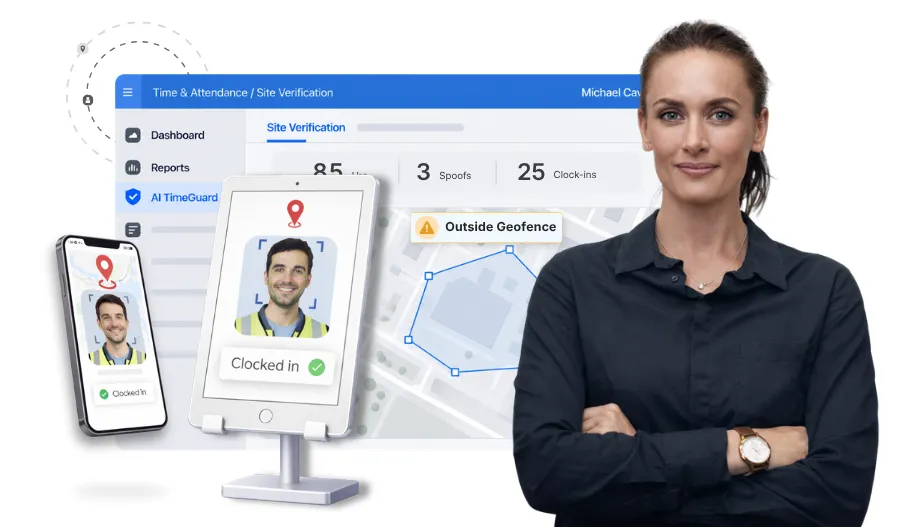
✓ AI face recognition Matches the worker against their registered facial profile during clock-in on every plan; offline verification depends on attendance mode.
◑ Paid plans only Kiosk-based photo verification comparing clock-in photos against employee profile photos, Pro and Premium; not on Free
Kiosk mode on a shared device
✓ Available Compatible tablets and supported phones can be configured as shared attendance kiosks
◑ Pro and Premium Kiosk and punch clock mode
Clock-in from the worker’s own phone
✓ Available Selfie attendance with geofencing
✓ Available GPS-stamped clock in and out, all plans
Supervisor clock-in for the crew
✓ Available From the supervisor’s mobile phone
◑ Pro and Premium Supervisor tools: clock crews in and out, edit and split entries
Offline punches
✓ Available Attendance is captured offline and automatically synced when connectivity returns. Face verification depends on the attendance mode.
✓ Available Offline mode on every plan; kiosk on Pro and Premium also works offline
GPS geofencing
✓ Available Checks the device’s reported GPS location against configured site boundaries during clock-in and clock-out, with out-of-geofence attempts handled according to the configured attendance policy.
◑ Enforcement on paid plans GPS-stamped clock-in and out and location-based reminders on all plans; on-site verification, which restricts clock-in to the jobsite geofence, on Pro and Premium
GPS movement tracking during shifts
○ Separate module Truein Live Tracking is available as a separate solution, with location capture during recorded work hours based on configured movement-based or interval-based tracking.
◑ Pro and Premium GPS breadcrumbing records significant employee movement during clocked-in hours; it does not continuously record every movement.
Breaks, overtime, rounding
✓ Available 70+ customizable policies
✓ Available Custom overtime calculations on every plan; overtime and break reports with digital signatures
Shift scheduling
✓ Available Advanced plan
◑ Pro and Premium
Time-off management
✓ Available Add-on for Advanced and Enterprise, with leave policies and approval workflows
◑ Pro and Premium Time-off approvals
Contractor and agency-level attendance management
✓ Advanced plan Agency-specific policies and pay rates, staff transfers between sites, and agency-wise attendance reporting
○ Not documented
Multi-site dashboard
✓ Available Centralized control across all sites
✓ Available One map of employees, projects and equipment
Verification at the punch
✓ Face recognition plus geofence Offline verification depends on attendance mode
◑ Photo verification on paid plans Kiosk photo compared against the employee profile photo, Pro and Premium
Spoof detection after upload
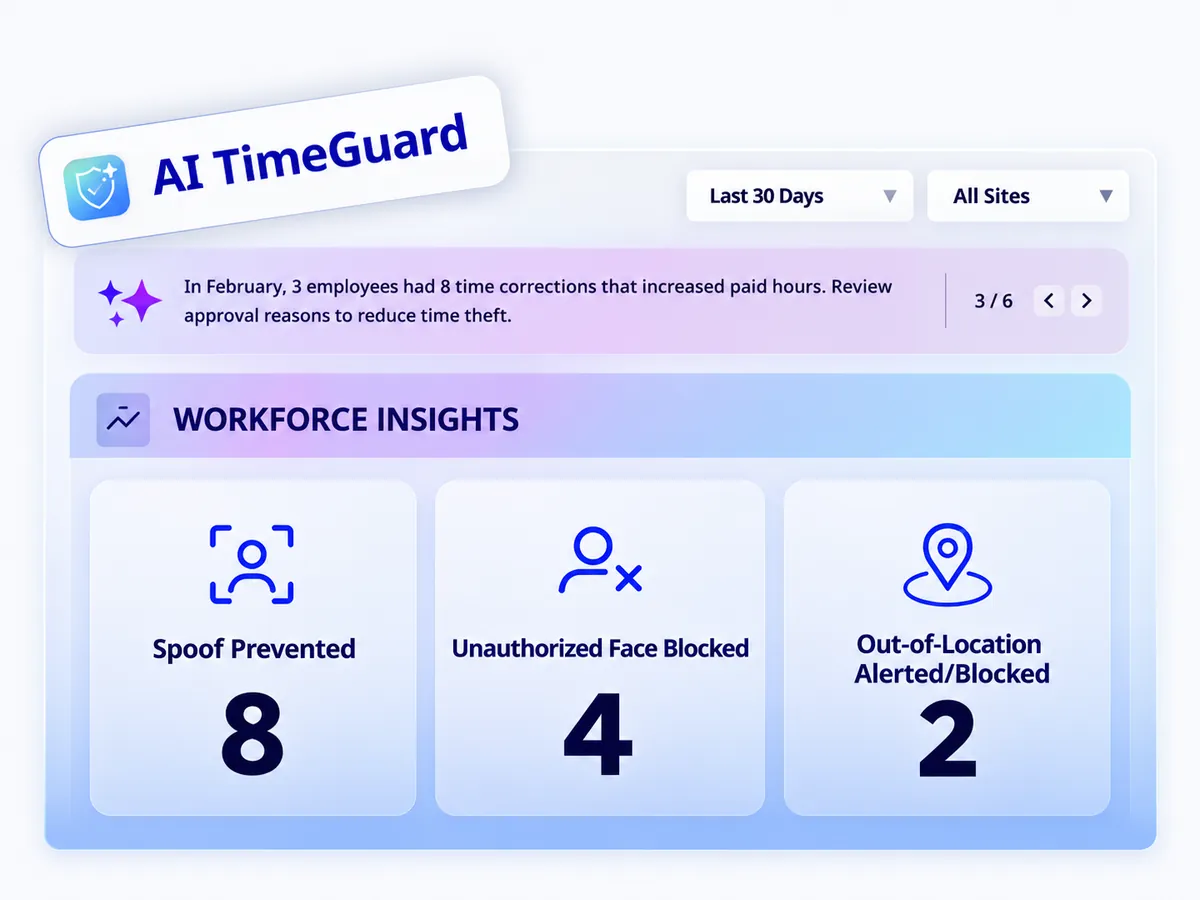
✓ Available Runs after attendance data is uploaded; administrator alerts
○ Not documented
AI review before payroll
✓ AI TimeGuard Flags suspicious attendance activity and anomalies for manager review. Smart Timesheet Review helps managers examine attendance exceptions and AI findings before timesheet approval.
○ Not documented Photo verification report and daily sign-offs for admin review
Plain-language questions on attendance data
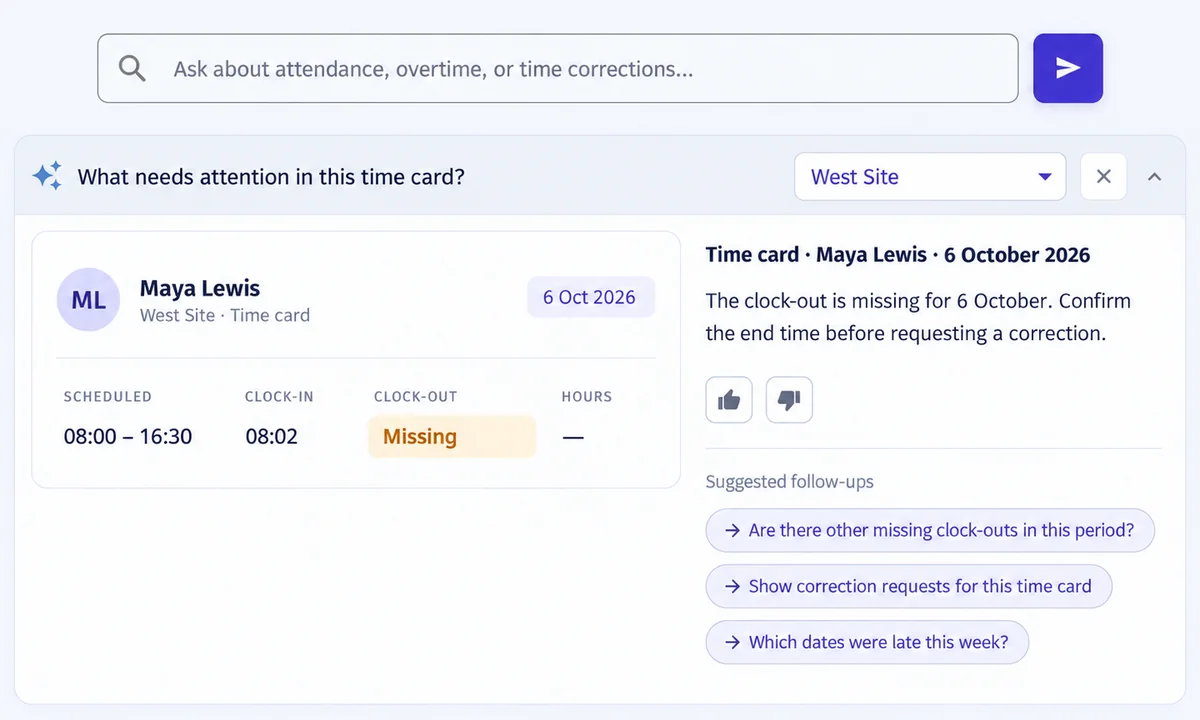
✓ Workforce Insights Allows managers to ask contextual questions about available attendance data in plain language.
✕ Not available 30+ reports; full activity reports on Pro and Premium
Approvals and sign-off
✓ Available
✓ Available Daily sign-offs and digital time card signatures
Job and project time tracking
✓ Available Track attendance against jobs and locations
✓ Available Track time against projects and sub-projects
Job costing and cost codes
✕ Not available Not offered as job-costing functionality
✓ Available Projects, cost codes and equipment
Equipment tracking
✕ Not available
✓ Available Equipment hours on every plan; GPS equipment devices priced separately
Daily project reports and progress tracking
✕ Not available
◑ Premium
Photos, notes and daily sign-offs
✕ Not available
◑ Pro and Premium
Checklists, PPE scans, video and photo markups
✕ Not available
◑ Premium
Free plan
✕ Not offered 14-day free trial instead
✓ Free forever Unlimited users; GPS time tracking, job costing, equipment tracking, offline mode
Published pricing
✓ Published Time Capture and Advanced priced per user per month plus a $40 monthly base price; Enterprise pricing is customized
✓ Published Pro $9.99 and Premium $14.99 per user per month billed annually ($11.99 and $17.99 monthly)
Monthly admin or base fee
◑ $40 base price $40 per month base price on Time Capture and Advanced, in addition to per-user pricing
◑ $40 admin license Per month on Pro and Premium; first user included
Free trial
✓ 14 days, no credit card
✓ 14 days, no credit card Plus a 90-day money-back guarantee
Integrations
✓ API and FTP Supports API and FTP-based integrations with payroll and HRMS systems, along with custom integration options; plan availability varies, so confirm with Truein.
✓ Named list Lists QuickBooks, Procore, Sage, Viewpoint, Foundation, ADP and Paychex among its integrations; Zapier on Premium
Markets
✓ US, GCC, India, worldwide
◑ US-based Availability outside the US not documented
Feature data from truein.com and busybusy.com (pricing and feature pages), verified November 13, 2026. Pricing reflects each vendor’s official pricing page on that date and may change; confirm current figures with the vendor. “Not documented publicly” means the vendor’s own website does not establish whether the capability exists; confirm in a demo. “Not available” marks capabilities the vendor confirms it does not offer.