
Identity and spoof concerns
Help identify potential misuse around clock-in identity. Review the relevant verification outcomes and available records when an event raises a concern about who made the punch.

Book A Free Demo
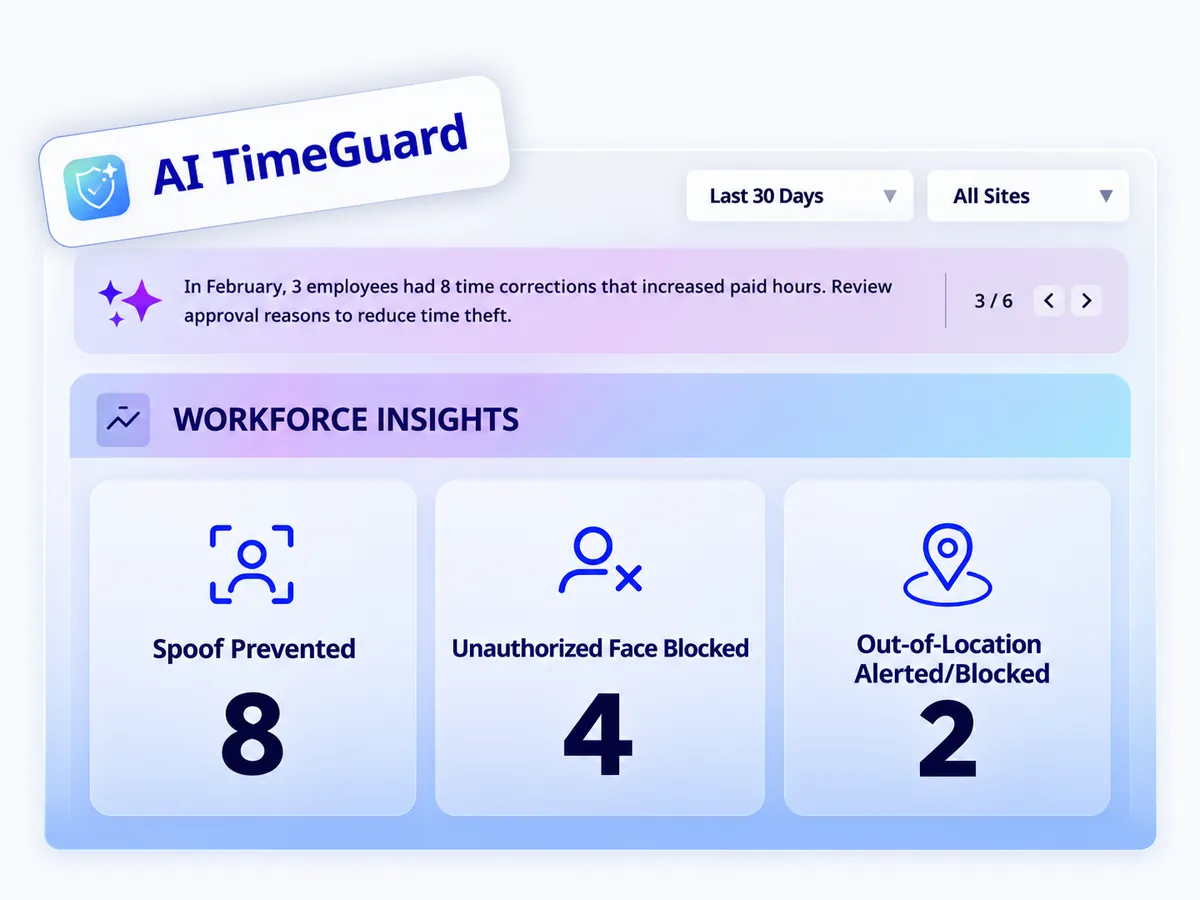
Truein AI TimeGuard
Identify suspicious clock-in activity and give your team a clearer starting point for review. AI TimeGuard works alongside Truein’s face verification and GPS controls to help protect the integrity of your workforce time records.
Truein is trusted by 500+ companies






Truein is robust, reliable, and works as promised. I have implemented Truein in my previous and current companies. It's the best and most cost-effective solution.

Piyush Dutt
CPO, Compass Group
1200+
Sites
40,000+
Staff
Truein is a highly accurate, multipurpose, and user-friendly solution. It detects fake clock-ins and covers all the modules.

Sujit Pawar
DGM, OCS Group
100+
Sites
4000+
Staff
Moving from thumb-based attendance system to a Face recognition based time and attendance solution was made easy by the Truein team.

Srinivas G
Sr. HR Manager, Tata 1mg
200+
Sites
4000+
Staff
We are using Truein Time and Attendance system at our 80 sites for over 10,000 staff. Truein has built-in customization options and gives multiple real-time reports.

Girish Nimbalkar
AGM HR, SJ Contracts
80+
Sites
10,000+
Staff


Truein is more than a timekeeping tool. It is an enabler of efficiency, transparency, and data-driven decision-making.

Muhammad Bashir
Digital Transformation Manager, Group AMANA
This face detection time & attendance software is very effective at our construction company. Full marks to Truein and their support team!

Wajahat Khan
Payroll Admin, Al Magamsi General Contracting
We have had a very positive experience using Truein, and weare pleased to recommend it.

Hadi Hassan Khan
AZ Engineers & Partners L.L.C., Oman
Because of Truein, proxy attendance has completely stopped, and it saves us a lot of time during payroll.

Sridher Mothukuri
Almoayyed Contracting Group, Bahrain
Our guys in the field like it. And in the back office, we're loving it as well. So, we would definitely recommend Truein.

Judith Hotek
Senior IT Admin, Walker Engineering
Truein outshines all other time and attendance solutions. Its rich features, payroll ready timesheets and centralized controls put it in a class above all.

Carlos Woodson
Phoenix Transload Services
Truein is a perfect solution for tracking time of our temp workers. It has Excellent support and user-friendly system.

Nicolous Noble
Payroll Administrator, Backerhaus Veit
Truein has strengthened our Time & Attendance accuracy and quality, ensuring compliance and trust among end-users. Excellent product!

Henry Carrillo
Farm Administrator, Unispice







Hey there! I'm Aby! Schedule a demo