Face Recognition Time Clock Software

The Face Recognition Time Clock System That Stops Buddy Punching

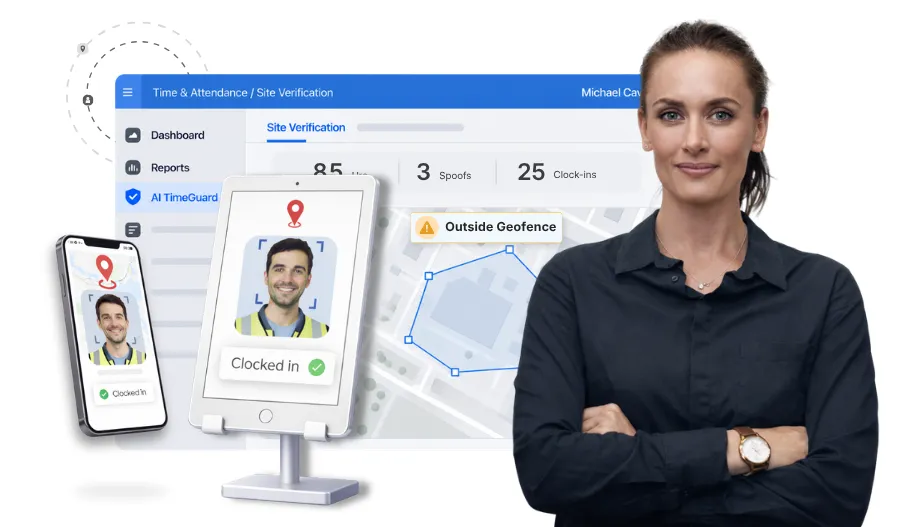
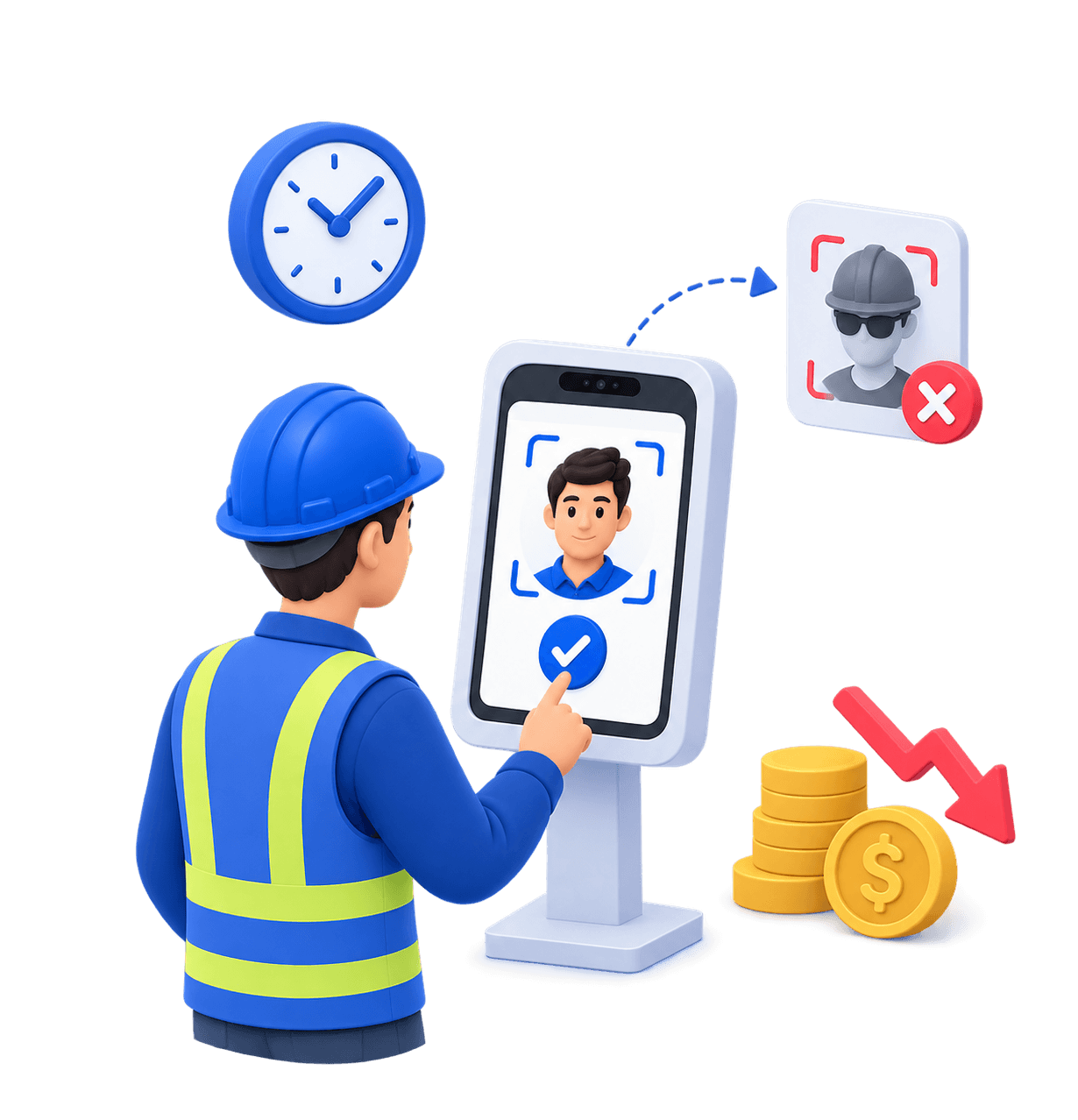
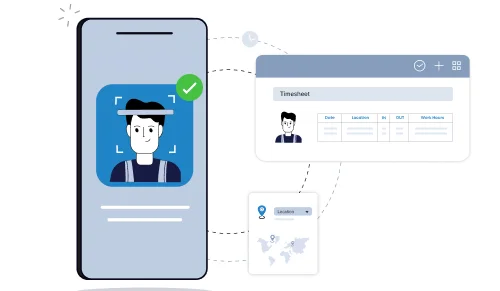
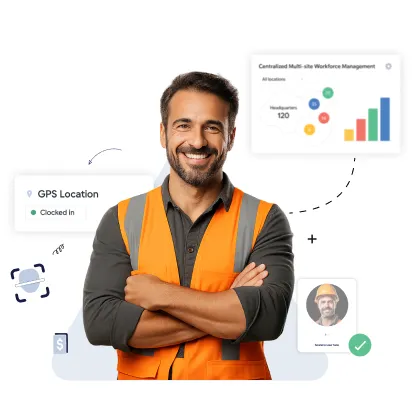
Truein verifies a worker's face and GPS location together at every clock-in, on any Android or iOS device. If the face does not match, the punch does not go through.
  • Face and GPS verification combined on every punch
  • Around 95 to 100% accurate with hard hats and masks
  • No dedicated hardware, works on devices you already own
  • Built for hourly crews across multiple job sites
Book a Demo
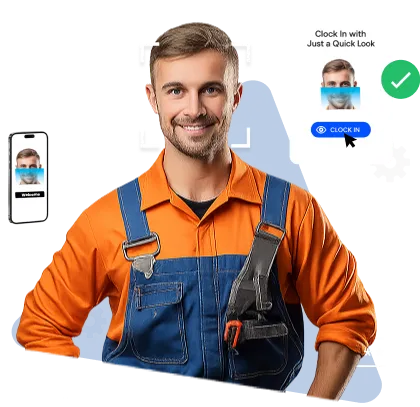
Smiling male worker in an orange shirt and blue overalls using facial recognition to clock in via a mobile app interface.

Trusted by Workforces Across Industries

Video demonstrating Truein’s face recognition attendance and workforce management software.
500+
Companies
Decorative star shape
25
Countries
10,000+
locations
500,000+
Users

Feature Overview

Verified Identity and Verified Location on Every Clock-In

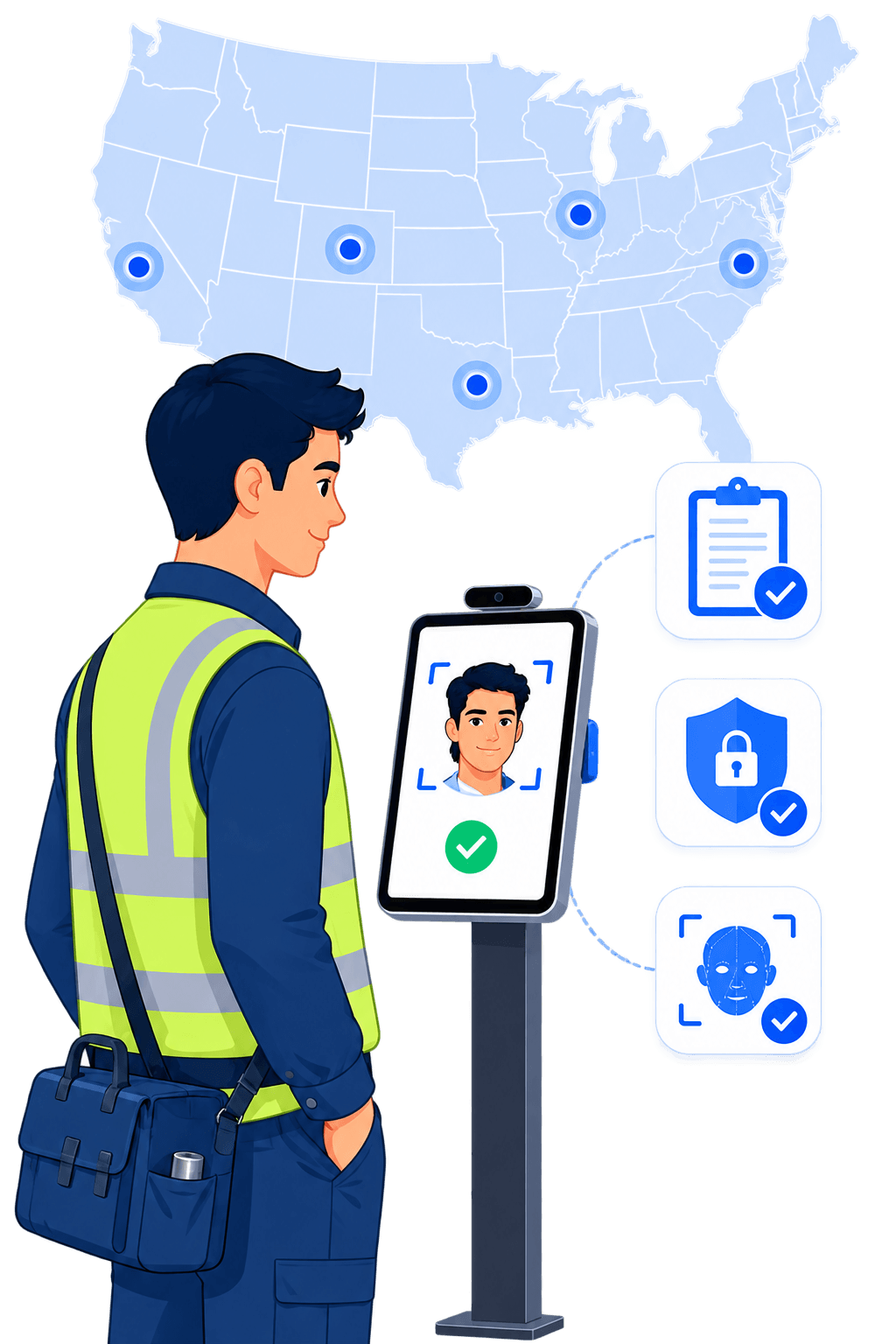
Truein is a face recognition time clock system built for hourly and multi-site workforces. It verifies a worker's face and GPS location at the moment of the punch, on any Android or iOS device, so one worker cannot clock in for another.

Buddy punching works because most time clocks record a punch without proving who made it. A PIN gets shared, a badge gets handed over, and a spreadsheet accepts whatever the timesheet says. Truein removes the credential entirely.

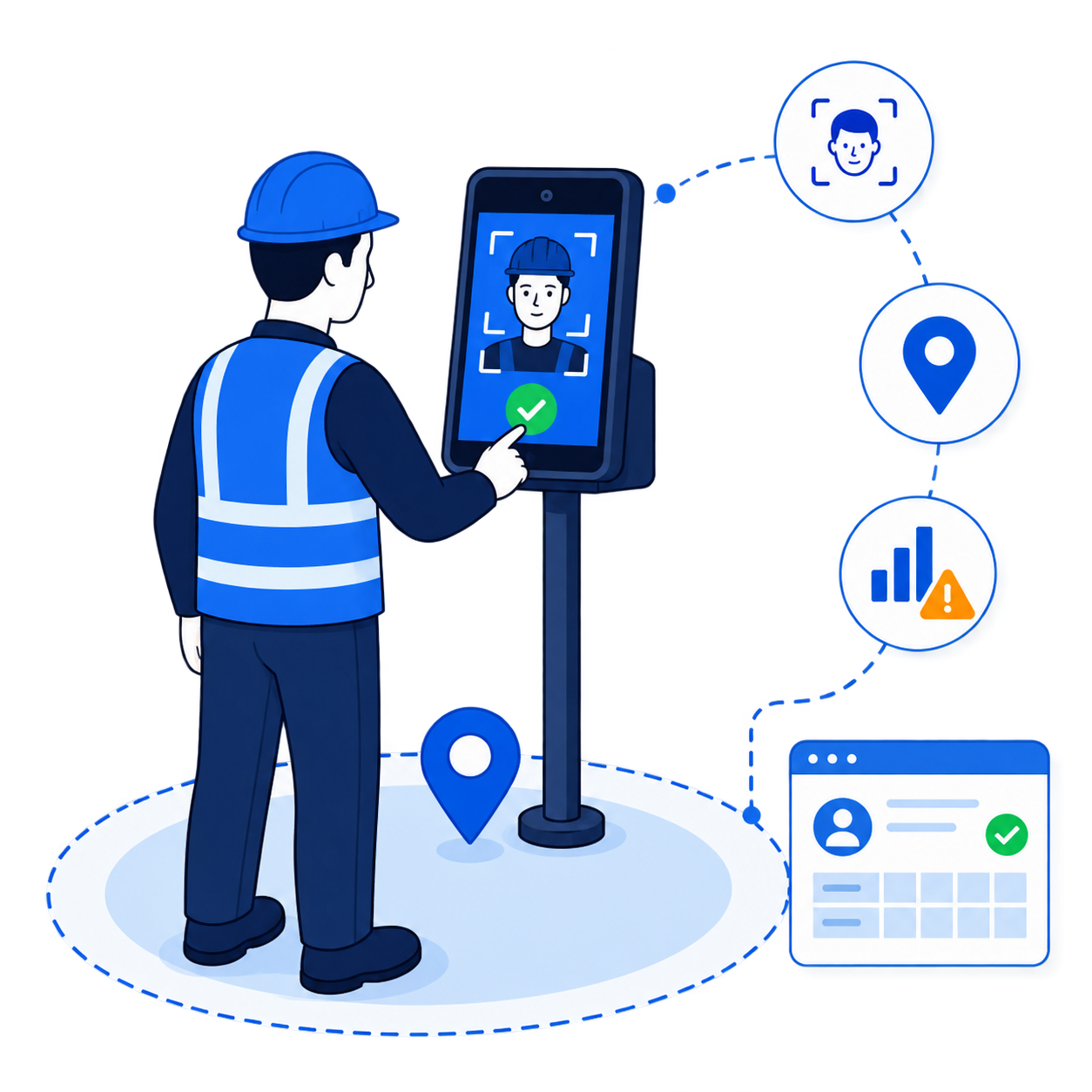
Three checks on every punch:

  • Who is punching?
    Live AI face matching against the enrolled profile. A failed match blocks the punch and prompts a retry.
  • Where are they punching?
    GPS geofencing with a configurable radius from 20 meters, roughly 65 feet, set per site, floor, wing, or zone.
  • Does the pattern hold up?
    AI TimeGuard, Truein's built-in anomaly detection, continuously reviews your time data and surfaces risk signals for manager review before payroll runs.

Most time clocks handle one of these. A few handle two. Truein is built around all three.
Where Does Buddy Punching Actually Happen?

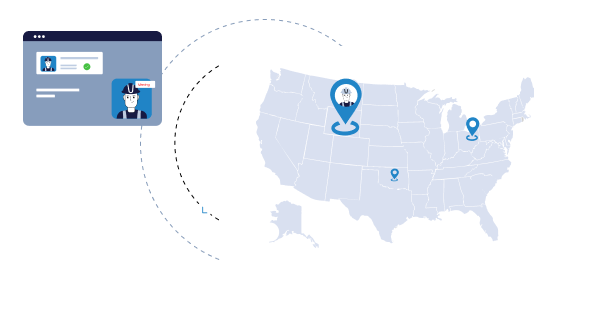
Shared PINs and badges at the gate

One worker knows three PINs. The crew rolls in at 7:04 and the timesheet says 6:55 for all of them.
Truein replaces the credential with the face, so there is nothing left to share.

Icon Face matched at the moment of the punch
Icon Failed match blocks the entry on the spot
Icon No PINs, badges, or cards to hand over
View detailed case study
Shared PINs and badges at the gate

Clock-ins from off the job site

The punch lands from a truck two miles out, or from a couch.
GPS geofencing ties each punch to the boundary you draw around the site.

Icon Configurable radius from 20 meters per site, floor, or zone
Icon Out-of-boundary punches blocked, alerted, or sent for approval
Icon Location captured at the punch by default
View detailed case study
Clock-ins from off the job site

A foreman clocking in the whole crew

Supervisor-assisted clock-in is useful. Unverified supervisor-assisted clock-in is a blank check.
Truein verifies each worker's face even when a supervisor runs the device.

Icon Worker identity verified by face, not device
Icon Every punch attributed to the individual, not the crew
Icon Full audit trail on every entry
View detailed case study
A foreman clocking in the whole crew

Subcontractor headcount you cannot verify

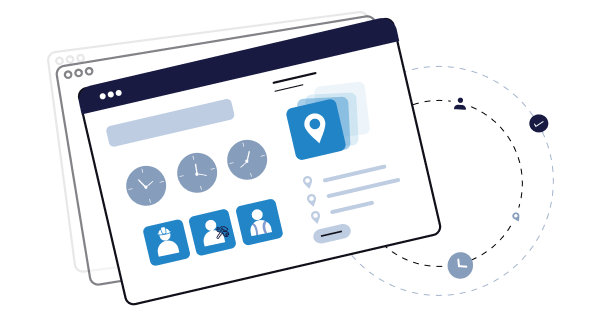
Three agencies bill for crews on the same project and nobody can prove who was actually on site.
Truein gives you the visibility and controls to separate agency staff from your own.

Icon Per-agency headcount limits
Icon Scoped dashboard access for each agency supervisor
Icon Agency-specific policies, pay rates, and document expiry tracking
View detailed case study
Subcontractor headcount you cannot verify

Spreadsheets and manual timesheets

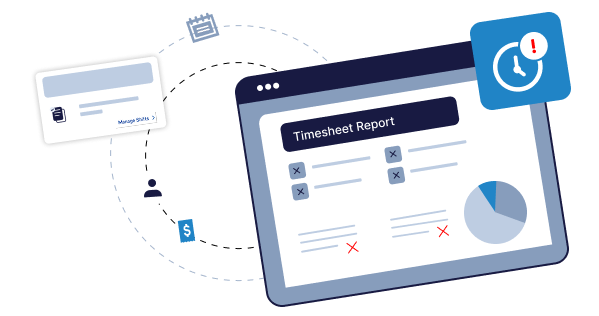
Hours get reconstructed from memory on Friday, corrections pile up, and payroll pays for the guesswork.
Truein replaces spreadsheets and manual timesheets with structured, verified time data.

Icon Verified punches flow straight into timesheets
Icon Approval workflow across every site
Icon Payroll-ready exports every cycle
View detailed case study
Spreadsheets and manual timesheets

Benefits

What Makes Truein Different?

Prevention, not documentation

A failed face match blocks the punch. It does not file a photo for someone to review on Friday.

AI TimeGuard before payroll

Risk signals surface as flagged exceptions, so managers review the outliers instead of every timesheet.

No dedicated hardware

Any Android or iOS phone or tablet becomes a clock-in point. New sites go live in minutes.

Identity and location together

Face answers who. GPS answers where. Truein checks both on the same punch.

Built for PPE

Around 95 to 100% accuracy with hard hats, masks, facial hair, and changed hairstyles.

Stop Paying for Hours Nobody Worked

Book a walkthrough and see what changes when every clock-in is tied to a verified face at a verified job site.

Book A Demo
Compass Group logoOCS logoCBRE logoAmana logoSJ Contracts logoWalker Engineering logoAir India logoAdani logoTata Projects logo
Identity at the Punch

Face Verification That Blocks the Punch, Not Just Records It

Truein's AI matches the worker's live face to their enrolled profile before the punch is written. If it does not match, the punch is blocked and the worker is prompted to retry. Accuracy runs around 95 to 100%, including with facial hair, masks, hard hats, and changed hairstyles, which matters when a crew shows up in full PPE.

Truein also runs spoof detection on captured punches. In the default configuration, suspicious punches are flagged after capture, the record is marked for review, and the worker can be blocked from further punches.

Quick FAQ’s

Can someone use a photo of a coworker to clock in?
Does the face match work with a hard hat or mask on?
How long does it take to enroll a new worker?
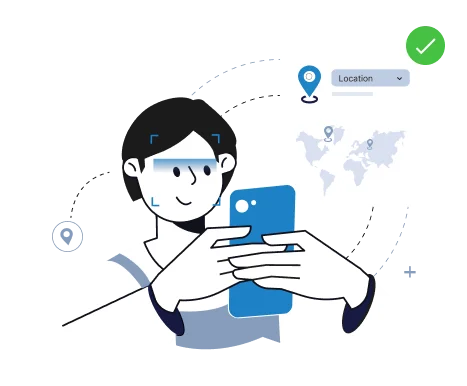
Illustration of a hand holding a smartphone performing facial recognition to verify identity, with connected screens showing user profile and management options.
Illustration of a hand holding a mirror reflecting a masked person inside a facial recognition frame with a verification checkmark and a user profile calendar.
GPS-Verified Attendance

Geofencing That Ties Every Punch to the Job Site

Face verification answers who. GPS geofencing answers where. Truein supports a configurable geofence radius starting at 20 meters, roughly 65 feet, and each site, floor, wing, or zone can be fenced separately, which suits open job sites, campuses, and outdoor work.

Enforcement is yours to configure. An out-of-boundary punch can be blocked outright, allowed with an alert to the supervisor, or routed for approval, so different crews can run different rules under one account.

Quick FAQ’s

How tight can the geofence be set?
What happens when a worker punches outside the boundary?
Does Truein track workers all day?
Illustration of a hand holding a mirror reflecting a masked person inside a facial recognition frame with a verification checkmark and a user profile calendar.
Deployment

Do You Need a Dedicated Face Recognition Time Clock Terminal?


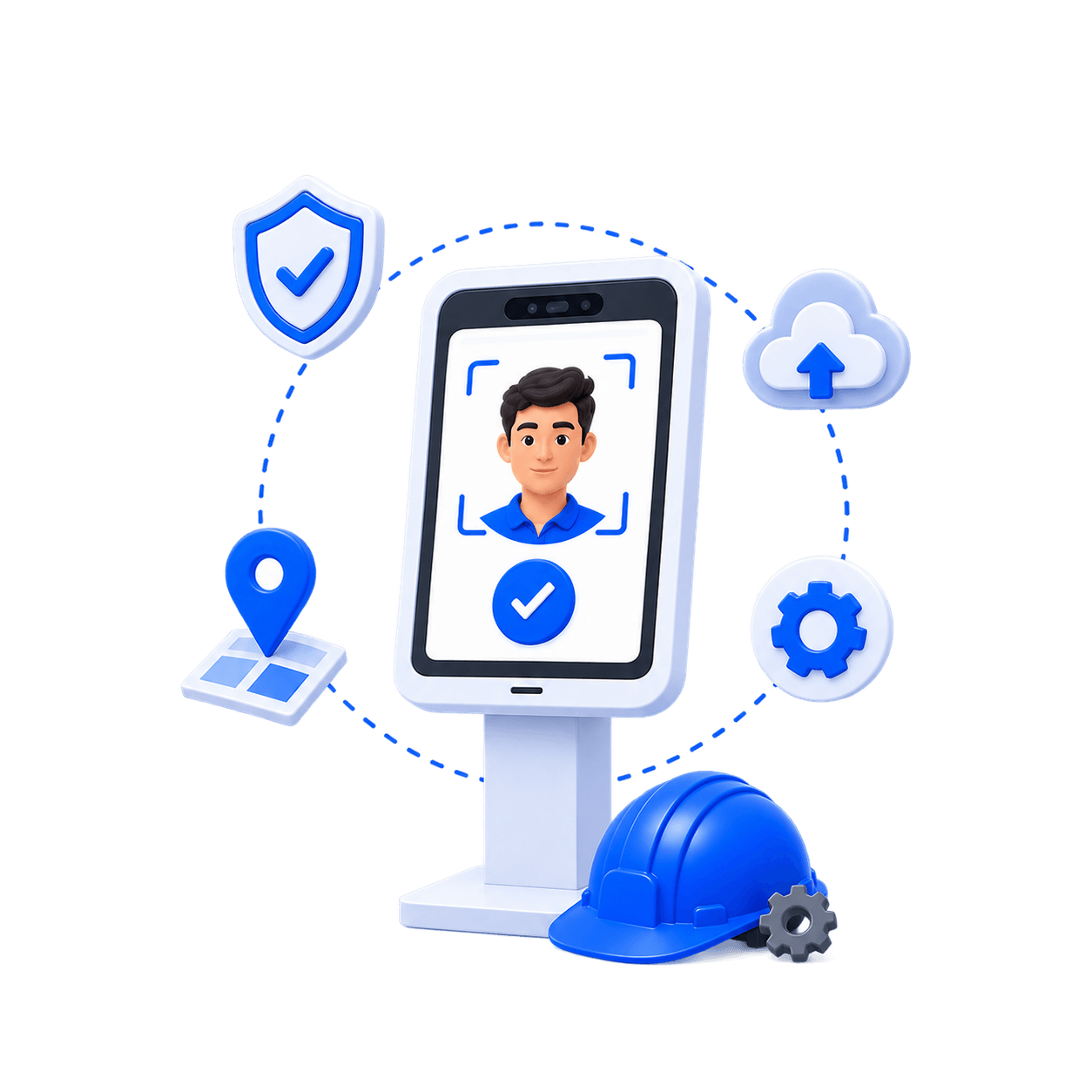
No. Truein runs on standard Android and iOS smartphones and tablets. There are no fingerprint scanners to buy, no wall-mounted terminals to procure, and no IT ticket to open before a new site goes live.

Setup How it works Best suited to
Shared tablet kiosk A tablet installed at the site entrance or trailer. Crew clock in as they arrive. Fixed entry points, gated sites
Personal device The worker clocks in from their own phone, with face and GPS verification. Dispersed field crews, service techs
Supervisor-assisted The foreman runs one device at the work face, with each worker's face still verified. Crews without smartphones, day labor

Mix them. A general contractor can run a kiosk at the main gate, personal-device punches for subs working across the building, and supervisor-assisted clock-in for a day crew, all on one account.

Quick FAQ’s
Can we mix kiosk and personal device clock-in on one account?
Is a shared tablet kiosk instant to set up?
Is face verification required on every clock-in mode?
Illustration of person holding a smartphone with a digital map and location markers on the screen, symbolizing location tracking or navigation.
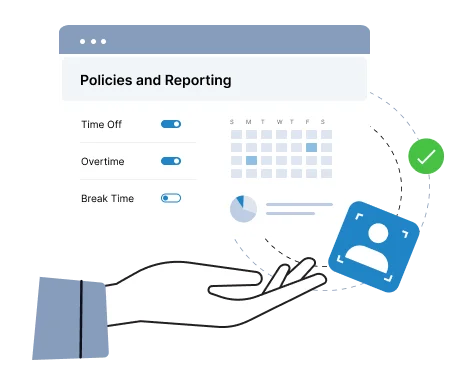
Illustration of a hand holding a digital interface showing 'Policies and Reporting' with toggles for Time Off, Overtime, and Break Time, alongside a calendar and charts.
Truein AI

AI TimeGuard Catches What a Single Punch Check Cannot

Face and GPS verification stop fraud at the moment of the punch. AI TimeGuard, Truein's built-in anomaly detection, continuously reviews time data across every site and flags impossible travel sequences, identical clock-in timing across workers, geofence edge anomalies, abnormal overtime spikes, frequent timesheet corrections, and payroll-impacting edits.

Managers review the flagged exceptions rather than reading every timesheet. AI TimeGuard surfaces risk signals for human review; it does not guarantee a fraud-proof payroll.

AI Analytics sits alongside it, answering questions about attendance rates, overtime patterns, and correction frequency across sites without anyone building a report.

Quick FAQ’s

What kinds of anomalies does AI TimeGuard flag?
When do the first flags appear after go-live?
Does a manager still have to review every timesheet?
Illustration of a hand holding a digital interface showing 'Policies and Reporting' with toggles for Time Off, Overtime, and Break Time, alongside a calendar and charts.
Offline Clock-In

What Happens When a Job Site Loses Signal?

Basements, elevator shafts, early-stage sites before connectivity is run, rural and remote work. Attendance capture never depends on network availability. Truein records the clock-in on the device, stores it locally, and syncs automatically when the network returns. Records captured offline are flagged as such so supervisors know what they are looking at.

One thing to be clear about: an offline punch appears in the dashboard after it syncs, not before. Real-time visibility applies to connected clock-ins.

Quick FAQ’s
Do workers need connectivity to clock in?

What happens to a punch made offline?

How do offline records appear in reports?

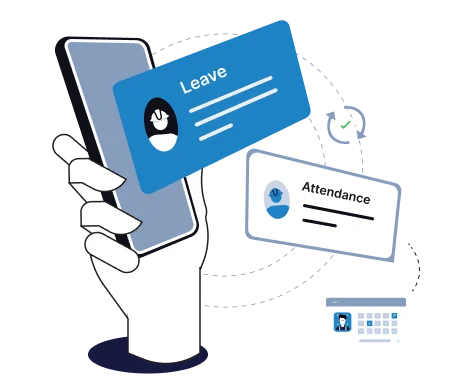
Illustration of a hand holding a smartphone with floating cards labeled 'Leave' and 'Attendance' indicating work management features.

Take Charge of Your Attendance and Timesheets with Confidence

Kiosk Mode (Touchless)
Face Mask Screening
GPS Location Capture
Govt. ID Capture
Reports and Analytics
Shift Scheduling
Staff Directory
Selfie Attendance with Geofencing
Multiple In-Out
Offline Attendance
Integration with HRMS/Payroll
Admin Dashboard (Web & Mobile)
Time Off (Leave) Management
Employee Self-Service (ESS)

How Does Truein Compare to Other Face Recognition Time Clock Systems?

Every tool below records time. They differ on what happens at the moment of the punch.

Fingerprint terminal IR or face device Truein face attendance
Dedicated hardware One or more per site One or more per site Not required, runs on phone or tablet
New site setup Procure, install, wire Procure, install, wire Software setup, same day
Manual and outdoor workers Worn, wet or greasy fingers can fail to read Fixed to one entry point Works with facial hair, masks, hard hats and changed hairstyles, at around 95 to 100% accuracy
Offline capture Device dependent Device dependent Captured on-device, syncs automatically on reconnect
Contractor-wise segregation Handled outside the device Handled outside the device Built in, per agency, with headcount caps
Govt. ID capture at enrolment Separate process Separate process Captured during onboarding

Truein is the option that verifies identity at the punch on both personal devices and shared kiosks, and reviews punch patterns across every site before payroll runs.
Integrations

Built to Connect with Existing Tools & Platforms

Truein is not payroll software and does not process payroll. It produces clean, verified time data and payroll-ready reports, then hands them to the platform that does. Truein complements your HRMS rather than replacing it. It is purpose-built depth for time and attendance, which is why it outperforms the attendance module bundled into a broader HR suite.

ADP logoDarwinbox logoTrimble logoQuickbooks logoPaychex logoPaycor logoSAP logoOracle logoOdoo logoSage logo

Easily connect Truein with any third-party or in-house Payroll and HRMS solution for seamless data sync and accurate reports.

How Long Does It Take to Go Live?

Blue triangular abstract vector graphic with varying shades and geometric shapes.
Set up your sites

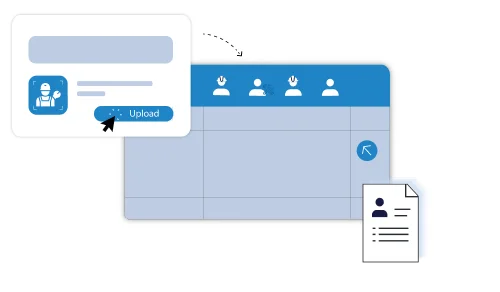
Add locations, draw geofence boundaries, and configure shifts, overtime, break, and leave policies per site and worker category.The HR manager can upload organization-wide staff data in bulk using spreadsheets.

Face framed by recognition brackets with a green check, alongside an info bubble labeling John Doe as security contract staff.
Enroll the crew

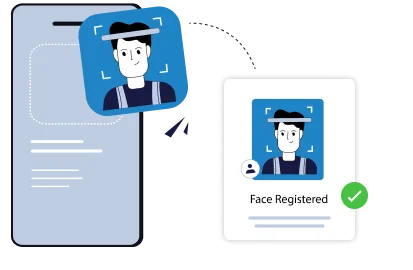
Workers self-register with a single selfie on site, or HR pre-uploads staff details for day-one clock-in. Subcontractor agency portals are provisioned with headcount caps and document expiry tracking.

Illustration of a smartphone scanning a man's face and confirming with a 'Face Registered' message and a green checkmark.
Go live and connect payroll

Crews clock in from day one and managers get the centralized dashboard. The API or FTP link to your payroll system starts moving verified time data, and AI TimeGuard begins scanning immediately.New sites are configured in minutes and workers enroll in seconds. Most teams see cleaner payroll within the first cycle. Where a site uses a shared tablet kiosk, that tablet has to be installed at the location, so "instant" describes the software setup rather than the physical install.

Illustration of a smartphone scanning a person's face with connected icons showing timesheet and location tracking.

Who Is Truein Built For?

  • Best for: Construction general contractors, trade and specialty contractors, and field service companies running 100 or more hourly workers across multiple job sites, scaling to 5,000 and 10,000+ staff enterprises.
  • Also a strong fit: Facility management companies, cleaning and janitorial services, and landscaping crews working across dispersed client sites.
  • Also used by: Logistics and warehousing operations, manufacturing plants running shift-based hourly crews, staffing firms placing workers at client sites, and multi-outlet retail chains.
  • Not built for: Desk-based, office, or white-collar teams. Truein is built for field, hourly, and multi-site workforces.
If this is your situation Run this setup
One fixed site, crew arrives at one gate Shared tablet kiosk plus geofence
Crews moving between job sites daily Personal device, face plus GPS
Subcontractor crews you do not employ directly Agency accounts with scoped access and headcount caps
Remote or low-connectivity sites Offline clock-in with automatic sync
Time needs to map to jobs and cost codes Activity Punch tagged at clock-in
Overtime and break rules differ by state or crew 70+ configurable policies by location, category, or shift

Trusted by Contractors and Field Operators

500+
Companies
Decorative star shape
25
Countries
10,000+
locations
500,000+
Users

Truein is robust, reliable, and works as promised. I have implemented Truein in my previous and current companies. It's the best and most cost-effective solution.

Piyush Dutt

CPO, Compass Group

1200+

Sites

40,000+

Staff

Truein is a highly accurate, multipurpose, and user-friendly solution. It detects fake clock-ins and covers all the modules.

Sujit Pawar

DGM, OCS Group

100+

Sites

4000+

Staff

Moving from thumb-based attendance system to a Face recognition based time and attendance solution was made easy by the Truein team.

Srinivas G

Sr. HR Manager, Tata 1mg

200+

Sites

4000+

Staff

We are using Truein Time and Attendance system at our 80 sites for over 10,000 staff. Truein has built-in customization options and gives multiple real-time reports.

Girish Nimbalkar

AGM HR, SJ Contracts

80+

Sites

10,000+

Staff

Truein has helped Jumia a lot, not only in tracking attendance and work hours but also measuring productivity and calculating the payout for external employees.

Alaa Hassan

Head of Ops Excellence, Jumia

Pleased with Truein for its accuracy and ease of use in tracking the attendance of our staff. Truein team is always ready to assist us. Highly recommend it!

Nagham Nasr,

Payroll Officer, Reyada

This face detection time & attendance software is very effective at our construction company. Full marks to Truein and their support team!

Wajahat Khan

Payroll Admin, Al Magamsi General Contracting

Truein is robust, reliable, and works as promised. I have implemented Truein in my previous and current companies. It's the best and most cost-effective solution.

Piyush Dutt

CPO, Compass Group

Truein outshines all other time and attendance solutions. Its rich features, payroll ready timesheets and centralized controls put it in a class above all.

Carlos Woodson

Phoenix Transload Services

Truein is a perfect solution for tracking time of our temp workers. It has Excellent support and user-friendly system.

Nicolous Noble

Payroll Administrator, Backerhaus Veit

Truein has strengthened our Time & Attendance accuracy and quality, ensuring compliance and trust among end-users. Excellent product!

Henry Carrillo

Farm Administrator, Unispice

Truein is robust, reliable, and works as promised. I have implemented Truein in my previous and current companies. It's the best and most cost-effective solution.

Piyush Dutt

CPO, Compass Group

5 star rating for Truein on Capterra5 star rating for Truein on G24.5 star rating for Truein on Apple Store4.5 star rating for Truein on Google Play4.5 star rating for Truein on GetApp

G2 4.8/5 from 95 reviews · Capterra 4.8/5 from 42 reviews

Ready to See Every Punch Verified?

Book a demo and we will walk through your sites, your crew mix, and your payroll setup.

Book a demo and we will walk through your sites, your crew mix, and your payroll setup.

Book A Demo
Compass Group logoOCS logoCBRE logoAmana logoSJ Contracts logoWalker Engineering logoAir India logoAdani logoTata Projects logo

What Should the Best Face Recognition Time Clock System to Stop Buddy Punching Do?

"Face recognition" covers three different mechanisms, and they do not do the same job.

If this is your situation Run this setup
One fixed site, crew arrives at one gate Shared tablet kiosk plus geofence
Crews moving between job sites daily Personal device, face plus GPS
Subcontractor crews you do not employ directly Agency accounts with scoped access and headcount caps
Remote or low-connectivity sites Offline clock-in with automatic sync
Time needs to map to jobs and cost codes Activity Punch tagged at clock-in
Overtime and break rules differ by state or crew 70+ configurable policies by location, category, or shift

What to check before you commit:

  • Does a failed match block the punch, or just save a photo? This is the difference between prevention and documentation.
  • How does the system handle a printed photo or a phone screen? Ask whether detection happens at the punch or after it, and expect a straight answer.
  • Does it verify identity in the mode your crews actually use? Verification on personal phones is no help if your workers punch at a shared tablet, and the reverse is equally true.
  • Does it hold up in field conditions? Ask how the system performs with hard hats, masks, and beards, and what the vendor's stated accuracy range actually covers.
  • What happens when the network drops? On remote sites, offline capture is the difference between a record and a gap.
  • Is location verified as well as identity? Face answers who. Only geofencing answers where.
  • Does anything review patterns before payroll? Or is that a person reading every timesheet?
  • Can subcontractor crews be scoped and capped separately? Ask this before three agencies bill you for the same headcount.
  • Is your payroll provider a live integration? Confirm it rather than assuming it.
  • What are your biometric consent obligations? Written consent, a retention policy, and an audit trail, checked against the states you operate in.

The fastest question in a vendor demo: show me what happens when a worker whose face does not match tries to punch. If the answer is that it gets saved for review, you are buying documentation, not prevention.

What Is Buddy Punching, and What Does It Cost?

Buddy punching is when one worker clocks in or out on behalf of another who is not there. It is the most common form of time theft in hourly workforces, and it is close to invisible in paper, spreadsheet, PIN, and badge systems, because all of those record a punch without proving who made it.

It usually starts small. A crew member running late texts a coworker. Nobody thinks of it as fraud. Then it becomes routine, and the cost compounds quietly until someone reconciles a payroll cycle against the actual site headcount.

The American Payroll Association, now PayrollOrg, reports that about 75% of U.S. businesses are affected by buddy punching, and analysis from Nucleus Research puts the cost near 2.2% of gross payroll at affected companies. On a $5 million annual payroll, that is roughly $110,000 a year.

The pattern is consistent across job sites: shared credentials at the gate, punches from off site, a supervisor clocking in a crew that has not fully arrived, and subcontractor headcount nobody can verify.

Is a Face Recognition Time Clock Legal in the U.S.?

Yes, when it is deployed with consent. Truein uses consent-first enrollment, so workers are informed before any face data is captured. That makes the technology biometric consent-compliant by design rather than a legal gray area.

Five states have biometric consent requirements that apply directly to workplace time and attendance.

California. The employee exemption under the CCPA, as amended by the CPRA, expired on 1 January 2023. California employees now hold full notice, access, and deletion rights over biometric data collected at work, including for time and attendance. Any company with California sites should treat this as an active consideration rather than a future one.

Illinois. The Biometric Information Privacy Act (BIPA) requires written consent before biometric data is collected and, unlike most state biometric laws, lets individuals sue directly. That private right of action is why BIPA carries more practical risk than any other statute on this list.

Texas. The Capture or Use of Biometric Identifier Act (CUBI) requires a company to inform employees and obtain consent before capturing biometric identifiers, including a record of face geometry, for a commercial purpose. Enforcement sits with the Texas Attorney General only, with civil penalties of up to $25,000 per violation.

Washington. RCW 19.375, the Washington Biometric Privacy Act, requires notice and consent before a company enrolls a biometric identifier in a database for a commercial purpose. It is enforced solely by the Washington Attorney General through the state's Consumer Protection Act.

Colorado. HB 24-1130, effective 1 July 2025, requires employee consent before biometric identifiers are collected for employment use, a written retention and deletion policy, and deletion within 24 months of an employee's last interaction unless a statutory exception applies. Time and attendance is a permitted use when those requirements are met.

How Truein supports this: consent-first enrollment, so workers are informed before any face data is captured.

  • Disclaimer: This section is for general informational purposes only and does not constitute legal advice. Biometric privacy laws vary by state and change over time; the information above reflects publicly available sources as of the article's publish date and may not reflect subsequent legal developments in your jurisdiction. Before deploying biometric attendance technology, consult a licensed attorney familiar with the applicable state and local requirements.
Our Awards & Accolades
Truein awarded High Performer badge by Software SuggestTruein awarded High Performer badge for mid-market by G2Truein awarded Customers Love Us badge by SourceForgeTruein awarded High Performer badge in Winter 2026 by G2Truein awarded Best Ease of Use badge by Capterra
Explore Our Other Truein Workforce Solutions

Foolproof and Centralized solution for contract and multi-sites workforce.

  • Prevent Time Theft
  • AI-Powered Face Recognition
  • 70+ Attendance Policies

Girish Nimbalkar

AGM HR, SJ Contracts

Piyush Dutt

CPO, Compass Group

Srinivas G

Sr. HR Manager, Tata 1mg

Nagham Nasr

Payroll Officer, Reyada

Wajahat Khan

Payroll Admin, Al Magamsi General Contracting

Alaa Hassan

Head of Ops Excellence, Jumia

Carlos Woodson

Phoenix Transload Services

Nicolous Noble

Payroll Administrator, Backerhaus Veit

Henry Carrillo

Farm Administrator, Unispice

Hey there! I'm Aby! Schedule a demo to implement centralized 
time and attendance solution for multi-site workforce.

Hey there! I'm Aby! Schedule a demo

Schedule a demo with a Truein Solution Expert

Thank you! Your submission has been received!
Oops! Something went wrong while submitting the form.
Thank you! Your submission has been received!
Oops! Something went wrong while submitting the form.

58+  

Global companies booked a Truein demo last week

Frequently asked questions