Book A Free Demo
Book A Free Demo
AI Face Recognition Time Clock Software
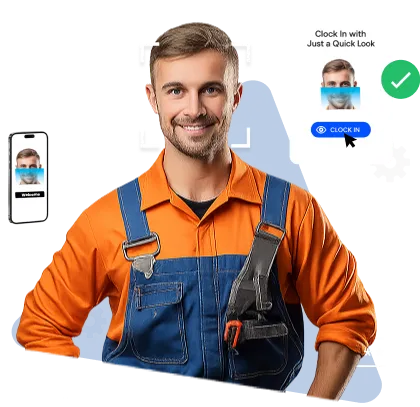
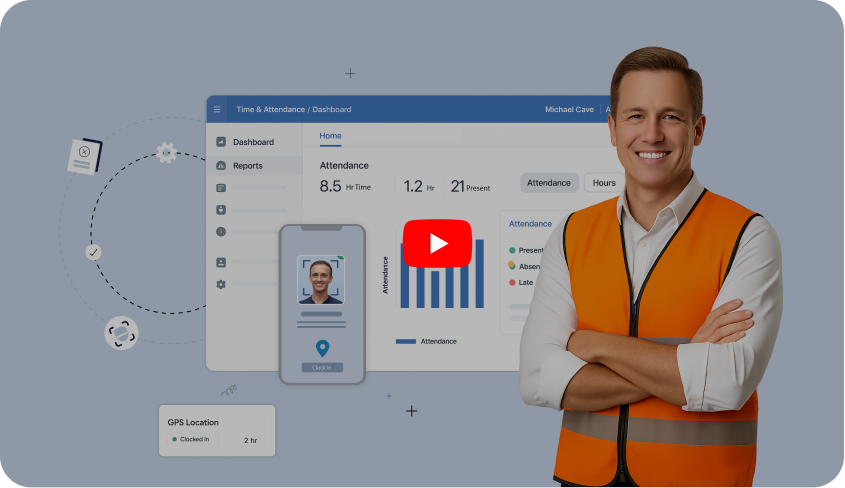
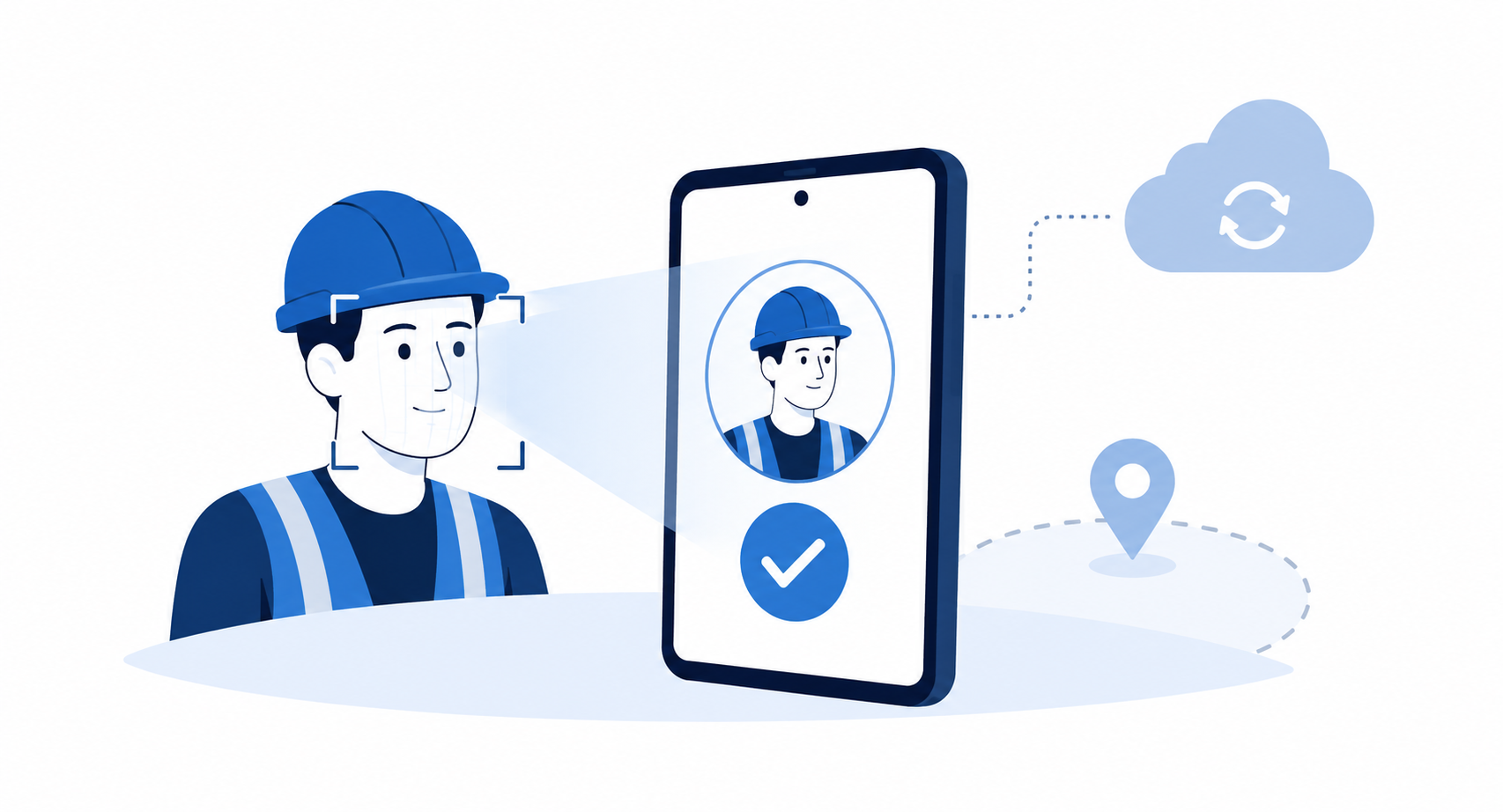
Truein verifies a worker's live face and GPS location on every clock-in, on any Android or iOS device. If the face does not match, the clock-in is blocked on the spot. If the system detects a photo or a screen, the record is flagged and invalidated before payroll runs.


Trusted by Workforces Across Industries


Feature Overview
Most products sold as face recognition simply photograph the worker at clock-in and file the image for someone to review later. That is documentation. Truein runs three AI checks on every clock-in. One of them, the identity match, can stop the clock-in as it happens; the other two flag a spoof or a risky pattern for review before payroll runs.
 A photo captured, but nobody reviews it
 A printed photo or phone screen held to the camera
 Shared PINs and badges at the gate
 A foreman clocking in the whole crew
 Clock-ins from the parking lot or from home
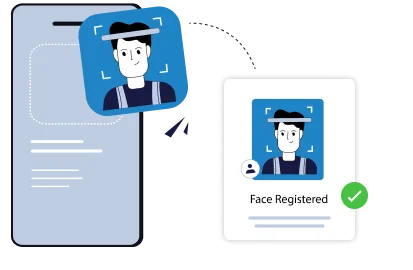
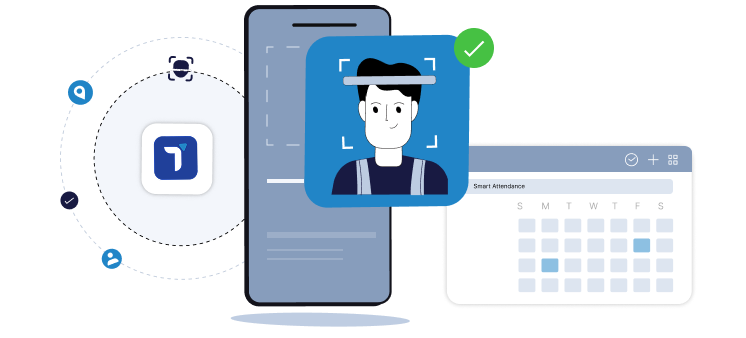
 Liveness checked and face matched at the moment of clock-in
 Failed match or detected spoof blocks the entry
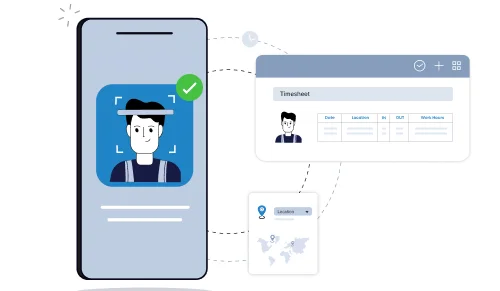
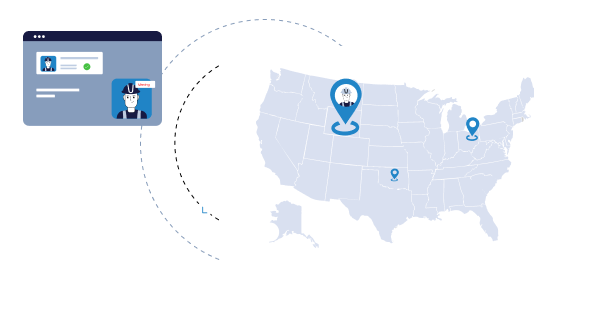
 GPS geofence ties the clock-in to the job site
No PINs, badges, or cards to hand over
GPS geofence ties the clock-in to the job site
No PINs, badges, or cards to hand over
Benefits

A blocked clock-in never reaches your timesheet. A filed photo does.

Face answers who. GPS answers where. Truein can check both on the same clock-in.

Around 95 to 100% accuracy with hard hats, masks, facial hair, and changed hairstyles.

Printed photos, phone screens, and video replays are detected, flagged, and invalidated before payroll runs.
.jpg)
Any Android or iOS phone or tablet becomes a clock-in point. New sites go live the same day.
Upgrade your attendance system with touchless, face-based accuracy, eliminating time fraud, improving compliance, and enhancing visibility.
Book A Demo








Truein's AI liveness detection reads the live camera feed and looks for the signatures of a printed photo, a phone or tablet screen, and a replayed video. When it detects a spoof attempt, the record is flagged and invalidated on review, and the worker can be blocked from further clock-ins. In the default configuration this happens after the clock-in is captured, which means the attempt is caught before payroll runs rather than at the door. A failed face match, by contrast, blocks the clock-in on the spot.
This matters because face recognition is used to describe two different things. Some tools capture a face and verify it. Others capture a face and store it. Only the first can stop one.
Quick FAQ’s



Identity verification on its own cannot tell you a worker was on site. Truein pairs the face match with a GPS geofence, with a minimum configurable radius of 20 meters, roughly 65 feet. Each site, floor, wing, or zone can be fenced separately, which suits open job sites, campuses, and outdoor work.Enforcement is yours to configure. An out-of-boundary clock-in can be blocked outright, allowed with an alert to the supervisor, or routed for approval, so different crews can run different rules under one account.
Quick FAQ’s
No. The category splits into two things: dedicated hardware you mount, wire, and procure for each site, and software that runs on the Android and iOS devices you already own. Truein is the second. There are no fingerprint scanners to buy, no wall-mounted terminals to procure, and no IT ticket to open before a new site goes live.
Mix them. A general contractor can run a kiosk at the main gate, personal-device clock-ins for subs working across the building, and supervisor-assisted clock-in for a day crew, all on one account.
Quick FAQ’s
.png)
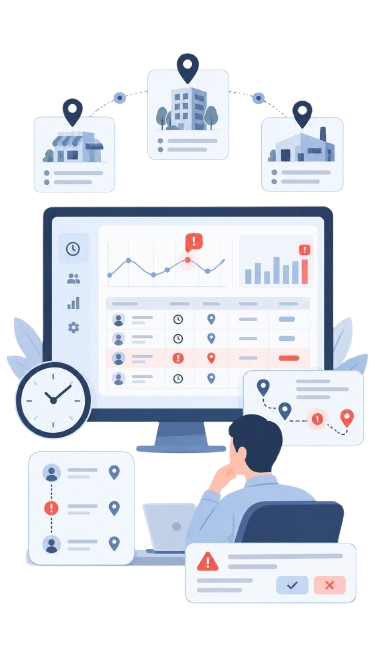
Liveness and GPS stop fraud at the moment of clock-in. AI TimeGuard helps identify suspicious clock-in activity and potential time theft for manager review. It works alongside Truein's face verification and GPS controls to support clock-in integrity across multi-site workforces. Available checks depend on the clock-in method and account configuration.
A flag is a starting point for review. Managers examine the relevant records before deciding what happened, and a flagged event does not establish that time theft occurred.
AI Analytics sits alongside it, answering questions about attendance rates, overtime patterns, and correction frequency across sites without anyone building a report.
Quick FAQ’s
Basements, elevator shafts, early-stage sites before connectivity is run, rural and remote work. Attendance capture never depends on network availability. Truein records the clock-in on the device, stores it locally, and syncs automatically when the network returns. Records captured offline are flagged as such so supervisors know what they are looking at.
One thing to be clear about: an offline clock-in appears in the dashboard after it syncs, not before. Real-time visibility applies to connected clock-ins.
Quick FAQ’s
.png)


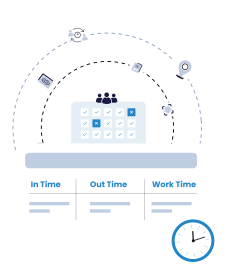
Every option below records time. They differ on what happens at the moment of clock-in.
Truein is the option that verifies a live, correct face at the moment of clock-in on both personal devices and shared kiosks, and reviews clock-in patterns across every site before payroll runs.

Truein is robust, reliable, and works as promised. I have implemented Truein in my previous and current companies. It's the best and most cost-effective solution.

Piyush Dutt
CPO, Compass Group
1200+
Sites
40,000+
Staff
Truein is a highly accurate, multipurpose, and user-friendly solution. It detects fake clock-ins and covers all the modules.

Sujit Pawar
DGM, OCS Group
100+
Sites
4000+
Staff
Moving from thumb-based attendance system to a Face recognition based time and attendance solution was made easy by the Truein team.

Srinivas G
Sr. HR Manager, Tata 1mg
200+
Sites
4000+
Staff
We are using Truein Time and Attendance system at our 80 sites for over 10,000 staff. Truein has built-in customization options and gives multiple real-time reports.

Girish Nimbalkar
AGM HR, SJ Contracts
80+
Sites
10,000+
Staff


Truein has helped Jumia a lot, not only in tracking attendance and work hours but also measuring productivity and calculating the payout for external employees.

Alaa Hassan
Head of Ops Excellence, Jumia
Pleased with Truein for its accuracy and ease of use in tracking the attendance of our staff. Truein team is always ready to assist us. Highly recommend it!

Nagham Nasr,
Payroll Officer, Reyada
This face detection time & attendance software is very effective at our construction company. Full marks to Truein and their support team!

Wajahat Khan
Payroll Admin, Al Magamsi General Contracting
Truein is robust, reliable, and works as promised. I have implemented Truein in my previous and current companies. It's the best and most cost-effective solution.
Piyush Dutt
CPO, Compass Group
Truein outshines all other time and attendance solutions. Its rich features, payroll ready timesheets and centralized controls put it in a class above all.

Carlos Woodson
Phoenix Transload Services
Truein is a perfect solution for tracking time of our temp workers. It has Excellent support and user-friendly system.

Nicolous Noble
Payroll Administrator, Backerhaus Veit
Truein has strengthened our Time & Attendance accuracy and quality, ensuring compliance and trust among end-users. Excellent product!

Henry Carrillo
Farm Administrator, Unispice
Truein is robust, reliable, and works as promised. I have implemented Truein in my previous and current companies. It's the best and most cost-effective solution.
Piyush Dutt
CPO, Compass Group





Use an AI-powered face attendance system to keep your attendance process compliant, transparent, and free from time fraud.
Book A DemoAI face recognition time clock software is time tracking software that records employee work hours by verifying the worker's face at the moment of clock-in, rather than accepting a PIN, a badge, or a supervisor's word. The AI does two jobs: it confirms the camera is looking at a live person rather than a photo or a screen, and it matches that live face to the worker's enrolled profile before the clock-in is recorded.
The category covers two very different form factors. Dedicated terminals are mounted at a fixed entry point and procured per site. Software systems like Truein run on standard Android and iOS phones and tablets, which is what makes multi-site and field deployment practical. Most modern systems also pair the face check with GPS geofencing, because identity alone does not prove location.












Hey there! I'm Aby! Schedule a demo to implement centralized time and attendance solution for multi-site workforce.
Hey there! I'm Aby! Schedule a demo

Schedule a demo with a Truein Solution Expert

58+
Global companies booked a Truein demo last week
No US state bans it. Five states require documented consent before enrollment, and that consent process is the whole compliance question. Truein supports consent-first enrollment: when it is enabled, workers review and accept a recorded consent screen before any face data is captured. Collecting the consent stays the employer's obligation. Face data is stored as an encrypted face template, and raw images are stored only where the customer enables that setting.
Five states have biometric consent requirements that apply directly to workplace time and attendance.
Truein is ISO 27001:2022 certified and SOC 2 Type II compliant.