Book A Free Demo
Book A Free Demo
Multi-Site Face Attendance
One account for every site, branch, and project in India. Face and GPS-verified punches on any Android or iOS device, with every punch on one central dashboard.


Trusted by Workforces Across Industries


Feature Overview
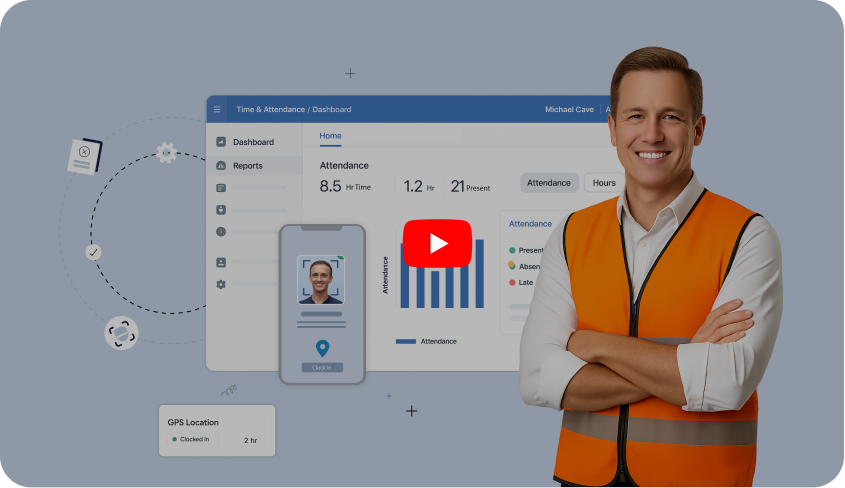
A face attendance system for multiple sites lets workers at every location mark attendance with their face, checks where they are, and sends each punch to one central dashboard. Truein is built for exactly this: contract and multi-site workforces in India, running on any Android or iOS device.
Most multi-site attendance in India still runs on a muster roll at each gate, an Excel sheet consolidated at month-end, or a biometric machine per site that has to be bought, installed, and serviced. Truein replaces all three with one account.
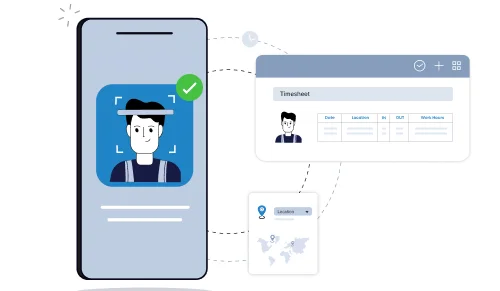
Three checks on every punch:
Most attendance systems handle one site well. Truein is built to run hundreds from one account.
Each site keeps its own muster roll. HR consolidates thirty spreadsheets at month-end, and payroll pays for whatever they say.
Truein puts every site on one account, so attendance is verified at the punch and consolidated as it happens.
 Face verified punches, not signatures in a register
 One dashboard across sites, no month-end consolidation
 Payroll-ready report by site, agency or company
One worker knows three PINs or carries two cards. The crew arrives at 8:10 and the register says 7:55 for all of them.
Truein replaces the credential with the face, so there is nothing left to share.
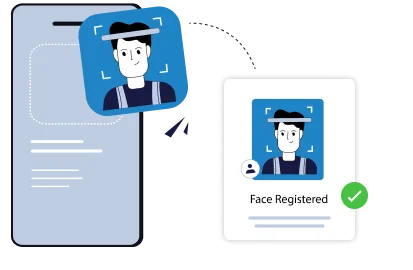
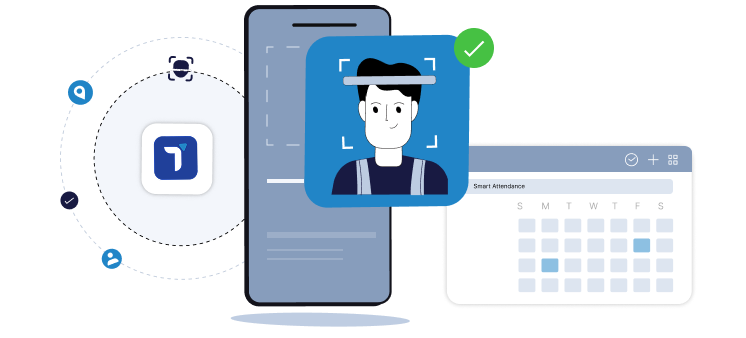
Face matched at the moment of the punch
Failed match blocks the entry on the spot
No PINs, cards or shared logins to hand over
Every new project or branch means a device to procure, install, wire, service, and wait before attendance starts.
Truein runs on the phones and tablets you already own, so a new site goes live the same day.
Software setup, no device procurement per site
Shared tablet kiosk or personal phone, your choice
Same account, same rules, every new site
A worker transferred from one project to another has to be re-enrolled on a new machine, and last week's hours go missing.
Truein lets you transfer employees across sites quickly on the same profile, while preserving their historical records.
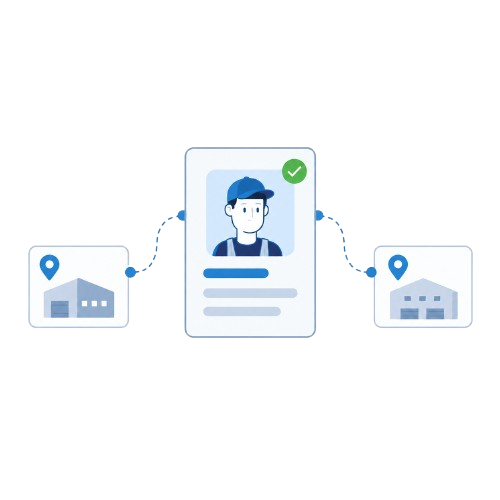
Enroll once, punch in at any authorised site
Site transfers without re-enrolment
Attendance history follows the worker
Three manpower agencies bill for crews on the same site and nobody can prove who was actually there.
Truein gives you the visibility and controls to separate agency staff from your own.
Per-agency headcount limits
Scoped dashboard access for each agency supervisor
Agency-specific policies, rates and document expiry tracking
Benefits

Enroll a worker once, and they can clock in/out at any site they’re assigned to, without re-enrolment when transferred on the same profile.

Any Android or iOS phone or tablet can become an attendance capture point. New sites go live the same day.

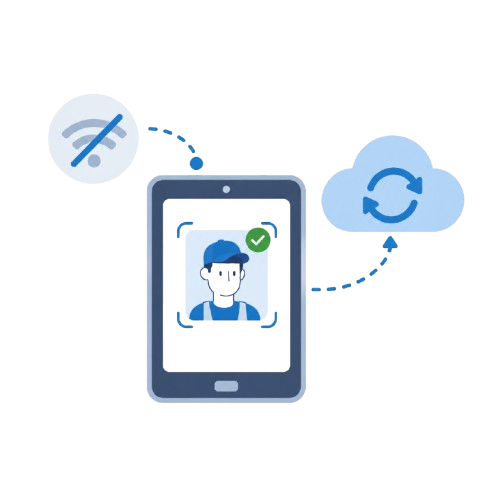
Punches are captured on the device offline and sync automatically when the network returns.

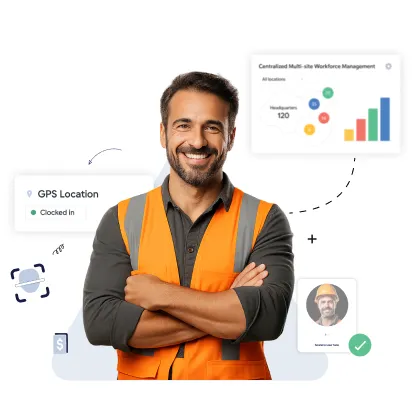
Truein gives central HR/operations company-wide visibility, while site admins can be restricted to only their assigned site(s), and contractor agencies see only their own staff.

AI TimeGuard flags risk signals across every site, so managers can focus their review on flagged exceptions instead of reading every timesheet.
Bring your site list, worker mix, and payroll setup. We will show you how face verification, geofencing, and AI TimeGuard work together across a workforce like yours.
Book A Demo








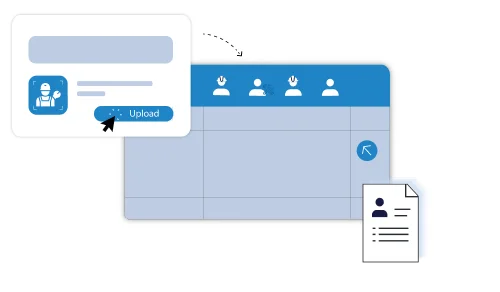
Every worker is enrolled once, with a single face profile and a single record. Each site, floor, wing or zone gets its own geofence, and you decide which sites a worker or crew is authorised to punch in at. When a worker moves to another project, you change the assignment, not the enrolment.
Access is scoped by role. A site supervisor sees their own site, a regional head sees their region, and HR or operations see every site, shift and agency from one dashboard on web and mobile.
Quick FAQ’s

.png)
No. Truein runs on standard Android and iOS phones and tablets. There is no biometric machine to procure per site, no wiring, and no annual maintenance contract before attendance starts.
Mix them under one account. A contractor can run a kiosk at the main gate, personal-device punches for staff moving across the project, and supervisor-assisted clock-in for a daily wage crew, all with the same rules and reports.
Quick FAQ’s
Yes. Each site, crew, and agency can run the setup that fits it, managed from the same dashboard.
The software setup takes minutes: add the site, draw the geofence, assign policies and workers. If the site uses a shared tablet kiosk, the tablet has to be installed at the location.
Face and GPS together are the standard setup for kiosk, personal device, and supervisor-assisted modes. GPS-only is available on personal devices in some configurations.

Yes. A selfie-based attendance app lets a worker mark attendance by taking a live selfie on their own phone. Truein matches the face to the enrolled profile, checks the GPS location against the site geofence, and records the punch. If the face does not match, the punch is blocked, and the worker is prompted to retry.
Truein also runs spoof detection on captured punches. In the default configuration a suspicious punch is flagged after capture, marked for review, and the worker can be blocked from further punches. The app runs on Android and iOS and works with masks, facial hair, hard hats and changed hairstyles at around 95 to 100 percent accuracy.
Quick FAQ’s
Basements and plant floors, early-stage project sites before connectivity is run, tier-2 and tier-3 towns, rural and remote work. Attendance capture never depends on network availability. Truein records the punch on the device, stores it locally, and syncs automatically when the network returns. Offline records are flagged as ‘captured offline’ so supervisors know what they are looking at.
One thing to be clear about: an offline punch appears in the dashboard after it syncs, not before. Real-time visibility applies to connected punches.
Quick FAQ’s
No. The punch is captured on the device with zero connectivity and synced automatically when the network is restored. No records are lost.
They carry a ‘captured offline’ flag and enter the dashboard once they sync, so they are not part of the real-time view until then.
Yes. Attendance capture, including the face match, runs on the device at the time of the punch. Only the sync to the dashboard waits for connectivity.
Truein supports multiple manpower agencies under one account. Each agency supervisor gets a scoped view limited to their own staff; agencies can be mapped to specific sites, and per-agency headcount limits, policies, pay rates, and document expiry tracking sit alongside your own employee data. That gives you the visibility and controls to spot and prevent overlap and overbilling.
Shift, overtime, break, weekly-off and leave rules come from 70+ configurable policies applied by location, worker category or shift, so a plant in one state and a project site in another can run different rules under the same account. Policies are configurable tools designed to support compliance with local labour rules, not legal guarantees.
Quick FAQ’s

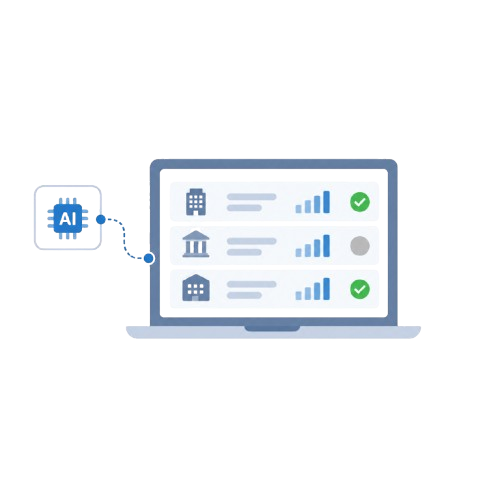
Face and GPS verification stop proxy attendance at the moment of the punch. AI TimeGuard, Truein's built-in anomaly detection, continuously reviews attendance data across every site and flags identical punch patterns across workers, impossible travel sequences between sites, geofence edge anomalies, abnormal overtime spikes, frequent timesheet corrections, and payroll-impacting edits.
Managers review the flagged exceptions rather than reading every site's timesheet. AI TimeGuard surfaces risk signals for human review; it does not guarantee a fraud-proof payroll. AI Analytics sits alongside it, answering questions about attendance rates, overtime, and corrections across sites without anyone building a report.
Quick FAQ’s


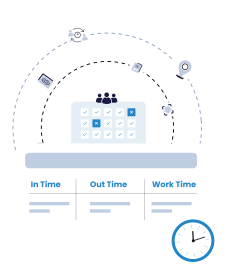
Most multi-site attendance in India runs on one of three things: a paper register or Excel sheet, a dedicated face or fingerprint terminal at each site, or the attendance module of an HRMS. Each records attendance. They differ on what it takes to run fifty sites from one place.
Truein is purpose-built time and attendance. It complements the HRMS and payroll tools you already run rather than replacing them, and it is the option that verifies identity at the punch on both personal phones and shared kiosks across every site.
Best for: Construction companies, facility management companies, and cleaning and housekeeping services running 100 or more contract or daily wage workers across multiple sites, scaling to 5,000 and 10,000+ staff enterprises.
Also a strong fit: Manufacturing plants running shift-based crews, retail chains and multi-outlet stores, and FMCG distribution teams spread across towns.
Also used by: Manpower and staffing agencies placing workers at client sites, logistics and warehousing operations, and security services managing guards across posts.
Not built for: Desk-based, office, or white-collar teams. Truein is built for contract, daily-wage, and multi-site workforces.

Truein is robust, reliable, and works as promised. I have implemented Truein in my previous and current companies. It's the best and most cost-effective solution.

Piyush Dutt
CPO, Compass Group
1200+
Sites
40,000+
Staff
Truein is a highly accurate, multipurpose, and user-friendly solution. It detects fake clock-ins and covers all the modules.

Sujit Pawar
DGM, OCS Group
100+
Sites
4000+
Staff
Moving from thumb-based attendance system to a Face recognition based time and attendance solution was made easy by the Truein team.

Srinivas G
Sr. HR Manager, Tata 1mg
200+
Sites
4000+
Staff
We are using Truein Time and Attendance system at our 80 sites for over 10,000 staff. Truein has built-in customization options and gives multiple real-time reports.

Girish Nimbalkar
AGM HR, SJ Contracts
80+
Sites
10,000+
Staff


Truein has helped Jumia a lot, not only in tracking attendance and work hours but also measuring productivity and calculating the payout for external employees.

Alaa Hassan
Head of Ops Excellence, Jumia
Pleased with Truein for its accuracy and ease of use in tracking the attendance of our staff. Truein team is always ready to assist us. Highly recommend it!

Nagham Nasr,
Payroll Officer, Reyada
This face detection time & attendance software is very effective at our construction company. Full marks to Truein and their support team!

Wajahat Khan
Payroll Admin, Al Magamsi General Contracting
Truein is robust, reliable, and works as promised. I have implemented Truein in my previous and current companies. It's the best and most cost-effective solution.
Piyush Dutt
CPO, Compass Group
Truein outshines all other time and attendance solutions. Its rich features, payroll ready timesheets and centralized controls put it in a class above all.

Carlos Woodson
Phoenix Transload Services
Truein is a perfect solution for tracking time of our temp workers. It has Excellent support and user-friendly system.

Nicolous Noble
Payroll Administrator, Backerhaus Veit
Truein has strengthened our Time & Attendance accuracy and quality, ensuring compliance and trust among end-users. Excellent product!

Henry Carrillo
Farm Administrator, Unispice
Truein is robust, reliable, and works as promised. I have implemented Truein in my previous and current companies. It's the best and most cost-effective solution.
Piyush Dutt
CPO, Compass Group





A single-site attendance tool and a multi-site attendance system are not the same product. Before you commit, check these:
A single-site attendance tool and a multi-site attendance system are not the same product. Before you commit, check these:
Use an AI-powered face attendance system to keep your attendance process compliant, transparent, and free from time fraud.
Book A DemoYes. Face attendance is widely used across Indian construction, manufacturing, facility management, and retail, and two frameworks shape how it should be deployed.
Labour law. The Contract Labour (Regulation and Abolition) Act, 1970 has been consolidated into India's four Labour Codes, in force since 21 November 2025, with central rules notified on 8 May 2026 and state rules rolling out in phases. Under the Code on Social Security, 2020, provident fund, ESIC and gratuity are being extended to contract and fixed-term workers, and the principal employer carries responsibility for the social security of contract workers. Verified, site-wise attendance is the record those obligations rest on.
Data protection. The Digital Personal Data Protection Act, 2023 governs how face and attendance data is collected, stored, and processed. It is coming into force in phases: rules notified in November 2025, consent-manager provisions operative from November 2026, and full compliance obligations enforced from May 2027. The obligations that matter for attendance are consent, purpose limitation, data minimisation, and breach notification.
How Truein supports this. Workers are informed before any face data is captured, which supports the consent requirement under the DPDP Act. Attendance data, including face registration, is processed on AWS infrastructure hosted in India. Truein is ISO 27001:2022 certified and SOC 2 Type II compliant, acts as data processor with the customer as data controller, and has a designated Data Protection Officer reachable at dpo@truein.com. Truein's data protection framework aligns with the core principles the DPDP Act establishes and is structured to meet its obligations as the rules come into force.












Hey there! I'm Aby! Schedule a demo to implement centralized time and attendance solution for multi-site workforce.
Hey there! I'm Aby! Schedule a demo

Schedule a demo with a Truein Solution Expert

58+
Global companies booked a Truein demo last week