Construction Time Clock Comparison

Best Face Recognition Time Clock Software for Construction Crews

Nine tools compared on how they verify identity at the clock-in, plus GPS geofencing, offline capture, and payroll exports across job sites.
  • 9 tools compared on verification method
  • Live face match vs photo-for-later-review
  • Features verified August 2026
Book A Demo
Trusted by 500+ companies across 10,000+ locations
★★★★⯨ 4.8 on G2
★★★★⯨ 4.8 on Capterra
Smiling construction worker in orange safety vest and yellow helmet holding a wrench with digital clock-in interface graphics around him.

Quick Answer

For construction crews, Truein is the strongest fit for multi-site contractors and subcontractor crews that need a live face match on standard phones or a shared tablet. SmartBarrel suits remote sites needing rugged, self-powered hardware. Workyard and busybusy fit crews where job costing leads. Jibble works for lean crews on a budget. The deciding question is not whether a tool has "facial recognition." It is whether the tool matches the face against an enrolled template at the moment of the clock-in, or simply captures a photo for a supervisor to review later.

Face Recognition Time Clocks for Construction, Compared

Tool Best for Identity check at clock-in GPS geofencing Offline capture Runs on
Truein Multi-site crews and subcontractor agencies Live face match against enrolled template Yes, from a 20 m radius Yes, on-device, auto-syncs Any Android or iOS phone or tablet
Workyard Job costing and labor allocation Photo and face check on supported clocks Yes, precise site boundaries Yes Phone app and kiosk
Jibble Lean crews and budget-first buyers AI facial recognition Yes Yes Phone and shared kiosk
ClockShark Small to midsize trade contractors Face check tied to kiosk mode Yes, GPSFence Yes Phone app and tablet kiosk
Buddy Punch Simple setups with a central clock Face check via device Face ID Yes Limited Phone, iPad kiosk
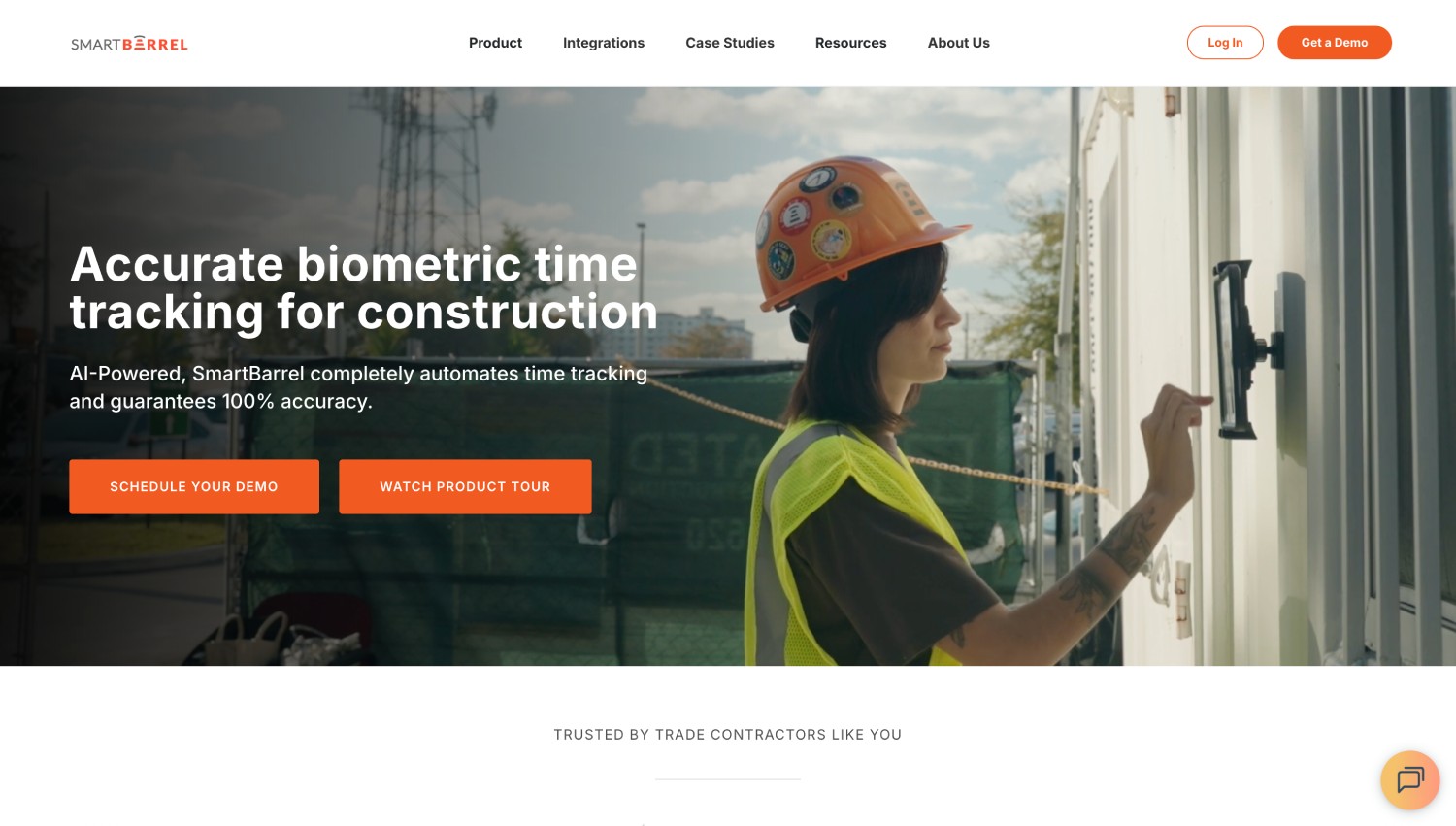
SmartBarrel Remote sites with no power or Wi-Fi Face verification on rugged device Yes Yes Purpose-built rugged unit
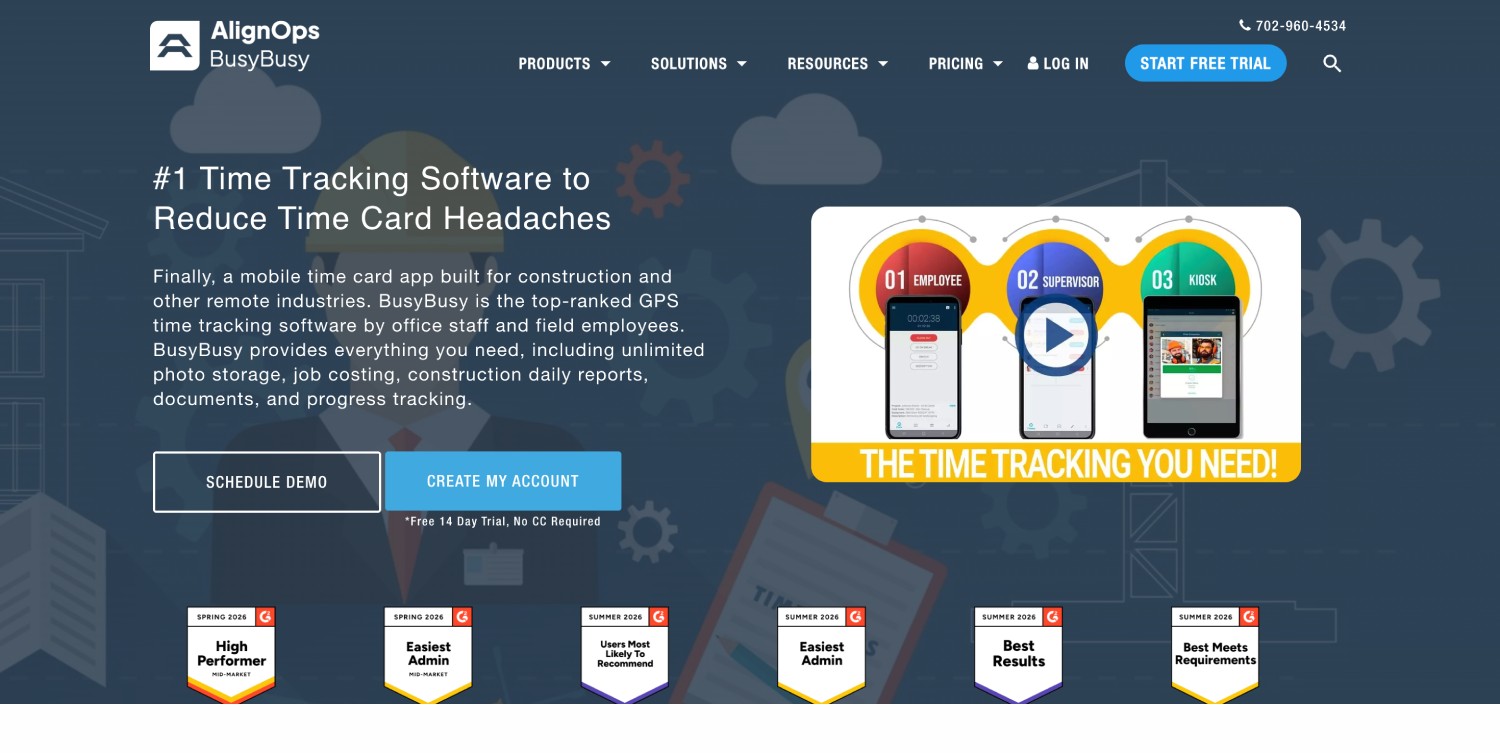
busybusy Equipment plus labor tracking Photo-based face check Yes Yes Phone app
ExakTime (Arcoro Time) Rugged field logging and job costing Photo captured for supervisor review Yes Yes Rugged device and app
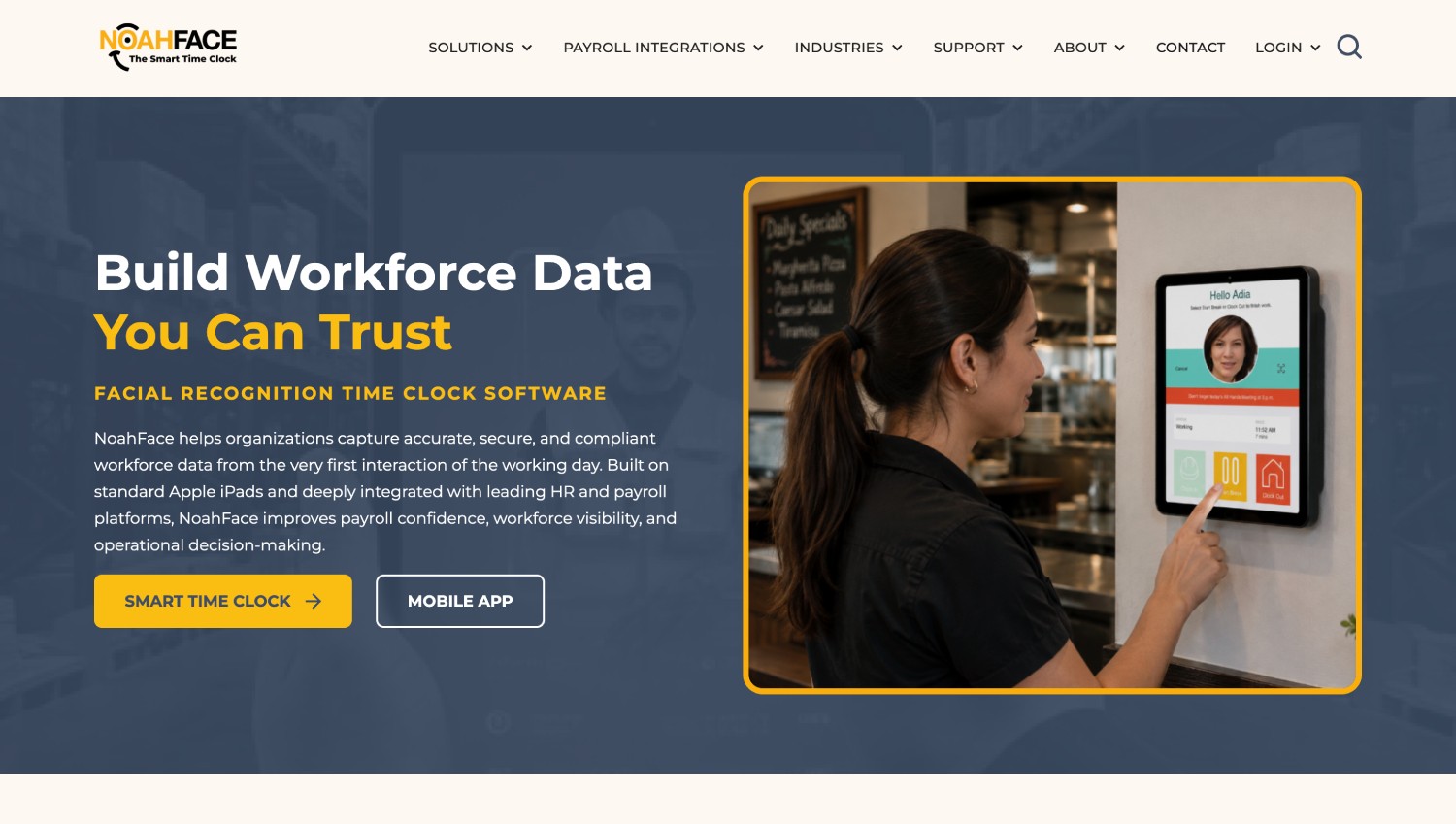
NoahFace Fixed tablet kiosks at site entry Face recognition on iPad kiosk Limited Yes iPad kiosk

Built for teams managing construction workforce

Track attendance, monitor sites, and run payroll — without the manual effort.

Site supervisors

Track crew attendance across every job site in real time

HR & payroll teams

Get accurate attendance data and payroll-ready reports

Owners & executives

Stop revenue loss caused by time theft and subcontractor overbilling

Project managers

Monitor every site, shift, and crew from one dashboard

How Truein works

1
Deploy in minutes
Set up on any Android or iOS phone or tablet — no dedicated hardware needed
2
Enroll your workforce once
Staff self-register with a single selfie, or HR/admin pre-uploads staff details
3
Get time tracking data and payroll-ready reports
Every verified clock-in compiles automatically into reports
See how teams like yours use Truein →
Video demonstrating Truein’s face recognition attendance and workforce management software

The Nine Tools, in Detail

Truein: Best for multi-site crews and subcontractor accountability

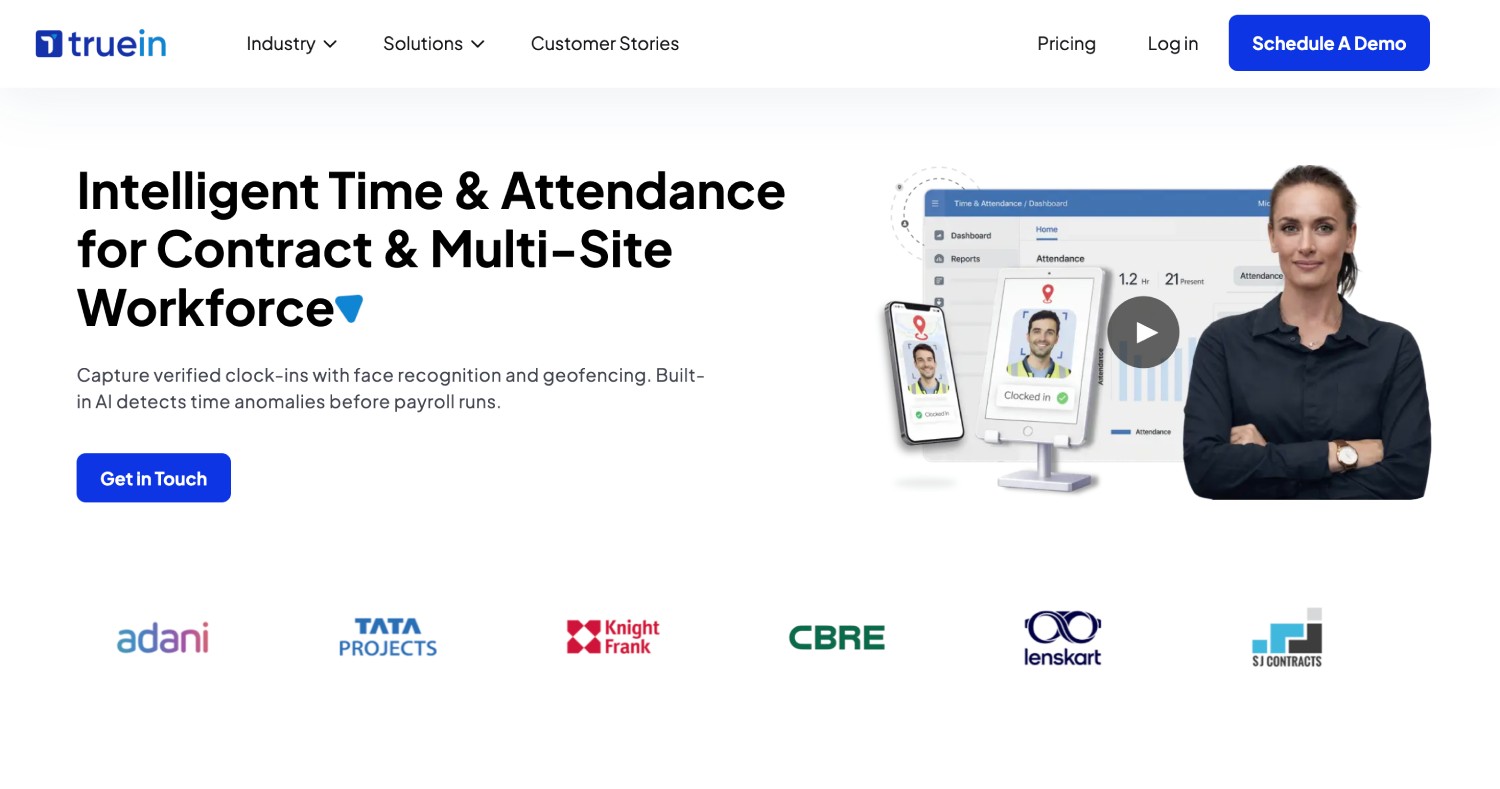
Truein turns any Android or iOS phone or shared tablet into a construction time clock. Every clock-in runs a live face match against the worker's enrolled face, and a failed match blocks the clock-in on the spot and prompts a retry. GPS geofencing ties each clock-in to the job site, and offline capture keeps recording when the site has no signal. Purpose-built for hourly and multi-site workforces rather than desk teams.
  • Live face match at the moment of clock-in, not a photo for later
  • Geofence radius configurable from 20 meters, roughly 65 feet
  • Subcontractor agencies get access scoped to their own crew
Limitation: No certified payroll or prevailing wage reporting. See the fit section below.

Workyard: Best for GPS precision and job costing

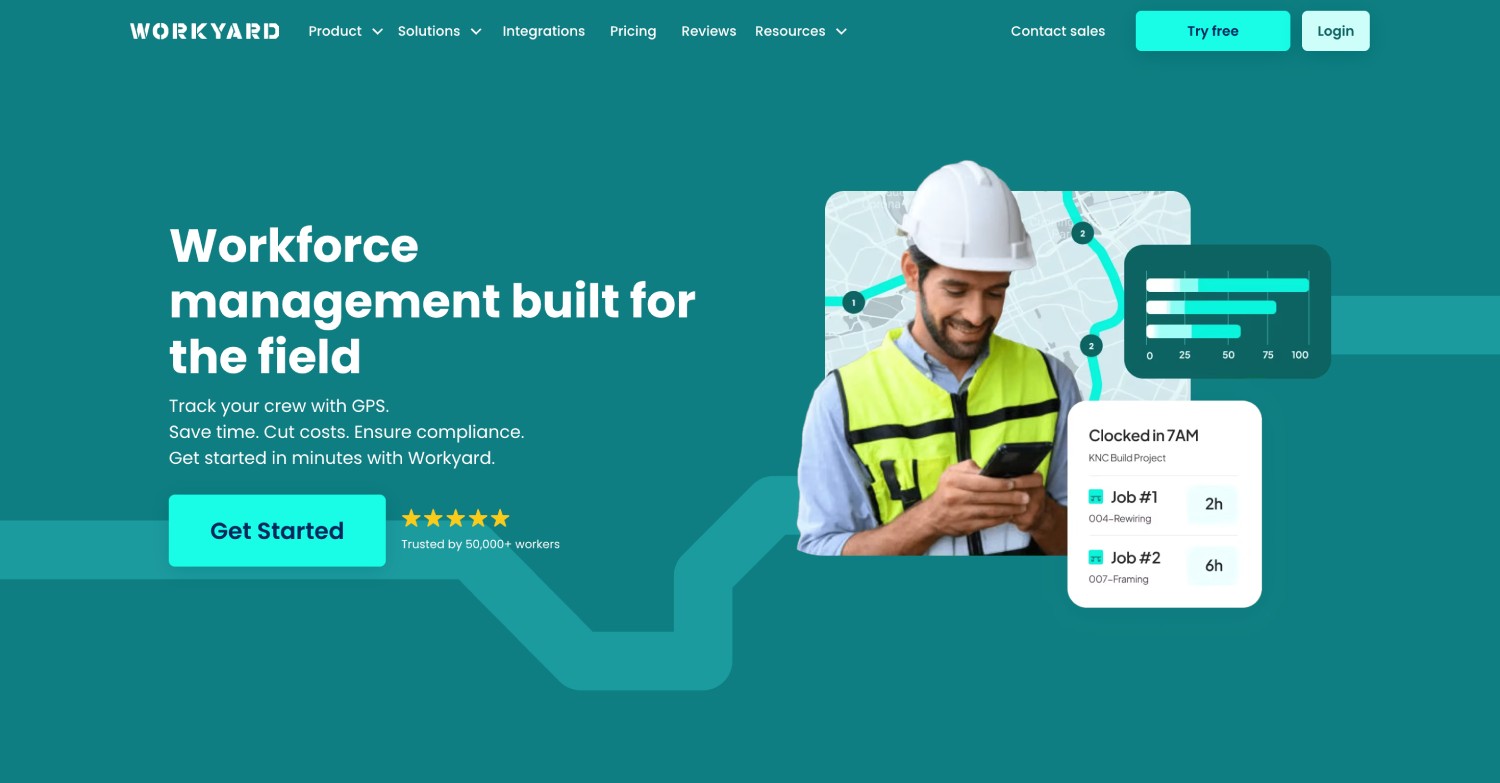
Built for construction and field service trades, with detailed site boundaries, GPS breadcrumb tracking, and labor cost allocation by job. Identity checking is handled through photo and face verification on supported clock types rather than a uniform biometric match across every clock-in mode.

  • Strong job costing and labor allocation
  • Detailed site boundary controls
  • Verification behavior varies by clock-in method

Jibble: Best for lean crews and budget-first buyers

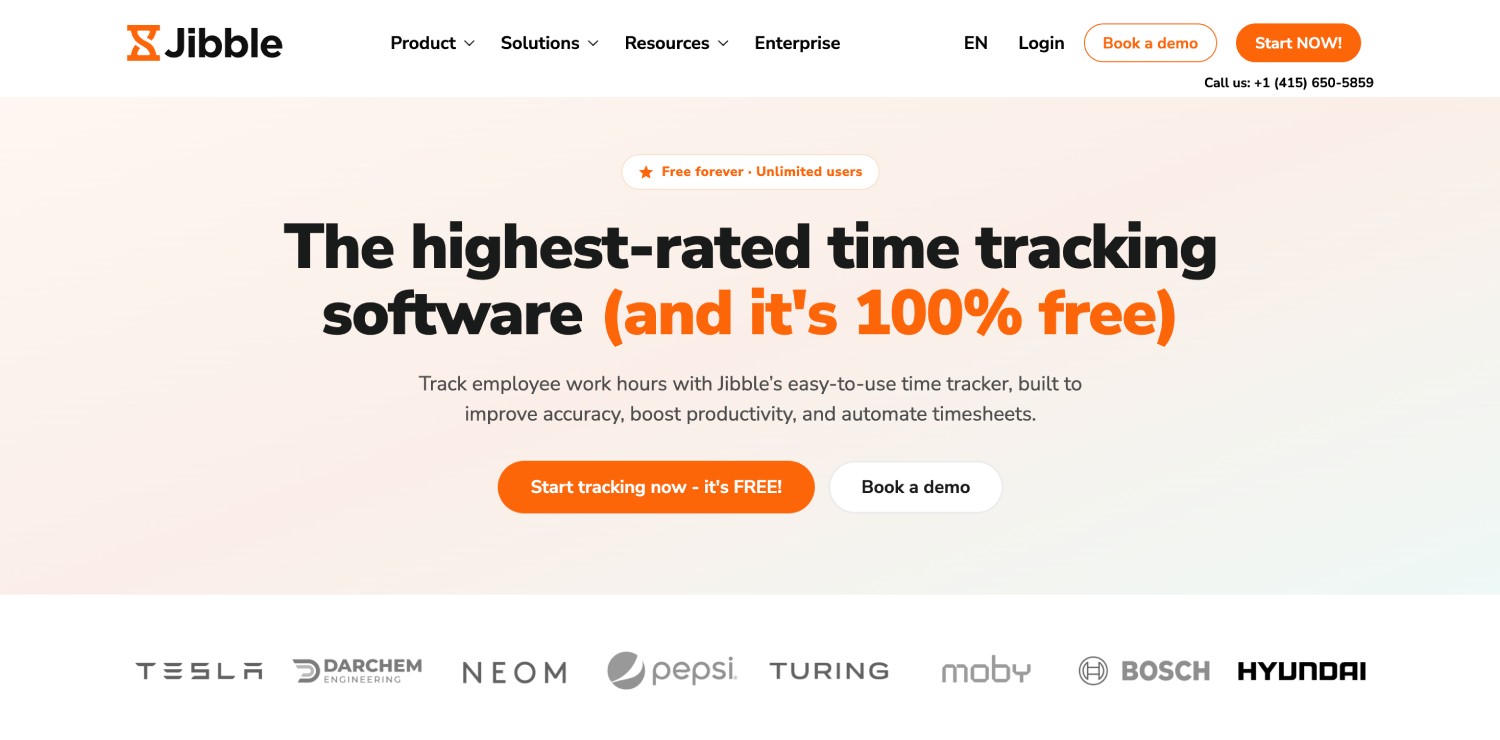
Widely used general-purpose time tracking with AI facial recognition, GPS tracking, geofencing, and offline mode, available on personal phones or a shared kiosk. Generalist rather than construction-specific.
  • Works on personal phones and shared kiosks
  • Offline punching for dead-zone sites
  • Lighter on construction-specific reporting

ClockShark: Best for small to midsize trade contractors

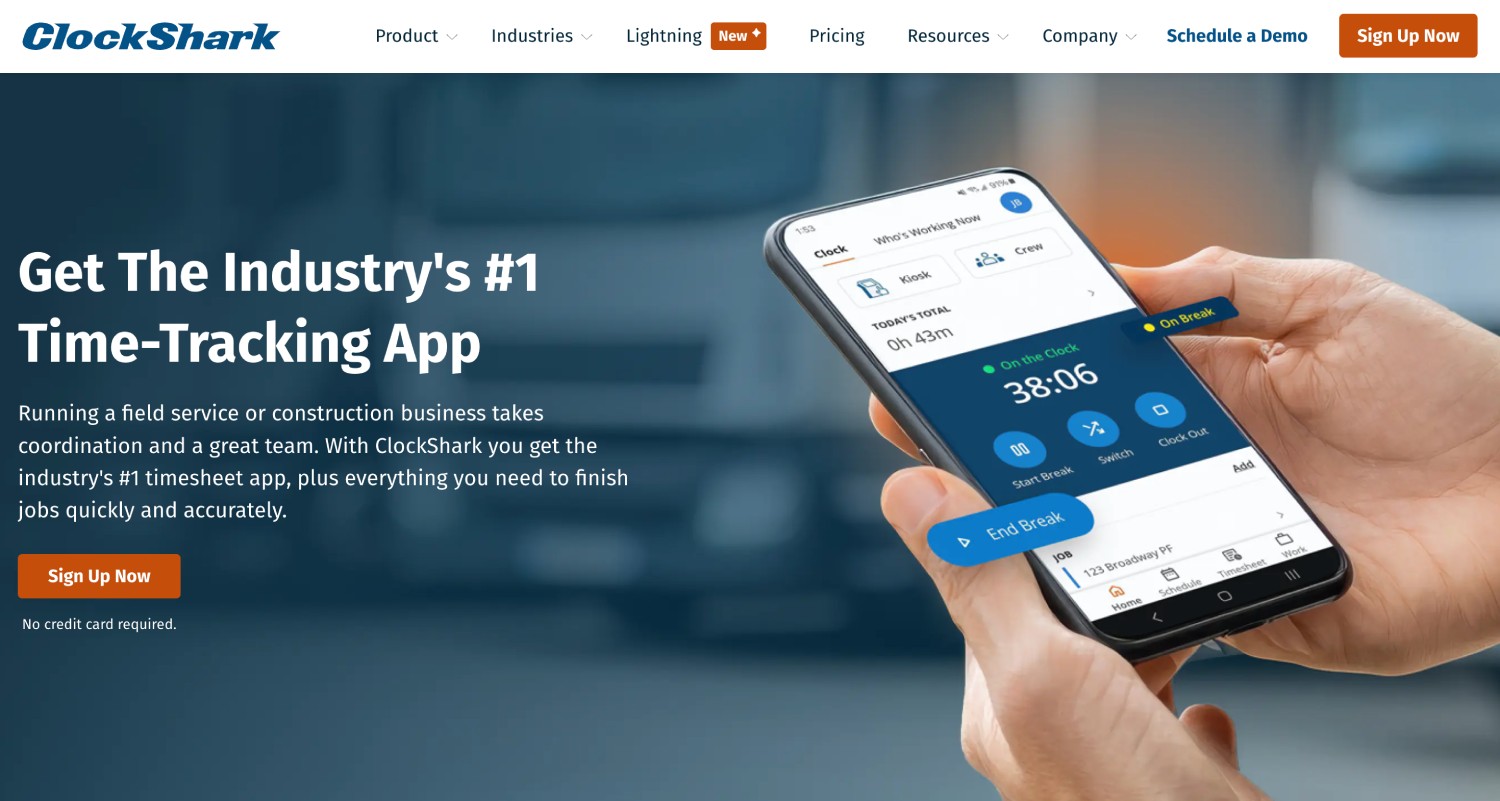
Purpose-built for construction and field service, with GPSFence, job and task tracking, and scheduling. Its face check is associated with kiosk mode rather than being uniform across the mobile experience, which matters if crews clock in from their own phones.

  • Construction-native job and task tracking
  • GPSFence site boundaries
  • Face check strongest in kiosk mode

Buddy Punch: Best for simple setups with a central clock

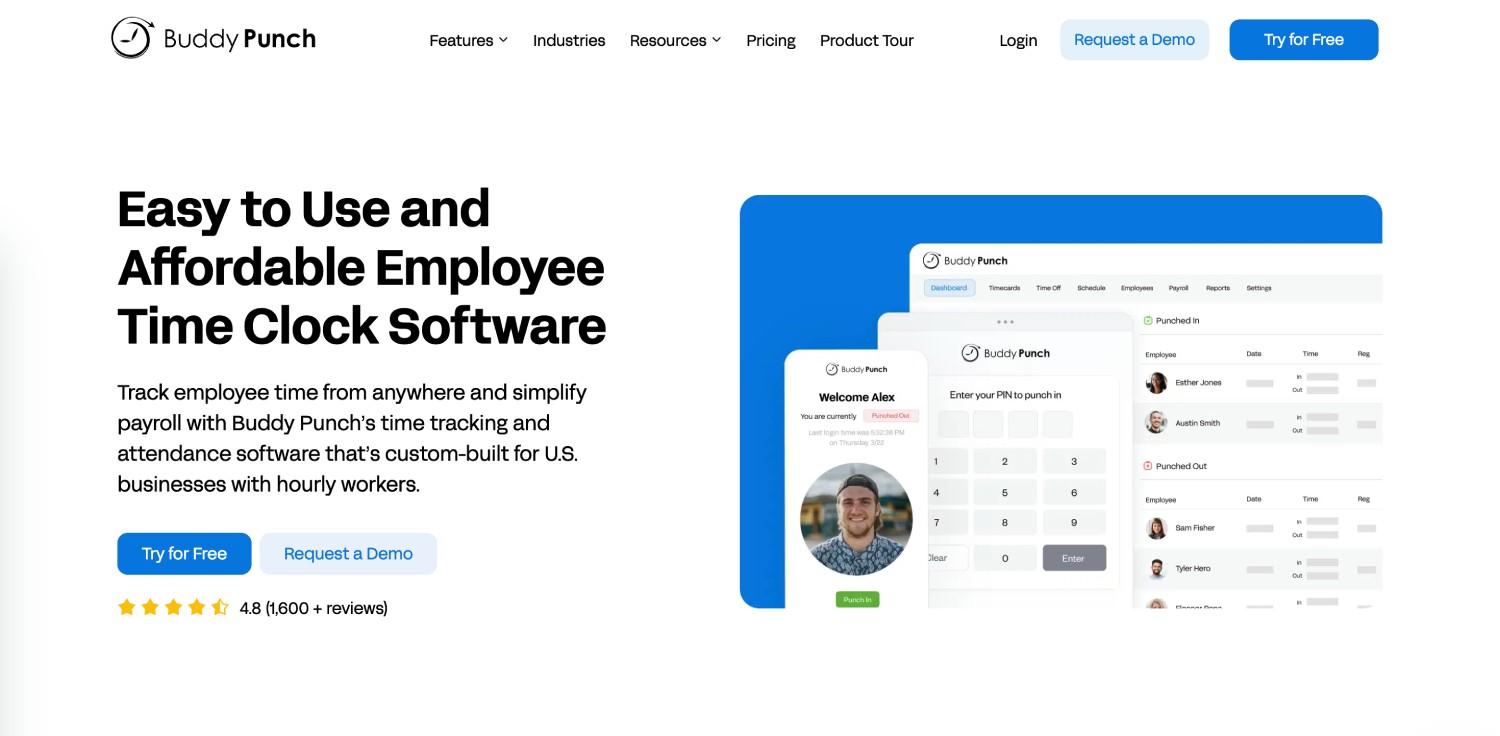
Straightforward time tracking with facial recognition, GPS, geofencing, job codes, and payroll integrations. Its facial recognition clock leans on device Face ID, which suits a small crew clocking in at one shared iPad more than a large distributed operation.
  • Simple to set up and administer
  • Job codes and scheduling included
  • Better for a central clock than many scattered sites

SmartBarrel: Best for remote sites with no power or Wi-Fi

A rugged, weatherproof jobsite device with built-in LTE that can run on battery or solar. Removes the dependency on site Wi-Fi and permanent power entirely, at the cost of a hardware unit per site.

  • Weatherproof unit built for active job sites
  • Built-in connectivity, no site Wi-Fi needed
  • Hardware purchase and install per location

busybusy: Best for equipment plus labor tracking

Construction time tracking that pairs labor hours with equipment tracking and daily field reports. Face checking is photo-based. A good fit when equipment utilization matters as much as crew hours.
  • Equipment and labor tracked together
  • Daily reports and field documentation
  • Photo-based verification rather than live match

ExakTime (also known as Arcoro Time): Best for rugged field logging

Long-established construction timekeeping with rugged field devices, job costing, and labor allocation. Its FaceFront feature captures a photo at clock-in for a supervisor to review, rather than automatically matching and blocking an unverified clock-in.

  • Established construction job costing
  • Rugged devices for harsh sites
  • Photo review is after the fact, not at the moment of clock-in

NoahFace: Best for fixed tablet kiosks at site entry

Turns an iPad into a fast, touchless face recognition terminal, with offline operation and quick throughput for crews arriving in groups. Built around a fixed kiosk, so it fits a site trailer or gate better than crews moving between sites.

  • Fast throughput at a single entry point
  • Runs on standard iPads
  • Kiosk-centric rather than crew-mobile
Ready to fix it?

See how it works for your crew size and setup

Book A Demo

Proven on Job Sites. Backed by Real Teams

▶

Walker Engineering
4,000 workers · 100 sites

3:33

VIDEO TESTIMONIAL · CONSTRUCTION
"Our guys in the field like it. And in the back office, we're loving it as well.
We would definitely recommend Truein"
Senior IT Admin · Walker Engineering

Truein outshines all other time and attendance solutions. Its rich features, payroll ready timesheets and centralized controls put it in a class above all.

Carlos Woodson

Phoenix Transload Services

Truein is a perfect solution for tracking time of our temp workers. It has Excellent support and user-friendly system.

Nicolous Noble

Payroll Administrator, Backerhaus Veit

Truein has strengthened our Time & Attendance accuracy and quality, ensuring compliance and trust among end-users. Excellent product!

Henry Carrillo

Farm Administrator, Unispice

Truein is robust, reliable, and works as promised. I have implemented Truein in my previous and current companies. It's the best and most cost-effective solution.

Piyush Dutt

CPO, Compass Group

500+
Companies worldwide
10,000+
Locations tracked
500,000+
Workers managed
4.8★
Avg G2 & Capterra

See how it works for your crew size and setup

Book A Demo

Built for Multi-Site Construction Crews

Truein is an AI-powered time tracking platform for companies managing hourly, subcontracted, and multi-site workforces. It is not an HRMS, and it is not built for desk-based teams.

Proof: Walker Engineering runs Truein across 4,000 workers and 100 sites. 500+ companies, 10,000+ locations, 500,000+ workers. 4.8 on G2 and 4.8 on Capterra, checked in September 2026.

Where Truein Is Not the Right Fit?

Being direct about this saves everyone a demo.

Which Setup Fits Your Crew Size?

Under 50 workers, one to three sites

Personal phones with geofencing are usually enough, and a lighter general-purpose tool may serve you fine. The break point is subcontractors. Once outside crews are on your sites, verification and separation start to matter more than simplicity.

50 to 500 workers, several active sites

Mixed deployment. Personal phones for crews that carry them, a shared tablet kiosk at sites where they do not. Prioritize offline capture, job codes, and one dashboard across all sites over feature breadth.

500 to 10,000+ workers, GC with subcontractor crews

Agency-level controls become the deciding factor: scoped agency access, per-agency headcount caps, document expiry tracking, and per-agency policies and pay rates. Anomaly detection matters at this scale too, because nobody is reading every timesheet by hand.

Integrations

Built to Connect with Existing Tools & Platforms

ADP logoDarwinbox logoTrimble logoQuickbooks logoPaychex logoPaycor logoSAP logoOracle logoOdoo logoSage logo

Easily connect Truein with any third-party or in-house Payroll and HRMS solution for seamless data sync and accurate reports.

Simplify Onboarding in 3 Steps

Blue triangular abstract vector graphic with varying shades and geometric shapes.
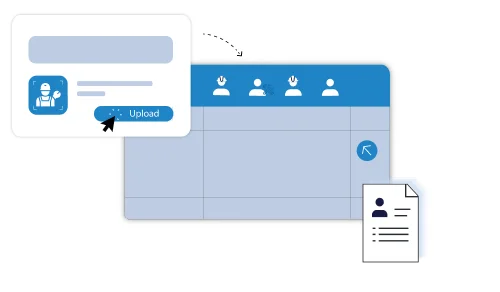
Upload Records

The HR manager can upload organization-wide staff data in bulk using spreadsheets.

Face framed by recognition brackets with a green check, alongside an info bubble labeling John Doe as security contract staff.
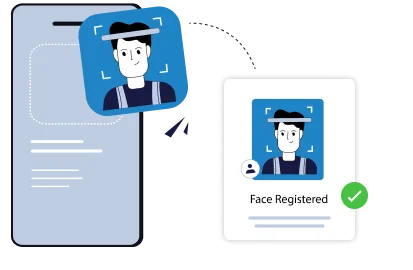
Register Face

Capture employee faces via mobile or kiosk for fast, touchless enrollment.

Illustration of a smartphone scanning a man's face and confirming with a 'Face Registered' message and a green checkmark.
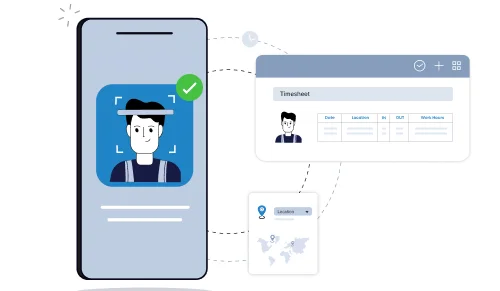
Start Attendance

Begin accurate, real-time attendance tracking instantly across locations with the mobile attendance system.

Illustration of a smartphone scanning a person's face with connected icons showing timesheet and location tracking.

See It Run on Your Job Sites

A 30-minute walkthrough on your crew size, site count, and payroll setup. See a live face match blocked in real time.

Book A Demo
Compass Group logoOCS logoCBRE logoAmana logoSJ Contracts logoWalker Engineering logoAir India logoAdani logoTata Projects logo

What Actually Counts as Face Verification?

Almost every tool in this category markets "facial recognition." Three very different things hide behind that phrase.
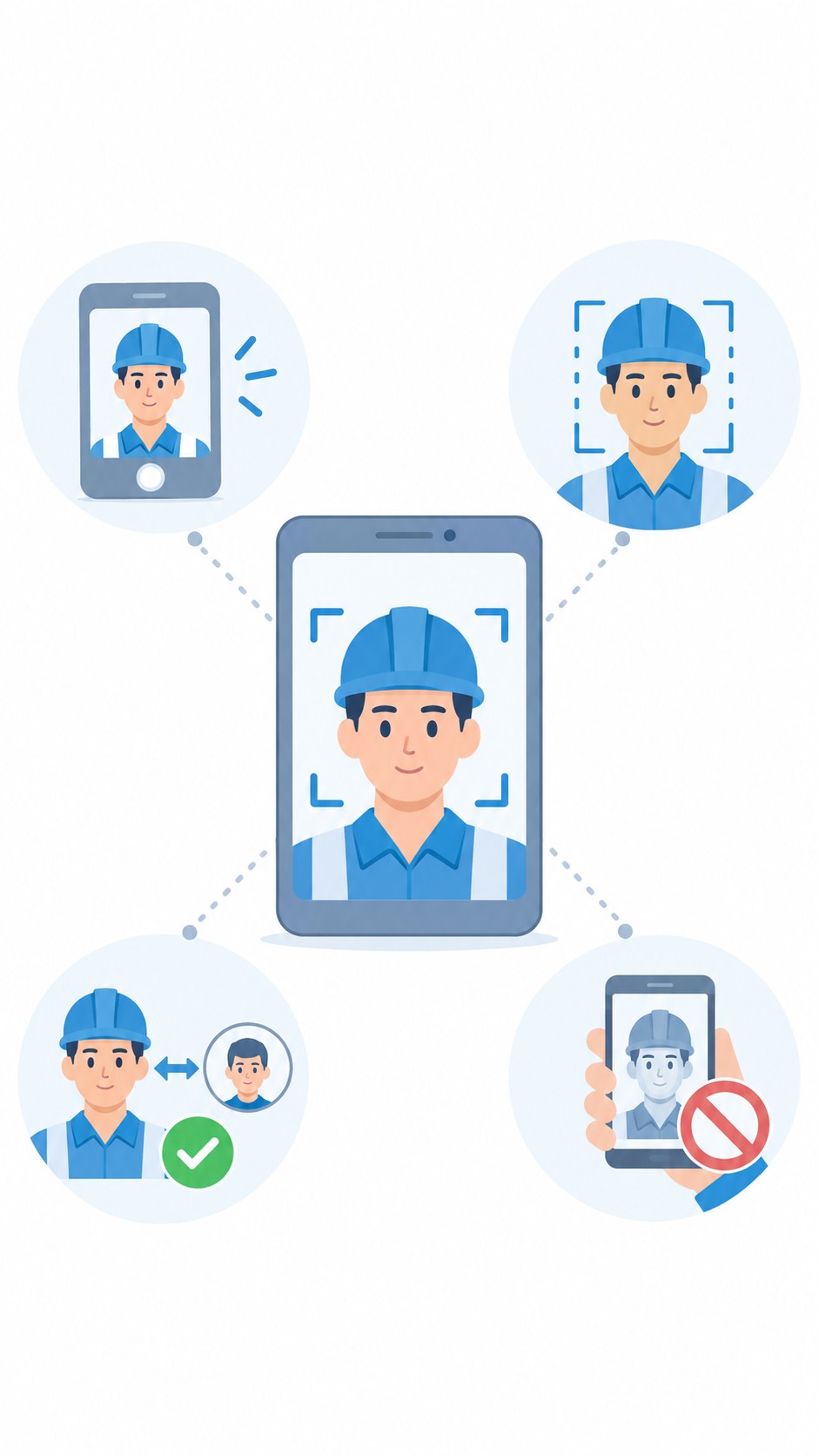
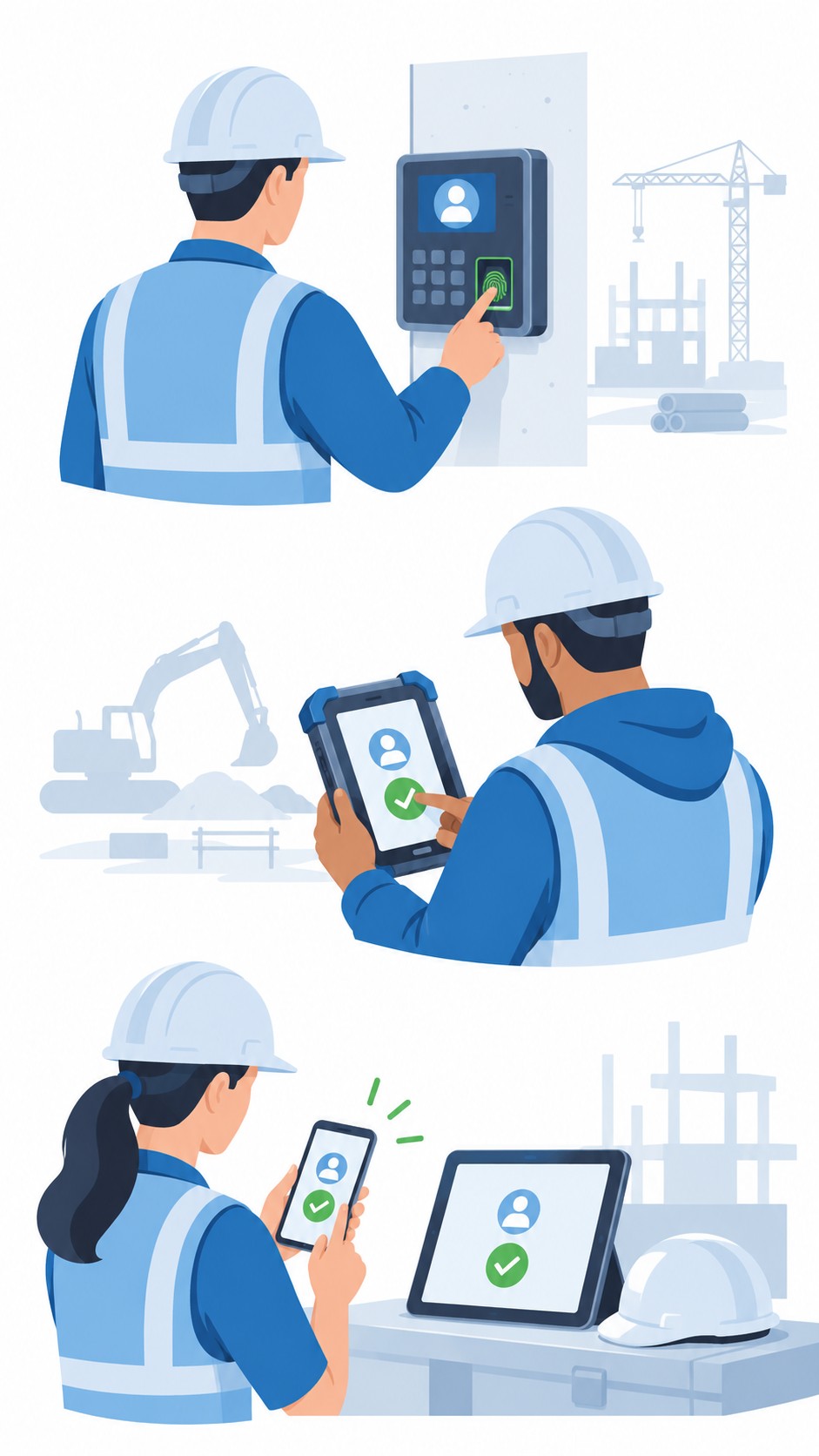
  • A photo captured for later review. The app snaps a picture at clock-in and files it. A supervisor may or may not look at it days later. This records buddy punching. It does not prevent it.
  • Face detection. The app confirms a human face is present in frame. It does not confirm whose face it is.
  • A live face match. The system compares the face against the worker's enrolled face template at the moment of clock-in. A failed match blocks the clock-in immediately and prompts a retry, so an unverified clock-in never enters the timesheet.
  • A live face match. The system compares the face against the worker's enrolled face template at the moment of clock-in. A failed match blocks the clock-in immediately and prompts a retry, so an unverified clock-in never enters the timesheet.
  • Only the third one closes the gap. When you sit through demos, ask the vendor to attempt a clock-in as the wrong worker and show you what happens on screen. If the clock-in goes through and lands in a review queue, that is photo capture with extra steps.
  • On spoofing. Holding up a photo or a screen is a separate attack from a straightforward wrong-face clock-in. Truein's AI-powered anomaly detection continuously scans clock-in data for spoofing signals, and depending on how the account is configured, a suspicious clock-in can be flagged for review and the staff member blocked. No vendor in this category should be described as catching one hundred percent of fraudulent entries at the moment of clock-in. Treat any claim that strong as a reason to ask harder questions.

Do You Need a Terminal, Rugged Hardware, or an App?

"Face recognition time clock" covers three different purchases. Picking the wrong category is the most common and most expensive mistake in this evaluation.

Wall-mounted biometric terminal

An office-style face or fingerprint terminal bolted at one entrance. It does not travel with crews, needs power and network at every site, and gives you no GPS, job codes, or payroll data. Fine for a permanent yard. Wrong for job sites that open and close.

Rugged jobsite hardware

Purpose-built weatherproof units with their own connectivity and power, such as SmartBarrel. Excellent for remote sites with no power or Wi-Fi. You buy and install a unit per location, so cost and rollout time scale with site count.

Software on phones or a shared tablet

An app that turns devices you already own into a time clock. New sites go live in minutes with no dedicated hardware to procure. Crews without personal phones clock in at a shared tablet kiosk on site.

For most contractors running multiple active job sites, software plus a shared tablet where needed is the practical default. It gives you identity verification, GPS, job codes, and payroll data without a hardware purchase per site.
How to Choose for a Construction Crew

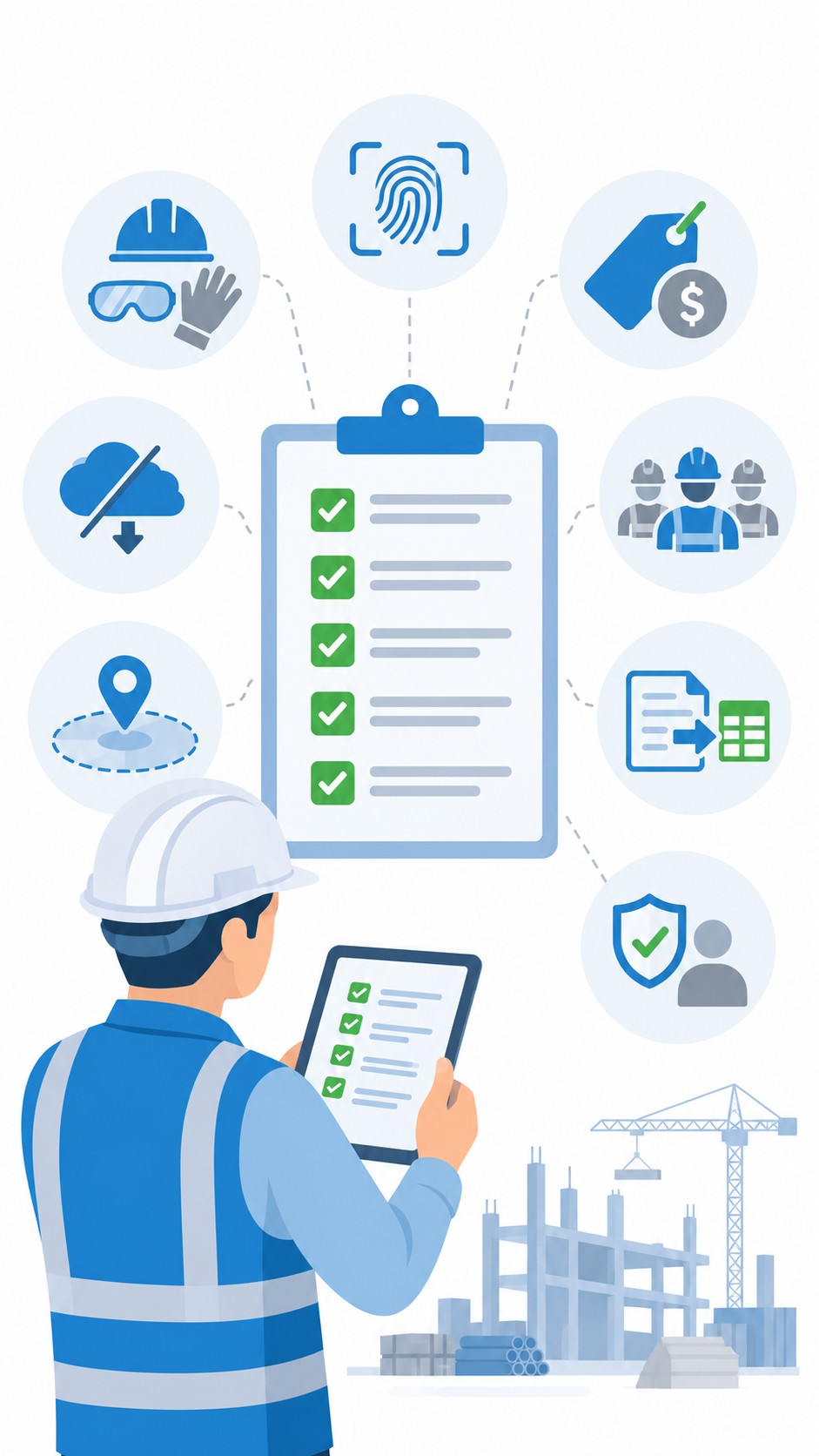
  • Verification method. Live face match at the moment of clock-in, or a photo filed for review. This single answer separates prevention from documentation.
  • Field conditions. Hard hats, safety glasses, beards, dust, gloves, and direct outdoor glare. Truein's face recognition is rated at around 95 to 100 percent accuracy including facial hair, masks, changed hairstyles, and hard hats. Ask every vendor for their number and the conditions it was measured under.
  • Offline capture. Basements, elevator shafts, early-stage sites, and rural work all lose signal. Clock-ins should be stored on-device and sync automatically. Note that offline clock-ins only appear on the dashboard after they sync, so no vendor can give you real-time visibility on an offline clock-in.
  • Geofence precision and enforcement. Ask for the minimum configurable radius. Truein's is 20 meters, roughly 65 feet. Then ask what actually happens outside the boundary, because "blocked," "flagged for approval," and "logged with an alert" are three different operating models, and the right one depends on your sites.
  • Job and cost code tagging. If you bill by job or track labor cost per project, time has to carry a job or activity tag at clock-in, not get allocated afterward from memory.
  • Subcontractor separation. Multiple agencies on one site need scoped access, per-agency headcount limits, and their own policies and document expiry tracking, without giving any agency visibility into your own payroll data.
  • Payroll export. Confirm the specific system, not just "integrates with payroll." Truein connects with ADP, QuickBooks, Sage, Trimble, Paychex, Xero, and SAP.
  • Biometric consent readiness. Several states require notice and written consent before you enroll a worker's face. Consent has to be built into enrollment, not bolted on later. See the compliance section below.

How Does This Actually Stop Time Fraud on a Job Site?

Time fraud on construction sites is rarely one dramatic incident. It is four ordinary patterns that compound quietly.

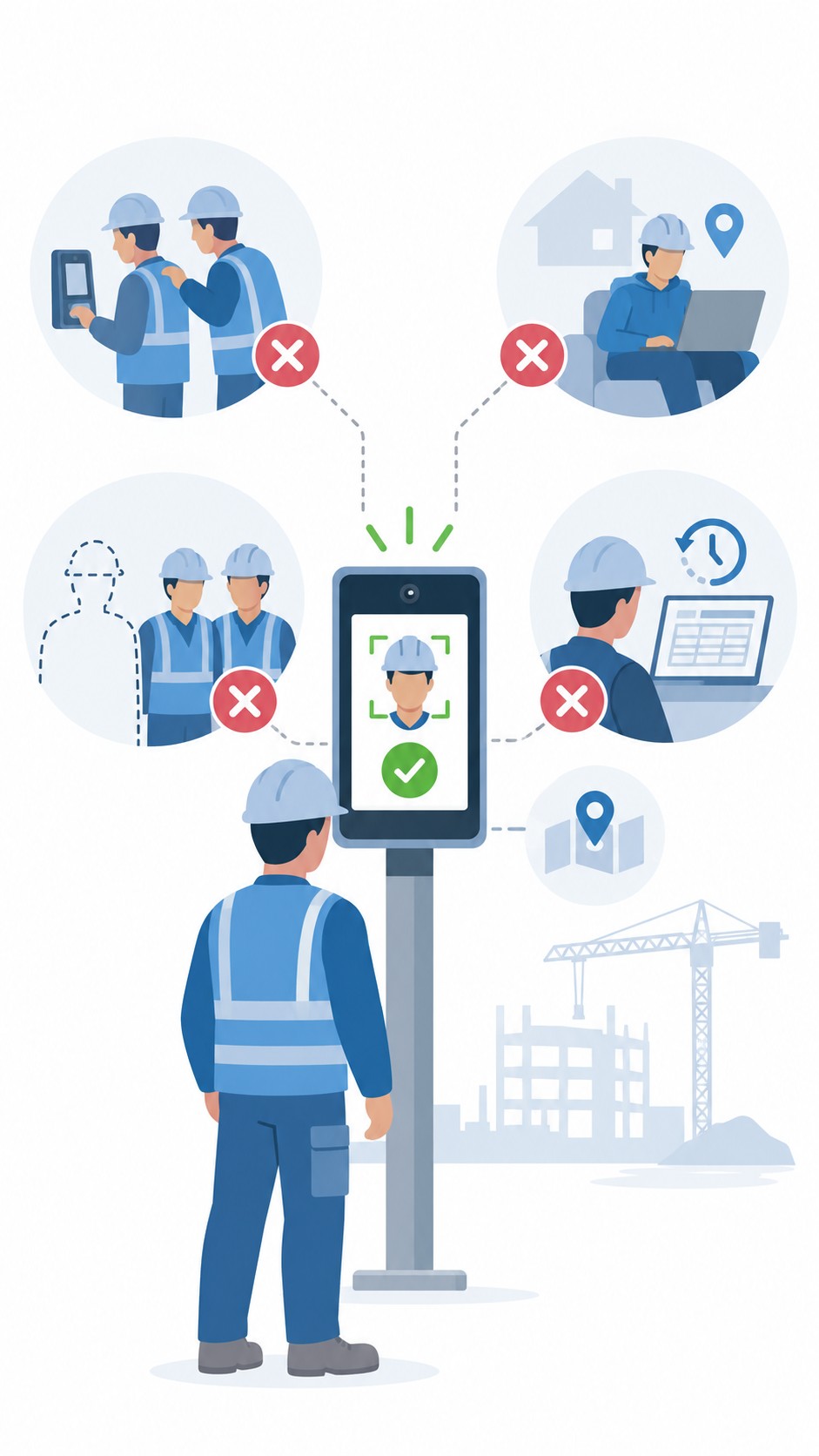
  • Buddy punching. One worker clocks in a coworker who has not arrived. A live face match at the moment of clock-in is the only control that stops this at the point of entry rather than documenting it afterward.
  • Off-site clock-ins. A worker clocks in from the truck, from home, or from a different site. Geofencing ties the clock-in to the actual job site.
  • Ghost workers on agency rosters. Headcount billed does not match headcount present. Per-agency headcount limits and scoped agency dashboards give you the visibility and controls to spot overlap and overbilling across agencies working the same site.
  • Timesheet corrections after the fact. Small manual edits between capture and payroll. AI TimeGuard flags frequent corrections and payroll-impacting edits for review before the cycle runs.

The pattern that matters: every one of these is cheaper to prevent at clock-in than to reconcile at payroll.

Is a Face Recognition Time Clock Legal for Construction Crews?

Yes, when it is deployed with consent. Five states have biometric consent requirements that apply to workplace attendance, and the practical risk profile differs across them.

California is the most active consideration for most employers right now. The employee exemption under the CCPA and its CPRA amendment expired on 1 January 2023, so California employees now have full notice, access, and deletion rights over biometric data collected at work, including for time and attendance. If you have California sites, treat this as current, not future.

Illinois carries the highest practical litigation exposure. The Biometric Information Privacy Act requires written consent before biometric data is collected and lets individuals sue directly. That private right of action is what sets it apart from every other statute on this list.

Texas (CUBI), Washington (RCW 19.375), and Colorado (HB 24-1130, effective 1 July 2025) all require notice and consent before biometric identifiers are captured or enrolled for a commercial or employment purpose. None has a private right of action; each is enforced by the state attorney general. Colorado additionally requires a written retention and deletion policy and deletion within 24 months of an employee's last interaction, unless a statutory exception applies.

Truein uses consent-first enrollment. When enabled, workers review and accept a recorded consent screen before any face data is captured, which is the recommended configuration for states with biometric consent laws.

  • Disclaimer: This section is for general informational purposes only and does not constitute legal advice. Biometric privacy laws vary by state and change over time; the information above reflects publicly available sources as of the article's publish date and may not reflect subsequent legal developments in your jurisdiction. Before deploying biometric attendance technology, consult a licensed attorney familiar with the applicable state and local requirements.
TRANSPARENT PRICING

See plans that fit your workforce size

No Hidden fees. Scales from 50 workers to 50,000+.
View Pricing

Frequently asked questions