Book A Free Demo
Book A Free Demo
Attendance Software for Contract and Multi-Site Workforces
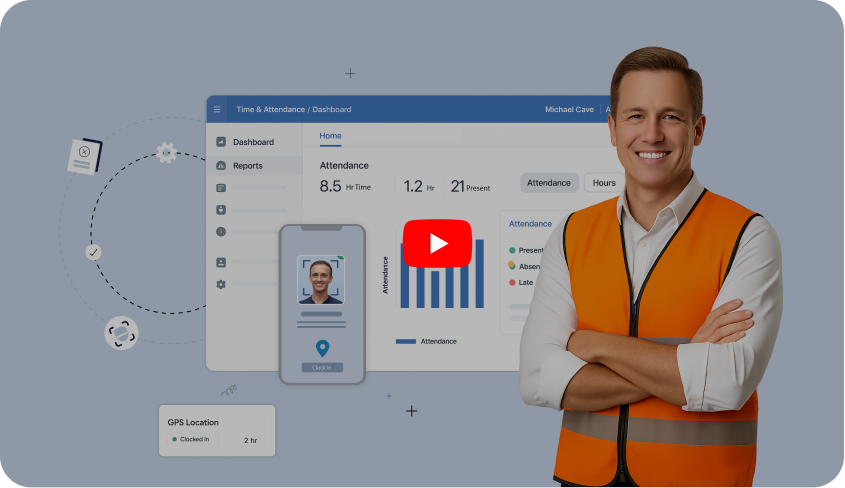
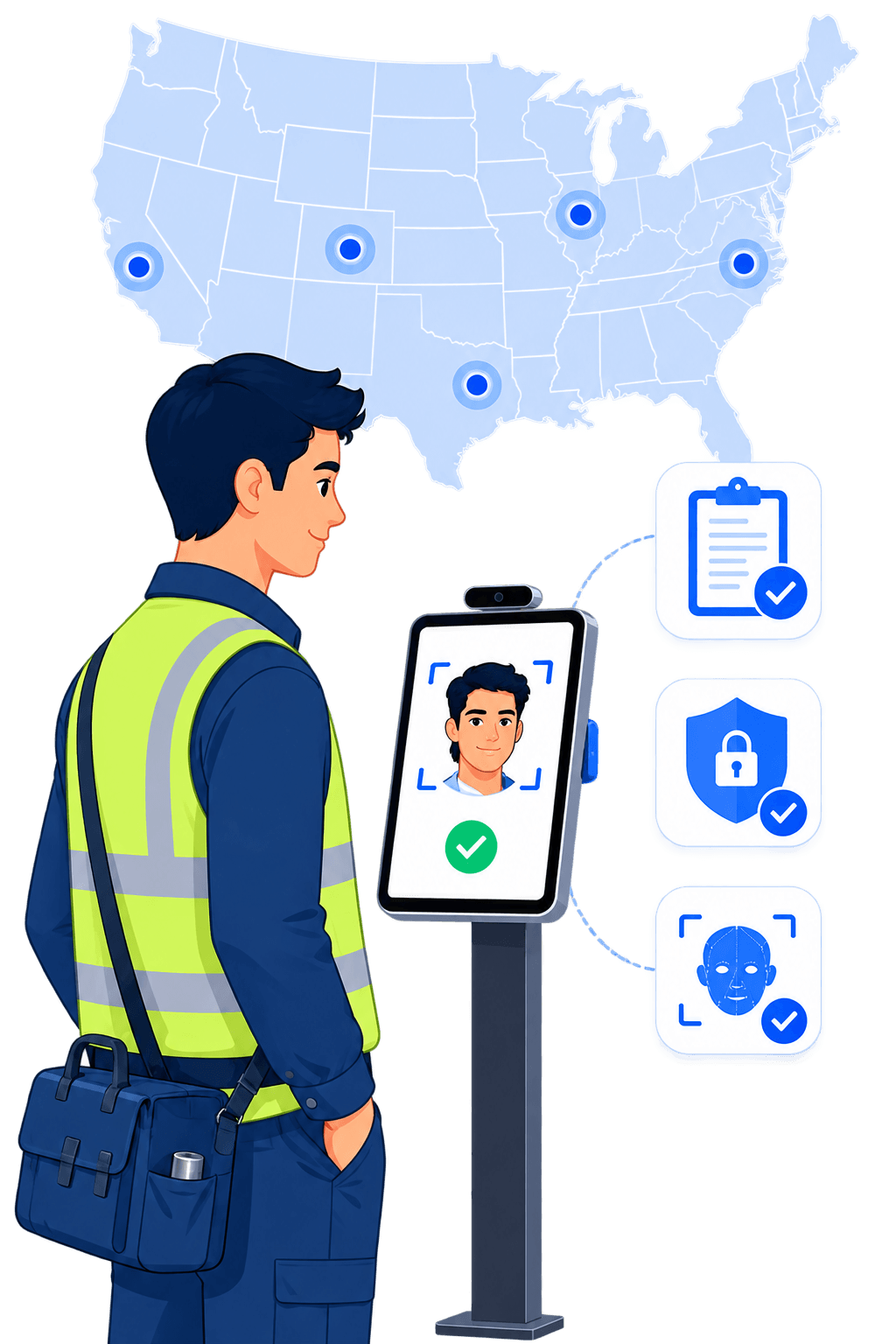
Truein verifies a worker's face and GPS location on the same clock-in, on any Android or iOS device. If the face does not match, the punch is blocked. Built for contract, manpower, and multi-site workforces across India and the GCC.


Trusted by Workforces Across Industries


Feature Overview
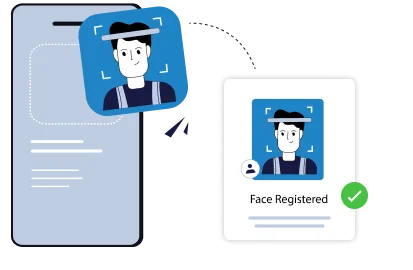
TTime clock software, or what most operations teams in India and the GCC call an attendance management system, stops buddy punching only when it proves who is punching at the moment of the punch. Truein matches the worker's live face to their enrolled profile and checks their GPS location at the same punch, on any Android or iOS device.
Buddy punching survives because paper muster rolls, attendance registers, PINs, and swipe cards record a punch without proving who made it. A PIN gets shared at the gate, a card gets handed over, a supervisor marks the whole crew present. Truein removes the credential and asks for the face instead.
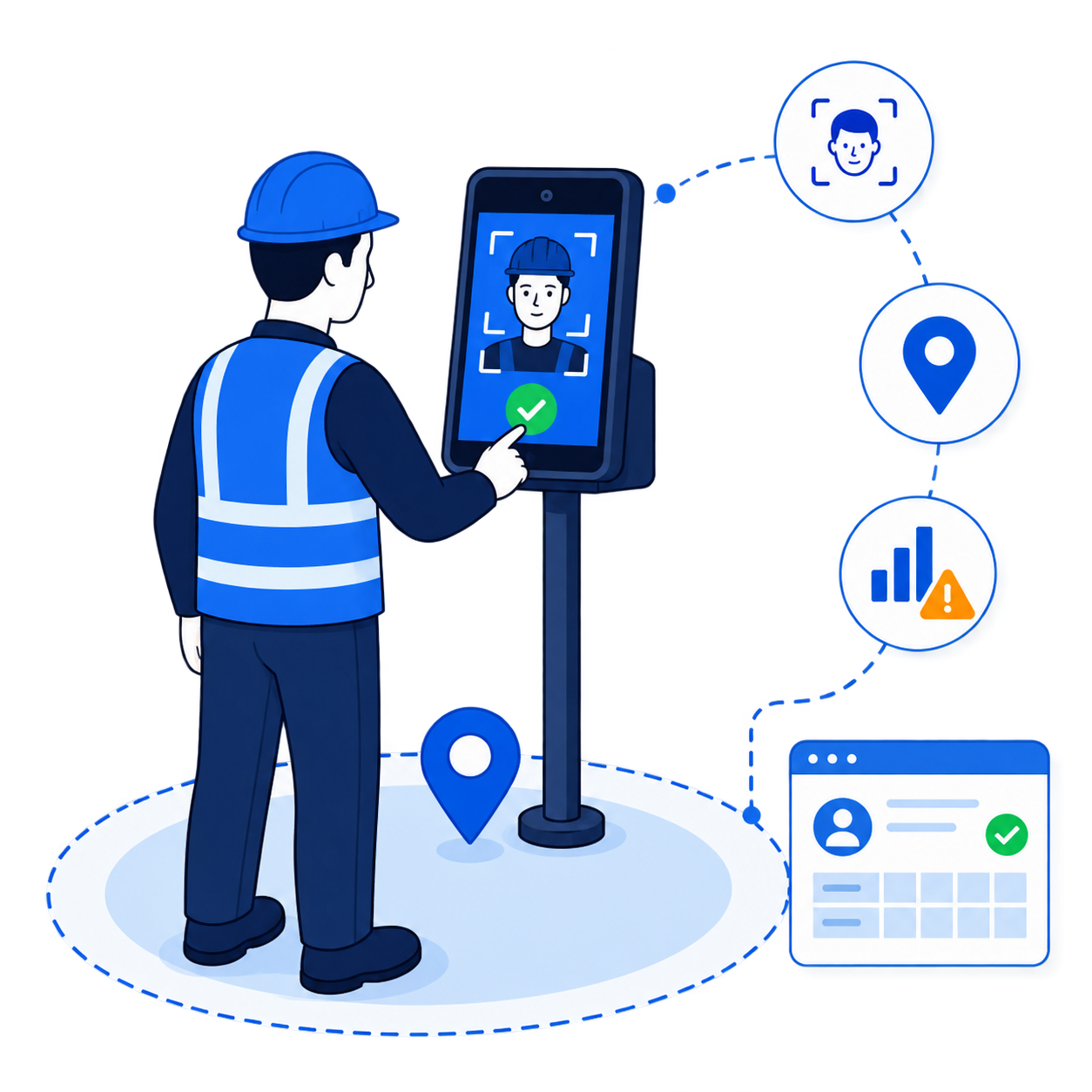
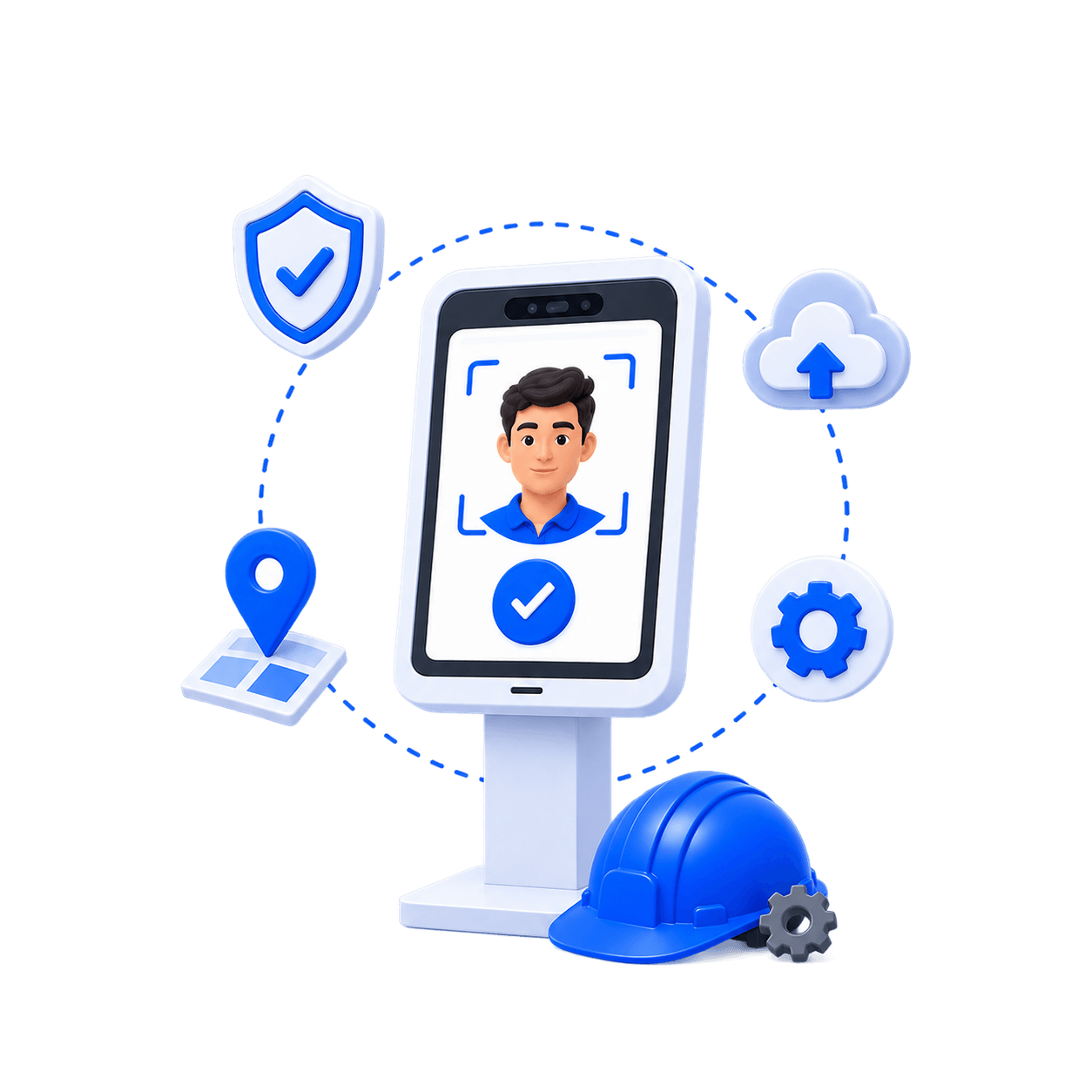
Three checks on every verified punch:
Most attendance software handles one of these. A few handle two. Truein is built around all three.
 Shared PINs and cards at the gate
 A supervisor marking the whole crew
 Agency headcount you cannot verify
 Punches from outside the site
 Paper muster rolls and Excel
One worker knows three PINs. The crew reaches the gate at 7:04 and the register says 6:55 for all of them. By the time payroll runs, nobody can tell which punches were real.
Truein replaces the credential with the face, so there is nothing left to share.
 Face matched at the moment of the punch
 Failed match blocks the entry on the spot
 No PINs, cards, or registers to hand over
Benefits

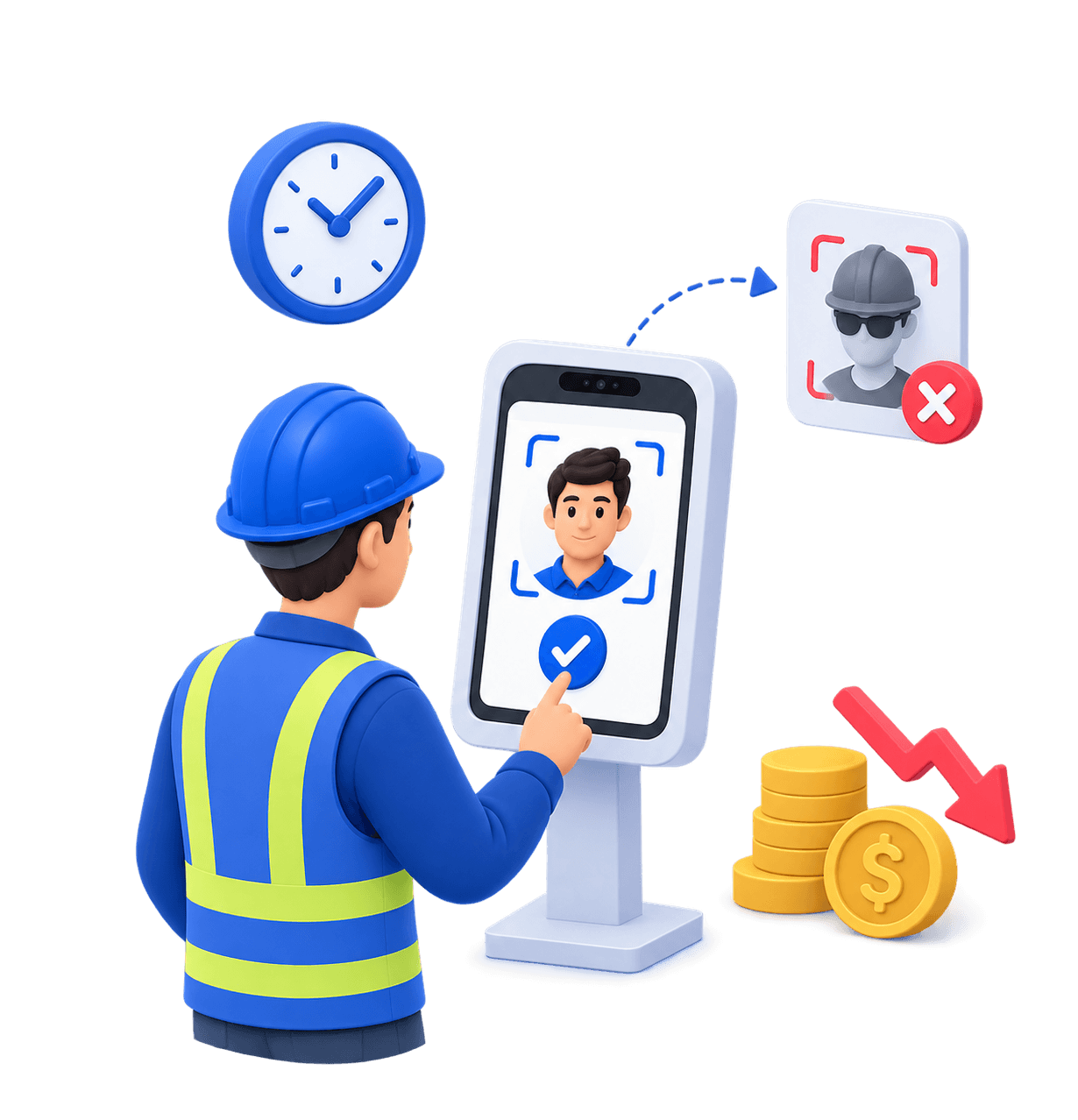
A failed face match blocks the punch. It does not save a photo for someone to review after payroll.
.svg)
Punches are captured on the device at basements, remote sites, and early-stage projects, then synced automatically when the network returns.
.svg)
Any Android or iOS phone or tablet becomes an attendance capture point. New sites go live the same day.

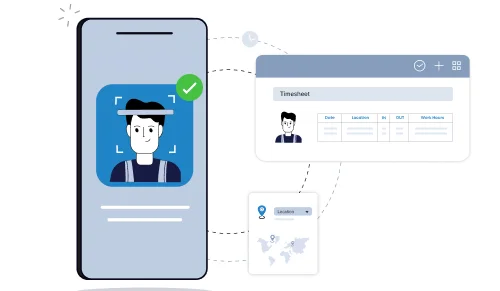
Face answers who. GPS answers where. Truein checks both on the same punch.
.svg)
Scoped agency access, per-agency headcount caps, and document expiry tracking, kept separate from your own staff.
Upgrade your attendance system with touchless, face-based accuracy, eliminating time fraud, improving compliance, and enhancing visibility.
Book A Demo








Truein's AI matches the worker's live face to their enrolled profile before the punch is recorded. If it does not match, the punch is blocked, and the worker is prompted to retry. Accuracy runs around 95 to 100 percent, including with facial hair, masks, helmets, and changed hairstyles, which matters when a crew arrives in full PPE.
Truein also runs spoof detection on captured punches. In the default configuration, suspicious punches are flagged after capture; the record is marked for review, and the worker can be blocked from further punches.
Quick FAQ’s


.png)
Basements, early-stage sites before connectivity is run, desert and highway projects, tier-2 and tier-3 locations. Attendance capture never depends on network availability. Truein records the punch on the device, stores it locally, and syncs automatically when the network returns. Records captured offline are flagged as such, so supervisors know what they are looking at.
One thing to be clear about: an offline punch appears in the dashboard after it syncs, not before. Real-time visibility applies to connected clock-ins.
Quick FAQ’s
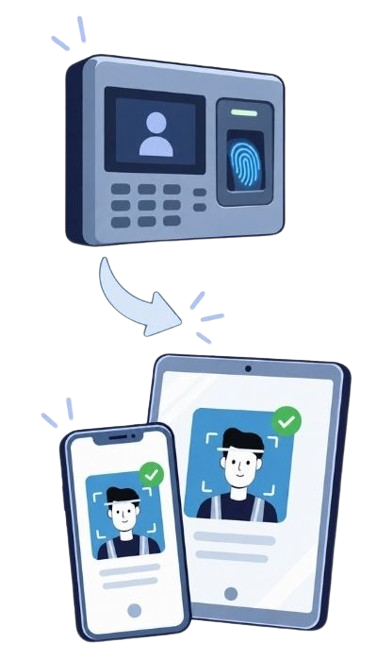
No. Truein runs on standard Android and iOS smartphones and tablets. There are no fingerprint scanners to buy, no wall-mounted terminals to procure, and no IT ticket to open before a new site goes live, with the exception of a tablet procurement for a shared kiosk if the site does not have one. If a site already runs fingerprint or IR terminals, Truein works alongside them as a software layer; nothing has to be ripped out.
Mix them. A contractor can run a kiosk at the main gate, personal-device punches for staff moving between sites, and supervisor-assisted attendance capture for a daily-wage crew, all on one account.
Quick FAQ’s
.png)
Face verification answers who. GPS geofencing answers where. Truein supports a configurable geofence radius starting at 20 metres, and each site, floor, wing, or zone can be fenced separately, which suits open construction sites, campuses, and client premises.
Enforcement is yours to configure. An out-of-boundary punch can be blocked outright, allowed with an alert to the supervisor, or routed for approval, so different crews can run different rules under one account.
Quick FAQ’s
The costliest form of buddy punching on large projects is often not one worker covering for another. It is headcount that nobody can verify. Truein lets you run multiple manpower agencies under one account, with each agency's supervisor seeing only their own staff, per-agency headcount limits, agency-level policies and pay rates, and document expiry tracking.
Where several agencies work the same site, Truein gives you the visibility and controls to spot and prevent overlap and overbilling before the invoice arrives, with every contract worker's face verified at the punch like everyone else's.
Quick FAQ’s

Face and GPS verification stop fraud at the moment of the punch. AI TimeGuard helps identify suspicious clock-in activity and potential time theft for manager review. It works alongside Truein's face verification and GPS controls to support clock-in integrity across multi-site workforces. Available checks depend on the clock-in method and account configuration.
A flag is a starting point for review. Managers examine the relevant records before deciding what happened, and a flagged event does not establish that time theft occurred. AI Analytics sits alongside it, answering questions about attendance rates, overtime patterns, and correction frequency across sites without anyone building a report.
Quick FAQ’s


Every option below records a punch. They differ on what is proven at the moment of the punch.
Truein is the option that verifies identity at the punch on both personal devices and shared kiosks, and reviews punch patterns across every site before payroll runs. If your sites already run fingerprint terminals, Truein adds face and GPS verification as software, without replacing what is installed. For the full breakdown, read biometric attendance system vs face attendance system.


Truein is robust, reliable, and works as promised. I have implemented Truein in my previous and current companies. It's the best and most cost-effective solution.

Piyush Dutt
CPO, Compass Group
1200+
Sites
40,000+
Staff
Truein is a highly accurate, multipurpose, and user-friendly solution. It detects fake clock-ins and covers all the modules.

Sujit Pawar
DGM, OCS Group
100+
Sites
4000+
Staff
Moving from thumb-based attendance system to a Face recognition based time and attendance solution was made easy by the Truein team.

Srinivas G
Sr. HR Manager, Tata 1mg
200+
Sites
4000+
Staff
We are using Truein Time and Attendance system at our 80 sites for over 10,000 staff. Truein has built-in customization options and gives multiple real-time reports.

Girish Nimbalkar
AGM HR, SJ Contracts
80+
Sites
10,000+
Staff


Truein has helped Jumia a lot, not only in tracking attendance and work hours but also measuring productivity and calculating the payout for external employees.

Alaa Hassan
Head of Ops Excellence, Jumia
Pleased with Truein for its accuracy and ease of use in tracking the attendance of our staff. Truein team is always ready to assist us. Highly recommend it!

Nagham Nasr,
Payroll Officer, Reyada
This face detection time & attendance software is very effective at our construction company. Full marks to Truein and their support team!

Wajahat Khan
Payroll Admin, Al Magamsi General Contracting
Truein is robust, reliable, and works as promised. I have implemented Truein in my previous and current companies. It's the best and most cost-effective solution.
Piyush Dutt
CPO, Compass Group
Truein outshines all other time and attendance solutions. Its rich features, payroll ready timesheets and centralized controls put it in a class above all.

Carlos Woodson
Phoenix Transload Services
Truein is a perfect solution for tracking time of our temp workers. It has Excellent support and user-friendly system.

Nicolous Noble
Payroll Administrator, Backerhaus Veit
Truein has strengthened our Time & Attendance accuracy and quality, ensuring compliance and trust among end-users. Excellent product!

Henry Carrillo
Farm Administrator, Unispice
Truein is robust, reliable, and works as promised. I have implemented Truein in my previous and current companies. It's the best and most cost-effective solution.
Piyush Dutt
CPO, Compass Group





Use an AI-powered face attendance system to keep your attendance process compliant, transparent, and free from time fraud.
Book A DemoLast reviewed: September 2026
"Buddy punching prevention" covers very different mechanisms, and they do not do the same job.
What to check before you commit:
The fastest question in a vendor demo: show me what happens when a worker whose face does not match tries to punch. If the answer is that it gets saved for review, you are buying documentation, not prevention.
Buddy punching, also called proxy punching or proxy attendance, is when one worker punches in or out on behalf of another who is not there. It is the most common form of time theft in contract and multi-site workforces, and it is almost invisible in paper, Excel, PIN, and card systems because all of those record a punch without proving who made it.
On contract sites it takes four forms: shared PINs and cards at the gate, a supervisor marking a crew present before it has fully arrived, punches from outside the site, and agency headcount that nobody reconciles against who was actually present.
The cost compounds quietly. If 500 workers each pick up 15 unworked minutes a day across 300 working days, that is roughly 37,500 paid hours a year for work that was not done, before overtime multipliers and before agency invoices that bill the same headcount twice. Most companies only find it when a payroll cycle is reconciled against a physical headcount. For the full guide, including a buddy punching policy your supervisors can enforce, read What Is Buddy Punching and How to Prevent It.
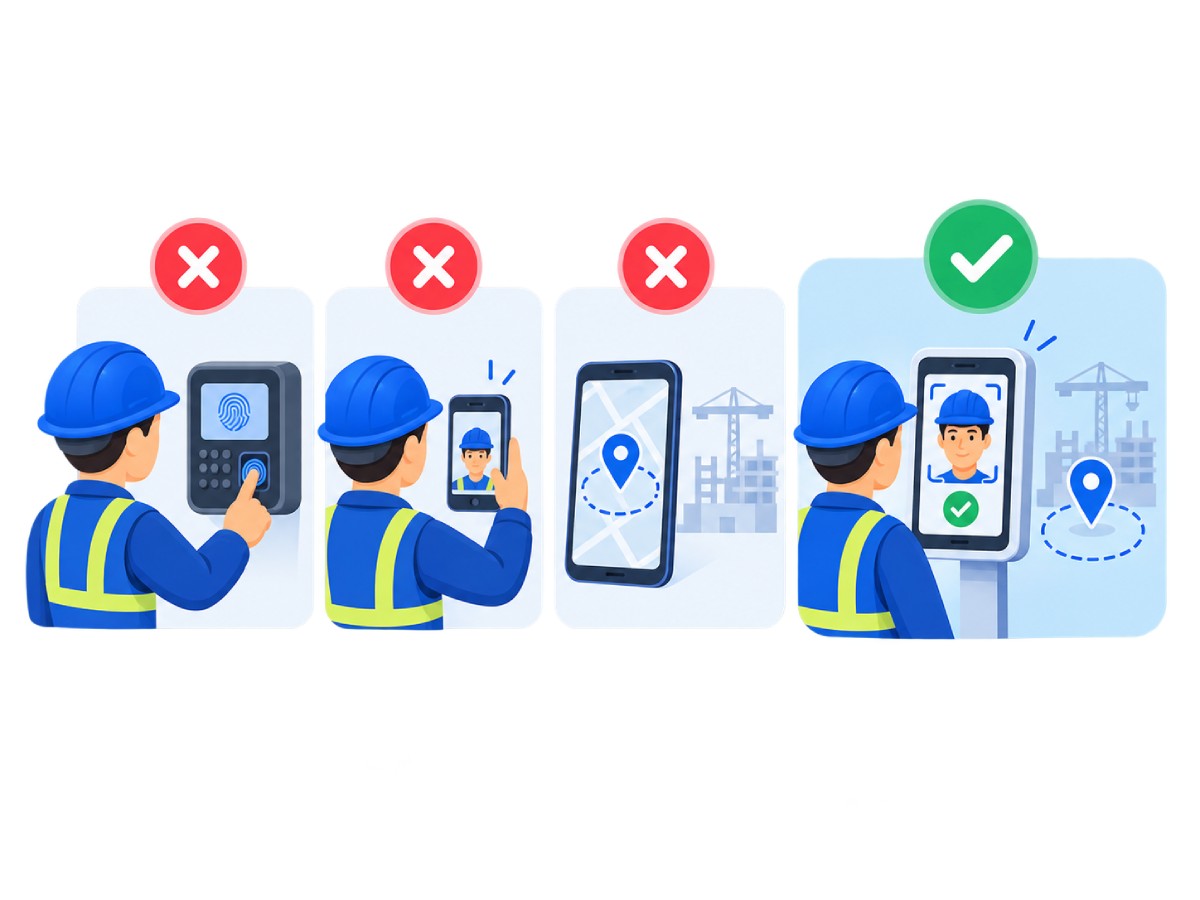
All three are credible tools and appear on most shortlists. They differ from Truein on where identity is verified and who the product is built for.
Whichever tool you shortlist, ask the same question: on the devices your crews actually use, what happens when a face does not match?
GCC
All six GCC states run a Wage Protection System: the UAE, Saudi Arabia, Oman, Qatar, Kuwait, and Bahrain. The salary file format and administering authority differ by country, but the requirement to pay wages through approved channels does not. Truein does not generate WPS or SIF files. It provides the verified time data and standard reports that feed your own wage protection submission, so the hours you pay against are hours a verified worker actually punched. Accurate headcount by site and nationality also supports the reporting that Saudization (Nitaqat) and Emiratisation programmes rely on, without being a compliance guarantee. Truein's 70+ configurable policies cover overtime, breaks, and rest days by location and worker category, and are designed to support compliance with each country's labour law. For the GCC product page, see Face Recognition Attendance System for the Middle East.
India
India's four Labour Codes took effect on 21 November 2025, with central rules notified in May 2026 and state rules still rolling out. Under them, the principal employer carries responsibility for social security and health benefits for contract workers, and statutory coverage including PF, ESIC, and gratuity is being extended to contract and fixed-term workers. Verified attendance is the base record all of that runs on. Truein provides payroll-ready reports that feed your payroll and HRMS; confirm PF and ESIC formatting with your payroll team, since a payroll-ready export is not automatically a statutory return.Attendance and face data for Indian workers falls under the Digital Personal Data Protection Act, 2023, which is coming into force in phases through 2026 and 2027. Truein's existing data protection framework aligns with the core principles the Act establishes: consent, data minimisation, and breach notification. Truein is ISO 27001:2022 certified and SOC 2 Type II compliant, acts as Data Processor with the customer as Data Controller, processes face and attendance data on AWS infrastructure hosted in India, and has a designated Data Protection Officer reachable at dpo@truein.com.












Hey there! I'm Aby! Schedule a demo to implement centralized time and attendance solution for multi-site workforce.
Hey there! I'm Aby! Schedule a demo

Schedule a demo with a Truein Solution Expert

58+
Global companies booked a Truein demo last week