


.jpg)

A photo at clock-in does not stop buddy punching. It documents it.
That distinction is missing from nearly every busybusy alternatives roundup currently ranking, and the omission sends contractors in the wrong direction. Most of those pages claim busybusy has no identity verification. It does.
busybusy's help center documents Clock In Photo Verification, which compares the clock-in photo against the employee's stored profile and flags weak matches for office review, and its pricing page documents On-Site Restrictions, which stop a clock-in from outside the project boundary.
The real question is not whether busybusy checks anything. It is when it checks, and who has to act on the result.
Key Takeaways
- A construction time clock checks one of four things at the moment of the clock-in: nothing, location only, identity reviewed afterward, or identity enforced on the spot. Only the fourth stops a bad clock-in becoming a paid hour.
- GPS and identity are separate controls. A geofence proves a phone was on the job site. It says nothing about whose hand was holding it.
- Enforcement usually sits on a paid tier, so plenty of crews run a free plan where the controls exist but are switched off.
- Offline capture is close to universal here, so it rarely deserves to decide a purchase unless signal genuinely drops on your sites.
- Subcontractor separation, meaning scoped supervisor access and per-agency headcount caps in subcontractor time tracking, is the requirement almost nothing in this category documents, and the one that gets expensive fastest once three agencies share a gate.
Busybusy Checks Identity. It Just Tells You Afterward.
busybusy verifies identity and reports the result rather than acting on it. Its documentation describes ‘Clock In Photo Verification’ as switched on per position rather than per worker, capturing a photo at the moment of the clock-in, comparing it against the employee profile, and surfacing failed matches in a ‘Photo Verification’ report.
busybusy states that a photo below a 90 percent match rate is flagged, and its homepage describes the capability as facial recognition that notifies the office when someone clocks in for someone else.
Read that sequence again. The clock-in is recorded. The flag arrives later. Somebody in the office has to open the report and fix the timecard before payroll closes.
The gap is not detection. It is that detection happens after the hour is already on the timecard.
On location, busybusy is stricter than several alternatives. ‘On-Site Restrictions’ and ‘Enhanced GPS with on-site verification’ stop a clock-in from outside the project parameters, which is a hard block on location paired with a soft flag on identity.
Which busybusy Features are Switched Off on the Free Plan?
On the Free tier, both controls are unavailable. busybusy's plan comparison places Clock In Photo Verification, Kiosk, Enhanced GPS with on-site verification, On-Site Restrictions and Supervisor Tools on Pro and Premium.
Free carries GPS time tracking, job costing, equipment tracking, and offline mode, with unlimited users. A crew on the free plan has GPS stamps and no enforcement of either location or identity. If that is you, price an upgrade before a migration.
The Four Things a Time Clock Can Check at the Clock-in

Every tool here sits at one of four levels, and the level decides whether switching changes your payroll.
- Checks Nothing: A timestamp and a job code.
- Location only: A GPS stamp or geofence, meaning a virtual boundary around a site so a clock-in is tied to the real work location. It proves a device was there.
- Identity reviewed: A photo is captured and compared, weak matches are flagged, someone reviews them later. The clock-in is recorded either way.
- Identity enforced: The match runs on the device at the moment of the clock-in, and a failure refuses it and prompts a retry.
busybusy sits at level three. Most alternatives below sit at two or three. Two can be configured to reach four.
Ask any vendor one question before you buy: Is identity verified at the moment of the clock-in, or reviewed from a photo afterward? If it is a photo review, the tool documents buddy punching rather than preventing it.
The 7 Best busybusy Alternatives
Selection ran on four criteria: what the platform verifies at clock-in, how its geofence behaves at the boundary, whether time tracking data holds when connectivity drops, and how directly its data reaches a construction payroll system. Every claim comes from vendor documentation as of October 2026.
Read the third column first. It is the only one that changes whether a questionable clock-in reaches your timesheet, and it is where these seven crew time tracking tools actually diverge.
1. Truein: A Face Recognition Time Clock That Enforces Identity on Phones and Shared Tablets
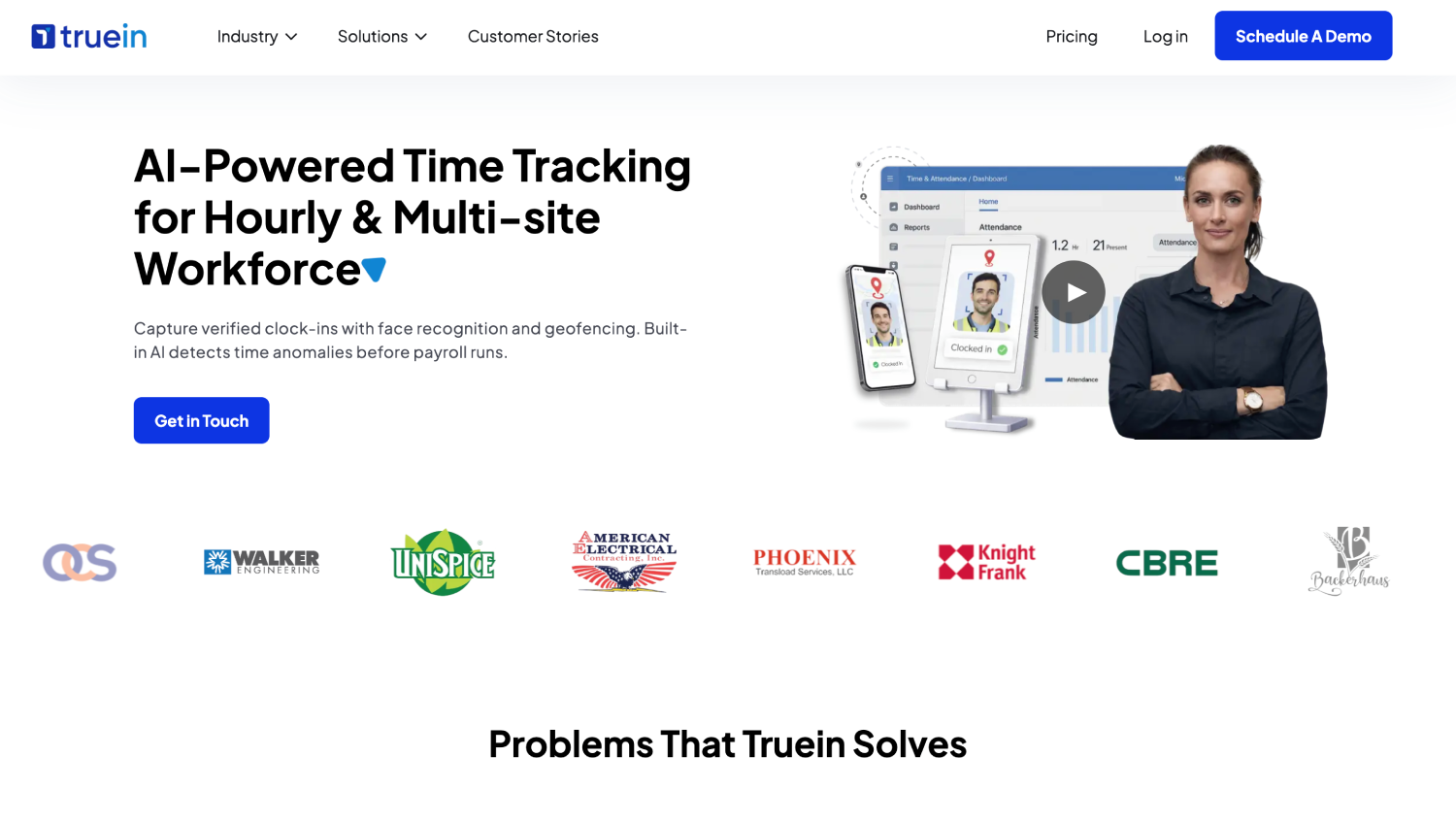
Truein is an AI-powered time tracking software for hourly and multi-site workforces that verifies identity at clock-in using face recognition paired with GPS geofencing, on any Android or iOS phone or shared tablet, with no dedicated hardware required.
At the clock-in, two safeguards operate and they are not the same thing. A face-match failure blocks the clock-in immediately and prompts a retry. Separately, spoofing attempts can be flagged after the clock-in in the default configuration, after which the record is flagged and the worker can be blocked. Published accuracy is around 95 to 100 percent, including with facial hair, masks, changed hairstyles and hard hats.
That check does not change with the device. The same face match runs whether a crew member taps in on their own Android or iOS phone, on a shared tablet kiosk mounted at the gate, or through a supervisor-assisted clock-in, which is where tools that confine verification to kiosk mode leave a gap. No fingerprint scanner, no rugged terminal, no IT procurement: Truein is dedicated-hardware-free, and a new job site is set up in the dashboard rather than ordered in.
Differentiators: Geofences can be a radius with a configurable 20-meter minimum, or a custom polygon boundary traced point-by-point to match an irregular plot. Offline clock-in captures clock-ins with zero connectivity and syncs on reconnect, flagged as ‘captured offline.’
AI TimeGuard, Truein's built-in anomaly detection layer, reads time tracking data across sites for the patterns a supervisor would never catch by eye: the same two crew members clocking in within the same four seconds every morning, a timecard corrected five times in one cycle, or a sequence of clock-ins that would require a crew member to be in two places. It surfaces those for manager review based on the account’s configuration, which means the office reviews a short exception list instead of eight hundred rows. Truein is best for hourly crews split between personal phones and a shared site tablet, and general contractors managing subcontractor attendance alongside their own.
Limitation: Truein is not payroll software and not a full HRMS. It produces payroll-ready reports and integrates with ADP, QuickBooks, Sage, Paychex, Xero and Viewpoint rather than replacing them, and it does not track equipment hours.
2. Miter: Facial Recognition Plus Certified Payroll in One Record
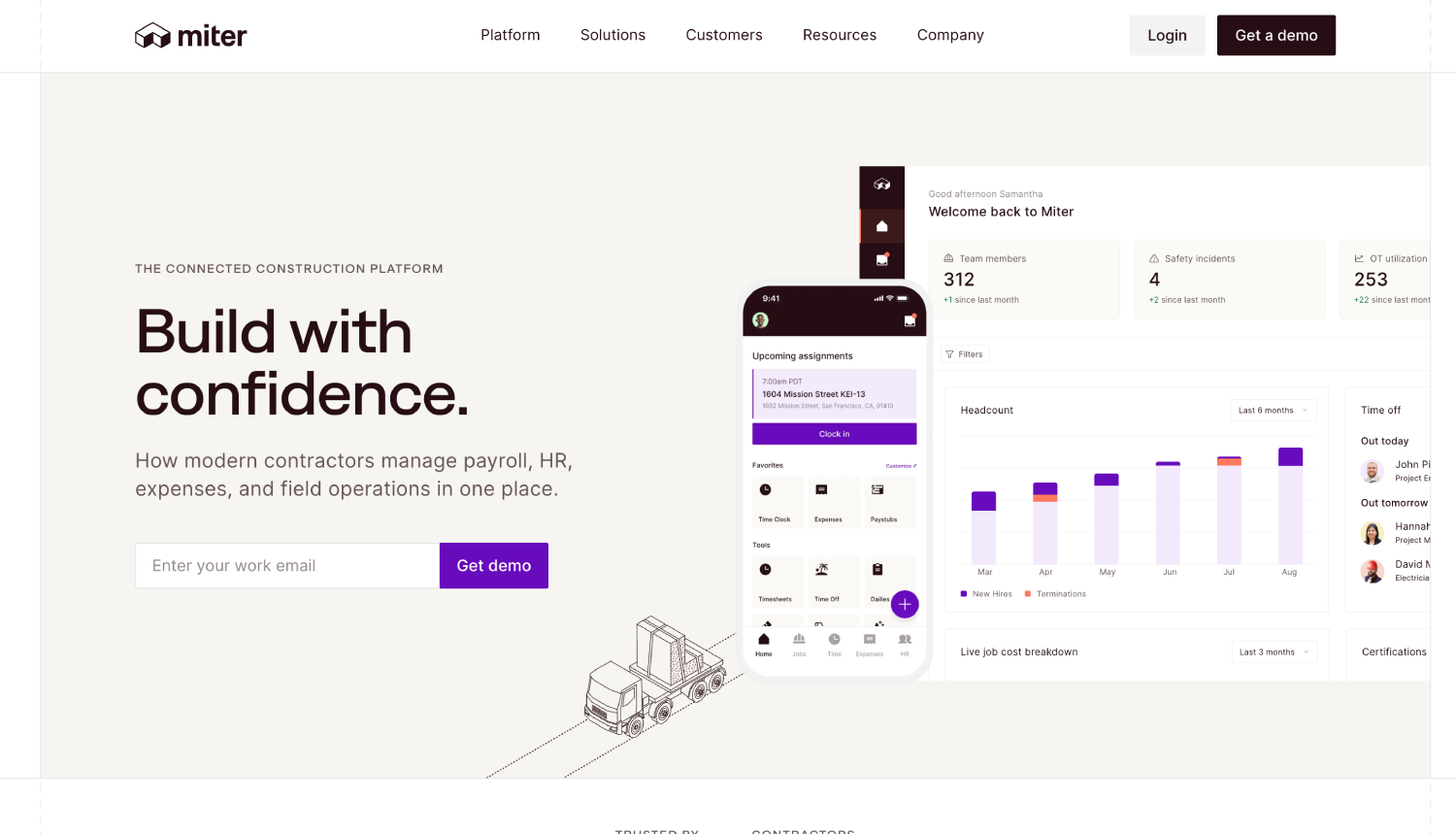
Miter is a construction payroll and HR platform with field operations on top, used by more than 1,000 contractors according to its own documentation.
At the clock-in, Miter confirms identity with facial recognition, and states that on a mismatch the system can be set to alert the office or block the clock-in outright. Geofencing can block or flag out-of-bounds clock-ins, and Miter states it does not track location off the clock.
Differentiators: Prevailing wage, union rules, and certified payroll are handled in the same platform that captured the hours, which removes the export-and-reconcile step for public work. It integrates with Sage, Viewpoint Spectrum and Vista, Acumatica, Foundation, NetSuite, and QuickBooks.
Limitation: This is a platform decision, not a tool swap. Replacing busybusy with Miter means moving payroll and HR too.
3. Raken: Identity Confirmed at Clock-in, Inside a Daily Reporting Platform
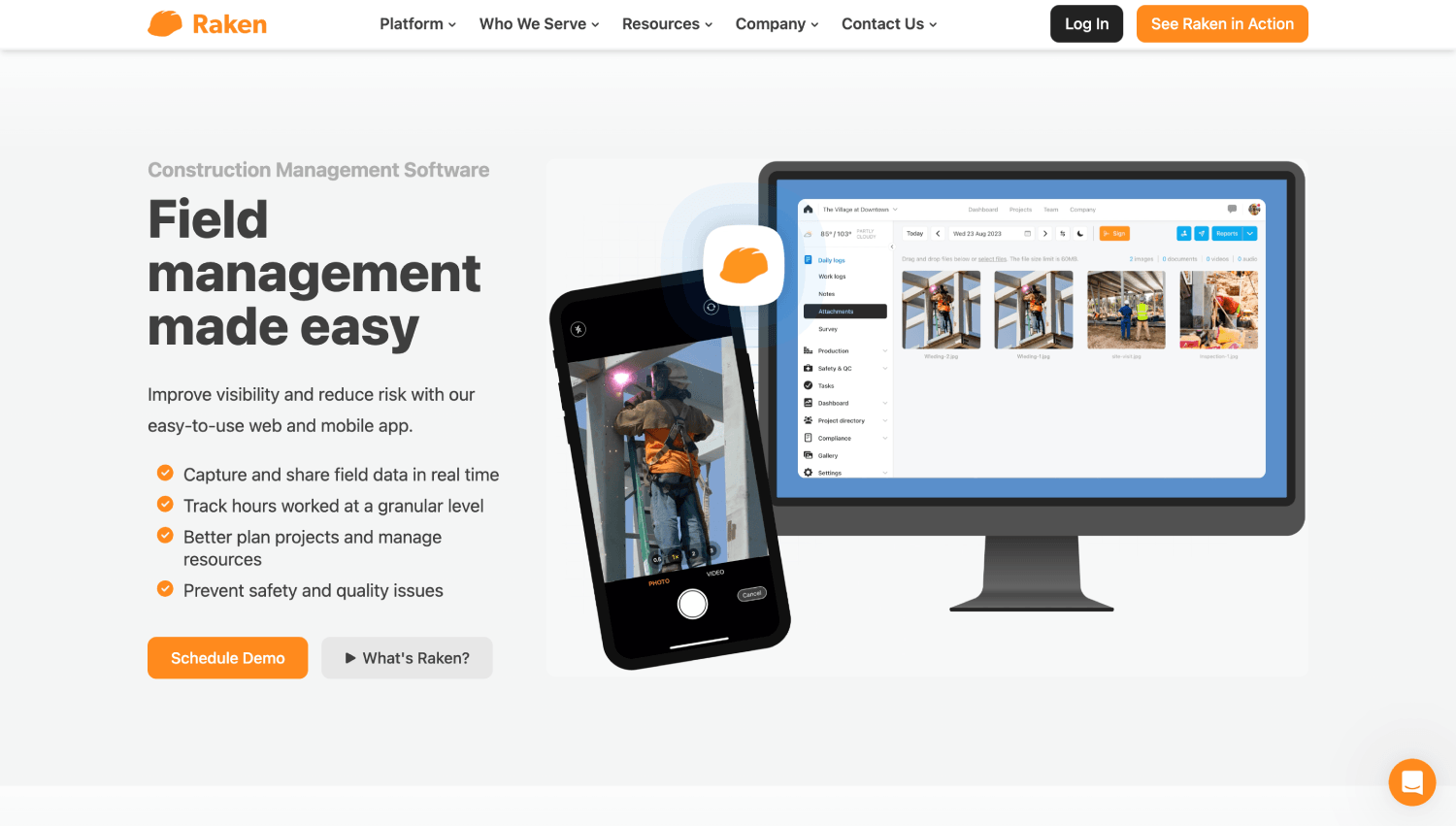
Raken built its reputation on daily reports and field documentation, with time tracking alongside rather than at the center.
At the clock-in, workers confirm identity with a selfie through AI Photo ID when clocking in or out, with GPS location verification alongside, and the same check runs in kiosk mode on a shared device. On a failed match, the clock-in is accepted and the mismatch is routed directly to the dashboard for manager review.
Differentiators: Overtime and break policies apply per employee group, and unlimited cost codes attach to time cards automatically when a worker is assigned a task.
Limitation: Raken does not block a bad clock-in; it accepts the clock-in and flags the mismatch for manager review. This mechanism does not ensure the prevention of buddy punching, rather it documents it.
4. Arcoro Time (formerly ExakTime): Photo Captured Every Clock-in, Reviewed at the Office
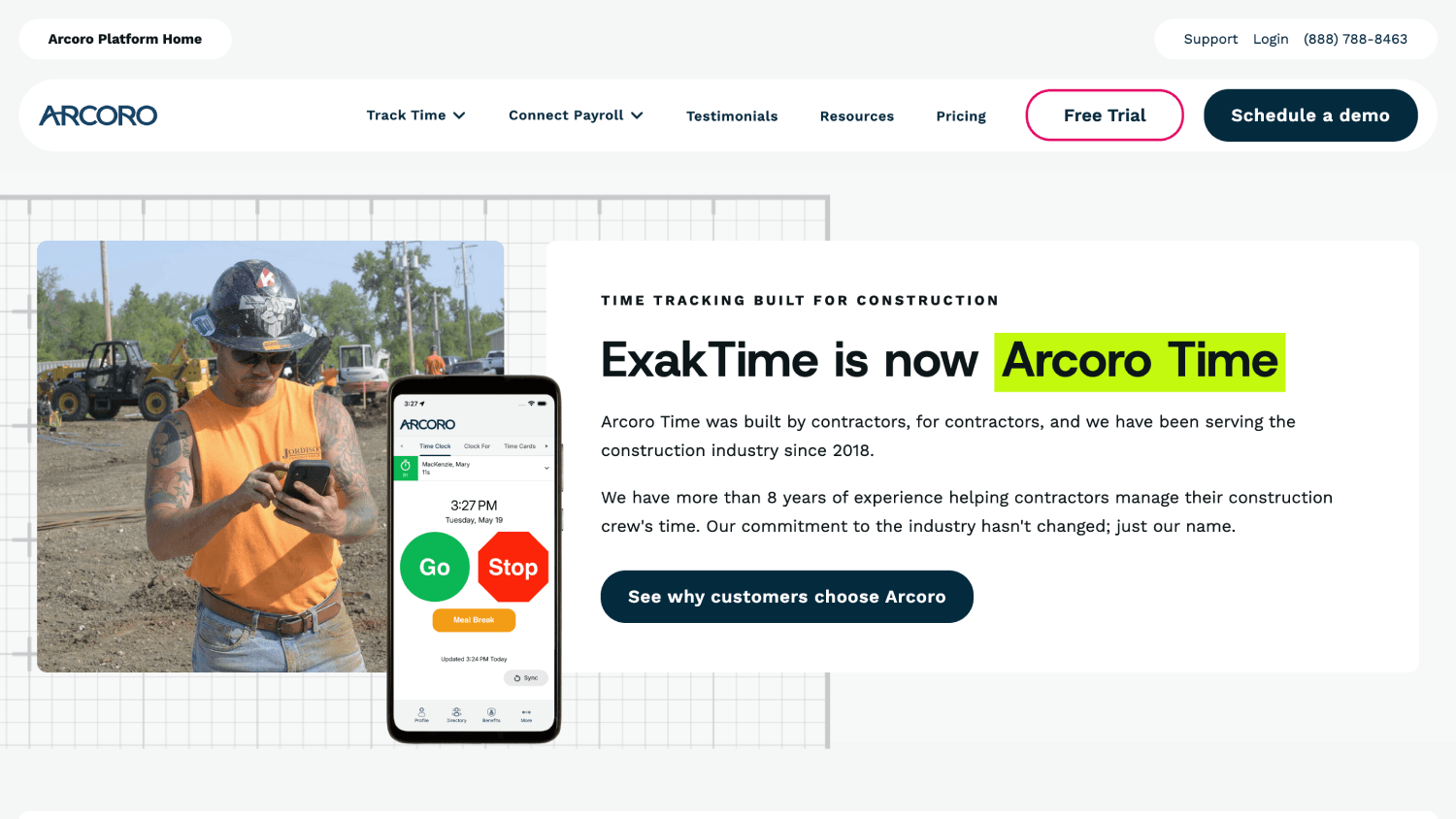
Arcoro Time sits inside Arcoro's wider HR suite, and is the clearest example here of identity reviewed rather than enforced.
At the clock-in, FaceFront Biometrics photographs the worker at every clock-in and clock-out, and Arcoro describes the image as stored in the cloud for review at the office, surfaced through the time card or the Employee FaceFront Report. The capture is mandatory; the comparison is still human.
Differentiators: Perimeter control for clock-in and out is included on all three plan tiers rather than gated behind an upgrade, and the product is built around the reality that grimy hands and wet weather defeat fingerprint hardware outdoors.
Limitation: Photo-for-review documents a buddy punch rather than preventing one, which is the exact gap most contractors are shopping to close.
5. ClockShark: Strong Scheduling, With Identity Checking Only at the Kiosk
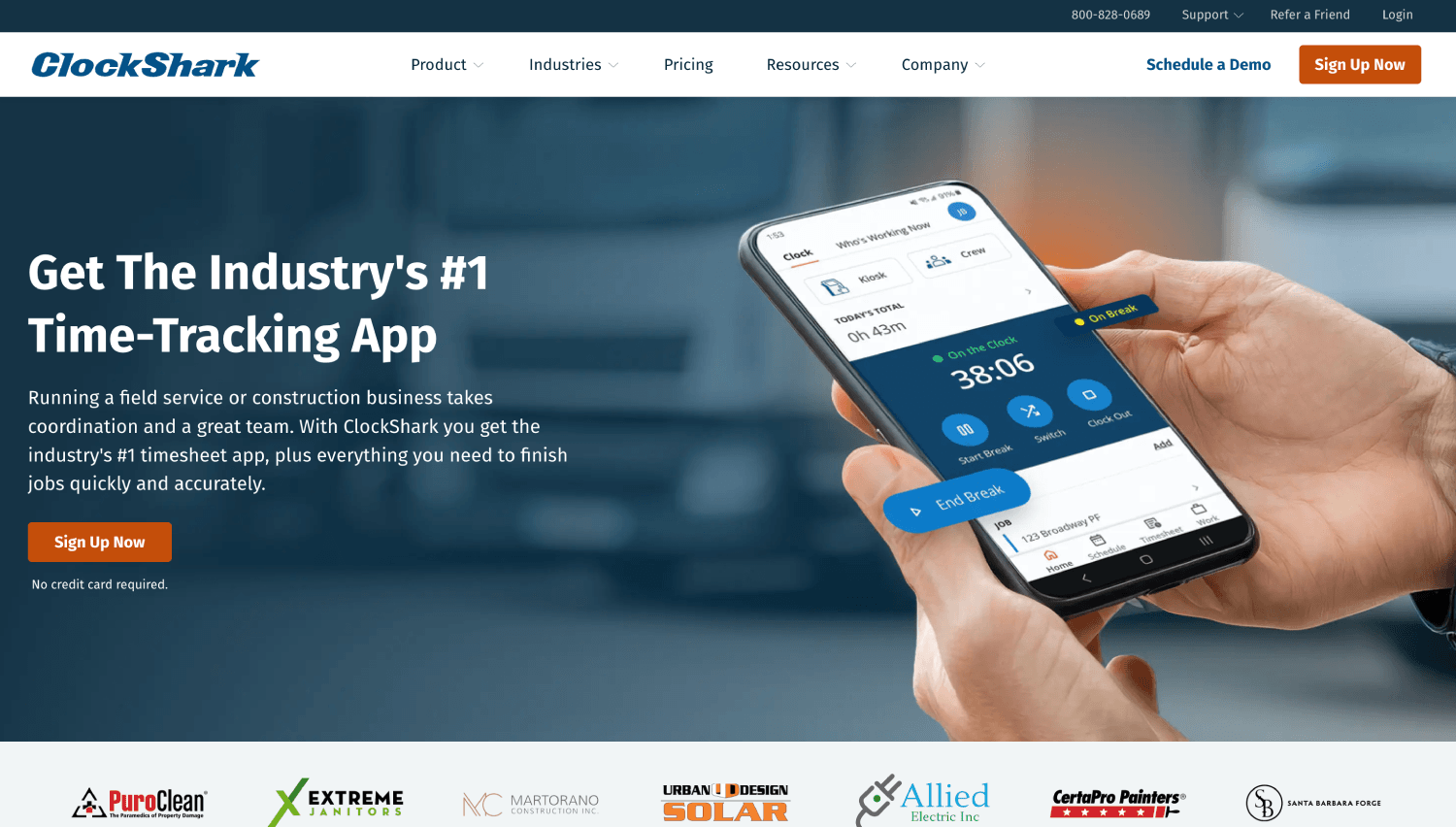
ClockShark bundles time tracking, drag-and-drop scheduling, job costing, and customer management.
At the clock-in, ClockShark's documentation places facial recognition and photo capture in Kiosk Clock mode. A crew member clocking in from a personal phone gets GPS and geofence alerting with no identity check. Its geofence reminds workers at a boundary and notifies admins of an out-of-bounds clock-in, rather than refusing it.
Differentiators: Scheduling is the real reason to buy ClockShark rather than a feature beside the clock: a foreman can drag a crew onto a job and the assignment flows into what they clock into. Spanish language support is built in rather than bolted on, which matters on crews where it decides whether the app gets used. Shift wrap-up compliance forms sit on the Pro tier and capture sign-offs at clock-out, which is where most contractors are still chasing paper.
Limitation: Two standards of verification depending on which device a crew member picks up that morning, plus a three-year contract term. Truein publishes a ClockShark alternative comparison guide covering the kiosk-versus-phone difference.
6. Workyard: The Most Detailed GPS Here, and it is Honest About its Photos
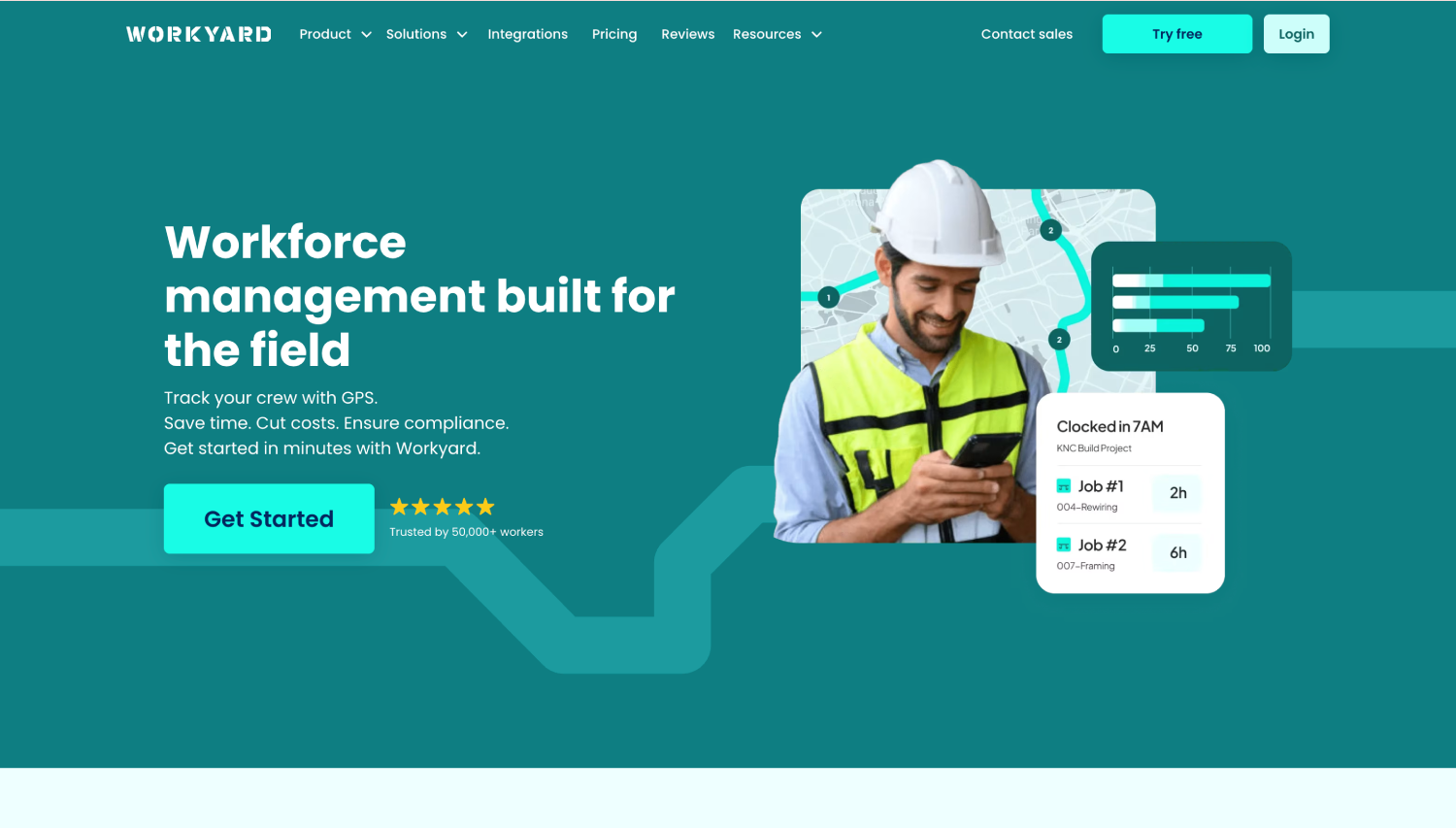
Workyard is unusually straightforward about what its photo feature does, which makes it easier to evaluate than most.
At the clock-in, Workyard describes its clock-in photo feature as using face detection to confirm a facial photo was submitted. It confirms a face is present. It does not identify whose. On location, Workyard restricts clock-in inside geofences from its Pro tier, so an out-of-boundary clock-in can be refused.
Differentiators: GPS goes beyond breadcrumbs to a summary of addresses visited, time on site and driving trips between them, with mileage assigned to projects automatically, and labor costs recalculated on every clock-out against project and cost code reports.
Limitation: If identity verification is why you are leaving busybusy, Workyard does not close that gap, and it does not claim to.
7. Connecteam: A Broad Operations App Where Attendance Integrity is Not the Primary Offering
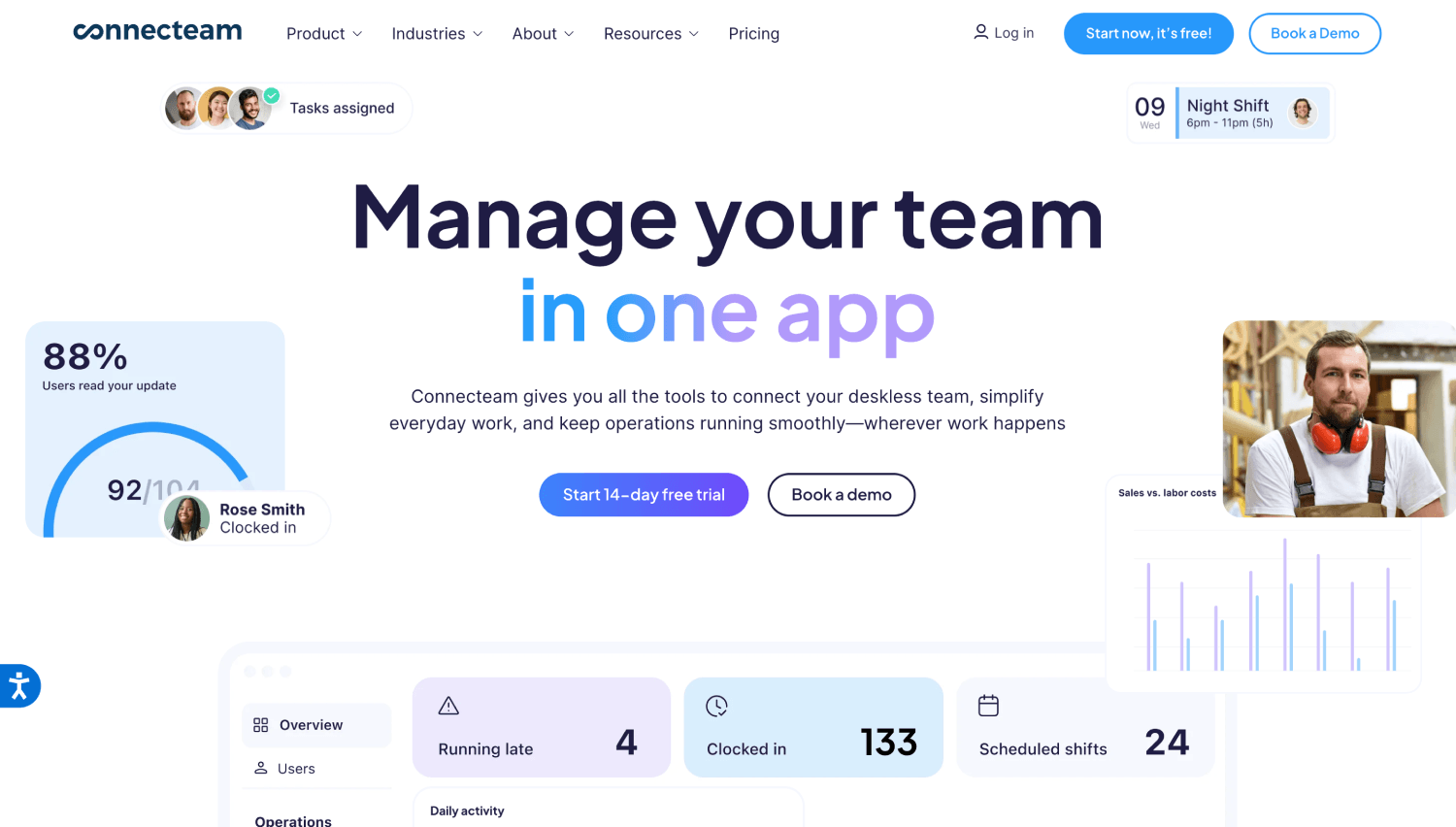
Connecteam covers time tracking, scheduling, chat, checklists, and training, and is the broadest product here.
At the clock-in, GPS geolocation stamps only, with no facial recognition or photo verification documented in any of its six plan tiers. Geofencing starts on Advanced and is capped at 10 sites; unlimited sites and breadcrumb tracking start on Expert. Connecteam states breadcrumbs record location only while a worker is on the clock.
Differentiators: The kiosk station is available from the entry plan rather than gated behind an upgrade, auto clock-out on geofence exit closes out the worker who drives off and forgets, and the chat, checklist and training tools solve a coordination problem most construction clocks do not attempt to touch. If your Monday morning problem is getting information to 40 people rather than verifying who tapped in, that is a real answer.
Limitation: No identity layer at all, and the 10-site geofence cap bites quickly. Connecteam also does not provide offline clock-in capability. Truein publishes a Connecteam alternative comparison guide for teams weighing time tracking integrity against the broader toolkit.
Which Alternative Fits Your Crew, and When Staying on busybusy is the Right Answer
Crew size changes the answer more than feature lists do. A 12-person crew on one site and a 300-person operation across nine sites with four subcontractors are not solving the same problem, and most roundups pretend they are.
Here are three concrete reasons to stay with busybusy:
- Your crews are equipment-heavy: busybusy carries equipment usage, equipment GPS location, machine hours, and equipment-on-active-projects on every tier including Free. No dedicated time tracking software here replaces that. If a loader's hours and an operator's hours belong on the same timecard, that is a genuine reason to stay.
- You are on the free plan and never switched the controls on: Upgrade, run a pay cycle, then decide.
- Your job costing already works: If labor lands against the right cost codes and payroll closes clean, one gap rarely justifies a migration.
The headline rate is the number you compare. The contract term, the base fee, and the tier your controls actually live on are the numbers you pay.
What Happens When Three Subcontractors Share One Gate?
Three subcontractors arrive Monday on the same site. Each has their own foreman, their own headcount cap in the contract, and their own turnover week-to-week. This is where contractor time tracking built for a single W-2 crew falls apart. Ask every finalist:
- Can a sub's crew member self-enroll their own face on the first morning, without your office adding them the night before?
- Can each foreman see only their own crew rather than the full site roster?
- Can headcount be capped per agency, so billing cannot quietly exceed the contract?
- Are pay rates and document expiry tracked at the agency level?
Across the documentation reviewed here, only Truein publicly documents agency-level separation: multiple subcontractor agencies under one account, per-agency headcount limits, supervisors scoped to their own staff rather than company-wide data, and agency-level policies, pay rates, and document expiry tracking.
Raken serves subcontractors as a firm type without documenting multi-agency separation. Miter controls which jobs a worker can clock into by role and department, which is adjacent rather than equivalent.
Be clear about what that buys you. It is visibility and control, not an automatic audit. The structure is there to spot overlapping headcount and overbilling, and somebody in your office still has to look.
What Happens When a Worker Clocks in Outside the Geofence?

Geofencing sounds like a hard boundary until you check what happens when a worker crosses it. A crew member clocking in 500 meters from the assigned site meets either a reminder that nudges and logs the clock-in anyway, a flag that records it marked ‘out of bounds,’ or a block that refuses it.
ClockShark documents reminders and admin notifications. busybusy's On-Site Restrictions, Workyard's Pro-tier restriction, Arcoro Time's perimeter control and Miter's out-of-bounds blocking all refuse the clock-in. Truein's GPS geofencing time clock enforcement depends on account configuration, so an out-of-boundary clock-in can be blocked, alerted, or routed for supervisor approval.
Shape matters as much as behavior. A circle around an L-shaped facility either leaves authorized ground outside the boundary or pulls a neighbor's lot inside it. Truein offers both radius and custom polygon geofencing capability and its custom boundaries trace the real footprint, though they are created through the dashboard rather than bulk upload, so sites added in bulk use a radius. A drawn boundary describes the permitted area, not the accuracy of the GPS fix underneath it.
Offline capture is the opposite story. Every tool here except Connecteam caches the clock-in on the device and syncs on reconnect, busybusy included on its free tier.
An offline clock-in reaches the dashboard only after it syncs, so offline capture is not real-time visibility. A clock-in recorded in a dead zone at 7 a.m. is invisible to a supervisor until that device reconnects.
If more than a fifth of your active sites lose signal during a shift, treat offline capture as a dealbreaker requirement. If they do not, treat it as reassurance and decide on something else.
What Does Switching Actually Cost Your Office?
The cost that catches contractors out is not the subscription. It is the hours your office spends every cycle after the migration, and integration method decides most of that. An API connection syncs timesheet data directly, an FTP batch job moves it on a schedule, and a CSV export means somebody re-keys it every cycle, reintroducing the error the clock was bought to remove.
Count the integrations second and ask how they connect first. Truein supports API-based sync and FTP batch workflows.
What Switching Actually Costs You
Headline rates are not comparable here, because these vendors do not charge for the same thing. Before you put two quotes side-by-side, pin down the billing basis (per active user matters on a crew with seasonal turnover), the fixed base platform fee, the contract term, and which tier holds the control you are buying for.
Identity verification and geofence enforcement sit on paid tiers at busybusy, Workyard and Connecteam, so quoting the entry tier and assuming the control is included is the most common way these comparisons go wrong.
Then settle what happens to your history: Export your busybusy timecards before you cancel and check what comes out: a flat hours summary is not the same as timecards with their original job codes, cost codes and GPS stamps attached, and on prevailing wage or public work you may need that detail years later.
Equipment hours will not map onto a time clock that does not track equipment, so archive those separately. Then run both systems for one full pay period and reconcile the two timesheets line by line before cutting over.
Scope is the other thing to pin down, because three products here do three different jobs:
- Truein produces payroll-ready reports and connects to payroll and HRMS systems without processing payroll.
- busybusy runs BusyPayroll as an add-on.
- Miter processes payroll natively.
The wrong scope creates either a gap or an expensive overlap. If QuickBooks-native payroll with time tracking attached is your only requirement, Truein publishes a QuickBooks Time alternative comparison guide for that decision.
Five States Where Biometric Consent Actually Applies to Time Tracking

Face recognition at clock-in is lawful in the United States when it is done with consent, and five states carry requirements that genuinely touch attendance tracking.
California matters most right now. Since 1 January 2023, the employee exemption under the CCPA and its amendment the CPRA has expired, so California employees hold full rights, including notice, access and deletion, over biometric data collected at work. Any contractor with California job sites should treat this as a present obligation.
Illinois carries the Biometric Information Privacy Act, which requires written consent before collection and, unlike the others here, lets individuals sue directly. That private right of action is why contractors working in Illinois should pair face verification with GPS rather than relying on face capture alone.
Texas' Capture or Use of Biometric Identifier Act requires notice and consent before capturing a record of face geometry for a commercial purpose, with civil penalties up to $25,000 per violation. Only the Texas Attorney General can enforce it, which removes the class-action exposure that makes Illinois distinctive.
Washington's RCW 19.375 requires notice and consent before enrollment, enforced solely by its Attorney General.
Colorado's HB 24-1130, effective 1 July 2025, adds a written retention and deletion policy plus deletion within 24 months of a worker's last interaction.
Operationally this is narrower than it sounds: collect consent before enrollment, keep a record, set a retention policy, and give workers a way out. Truein uses consent-first enrollment: a consent screen appears before the camera opens, consent and withdrawal actions are recorded in an audit trail, and a worker who withdraws can be moved to a non-biometric time clock by HR. The employer still owns the legal determination and the policy.
Disclaimer: This section is for general informational purposes only and does not constitute legal advice. Biometric privacy laws vary by state and change over time; the information above reflects publicly available sources as of the article's publish date and may not reflect subsequent legal developments in your jurisdiction. Before deploying biometric time tracking technology, consult a licensed attorney familiar with the applicable state and local requirements.
Test it on Your Own Job Site Before You Switch
A feature page tells you what a vendor wants you to know. A week on a real site tells you whether it works. Run one crew, one site, five days, pass or fail on each check.
- Buddy punch attempt: With the worker's knowledge, try clocking in on a coworker's device. ‘Pass’ means the clock-in is refused on the spot, not surfaced in a report later.
- Boundary test: Clock in 500 meters outside the geofence and record whether the system blocks, flags, or logs it silently.
- Dead zone test: Turn connectivity off, clock in, reconnect, and confirm the record syncs with its original timestamp and an offline marker.
- Cost code split: Allocate one shift across two jobs and two cost codes, then check the job cost report.
- Edit trail: Edit an entry, approve it as a supervisor, and confirm the original value, editor, and timestamp are retrievable.
Frequently Asked Questions
1. Does busybusy have facial recognition?
Yes. busybusy documents Clock In Photo Verification, which captures a photo at the clock-in, compares it against the employee’s stored profile, and flags matches below its stated threshold.
Two details decide whether it helps you: the flagged clock-in is still recorded, so somebody has to catch it before payroll closes, and the feature sits on Pro and Premium rather than the free plan.
2. Will switching off busybusy actually stop buddy punching?
Only if the replacement verifies identity at the device rather than filing a photo for review. Most tools marketed as buddy-punch prevention capture a photo or a GPS stamp and surface problems afterward, which produces evidence rather than prevention.
Platforms where a failed match refuses the clock-in on the spot, such as Truein, or where a mismatch can be configured to block, such as Miter, are the ones that change the payroll outcome. If a vendor cannot say what happens on a failed match, assume it is a flag.
3. Is it worth switching off busybusy if I only have 15 guys?
Usually not, at least not first. On a small single-site crew, the most common cause of unverified hours is that busybusy’s enforcement features were never switched on, because On-Site Restrictions and Clock In Photo Verification sit on the paid tiers.
Upgrade, turn both on, run one pay cycle, and measure. Changing apps to solve a settings problem costs money and crew goodwill for nothing.
4. Which busybusy alternatives block an out-of-bounds clock-in rather than just flagging it?
Four of the seven refuse it outright. Miter blocks or flags out-of-bounds clock-ins depending on how you configure it, Workyard restricts clock-in inside geofences from its Pro tier, Arcoro Time applies perimeter control, and Truein’s enforcement depends on account setup, so an out-of-boundary attempt can be blocked, alerted, or routed to a supervisor for approval.
ClockShark reminds the worker and notifies an admin rather than refusing. Connecteam’s geofencing starts on its Advanced plan.
5. Can a sub's crew clock in on a job site without my office adding them first?
On platforms built for multi-contractor sites, yes. Truein supports multiple subcontractor agencies under one account, with workers self-registering on-site using a single selfie, per-agency headcount limits, and each agency's supervisor scoped to their own staff rather than the full company roster.
Tools built for a single W-2 crew typically treat every extra agency as manual admin work the night before. Test this during a pilot rather than taking it on trust, because it is the first thing that breaks on a real multi-sub job.
6. Does face recognition still work with a hard hat and safety glasses?
It depends on the system, and most vendors do not publish performance under PPE. Truein's published wording puts accuracy at around 95 to 100 percent, including with facial hair, masks, changed hairstyles and hard hats, which matches real field conditions. Ask any vendor for tested accuracy under PPE specifically.
7. Where is Truein based, and does it support U.S. contractors?
Truein is headquartered in India with a dedicated U.S. office in New Jersey and U.S.-based account executives who travel for enterprise implementations. It reports more than 500 clients across 25 countries and over 10,000 locations, with U.S. construction customers including Walker Engineering.
8. What happens to my timecard history if I move off busybusy?
Export it before you cancel, and check what comes out. A flat hours summary is not the same as timecards with their original job codes, cost codes and GPS stamps attached, and on prevailing wage or public work you may need that detail years later.
Equipment hours and machine records will not map onto a time tracking software that does not track equipment, so plan to archive those separately. Run both systems in parallel for one full pay period and reconcile the two timesheets before cutting over.
Which busybusy Alternative Should You Choose?
These seven differ far less on GPS, offline capture and job costing than their comparison tables suggest. They differ on one thing: whether a questionable clock-in attempt is refused or recorded. A contractor who switches without checking is buying a different interface for the same payroll outcome, and a crew under 25 workers on one site may not need to switch at all.
The second question, and the one that gets expensive at scale, is subcontractor separation: whose hours those are, who approved them, and whether the headcount on the invoice matches the headcount on the site.
If you are running hourly crews across several sites with subcontractors on the gate, and unverified hours keep reaching payroll, the useful next step is a detailed walkthrough of how construction time tracking software applies face and GPS verification the same way on a personal phone and a shared tablet, with subcontractor time tracking kept separate from your own.
