


.jpg)

On a Monday with six active sites, 140 hourly workers and two subcontractor crews clock-in from their own phones before 7 a.m. Every record carries a timestamp and a map pin, and none of them proves who was holding the phone.
For a construction crew clocking in on employee-owned phones, the best time clock app is the one that verifies the worker as well as the location. Of the seven compared here (Truein, Workyard, ClockShark, busybusy, ExakTime, Raken and Timeero), all stamp a clock-in with GPS, but they differ in what else they check on a worker’s own phone.
A clock-in on a company-owned tablet and a clock-in on a crew member's own phone are different events. The tablet is tied to a place, so the app only has to confirm the person. The phone is tied to the person only by assumption, so GPS confirms the device and nothing else unless the app checks the face.
Truein, an AI-powered time tracking software for hourly and multi-site workforces, publishes this guide, so it is listed first. Every claim about the other six apps is limited to what each vendor documents, and Truein’s own limits sit beside theirs.
If you are choosing a clock-in layer rather than planning a BYOD rollout, start with our time card apps for construction guide, and for solo operators and small crews see our time tracking apps for contractors comparison. This article covers what changes when the phone belongs to the worker.
Key Takeaways
- On an employee-owned phone, GPS proves where the device was, not who held it, so the identity check at the clock-in separates one app from the next.
- Ask each vendor which verification runs on a worker's own phone and which runs only on a shared kiosk.
- A stored photo can document a wrong-person clock-in; only a check at the moment of the clock-in can stop one.
- Rank apps on identity, geofencing, offline capture, and subcontractor separation before price.
- Settle biometric consent, phone reimbursement, and paid-time rules by state, then pilot one site for a week.
How We Compared These Seven Apps
We compared the seven apps on four checks that matter on an employee-owned phone:
- What the app verifies at the clock-in
- What a geofence does at the boundary
- What is captured with no signal
- How crews and agencies are separated
Product claims come from each vendor’s help center and product pages as reviewed in October 2026, and where documentation was silent or conflicting, we say so. Features and plan tiers change, so confirm anything that decides a purchase in a demo on your own site.
What Does Each App Check Before it Accepts a Clock-in From a Worker's Own Phone?
Bring your own device (BYOD) time tracking for construction moves the identity question from the gate to the handset. Every mobile time clock app here supports a clock-in on a worker's own Android or iOS phone, and the table compares what else each documents.
The ‘identity’ column holds three different things: a face match that can stop a bad clock-in, a photo someone reviews later, and no documented check. Ask each vendor which one it is, because a photo review can document a wrong-person clock-in but will not stop it.
1. Truein: Best for Face-Verified Clock-Ins on Personal Phones
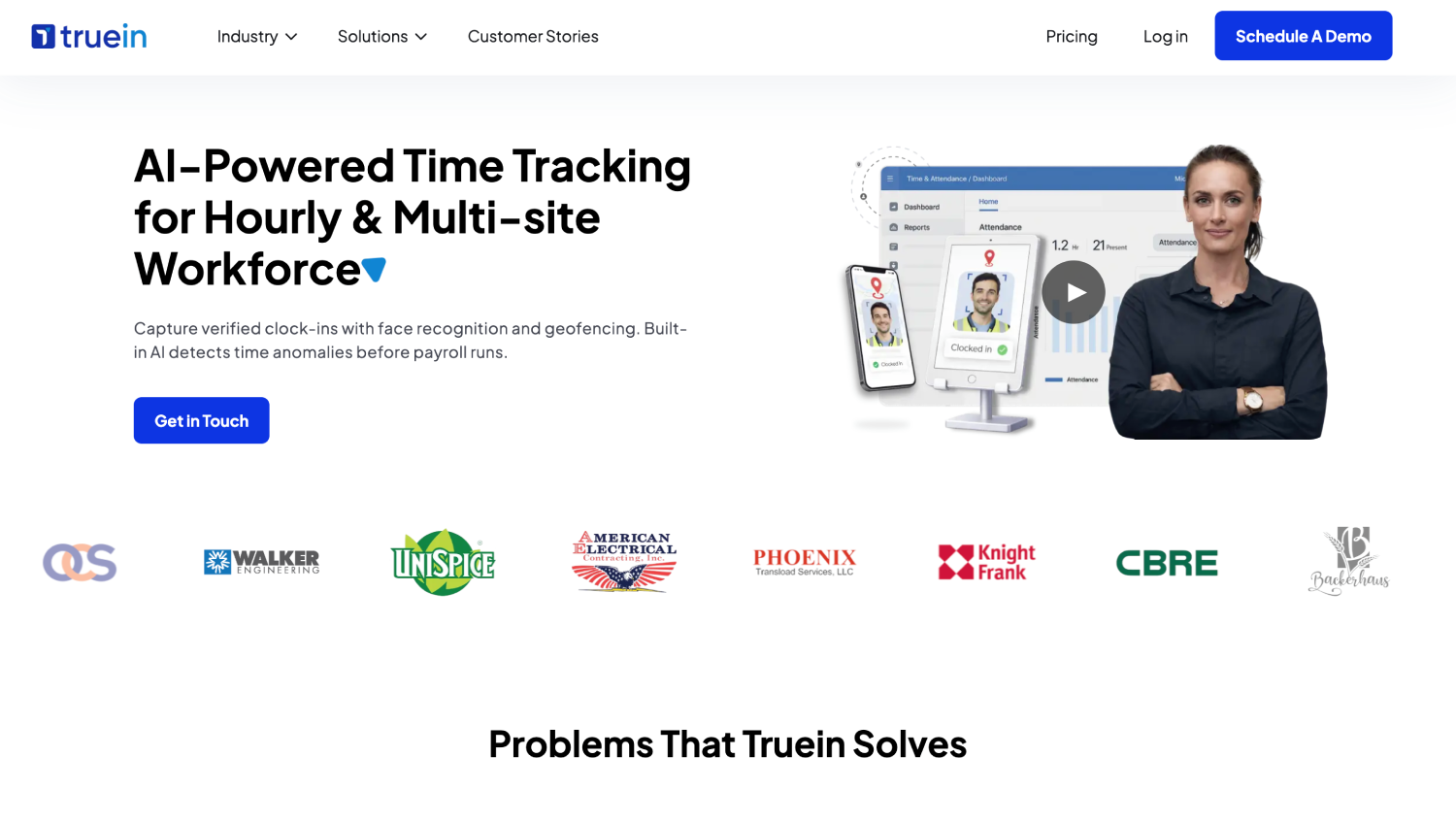
Truein is an AI-powered time tracking software for hourly and multi-site workforces that verifies identity at clock-in with face recognition and GPS geofencing on any Android or iOS phone or tablet, with no dedicated hardware required.
Walker Engineering is among the U.S. construction teams using its construction time tracking software, and the company serves 500+ clients, 10,000+ locations and holds a 4.8 out of 5 rating on both G2 and Capterra, as of October, 2026.
- What it does: Matches face and GPS at the moment of the clock-in, with single-selfie enrollment, so each timesheet line can trace back to a named worker. Geofences are a radius or a custom polygon boundary drawn in the dashboard. Offline clock-ins sync on reconnect, and Activity Punch tags time to a job or cost code for site-level labor costing. Face plus GPS depends on how the account is configured, so confirm it is switched on for personal-phone clock-ins.
- Standout: A failed face match blocks the clock-in and prompts a retry. Spoofing attempts can be flagged after the clock-in, depending on configuration, and AI TimeGuard, Truein's built-in anomaly detection layer, continuously analyzes time tracking data for risk signals like unusual correction activity and suspicious clock-in patterns, then surfaces those findings for manager review based on the account's enabled configuration.
- Limitation: Truein is not payroll software. It produces payroll-ready reports and integrates with ADP, QuickBooks, Sage, Paychex, Xero and Viewpoint, so payroll still runs in the system you already use.
2. Workyard: Best for GPS Job Costing Across Multiple Sites
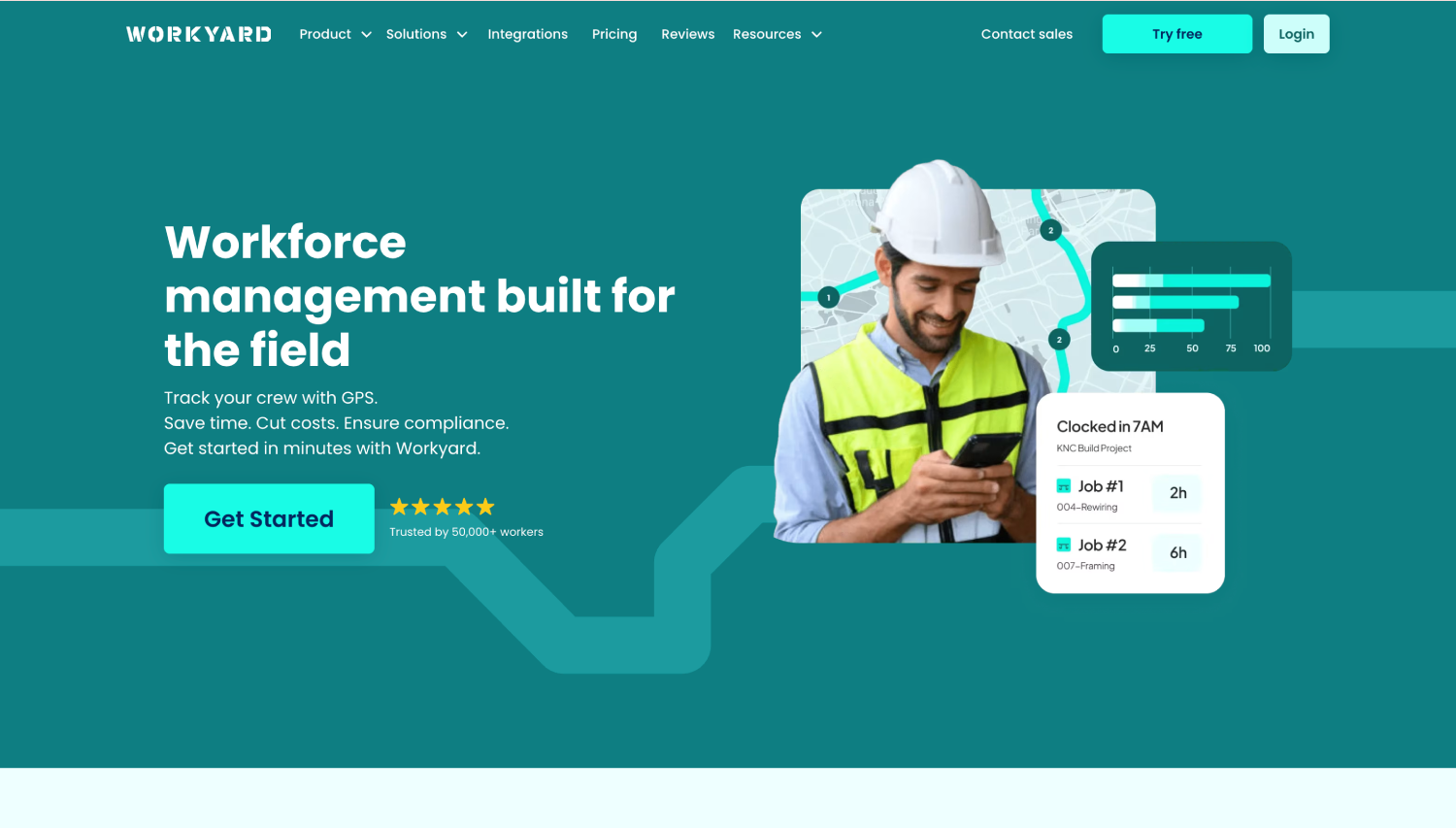
Workyard is a GPS time tracking and job costing app for construction and field service crews, on iOS and Android.
- What it does: Stamps each mobile clock-in with time, location, and a photo, restricts clock-in to geofences on Pro, and lets a supervisor clock in a crew.
- Standout: Its help documentation states full offline use, with GPS data uploading on reconnect.
- Limitation: The Pro-tier facial photo check uses face detection to confirm a face is in the frame. The pages reviewed do not describe matching it to an enrolled worker, and Workyard's time clock page places facial detection in its iPad kiosk.
3. ClockShark: Best for Crews That Mix Personal Phones, a Shared Tablet, and Foreman Clock-ins
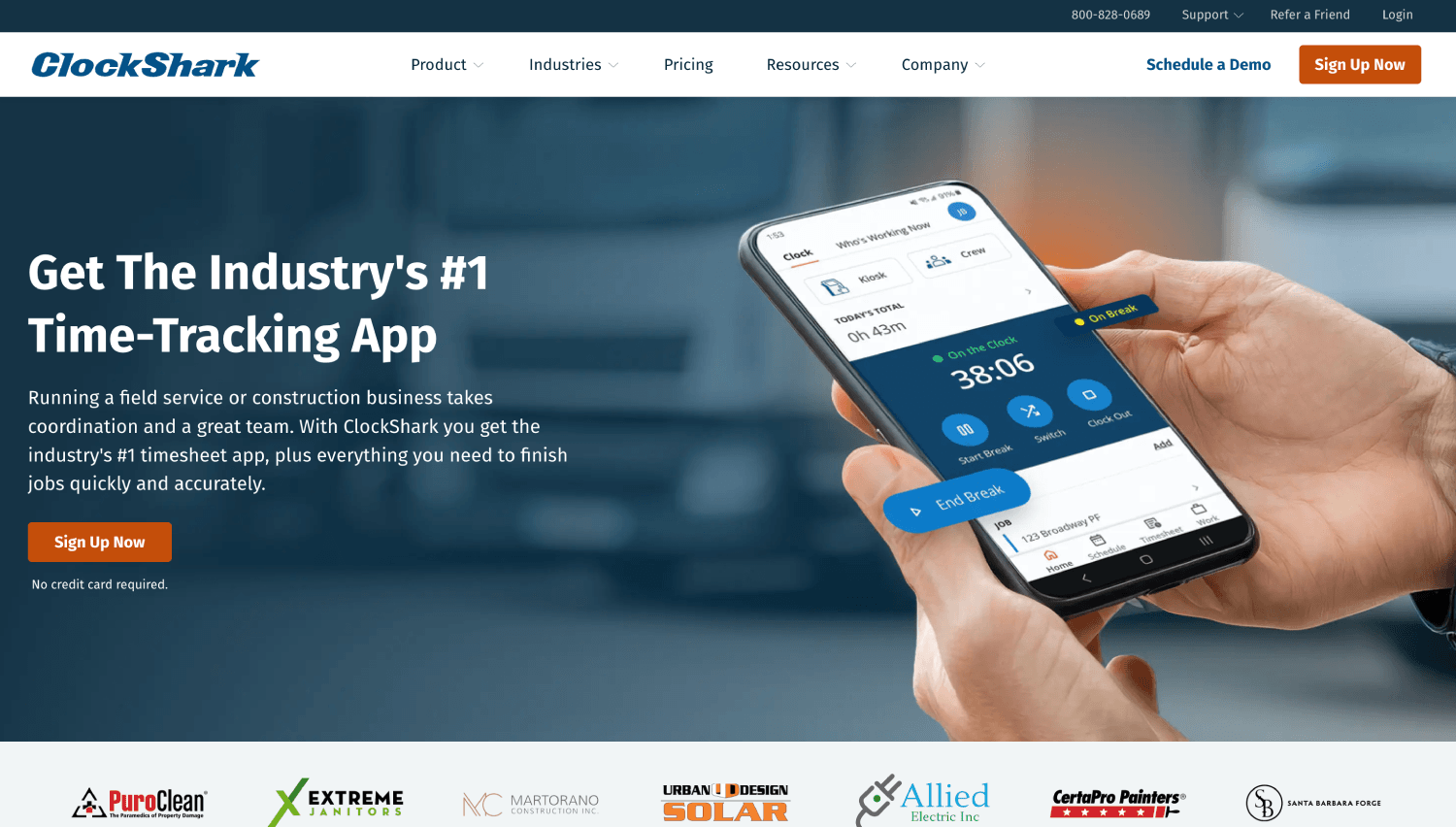
ClockShark is a time tracking and scheduling app for construction and field service trades, on iOS and Android.
- What it does: Records GPS at every clock-in. GPSFence prompts clock in or out, CrewClock lets a supervisor clock-in staff without smartphones, and KioskClock serves a shared tablet with four-digit PINs.
- Standout: Offline clock-ins queue in a Sync Queue and send on reconnect, and it documents all three clock-in modes in one product.
- Limitation: No photo or face check on a personal-phone clock-in; it tags and records the user's GPS location at the moment of clock-in.
4. busybusy: Best for Tracking Equipment Hours Alongside Labor
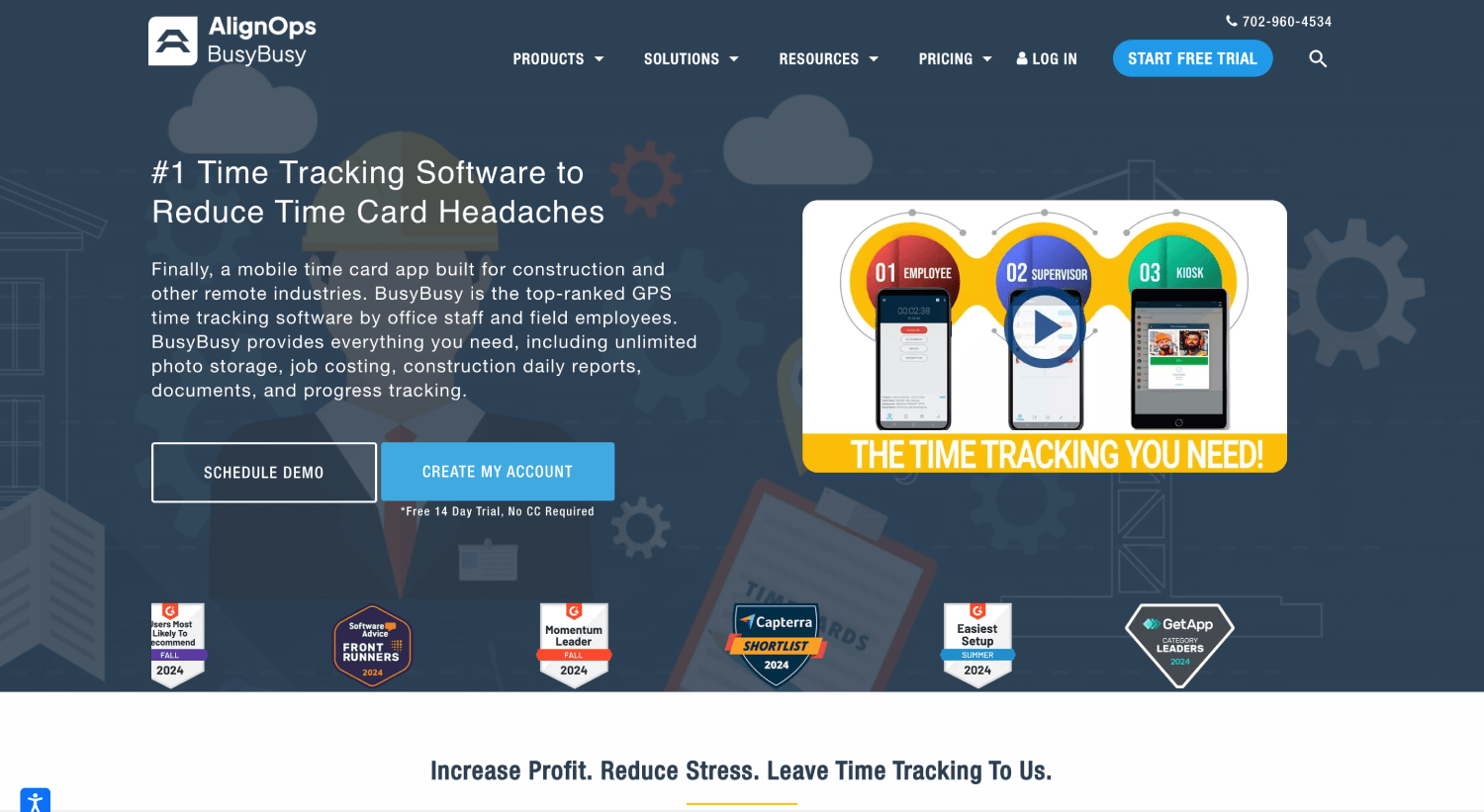
busybusy adds equipment hours and job costing to labor tracking, on iOS, Android, and web.
- What it does: GPS clock in and out, with on-site restrictions, clock-in photo verification and a kiosk listed in its feature comparison.
- Standout: Labor hours, machine hours, and equipment locations in one account, with GPS-verified clock-ins its demo page says keep working offline.
- Limitation: busybusy does not perform live identity verification. It captures a photo to confirm a crew member’s identity at the moment of the clock-in. In case of a mismatch, its AI layer flags the clock-in attempt and sends real-time notifications and alerts to supervisors for review.
5. ExakTime (Arcoro Time): Best for Clock-In Photo Records
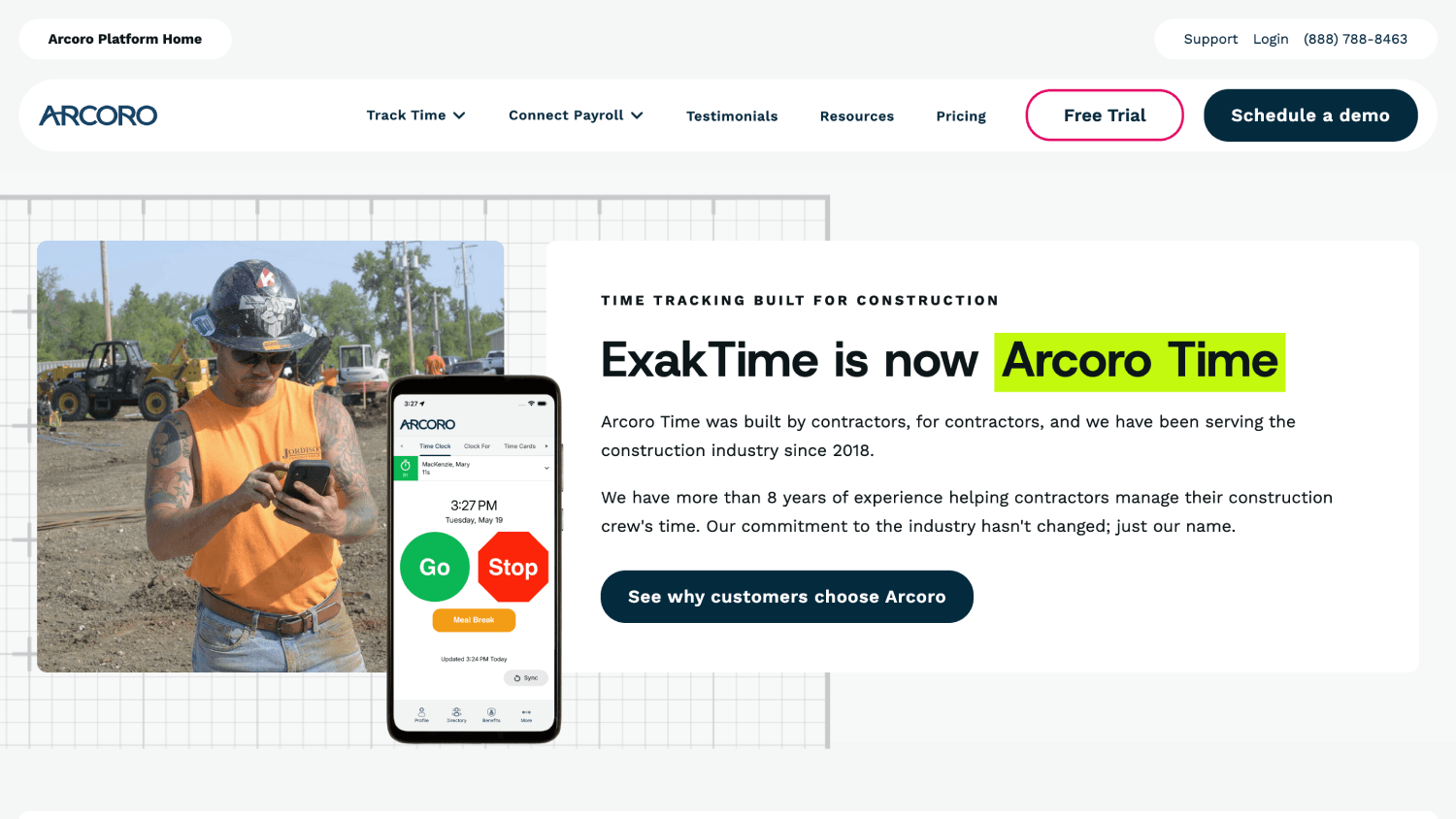
Arcoro Time, formerly ExakTime, pairs a mobile app with rugged job clocks and an optional payroll product.
- What it does: GPS awareness, perimeter control for clock-in and clock-out, meal break tracking, and custom forms.
- Standout: FaceFront photographs the worker at every clock-in and sends it to the cloud, where payroll staff compare it with master photos.
- Limitation: It is photo capture for human review, and Arcoro's documentation says denying camera access skips the prompt.
6. Raken: Best for Daily Field Reports With Time Tracking
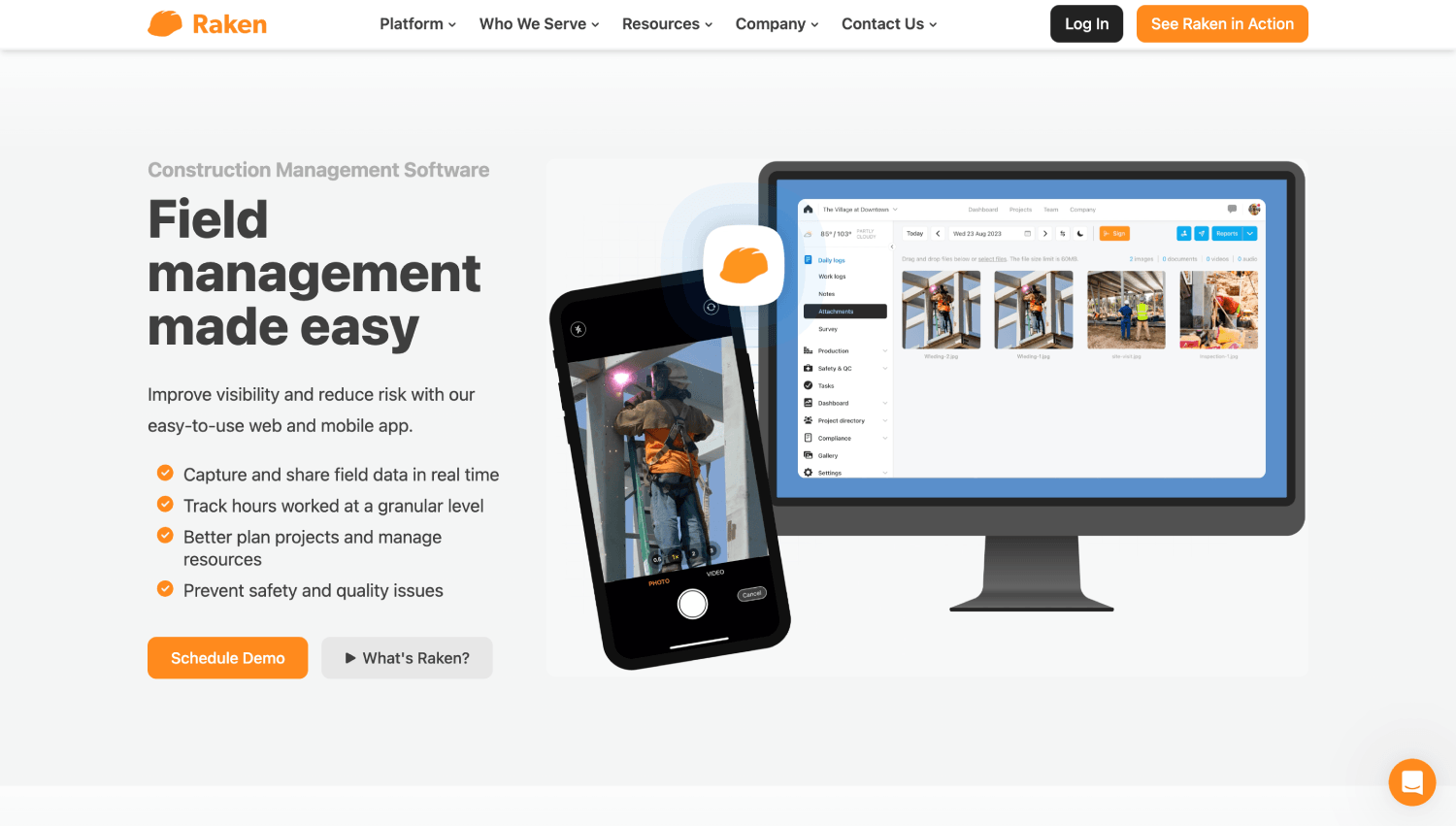
Raken is a field management app that puts time tracking beside daily reports and safety, on iOS and Android.
- What it does: Workers clock-in on their own devices and pick projects and cost codes. Custom geofence rules stop clock actions outside the project radius, and AI Photo ID takes a selfie at every clock-in.
- Standout: A worker app that toggles to Spanish.
- Limitation: Raken describes the identity check as a selfie with admin review of photo matches, not a block at the clock-in, and the pages reviewed do not describe offline time clock behavior.
7. Timeero: Best for Mileage and Time Between Sites
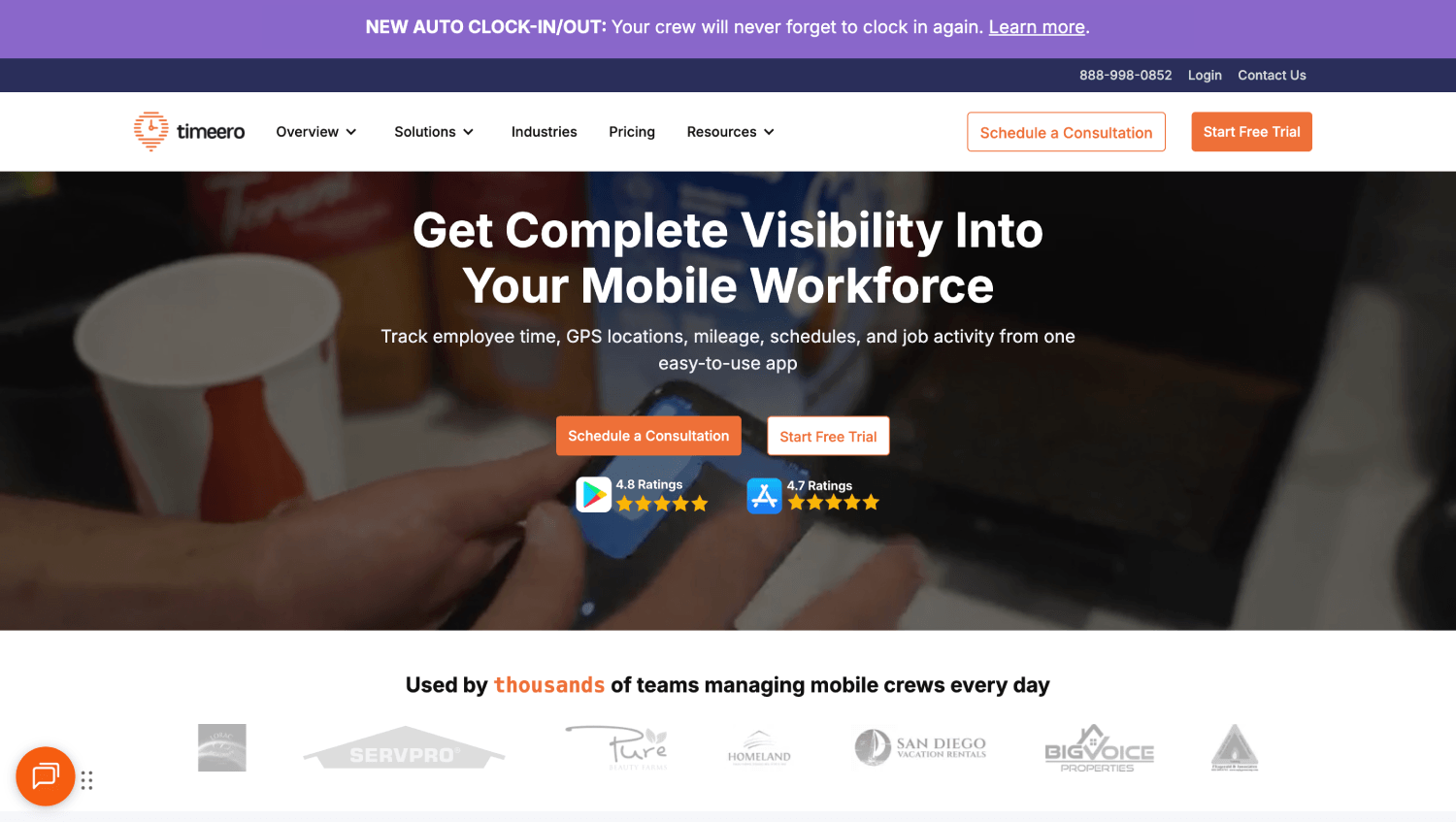
Timeero is a GPS time and mileage tracking app with geofencing and auto clock-in, on iOS and Android.
- What it does: GPS and mileage tracking on every plan, geofencing and automatic clock-in on Pro, and a listed setting that clocks users out if GPS is turned off.
- Standout: Mileage sits in the same record as time, and its mobile guide says the app works offline.
- Limitation: Face recognition is documented for its Premium-tier kiosk terminal, not for clock-ins on a worker's own phone.
Which of These Seven Mobile Time Clock Apps Fits Your Operation?
- Face-verified clock-ins on personal phones: Truein
- GPS job costing across multiple sites: Workyard
- Mixed phone, kiosk, and foreman clock-ins: ClockShark
- Equipment hours alongside labor: busybusy
- Clock-in photo records: ExakTime (Arcoro Time)
- Daily field reports with time tracking: Raken
- Mileage and time between sites: Timeero
Which Apps Stop One Worker From Clocking in for Another?
GPS establishes where a device is, and a geofence checks whether that location falls inside an approved boundary. Neither says who is holding the phone.
GPS.gov’s GPS accuracy guide reports smartphones are typically accurate to within a 4.9 meter (16 foot) radius under open sky, with accuracy worsening near buildings, bridges, and trees.
On a worker’s own phone, the apps in this guide fall into three tiers:
- GPS stamp only: ClockShark records GPS on personal-phone clock-ins.
- Photo checked after the clock-in: Workyard’s Pro photo check confirms a face is in the frame, ExakTime stores a FaceFront photo with the time record for office review, and Raken and busybusy compare the photo to a profile photo and flag mismatches for review.
- Face match at the moment of the clock-in: Truein, where a failed match blocks the clock-in and prompts a retry.
Timeero runs face recognition on its kiosk only, not on its mobile apps.
Truein’s face recognition time clock software page cites around 95 to 100 percent accuracy, including with facial hair, masks, changed hairstyles and hard hats. Spoofing attempts can be flagged after the clock-in attempt depending on configuration, so the two safeguards run separately and neither guarantees that every fraudulent clock-in is stopped. Our buddy punching on construction sites guide covers the cost.
Decision rule: If a wrong-person clock-in would be paid before anyone reviews the photo, you need a check at the moment of the clock-in, not a photo for review.
None of these checks is foolproof, and strong setups layer them. GPS confirms the device. A face match confirms the person. A personal phone clock-in needs both.
Can You Keep Subcontractor Crews Separate From Your Own Staff?
Subcontractor crews on personal phones raise a second question beyond identity: whose hours are these, and can you check them against what the agency bills?
Truein supports multiple contractor agencies under one account, with a supervisor view limited to each agency’s own staff, per-agency headcount limits and document expiry tracking.
That gives you the visibility and controls to spot and prevent overlap and overbilling across agencies on the same site. It does not detect overlapping headcount automatically, so a supervisor still reviews the exceptions.
This is agency-level setup, not just quick worker enrollment. For any other app, ask the vendor to show how it separates an agency’s workers, headcount, and hours from your own employees, because a crew clock-in and an agency account are different features.
Decision rule: If an agency’s invoice gets checked against clock-in records, choose the app that scopes each agency’s workers and hours separately.
What Do You Need Before Requiring an App on Personal Phones?

Requiring a timekeeping method is an ordinary employer decision. Requiring it on a worker's own phone is where state rules on biometric consent and expense reimbursement start to apply, and wage-hour rules decide what time is payable.
Do You Need Consent Before Face Data is Collected?
In several states, yes. California's CCPA employee exemption expired on January 1, 2023, so employees now have notice, access and deletion rights over biometric data collected at work, and our California biometric privacy rules guide covers the guidelines in more detail.
Illinois is the outlier on enforcement: BIPA requires written consent and lets individuals sue directly.
Texas and Washington require notice and consent, enforced by the attorney general only, and Colorado's HB 24-1130, effective July 1, 2025, adds employee consent and a written retention and deletion policy.
When it is switched on, Truein shows a consent screen before the camera opens and keeps an audit trail, and HR can move a worker who withdraws to non-biometric time tracking. The employer still owns the legal determination.
Do You Have to Reimburse Workers for Using Their Own Phones?
California Labor Code section 2802 requires employers to indemnify necessary expenditures made in direct consequence of an employee's duties.
In Cochran v. Schwan's Home Service (2014), a California appellate court held that when employees must use personal phones for work-related calls, the employer owes a reasonable percentage of the bill.
Whether that logic reaches a clock-in app is a question for counsel in each state, so if you require the app, treat reimbursement as a policy line.
Decision rule: If you require the app on personal phones, write the reimbursement and a non-biometric alternative into the rollout plan before the first enrollment.
Can a Geofence Auto Clock-Out Leave a Worker Underpaid?
Yes, if the geofence event is treated as the payroll decision. A crew member leaves the site at 10:15 to collect materials, the geofence clocks them out, and they reach Job B at 11:30.
The Department of Labor's Fact Sheet #22 treats job-site-to-job-site travel during the workday as work time.
A geofence event shows where a phone went, not what time is payable, so the supervisor, not the fence, decides.
Disclaimer: This section is for general informational purposes only and does not constitute legal advice. Biometric privacy laws vary by state and change over time; the information above reflects publicly available sources as of the article's publish date and may not reflect subsequent legal developments in your jurisdiction. Before deploying biometric time tracking technology, consult a licensed attorney familiar with the applicable state and local requirements.
What if a Worker Refuses, or Has No Smartphone?
Pew Research Center's 2025 survey found that about nine in ten (91 percent) U.S. adults own a smartphone, so a minority of any large crew has none, and some will decline anyway. Three alternatives cover them:
- Shared tablet kiosk: Identity depends on the app, from a PIN (ClockShark) to photo ID (Raken) to a face match (Truein).
- Supervisor-assisted clock-in: A foreman's tap records that someone was there but cannot confirm who.
- Employer-provided phone: Removes the personal-device questions, at the cost of buying and managing handsets.
Treat the first two as the fallback. In Truein, HR can switch a worker who withdraws face consent to non-biometric time tracking, and our guide on portable time clock comparison covers dedicated hardware.
Beyond the seven, SmartBarrel and ConstructionClock are construction-specific options, Connecteam and Jibble are general-purpose apps, and QuickBooks Time is the tool many contractors already own.
What Can the App See, and When?

Workyard says it tracks location only during work hours, ClockShark shares location with the employer only while the worker is clocked in, and Timeero says neither it nor the employer can see location off the clock.
Truein's location tracking during clocked-in sessions begins only after a face-verified clock-in inside a geofence, stops at clock-out, and refreshes after about 50 meters of movement rather than continuously. Live Tracking is a paid add-on, available rather than included.
What Happens if a Worker Denies Camera or Location Permission?
Apps either block the clock-in, accept it with a missing-location warning, or route it to a supervisor, and the documented cases are narrow.
Arcoro says denying camera access skips the FaceFront prompt and may block clock-ins on recent versions, Timeero lists a setting that clocks users out if GPS is turned off, and ClockShark's employee guide warns that low power mode disables location and clocks the user out.
Background location is also the main battery drain. Workyard's help page puts average data use at 2 to 3 MB a month and battery use at roughly a fifth of battery life, more when driving.
Which Apps Block an Out-of-Boundary Clock-in, and Which Only Flag It?
Block versus flag is the question to ask about the geofence in any mobile time clock app. A geofence is a virtual GPS boundary around a site, and an app can refuse a clock-in outside it, accept it and raise an alert, or route it for approval.
Truein supports all three depending on account setup. Workyard (Pro) and Raken document blocking, ExakTime and busybusy list perimeter or on-site restrictions, and ClockShark and Timeero describe prompts and reminders.
Forgotten clock-outs are the other routine dispute: reminders reduce them, and Truein can clock a worker out on geofence exit and alert the supervisor. If you are curious to know more about geofencing, our geofencing guide covers the basics.
Decision rule: If your sites include basements, high-rise cores or heavy tree cover, prefer an app that can route out-of-boundary clock-ins to a supervisor for approval over one that only blocks them.
What Happens When GPS is Wrong Inside a Basement or High-Rise Core?
Geofences fail in predictable places, so a supervisor needs a review routine before the first dispute.
An electrician inside a below-grade garage, within the project boundary, clocks in and the phone reports a spot on the street 30 meters away. ClockShark states that each ping's accuracy comes from the phone's GPS hardware, so no app can fully fix that. A workable review:
- Compare the timestamp with the crew's other clock-ins.
- Read the location accuracy stored with the clock-in, if kept.
- Confirm with the foreman or the site log.
- Correct the record with a reason note, and keep the original clock-in in the audit trail.
What Happens to a Clock-In When a Site Has No Signal?
Offline clock-in means the clock-in is captured on the phone and uploaded when connectivity returns, so a dead zone delays the office view without losing the record. It is a reassurance feature on urban sites and often the deciding one on rural highway, energy, and mining work. Our offline time tracking for construction sites guide covers where that line sits.
Offline capture is documented for all seven time tracking apps mentioned in this article, albeit with different configurations and functionality. Three scenarios cover what happens with offline clock-ins:
- Saved, then synced: Truein flags these as ‘captured offline,’ and like every offline record they appear in the dashboard only after sync.
- Phone turned off or dead: Nothing is recorded, so the supervisor corrects the time and notes why.
- Saved, never synced: A lost or broken phone strands the record, so ask whether sync is automatic or needs a tap.
If more than a fifth of your sites lose signal during a shift, treat offline capture as a dealbreaker feature. A dead signal does not have to mean a missing record.
How Do You Roll Out a Mobile Time Clock App Across Sites Without an IT Project?
When you need employees to clock-in from their phone with GPS and a selfie, a clock-in takes five steps:
- Install from the App Store or Google Play and join through the employer's invitation.
- Enroll identity where supported (a single selfie in Truein).
- Grant location and camera permissions.
- Pick the site, job and cost code, then clock-in.
- Approved hours sync to the office for payroll export.
Nothing in that flow ships hardware, so a site can go live the day its geofence is drawn.
Truein’s mobile time tracking app lets you draw custom boundaries in the dashboard while sites added by bulk upload use radius geofencing.
What Happens When a Crew Changes Phones Often?
A new handset should be a reinstall and a login, not a duplicate worker. Truein supports re-registration in the user app, and where the consent setting is on, workers see the consent screen again at re-registration.
Before you commit to any app, ask three things:
- Does clock-in history stay on the worker’s account?
- Is identity re-enrolled by the worker or by an admin?
- What does the supervisor do when three crew members arrive with new phones on a Monday?
Decision rule: If re-enrollment needs an admin, a week of new phones becomes a help-desk queue.
Which Apps Work for Spanish-Speaking Construction Workers?
Mobile time tracking for Spanish-speaking construction workers starts with the worker-facing screens. The Bureau of Labor Statistics reported that Hispanic workers were 30.0 percent of U.S. construction employment in 2020 and 46.7 percent of construction laborers. Ethnicity is not language, so ask your crew, but the numbers make language a day-one question.
Raken's app toggles to Spanish, and Workyard's follows the phone's language setting. ClockShark's does too, with English and Spanish and no in-app switch, per its documentation.
The Truein user: time tracking software features multilanguage support, allowing employees and administrators to use the platform in Spanish, Arabic, and English.
How Do the Hours Reach Payroll and Job Costing?
Time tracking and payroll are separate systems, and the handoff is where errors return. Truein is not payroll software; it produces payroll-ready reports and connects through payroll and HRMS integrations to ADP, QuickBooks, Sage, Paychex, Xero and Viewpoint.
Workyard lists exports to QuickBooks and ADP plus a custom API, and ClockShark lists ADP. A direct integration, a file export and a custom API are different things, so ask which one you are getting.
If you run prevailing-wage jobs, ask one more question: can the app’s reports carry the job, classification and daily hours your certified payroll process needs, directly or through your payroll provider? Truein is not payroll software, so it supplies payroll-ready reports and verified time data, not the certified payroll filing itself.
Job costing needs the clock-in to carry a job and cost code, which Truein's job and cost-code tracking handles through Activity Punch. An electrician who splits a day between two jobs looks like this:
The total is 8.0 paid hours, with each job costed separately and the drive paid for the reason covered in the legal section.
How Should You Pilot it Before a Multi-Site Rollout?
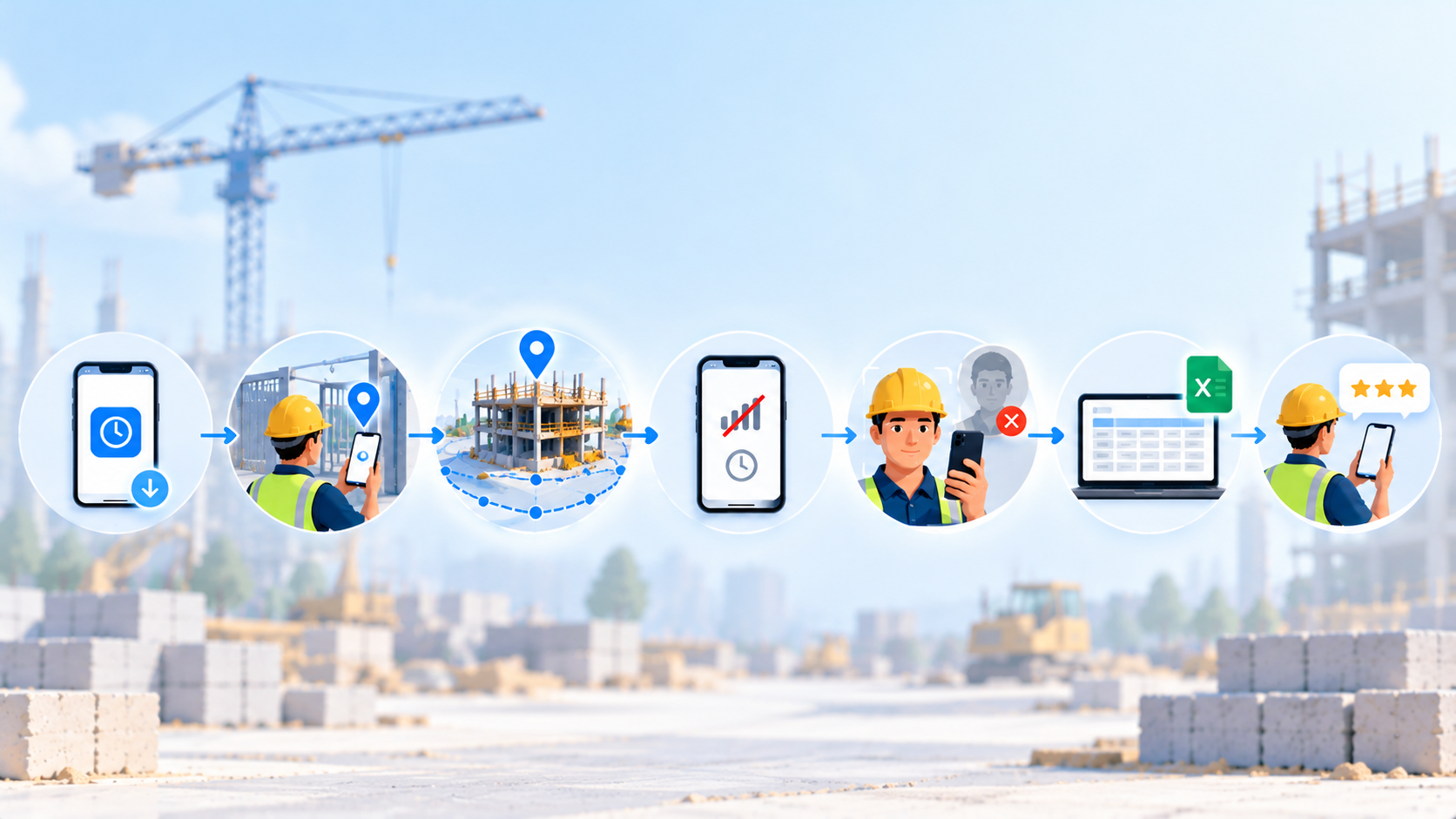
A one-week pilot of any mobile time clock app on one site settles more than a month of demos. Write the pass criteria before Day 1.
- Day 1: Install on the oldest Android and iPhone handsets and enroll five to ten workers.
- Day 2: Test GPS at the gate, in the building core, in the basement and outside the fence.
- Day 3: Walk the geofence perimeter and note which clock-ins are blocked, flagged, or accepted.
- Day 4: Clock-in in airplane mode, then confirm the sync and what the office sees.
- Day 5: With a consenting test worker, attempt a wrong-person clock-in and log the result.
- Day 6: Export the week to payroll and reconcile it to hand totals.
- Day 7: Collect crew feedback on battery, data, language, and disputes.
Frequently Asked Questions
1. Can I require my crew to install a time clock app on their personal phones, and do I have to pay for it?
Employers can generally require a timekeeping method, but requiring it on a personal phone brings state rules on biometric consent and expense reimbursement into play.
California Labor Code section 2802 and the 2014 Cochran decision call for a reasonable share of the phone bill when personal phone use is required for work, and several states add biometric consent rules.
Before requiring any app, confirm reimbursement and consent rules in every state where your crews work.
2. Which construction time clock app works on both iPhone and Android?
All seven apps in this article publish iPhone and Android versions according to their own materials: Truein, Workyard, ClockShark, busybusy, Arcoro Time (ExakTime), Raken and Timeero.
Platform support does not guarantee identical features, since some verification and kiosk options depend on the device or plan tier. Install each shortlisted app on the oldest iPhone and Android handsets in your crew, and treat a feature that works on only one platform as unavailable.
3. Does a time clock app track my workers after they clock out?
Not in the apps whose documentation addresses it. Workyard says it tracks location only during work hours, ClockShark says it shares location with the employer only while the worker is clocked in, and Timeero says neither it nor the employer can see location off the clock.
Truein's tracking likewise begins after a face-verified clock-in inside a geofence and stops at clock-out. Tell the crew in writing before launch: tracking runs on paid time only.
4. Where is Truein based, and does it have a U.S. presence?
Truein is headquartered in India and operates a dedicated U.S. office in New Jersey, with U.S.-based account executives who travel to support enterprise customers. It serves clients in 25+ countries across 10,000+ locations.
For a U.S. contractor, the practical questions are support coverage, data handling terms and rollout help, so ask for all three in writing before signing. A vendor's headquarters matters less than whether it answers those questions concretely.
5. Which construction time clock apps verify identity on a worker’s own phone?
In the documentation reviewed, Truein is the one that describes a face match that blocks the clock-in on a worker’s own phone. Raken and busybusy compare a photo to a profile photo and flag mismatches for review, Workyard’s Pro photo check confirms a face is in the frame, ExakTime stores a photo for office review, ClockShark records GPS on personal phones, and Timeero’s face recognition runs on its kiosk only. Confirm the personal-phone behavior of any shortlisted app in a demo.
6. Do time clock apps work offline on a worker’s own phone?
Six of the seven apps in this guide document offline capture, with different configurations. Raken’s help center says its personal-device Time Clock needs an active connection, so crews without signal use time cards or kiosk mode.
Offline records reach a manager’s dashboard only after the phone syncs, so treat an offline clock-in as captured but not yet visible. Truein flags these records as ‘captured offline’.
7. Can a foreman clock in a whole crew from one phone?
Several apps support it: ClockShark’s CrewClock, Workyard’s crew clock-in, ExakTime’s supervisor clock-ins, Raken’s supervisor time cards and Truein’s supervisor-assisted clock-in from the supervisor’s device.
A foreman’s tap records that someone was there but cannot confirm who unless the app also checks each face, so ask the vendor whether the identity check still runs in this mode.
Closing Thoughts
On a worker's own phone, a mobile time clock app can tell you where the device was, show a stored photo someone can review later, or match the face of whoever is holding it at the moment of the clock-in. The seven apps above are not interchangeable, even when their feature lists look alike.
Out of the seven, Truein is the only time clock app that performs real-time identity verification at the moment of the clock-in and blocks bad clock-ins from going through.
Shortlist two apps on the identity, geofence, and offline questions, run the one-week pilot on a single site, and settle consent, reimbursement and subcontractor separation in writing before a multi-site rollout.
If your crews already clock in from their own phones and the record cannot show who held them, ask for a detailed walkthrough of how Truein verifies identity at the moment of the clock-in across your sites.
