Trust in your employees is essential, even necessary, to ensure smooth operations. But if your workers start taking advantage of your trust, or they routinely defy the company attendance and work policies, you need to take stringent action. However, you need evidence to confront your employees for time theft or playing fast and loose with the company policies.
Most teams start looking after a payroll cycle goes wrong. Paper muster rolls and Excel registers hold up until headcount and site count grow, and then proxy punches, missing records and transcription errors become expensive at exactly the point they are hardest to unpick.
An employee attendance app is a simple yet highly efficient solution to ensure that the workers work for the hours they are paid and are present exactly where they are supposed to be. These apps come with additional HR features for workforce management.
In this article, we will share the 10 best attendance apps for employees in 2026, but before that, let’s look at what features you should focus on.
The 10 best attendance apps at a glance
The right attendance app depends on where your people work. Teams at a single location with company devices can use almost anything on this list. Contract, hourly and multi-site workforces spread across job sites need verified clock-ins, offline capture and centralised control across locations, and that narrows the list quickly.
App
Best For
Free Plan
Platforms
Payroll Integration
Truein
Contract and multi-site workforces across job sites
No, 14-day free trial
Android, iOS, shared tablet kiosk
Payroll-ready reports, with integrations including ADP, QuickBooks, Sage, Xero, SAP, Viewpoint and Paychex
Jibble
Small teams that need face verification at no cost
Yes, unlimited users
Android, iOS, web, kiosk
Yes
Salarybox
Small Indian businesses running attendance and payroll together
Not confirmed
Android, iOS, web
Yes, payroll built in
HROne
Indian companies wanting attendance inside a full HR suite
Not confirmed
Android, iOS, web
Yes
Connecteam
Deskless teams that also need scheduling and internal comms
Yes, capped by user count
Android, iOS, web, kiosk
Yes
Workstatus
Teams that want attendance alongside productivity monitoring
Yes
Android, iOS, desktop
Yes
Pocket HRMS
Indian teams wanting selfie and GPS attendance inside an HRMS
Not confirmed
Android, iOS, web
Yes
QuickBooks Time
Companies already running QuickBooks Online
No
Android, iOS, web, kiosk
QuickBooks only
Hubstaff
Remote and field teams that want GPS with productivity data
Not confirmed
Android, iOS, desktop, kiosk
Not confirmed
Keka
Indian companies running attendance inside HR and payroll
Not confirmed
Android, iOS, web
Yes
Which of these attendance apps are actually free?
Jibble is the only app on this list with a free plan covering unlimited users, and it includes face recognition and GPS on that tier. Connecteam and Workstatus offer free plans with user caps. Everything else on this list is paid, Truein included, though Truein runs a 14-day free trial with full feature access and no credit card.
Free plans hold up at a single location with a stable headcount. They fail in three predictable places. The user cap arrives mid-hiring. Payroll integration sits behind the paid tier, so someone goes back to re-keying hours. Support becomes self-serve at exactly the moment a payroll dispute needs resolving. If your headcount moves month to month or your staff are spread across sites, cost the paid tier before you commit to the free one, because migrating attendance history later is harder than it sounds. We have written separately on the hidden costs of free time and attendance software.
Selfie based attendance apps: what the photo actually does
A selfie based attendance app asks the worker to take a photo at clock-in, but the apps differ sharply in what happens to that photo, and that difference decides whether proxy punching actually stops. Some store the image against the attendance record for a supervisor to check afterwards. Others match the face against the enrolled worker at the moment of the punch and reject it if the match fails. The first gives you evidence after payroll has already run. The second stops the entry from being created.
App
What Happens at Clock-In
Verification Outcome
Truein
Live face match against the enrolled worker, inside a GPS geofence
A failed match blocks the punch and prompts a retry. Suspected spoofing is flagged after the punch in the default setup, and the worker can then be blocked
Jibble
Facial recognition on phone, browser or shared kiosk
Identity verified at the punch
Salarybox
Selfie verification alongside biometric and GPS attendance
Identity captured at the punch
Pocket HRMS
Selfie capture with location tagging
Photo and location recorded against the attendance entry
Location check, no face match on a personal device
Confirms where the punch came from, not who made it
Truein's face recognition is designed to work with masks, facial hair, changed hairstyles and hard hats, with accuracy in the range of 95 to 100 percent. On personal devices, some configurations allow GPS-only clock-in without face recognition, so confirm which mode your sites will run before rollout.
What to look for in an employee attendance tracker?
Some of the essential features to look for when choosing an attendance tracker app for employees are:
Easy to deploy: An employee time and attendance app should be easy to deploy with negligible dependence on additional hardware.
Ease of use: As the attendance app will be used by workers and management alike, it should be easy to use even for workers with limited technical experience.
Verification method: Employees must be able to clock in quickly, but the app also has to prove who clocked in. Face recognition, GPS and geofencing are what stop one worker punching in for another.
Automated alerts and reminders: It should send workers, supervisors, and managers automated alerts for important updates such as leaves, absents, and shift changes.
Management options: An attendance app that only logs punches creates work rather than removing it. Look for leave, absence, overtime and shift handling in the same system, so the attendance record and the roster stay in sync.
Payroll management: The app must be easy to integrate with existing payroll software at the company.
Price: The app must be a cost-effective time and attendance management solution that suits your budget.
Offline capture: On construction sites, basements and remote facilities, the network drops. The app should record the punch on the device and sync it once the connection returns.
Support: Finally, the team behind the app must be able to offer good customer support.
We assessed each tool against these factors using its public pricing, documented feature set and published platform support, and we have noted where a tool suits a narrower use case than its marketing suggests. Truein is our own product, and it is listed first because this list sits on our site, not because it beats every tool on every criterion.
Let’s take a look.
Truein
Truein is an attendance app built for contract, hourly and multi-site workforces. It replaces paper registers and Excel with face-verified, GPS-geofenced clock-ins on any Android or iOS phone or tablet, and it is used by more than 500 clients across 25 countries and 10,000 locations, including Compass Group, OCS Group, SJ Contracts and TATA 1MG.
It is a dedicated-hardware-free, cloud-based attendance app that runs on devices companies already own, with no fingerprint scanners or fixed kiosks to procure. It covers attendance, overtime, shift schedules, leave and alerts in one platform.
Truein holds 4.8 out of 5 on G2 and 4.8 out of 5 on Capterra, and 4.3 out of 5 from more than 2,800 reviews on Google Play.
Jibble
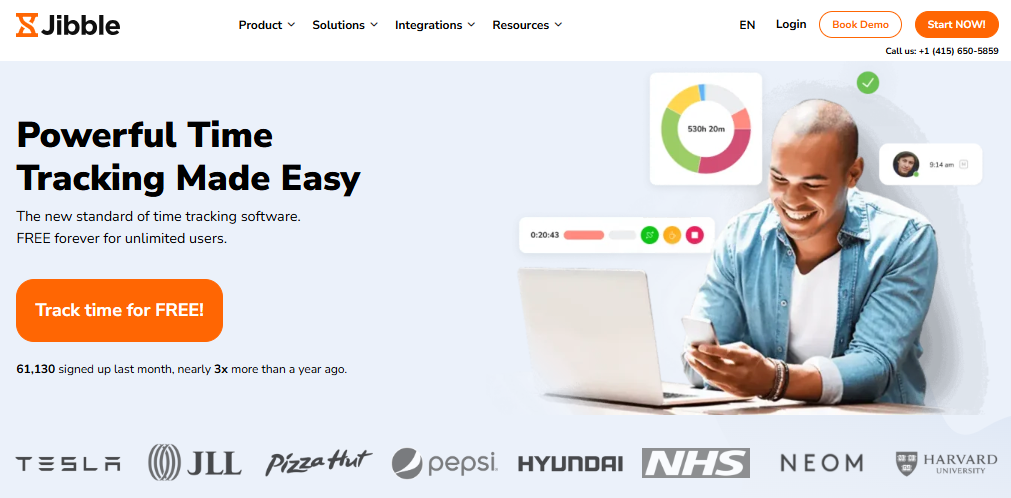
Another strong contender in this list is Jibble, a top-rated attendance app known for its accuracy and ease of use. It relies on facial recognition and GPS tracking to verify every clock-in, helping prevent buddy punching and time theft. Employees can record attendance from their phones, browsers, or shared kiosks. All records sync automatically to the cloud, giving managers a real-time view of attendance across teams and locations. The app also includes automated timesheets, detailed reports, and reminders to help teams stay consistent. Managers can track overtime, monitor absences, and simplify payroll with clear, ready-to-use data. Even offline, Jibble continues tracking attendance and syncs once reconnected. Its intuitive interface makes it suitable for both office and field teams.
Features:
Facial recognition and GPS attendance tracking
Real-time dashboards and detailed reports
Automated timesheets linked to payroll
Offline tracking with automatic syncing
Smart clock-in and clock-out reminders
Pros:
Free for unlimited users
Easy to set up and use across devices
Accurate and secure biometric verification
Responsive customer support
Cons:
Shift scheduling features are more limited
HROne
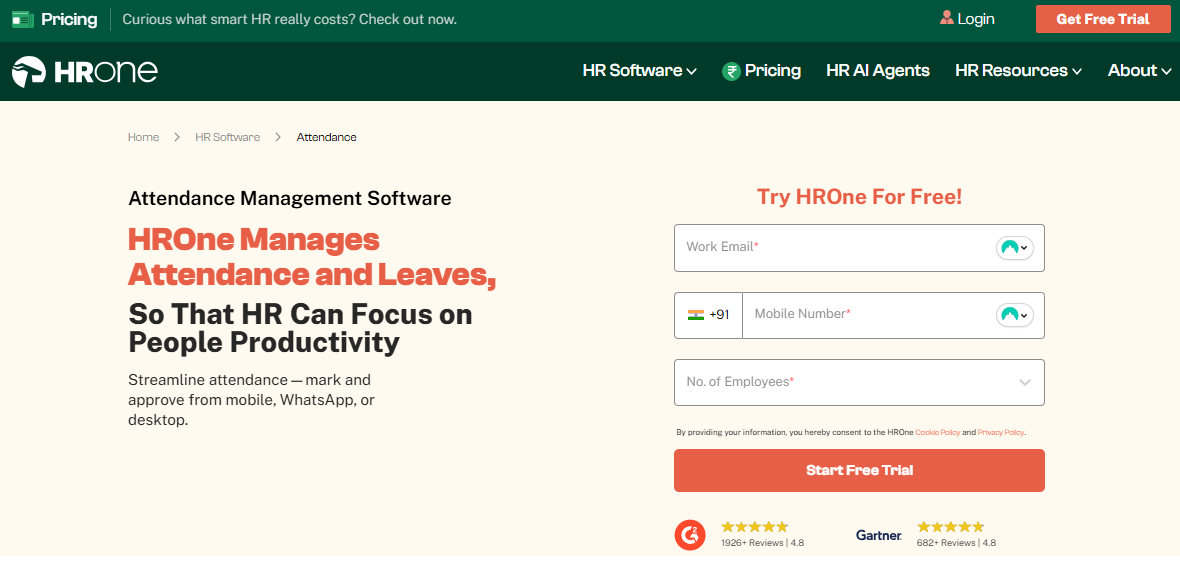
HRone is a cloud-based HR platform trusted by over 2,000 brands across India. It handles everything from attendance tracking to payroll processing. Companies use it to manage their entire employee lifecycle in one place. The platform works well for businesses of all sizes. Startups like how easy it is to customize and get started with. Enterprises appreciate the comprehensive features that cover 127 HR processes.
The mobile app lets employees mark attendance, apply for leaves, and track expenses from anywhere. What makes HRone different is its "Inbox for HR" interface. This Gmail-style dashboard guides your day and shows exactly what needs attention. No more switching between multiple screens to get work done. HRone also comes with One AI, a voice-powered employee assistant. Workers can execute HR tasks by simply speaking or typing commands. This saves time on routine requests like checking leave balance or updating personal details.
Features:
Multiple attendance tracking options including face recognition, GPS, and geofencing
Zero-touch payroll with automated tax calculations and compliance checks
50+ integrations with popular tools like SAP, Microsoft 365, and LinkedIn
Award-winning mobile app used by 500,000+ employees
Real-time reports and analytics for better decision-making
Pros:
Very easy to set up and use, no lengthy training needed
Works smoothly for both office and field employees
Affordable pricing with no hidden costs
Can handle complex multi-location operations
Cons:
Some users want more advanced customization in reporting
The interface can feel overwhelming initially due to many features
Integration with certain older payroll systems requires technical support
Connecteam
Connecteam is a broad deskless workforce app that bundles attendance with scheduling, checklists and internal communication. That breadth is the reason to choose it. It is a weaker fit when attendance integrity and fraud prevention are the core problem rather than one item in a wider operations toolkit.
It features the Breadcrumbs technology, similar to Truein’s geofencing capability, allowing managers to see employees’ locations to prevent potential time theft. To allow more coverage, the features such as GPS-empowered timestamp and map view make it suitable for frontline workers and remote employees.
Workstatus is the leading time tracking and attendance management software used by numerous organisations globally. Companies use Workstatus to accurately record attendance and hours worked by regular, remote, and field employees.
It is a user-friendly cloud-based solution for comprehensive workforce management across industries. Workstatus provides powerful features to track time, manage shifts, verify attendance, boost productivity, and streamline payroll.
Key Features:
Precise location tracking using geofencing and GPS running on mobile devices.
Centralised dashboard for managers to oversee multiple team members and sites.
Automated notifications on attendance, timesheets, and violations.
Time audits and random screenshots prevent attendance abuse.
Flexible shift scheduling with calendar sync.
Detailed timesheets, reports, and analytics for insights.
Direct integrations with payroll platforms.
Pros:
Improved payroll accuracy with automated time tracking.
Oversight of remote and field employees through location tracking.
Robust employee monitoring features.
Easy to set up without extra hardware.
Free plan available to try software.
Cons:
Can seem invasive with location tracking and monitoring.
QuickBooks Time (formerly TSheets)
TSheets was rebranded QuickBooks Time after Intuit acquired it, and it is no longer sold as a standalone product. Using it now requires an active QuickBooks Online subscription on top of the time tracking fees, which puts it out of reach for teams that do not already run their books in QuickBooks. For companies inside that ecosystem it is a mature option, with solid GPS, geofencing and scheduling built around timesheets that flow straight into payroll.
While you can easily integrate QuickBooks with Xero, Square, Dropbox, and Salesforce, it is more like a project management app offering payroll reports, workforce visibility, and detailed timesheets. It is suitable for both smaller and larger businesses.
Features:
It can be used as a desktop or mobile app or as a kiosk
GPS time stamps
Real-time tracking and reports
Alerts and approvals
Easy team management
Pros:
Detailed reporting
Easy to use
Cons:
No free plan, and it can no longer be bought on its own; an active QuickBooks Online subscription is required alongside it
Salarybox
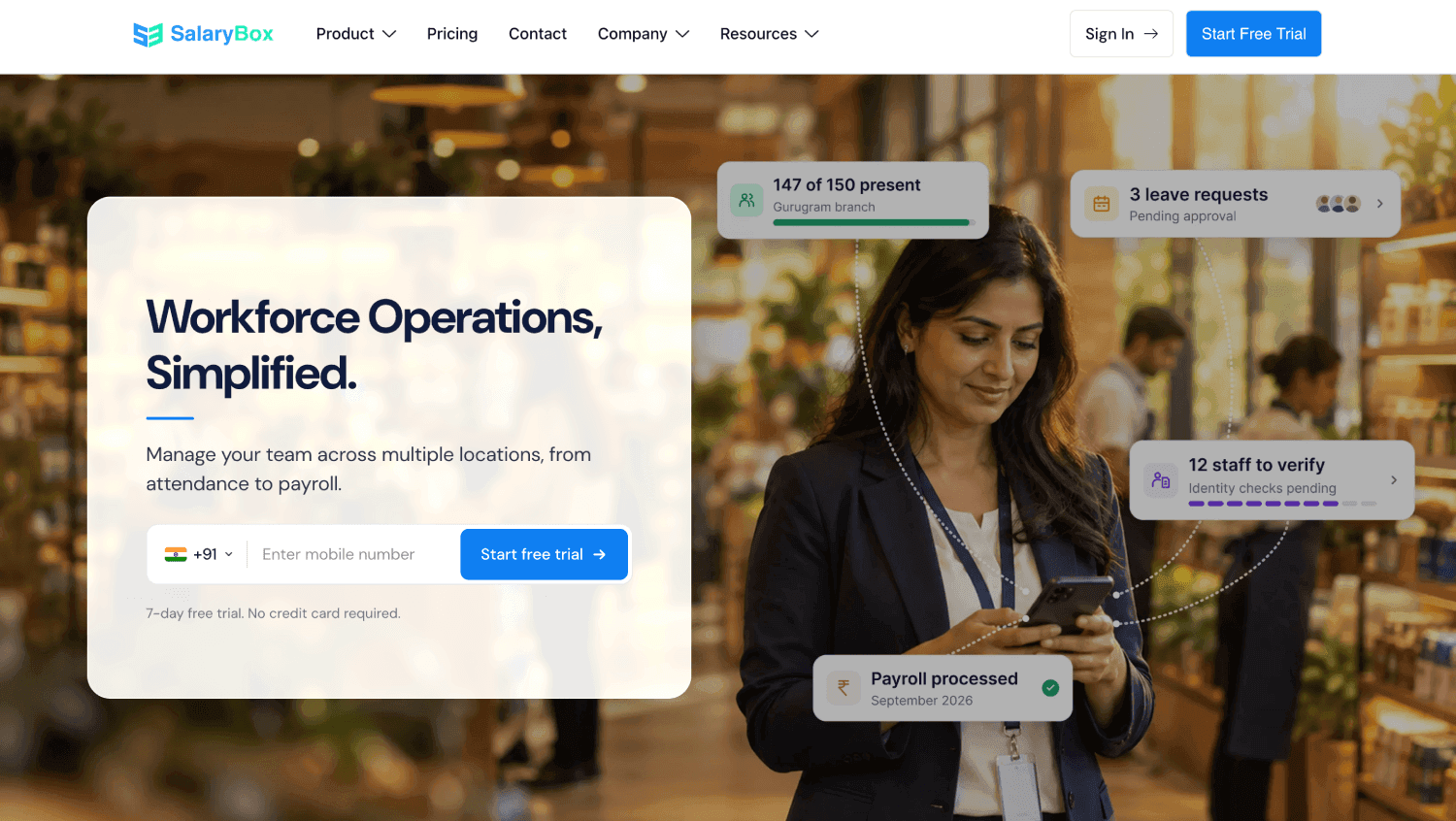
Salarybox is an attendance and payroll app built for small Indian businesses managing blue-collar and hourly staff. It handles attendance capture and salary calculation in the same place, which suits owners who are moving off a register and a spreadsheet in one step rather than buying attendance software on its own. Attendance can be marked through the mobile app, through GPS, through selfie verification, or through a biometric device at the premises.
Features:
Mobile, GPS, selfie and biometric attendance capture
Automated salary calculation with overtime, loans and deductions
Payslip generation and payroll reports
Leave and holiday tracking
Multi-location attendance in one account
Pros:
Attendance and payroll in a single app, with no export step
Built around Indian payroll practice
Straightforward for owners with no HR team
Cons:
Aimed at small businesses, so it thins out at large multi-site headcounts
Lighter on shift, overtime and policy configuration than a dedicated time and attendance platform
Pocket HRMS
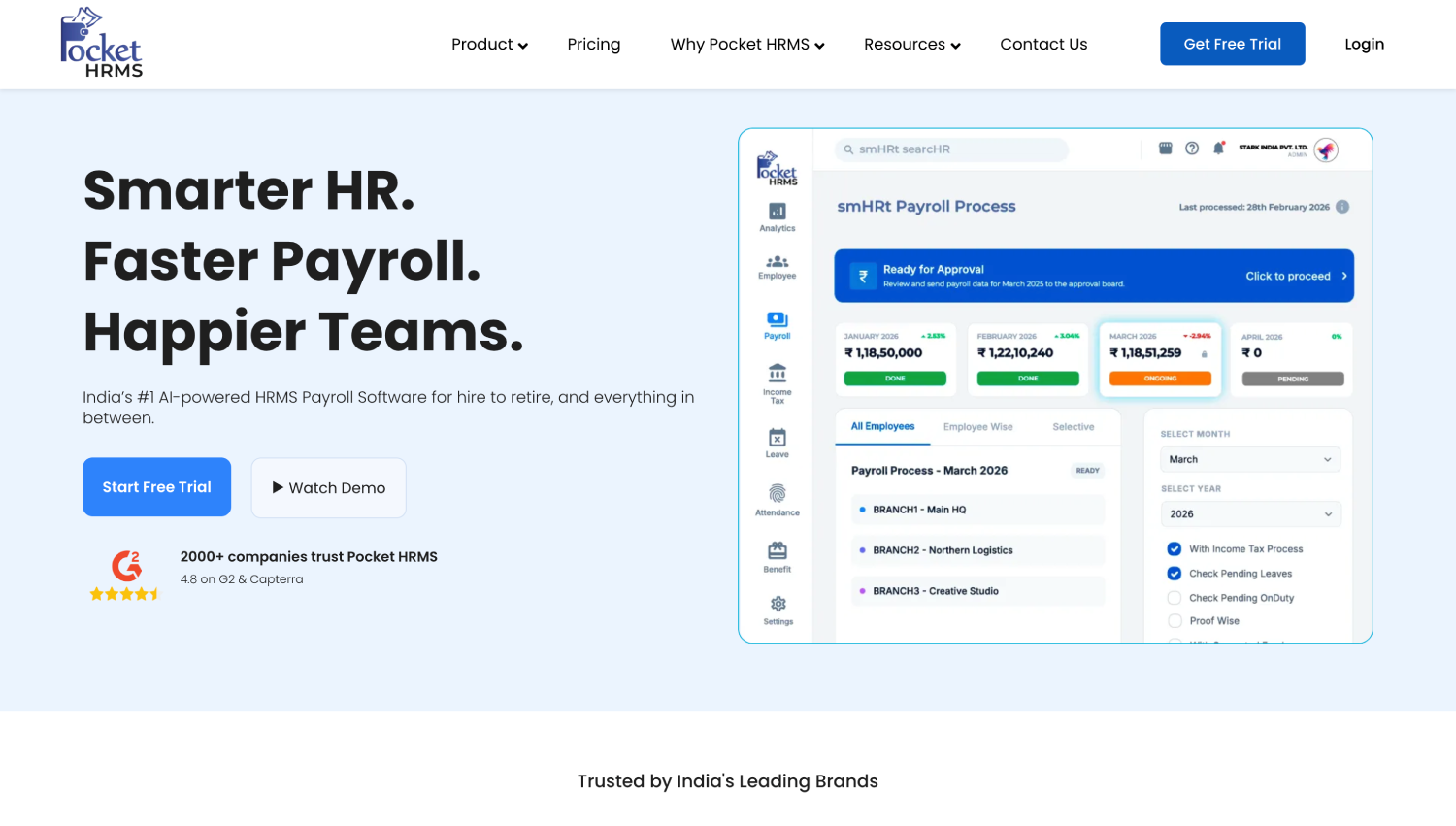
Pocket HRMS is an Indian HR platform with attendance as one module inside a wider employee lifecycle system. Its mobile app captures attendance through a selfie with location information attached, and supports geo-tagging, geo-fencing and facial recognition. Because it sits inside an HRMS, employees also use the same app for payslips, PF details, Form 16, leave requests and expense claims.
Features:
Selfie and GPS based attendance capture with location tagging
Geo-tagging and geo-fencing
Employee self-service for leave, on-duty, regularisation and expense claims
An AI assistant for routine HR queries
Multiple Indian regional language options in the mobile app
Pros:
One app for attendance and the rest of the employee's HR needs
Regional language support suits mixed-literacy workforces
Strong fit where HR, not operations, owns the attendance process
Cons:
Attendance is one module in a broader suite rather than the core product
Contract agency and multi-site controls are lighter than a purpose-built time and attendance platform
Hubstaff
Another attendance app that features some advanced features is Hubstaff. The unique features included in this app are automated payments and time tracking with screenshots. It allows management to track work hours in real-time with GPS location. Among other features, it offers payroll, invoicing, and report generation. If a worker loses internet, this employee attendance tracker app tracks hours offline and syncs back up once the connection is restored.
Features:
Hubstaff is the best employee attendance tracker for field workers
It offers detailed reports
Online timesheets
Expense tracking
Works as a central Kiosk app if needed
Pros:
Easy productivity management
Better user interface
Advanced reporting features
Cons:
Inbuilt payroll options are minimal
There are limited customization options
Some users reported bugs in the productivity tracker
Keka
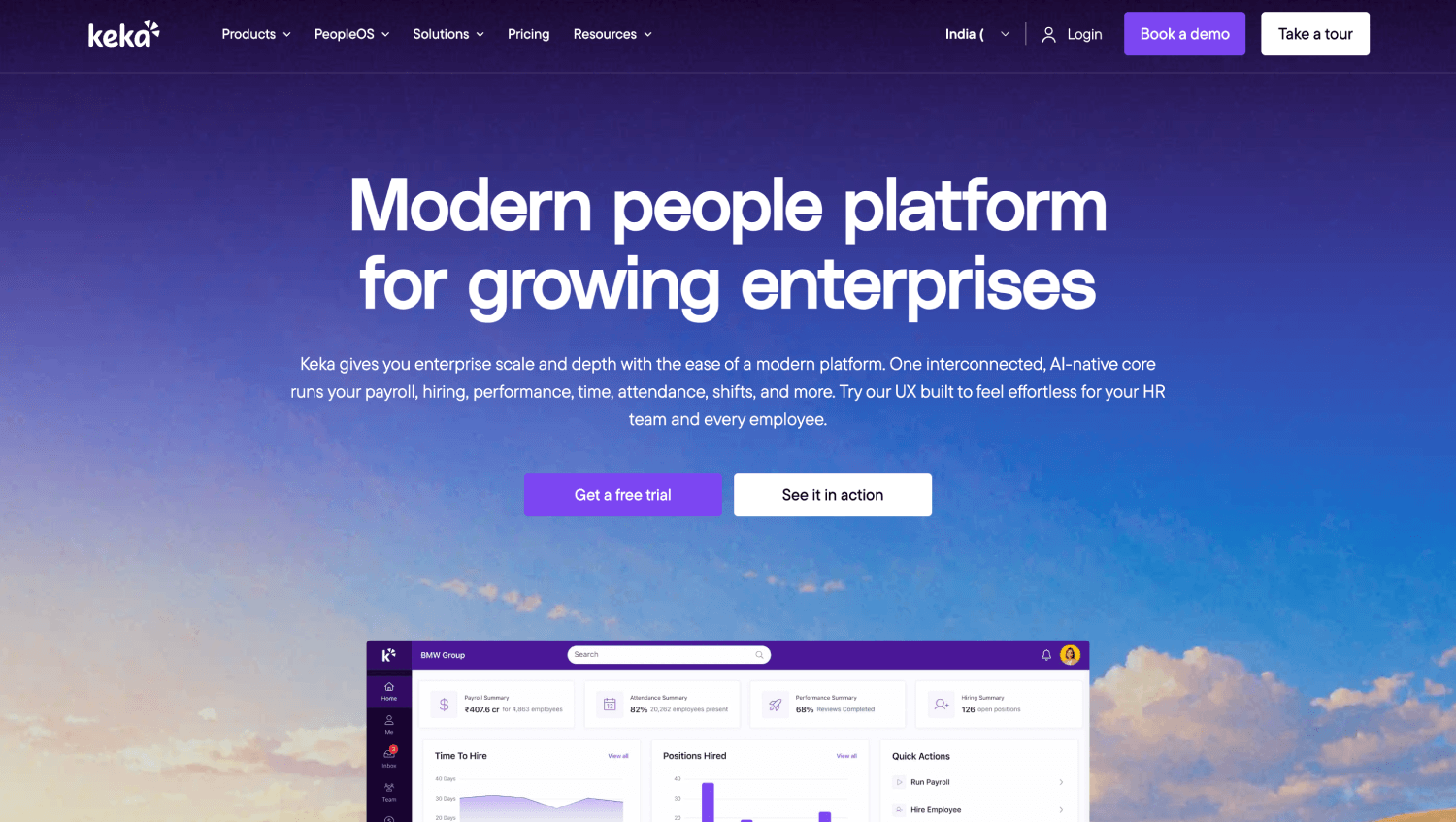
Keka is an Indian HR and payroll platform used by growing mid-sized companies, with attendance handled as part of the wider HR system. It belongs on this list as a complement rather than a straight alternative. Companies that already run Keka for payroll and employee records, but need deeper verification and multi-site control at the point of clock-in, typically keep Keka and connect a dedicated time and attendance tool to it rather than replacing either.
Features:
Facial-recognition-based clock-in and clock-out with real-time matching against the employee’s registered facial profile.
Selfie verification can also be required for manual punch requests.
GPS/location-based attendance verification can be enabled by the employer.
Geolocation assignments can be managed and reported across employees/worksites.
Attendance data feeds into Keka’s wider HR and payroll system.
Pros:
Combines HR, payroll and attendance in one platform.
Supports both face verification and location-based attendance.
Useful for companies already using Keka for payroll and employee records.
Cons:
Broader HRMS rather than a dedicated field-workforce attendance platform.
Employers may need additional configuration for geolocation and attendance policies.
Some advanced anti-spoofing/liveness improvements are still described by Keka as future enhancements.
What to check if your staff work across sites or without reliable network
If your workforce is spread across sites, three questions decide whether an attendance app survives contact with the field, and none of them appear on a typical feature list.
Does it record attendance offline? Construction sites, basements, plant floors and remote locations lose signal. An app that needs a live connection will reject the punch, and the supervisor keeps a paper register anyway. Truein captures the clock-in on the device, syncs it automatically when the network returns, and flags the record as captured offline so it is easy to review. Those records appear in the dashboard after sync rather than in real time, which is worth knowing before you promise a manager live visibility across every site. Jibble and Hubstaff also offer offline capture. Confirm the behaviour on your own sites before rollout, because cloud-based and works offline are not the same claim.
Does every worker need their own smartphone? Many contract and shopfloor workforces do not have a company phone per person. A shared tablet running face recognition at the site entrance covers that, though the tablet has to be physically installed at each location, so it is a setup step rather than an instant one. Truein supports self-clock-in from a personal phone, a shared tablet kiosk, and supervisor-assisted clock-in from the supervisor's device.
Does the geofence match the site or just approximate it? A circular radius around an irregular plot either excludes authorised ground or pulls in a neighbouring property, and both produce avoidable approvals and rejections. Truein supports a radius with a configurable minimum of 20 metres, and a custom boundary drawn point by point to the actual shape of the work area, which suits L-shaped facilities, multi-building campuses and sites bounded by a road. Custom boundaries are created through the dashboard, so sites added through bulk upload use radius geofencing. Enforcement depends on account setup, and out-of-boundary punches can be blocked, alerted, or routed for approval depending on configuration.
What if your workers do not have their own smartphones?
This is the most common objection on daily wage and contract sites, and it does not require a device rollout to solve. An attendance app does not have to run on the worker's phone. A shared tablet at the site entrance can act as the clock-in point for the whole crew, and a supervisor can clock workers in from their own device where even a tablet is impractical.
The tradeoff is setup rather than cost. A phone travels with the worker, while a shared tablet has to be installed at each location, so a multi-site rollout using kiosks has a physical step that a bring-your-own-device rollout does not. Sites replacing a fingerprint terminal usually find the tablet route familiar, since it occupies the same position at the gate without the read failures that oily or dusty fingers cause on a fingerprint scanner. If you are weighing the two approaches directly, we have compared app based attendance against dedicated biometric hardware separately.
Frequently asked questions
What is the best free attendance app for employees?
Jibble, for teams that need face verification and GPS at no cost on an unlimited-user plan. Connecteam and Workstatus are the alternatives if a user cap is acceptable. Free plans generally exclude payroll integration and live support, so check both before standardising on one.
Do attendance apps work without an internet connection?
Some do. Apps with offline capture store the punch on the device and upload it once the connection returns, which matters on sites with weak coverage. Apps that require a live connection will reject the punch entirely, so offline behaviour should be tested on the actual site before rollout rather than taken from the feature list.
Can the same attendance app run on Android and iPhone?
Most of the apps on this list run on both, and several also support a shared tablet or kiosk at the entrance. The shared-device option matters when workers do not carry a company phone, which is common in contract, facility management and manufacturing settings.
Can an attendance app handle attendance and salary together?
An attendance app records verified hours; a payroll system converts them into pay. The practical question is whether the two connect without a manual export. Truein is not payroll software, but it produces payroll-ready reports and integrates with payroll and HRMS systems including ADP, QuickBooks, Sage, Xero, SAP, Viewpoint and Paychex, over API for live sync or FTP for batch. Jibble, Connecteam, Workstatus and Hubstaff integrate with payroll tools as well. QuickBooks Time connects only within the QuickBooks ecosystem.
Can an attendance app replace a paper attendance register?
Yes, and that is the most common first use case. A digital register removes the two failures paper cannot solve: proof of who was present, and a roster that matches what was actually worked. If shift patterns are part of the problem, the shift rostering process is worth reading alongside this list.
Which attendance app suits a business with staff spread across sites?
Site-based teams should prioritise identity verification at the moment of clock-in, geofencing that matches the actual site, and offline capture, ahead of breadth of HR features. Truein, Connecteam and Hubstaff are the closest fits on this list. Truein is purpose-built for contract, hourly and multi-site workforces rather than desk-based teams, so it is the sharper fit where those three requirements are the whole problem.
Conclusion
Most teams do not need the most feature-heavy app on this list. They need the one that matches how their people actually work. Single-location teams on company devices can run almost anything here. Contract, field and multi-site workforces need verification at the point of clock-in, offline capture and centralised control across locations, and that narrows the list quickly. Decide which of those two situations describes your workforce before you compare anything else, because the wrong category of tool will cost you more in manual correction than it saves anywhere else.
Stop Time thefts and irregularities!
Bring transparency and Control. Explore Truein for your organization.