


.jpg)

A photo taken at clock-in does not stop buddy punching. It documents it, and only if somebody opens the file.
Raken is not missing facial recognition or geofencing. Both exist in the product today. What its own documentation describes is an identity check that flags a mismatch after the clock-in has landed on the time card, sitting behind a paid add-on, running on a time clock that needs an active connection to work at all.
That changes the shortlist question. It stops being "which of these has face recognition" and becomes "which of these stops a bad hour before payroll sees it, and which keeps working when the crew is three floors underground."
This comparison sorts seven alternatives on that basis, using only what each vendor publishes on its own site.
Truein, Workyard, ClockShark, busybusy, Arcoro Time, WorkMax, and SmartBarrel are the seven strongest Raken alternatives for construction time tracking in 2026. They separate on one thing, and it is not whether they offer facial recognition. Six of them record the hour and route a failed identity check to a review queue. One blocks the clock-in before it reaches the timesheet.
Key Takeaways
- "Facial recognition" means three things on a construction time clock: a photo filed for later review, an automated match that flags a mismatch after the hour is recorded, and an automated match that stops the clock-in before it reaches the timesheet.
- Geofencing and identity verification answer different questions. A boundary around a job site confirms where a device was, not whose hand it was in.
- Offline behavior splits this field more sharply than any feature list suggests. Some tools capture with no signal and sync later; at least one disables the time clock until the connection returns.
- Verification features are often sold above the entry tier, so the plan you price and the plan that stops buddy punching are frequently not the same plan.
- A general contractor running subcontractor crews is buying something different from a single-crew contractor, and most of these tools assume one company's workforce.
The 7 Best Raken Alternatives for Construction Time Tracking
The seven below are ranked on one criterion: what the software does at the moment identity or location fails a check. Cost codes, scheduling, and payroll exports are secondary, because those problems can be fixed later in the week. A fraudulent hour cannot. A second criterion breaks ties: whether the tool is built around one company's crew or around a site with several companies on it.
Every tool here captures a clock-in. Only one stops the clock-in when the face does not match. Every other platform records the hour and routes the discrepancy to someone's review queue.
1. Truein
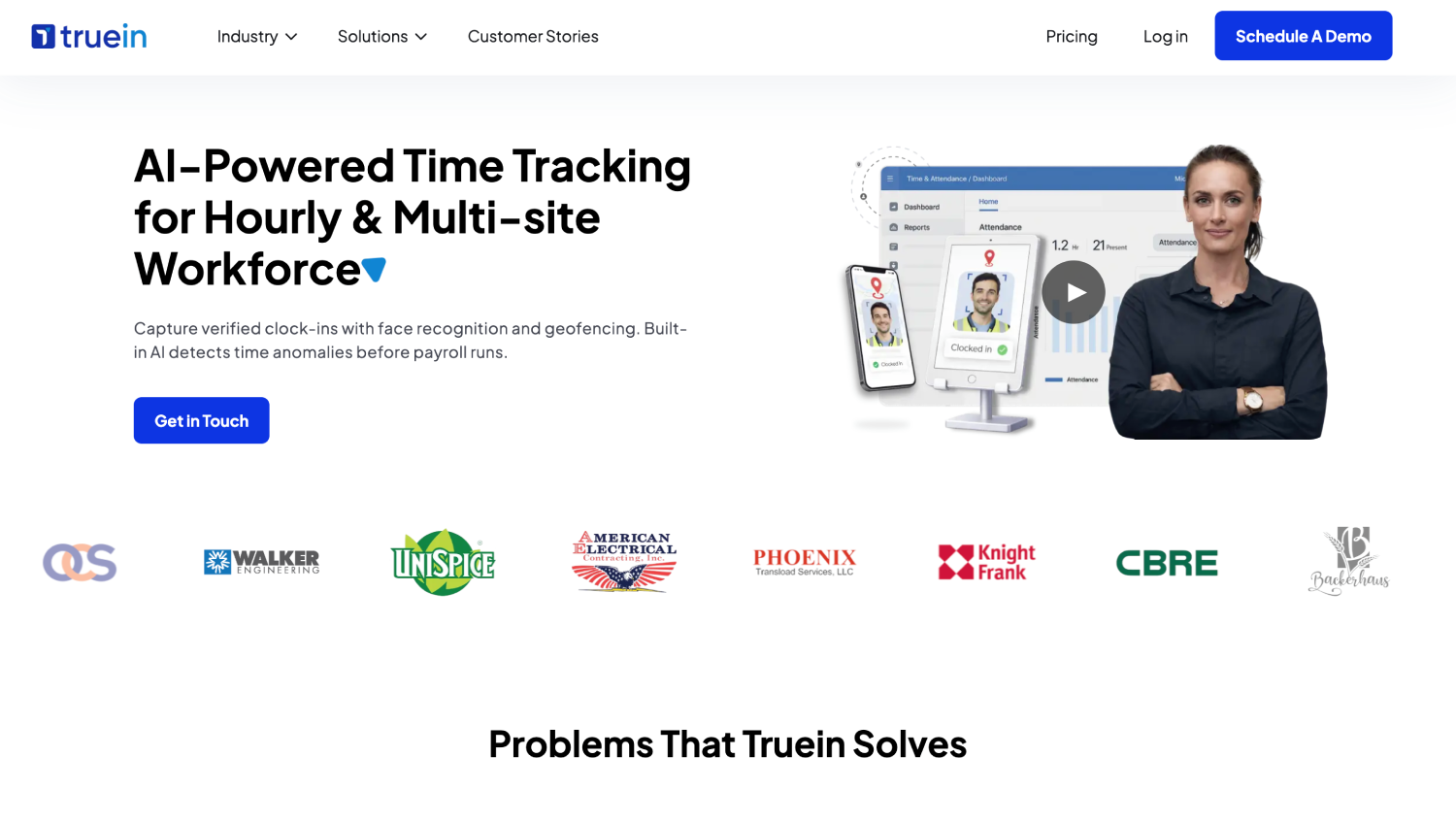
Truein is an AI-powered construction time tracking software for hourly and multi-site workforces that verifies identity at clock-in using face recognition paired with GPS geofencing, on any Android or iOS phone or shared tablet, with no dedicated hardware required.
A failed match blocks the clock-in and prompts a retry, while suspected spoofing is flagged afterward for supervisor review based on the account's enabled configuration. Accuracy is published as a range rather than a single number, around 95 to 100 percent, including with facial hair, masks, changed hairstyles, and hard hats. Offline capture holds records on the device across several days and syncs on reconnect.
It rates 4.8 out of 5 on both G2 and Capterra, and counts Walker Engineering among its U.S. construction customers.
Best for: Contractors who need a failed face match to stop the clock-in, running hourly crews across several active job sites, often with subcontractor crews involved.
Limitations: It is a time tracking software, not a construction management system, so it does not replace Raken's daily logs, safety forms, or RFI tracking. Built for multi-site hourly crews, it leaves most of its controls unused by a single permanent crew on one site.
2. Workyard
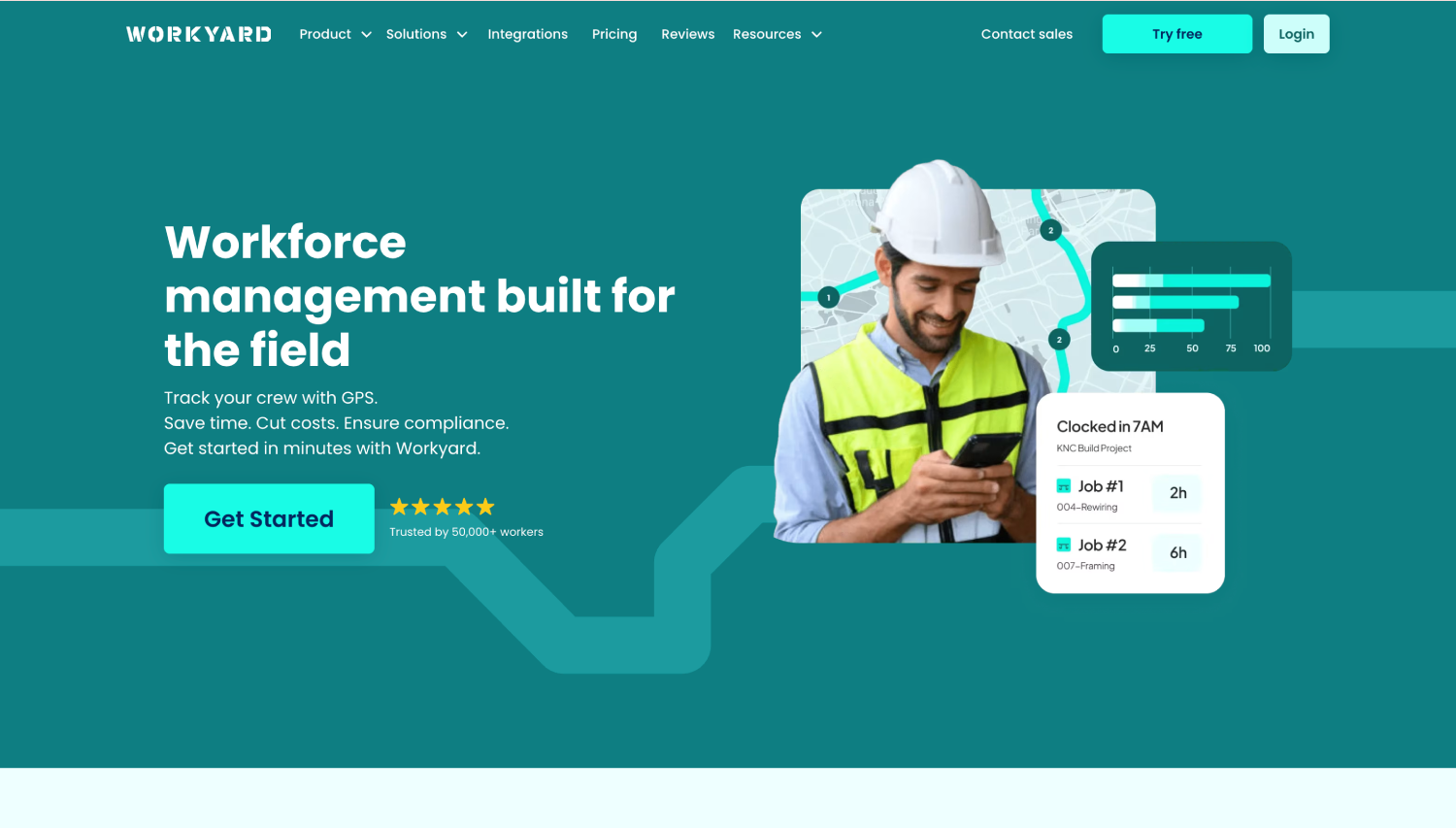
Workyard's strength is location data: address-level summaries of sites visited, driving and travel time detection, live crew location, and labor costs calculated on every clock-out and reportable by project and cost code.
Break and overtime rules are configured against state requirements, and every change to a time entry carries a full audit history, which is what you need when a wage dispute turns on who edited an approved card and when.
Best for: Field crews where precise GPS and labor cost reporting matter more than identity verification.
Limitations: Clock-in verification blocks a submission when no face is detected, but runs no match against an enrolled face, so it confirms a face was present rather than whose. Geofence-restricted clock-in, the kiosk, and cost-code capture all sit on the Pro tier.
3. ClockShark
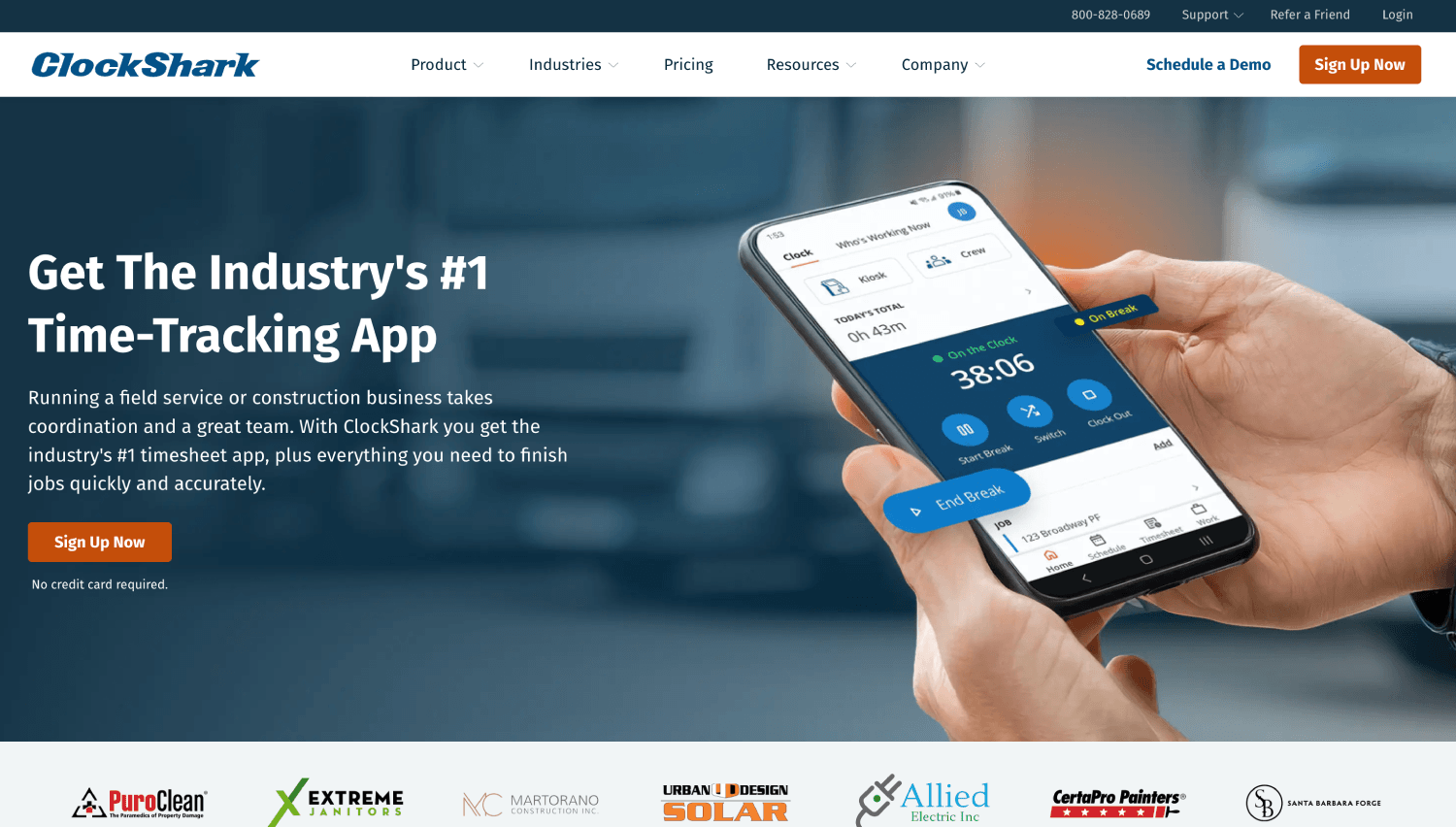
ClockShark bundles time tracking with drag-and-drop scheduling and job and task tracking. GPS tracking, geofencing, and job costing run on both plans, with advanced job costing controls and mileage tracking held for Pro.
Built-in Spanish support is the quiet advantage here, because a clock-in flow a crew cannot read is a clock-in flow the supervisor ends up doing for them, which is how shared logins start.
Best for: Small to mid-size field service and construction teams wanting timecards and scheduling in one place.
Limitations: Face verification is available in Kiosk mode only, so crews clocking in from their own phones fall back to GPS and device controls, and a mismatch is flagged for review rather than blocked. Its pricing page also states a three-year contract term applies to all plans, longer than most tools here ask for.
4. busybusy
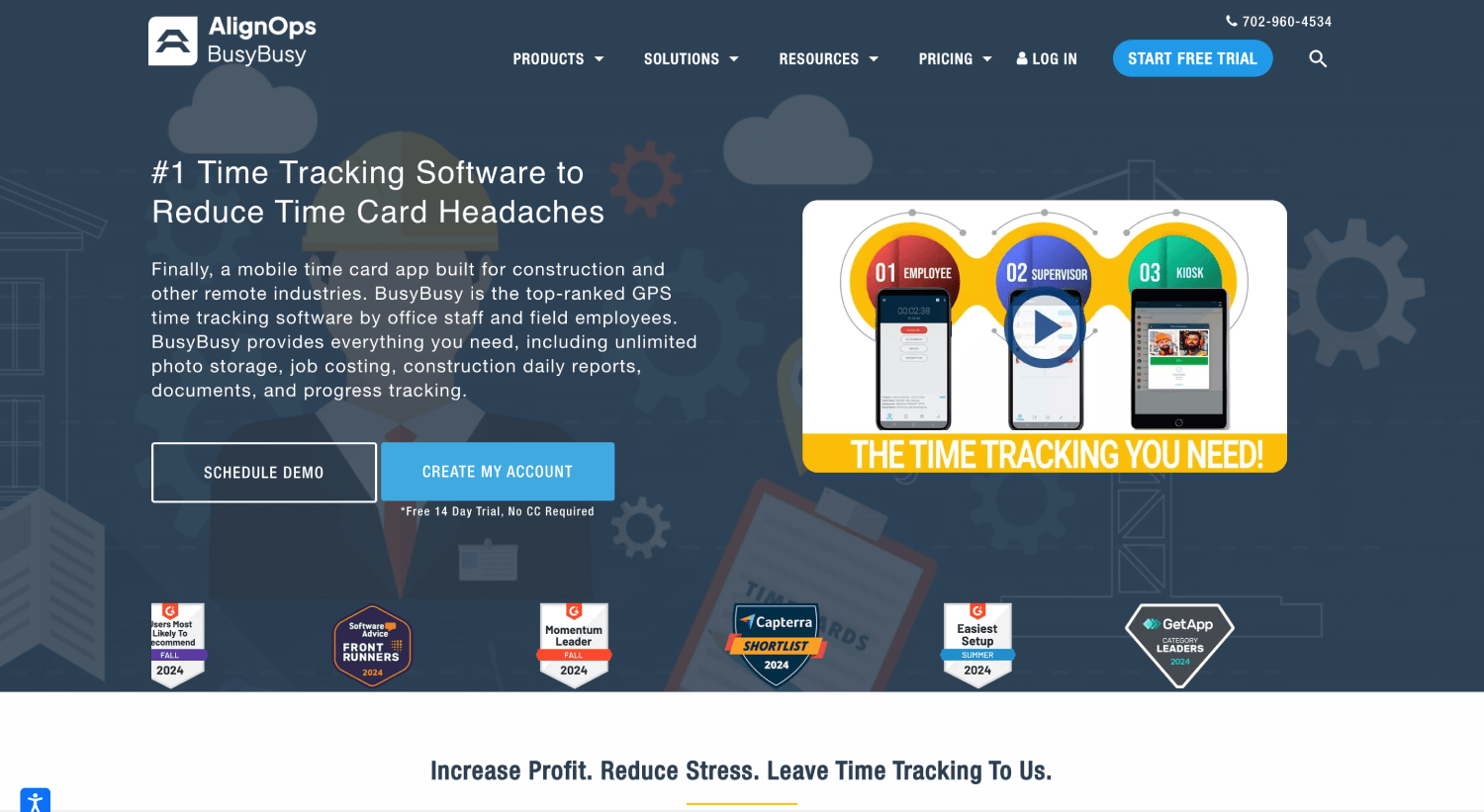
busybusy is the only tool here treating equipment as a first-class object alongside labor, with equipment GPS locations, machine hours, and usage per employee. Its free tier covers GPS time tracking, job costing, and offline mode.
Best for: Equipment-heavy operations that need labor and machine hours cost-coded together.
Limitations: Photo verification and the kiosk sit above the free tier, and when a check fails the worker is still allowed to clock in, with the entry flagged and the office alerted. Daily project reports, progress tracking, and checklists are add-ons rather than included features.
5. Arcoro Time (formerly ExakTime)
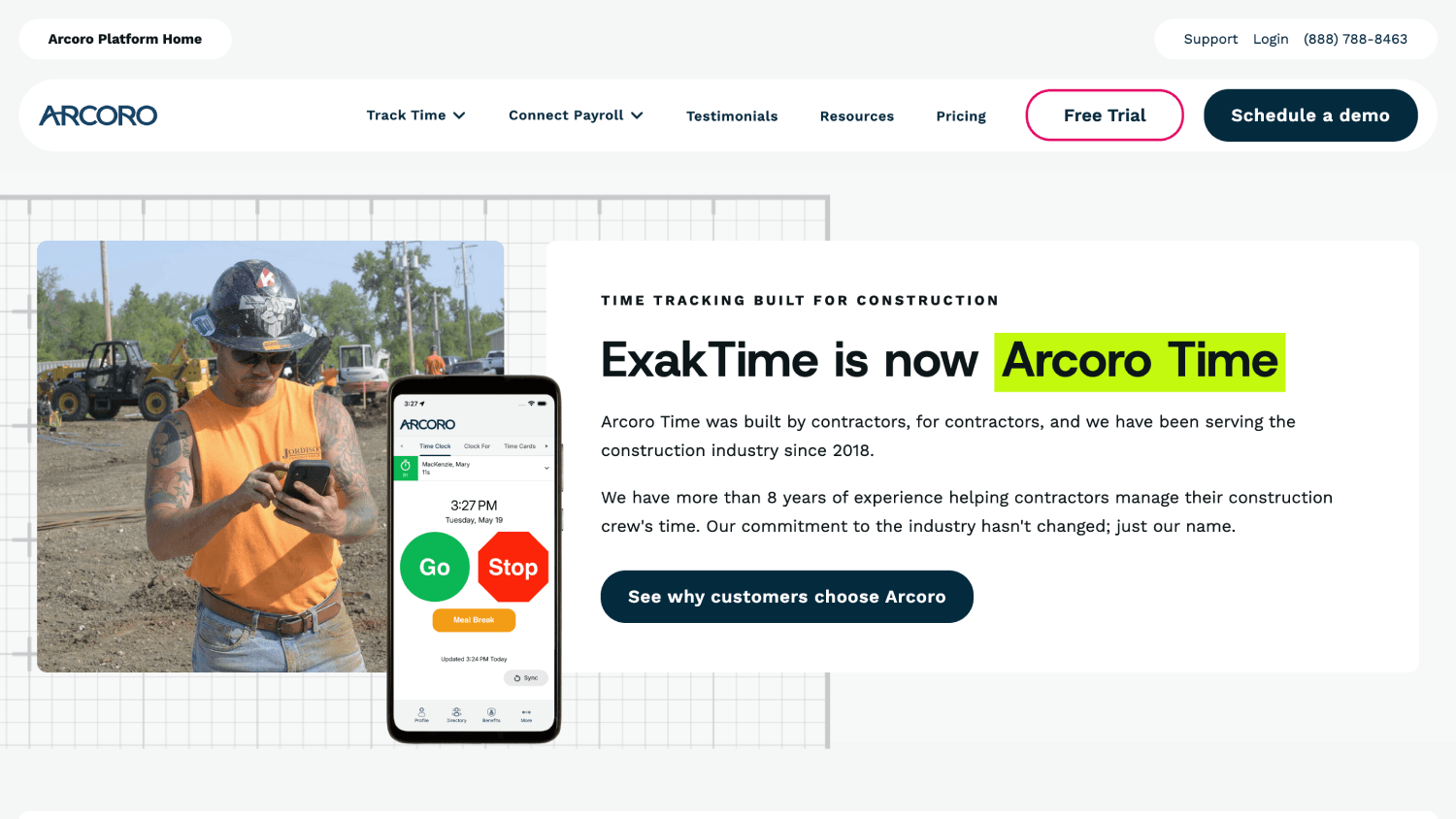
Arcoro Time’s real draw is its tier structure. GPS, perimeter control for clock-in and out, meal break tracking, and custom forms run across all three tiers rather than being held back for the top one, so a contractor on the entry plan still gets the compliance basics that other vendors gate. Scheduling and PTO sit on the middle tier, payroll on the top.
Best for: Mid-size contractors who want time tracking and payroll from the same vendor.
Limitations: A failed identity check does not stop the clock-in; the employee clocks in or out and the entry is flagged for the office. The payroll tier is also a significant step up per employee, which only pays off for contractors willing to move payroll too.
6. WorkMax

WorkMax runs genuine automated facial recognition, verifying the worker at clock-in, at task change, and at clock-out, and identifying workers even offline. Verification at task change is the standout, because it ties a cost-code switch to a verified identity rather than an untracked one.
Best for: Contractors tying verified labor hours to cost codes for bidding accuracy.
Limitations: Its own documentation describes instant flagging of discrepancies, so a mismatched clock-in still reaches the timesheet and waits on a supervisor opening the exception.
7. SmartBarrel
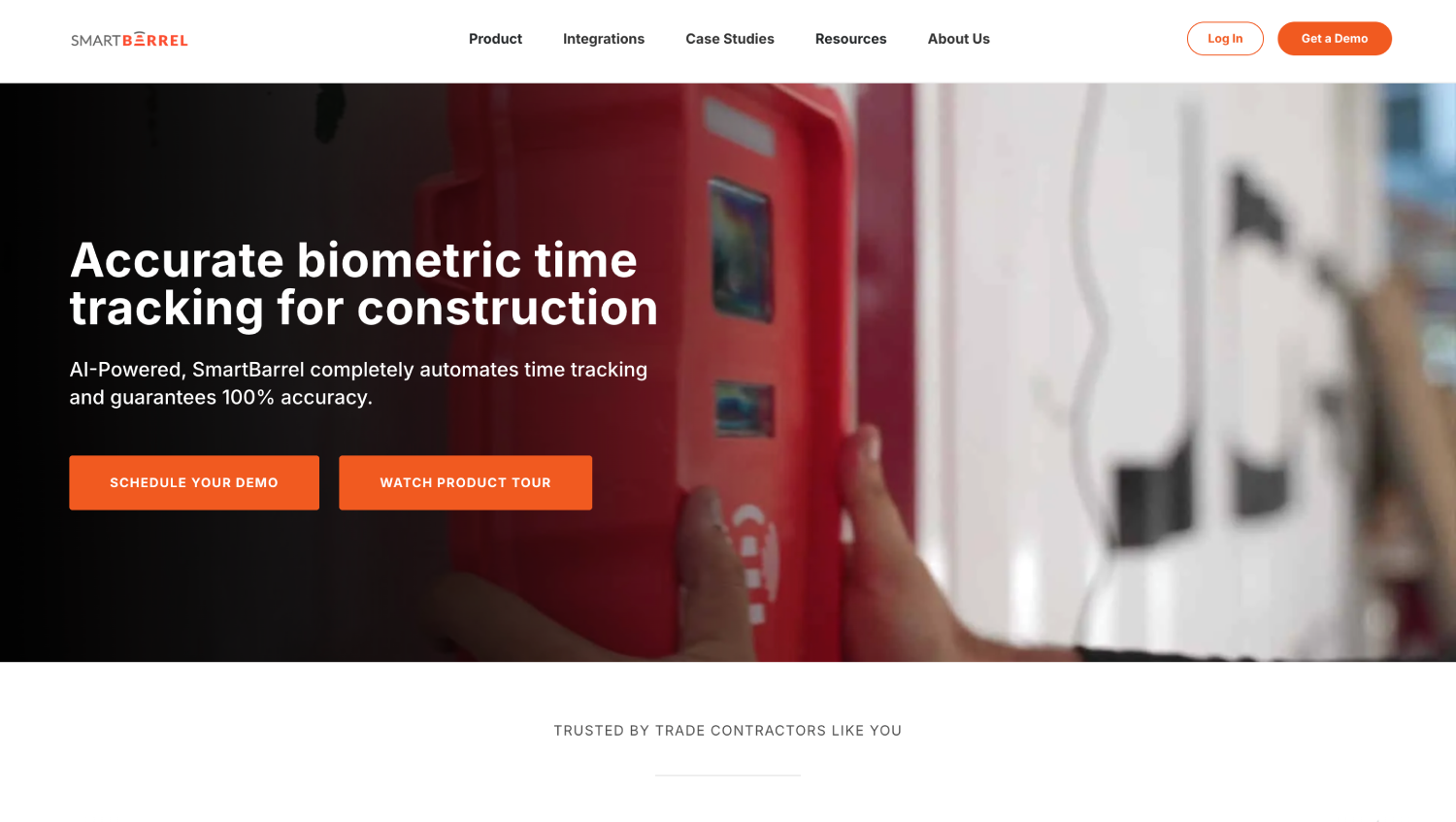
SmartBarrel takes the opposite approach, shipping a portable, weatherproof time clock that runs on cellular with no site WiFi, alongside a mobile kiosk app. Workers identify themselves at the device and the AI compares the capture to their previous photos. Its construction ERP coverage is the deepest on this list.
Best for: Trade contractors who would rather put a device on the job site than an app on the crew's phones.
Limitations: A non-match does not stop the clock-in. The device triggers a red indicator and routes the record to a Supervisor Exception queue, so the hour still lands and waits on review.
Raken Already Has Geofencing and AI Photo ID. Here is What it Costs to Turn On.
Raken ships both features most contractors go shopping for, so for some readers the answer is switching on what they already pay for. The catch is structural: the layer holding the verification tools is not the one most accounts start on.
What Sits Behind the Time Clock Add-on
Raken's documentation is specific: Time Cards in every form, supervisor entry, personal entry, Time Clock, and Kiosk, require the Performance Plan. Basic accounts have no time cards, only Work Logs.
On top of that sits the Time Clock add-on, required for worker self-clock-in and for three things specifically: Photo ID, clock questions, and geofencing. Kiosk mode needs Performance but not the add-on.
On a Basic account, "adding time tracking" is a plan upgrade plus an add-on, not a toggle. Confirm which you are quoting before comparing it against anything on this list.
The rule that follows is worth applying to every vendor here, not just Raken: price the plan that has verification switched on, not the plan on the pricing page.
What AI Photo ID Does When the Face Does Not Match
Raken's documentation is more precise than the marketing phrase suggests. Photo ID captures an image at clock-in or clock-out, matches it against the employee's profile photo, and flags mismatches under Time, Review, Photo ID for an administrator to check. Workers need a profile photo on file for matching to work.
Nothing in that flow stops the clock-in. The hour records, the discrepancy enters a review queue, and whether it gets caught depends on someone opening that queue before payroll.
For a contractor whose real problem is buddy punching on construction sites, review latency is what to price, not the feature name.
Does Raken's Time Clock Work Offline?
Partly, and the distinction matters. Raken's mobile app captures field work and syncs on reconnect. The Time Clock feature, the one running worker self-clock-in with Photo ID attached, is documented as requiring an active connection, with hours going onto a Time Card manually instead. The hours survive a dead-signal site. The identity check does not run.
Contractors leave for four reasons: the plan-plus-add-on structure stacks cost onto a product bought for daily reports, verification flags rather than stops, poor-coverage sites fall back to manual time cards, and a reporting platform with time tracking bolted on later is rarely as deep on labor as a tool built for it.
"Facial Recognition" Means Three Different Things at a Construction Clock-in

Three products can claim facial recognition and behave completely differently when the wrong person holds the phone.
Tier 1: Photo Capture
A picture is attached to the record and nothing compares it to an enrolled reference. Workyard sits here. Its app blocks a submission when no face is detected, which stops an empty or pocket photo, but it runs no match against the worker on file, so it confirms a face was present rather than whose.
Tier 2: Automated Match, Flagged
Software compares the capture to a stored reference, returns a result, records the clock-in anyway, and surfaces the discrepancy for review.
Most of the category sits here:
- Raken flags mismatches in a review queue
- WorkMax verifies at clock-in, task change, and clock-out, including offline
- SmartBarrel triggers a red indicator and routes the record to a Supervisor Exception queue.
- busybusy and Arcoro Time let the clock-in through and alert the office.
- ClockShark offers the check in Kiosk mode only.
Tier 3: Automated Match, Blocked
A failed match stops the clock-in and prompts a retry, so the hour never reaches the timesheet. Of the seven here, Truein is the only one documenting this: its face recognition time clock software matches the worker against an enrolled face at clock-in and blocks the attempt on a failure.
That split is the most useful thing to know before a demo. Six of the seven alternatives here verify identity and then let the hour through, which makes the control an exception report rather than a gate.
Two safeguards sit inside that third tier and they are not the same. A straightforward mismatch is blocked at the clock-in. A spoofing attempt, someone holding up a photo or a mask, is handled by a separate detection step that can flag suspicious activity afterward depending on configuration. No vendor here claims to catch every fraudulent entry in real time.
Does GPS Prove Who Clocked-in?
GPS confirms a device was inside a boundary, while face verification confirms whose face made the clock-in. Treating them as interchangeable is the most common shortlist mistake, because a worker standing inside an approved boundary holding a coworker's phone passes the location check and fails nothing. That is what buddy punching looks like.
What each tool does with an off-site attempt also varies. Raken can flag it, send a reminder, or prevent clock-in outside the project radius. Workyard restricts clock-in to geofences on Pro rather than its entry tier. SmartBarrel allows clock-in only while physically on site. Truein's GPS geofencing is set per site, with a 20 meter minimum radius or a boundary drawn to the shape of the site, and out-of-boundary attempts can be blocked, alerted, or sent for approval.
A drawn boundary describes the shape of the permitted area. It does not make the GPS fix more precise. Size the radius to the site, not to the sales demo, and treat pinpoint-accuracy claims for basements or steel structures with skepticism.
Four Site Conditions That Disqualify a Time Tracking App
Four operational realities disqualify tools faster than any feature comparison.
1. What Happens When a Job Site Has No Signal?
Offline capture is no longer the differentiator it was. Every platform here records on the device and syncs when the connection returns, and busybusy includes it on the free tier.
What still separates them is whether the identity check runs while the device is offline or waits for the sync. WorkMax documents face matching that works offline. Truein captures offline and flags those records as such. Raken's mobile app syncs, while its Time Clock feature is documented as needing a connection, which is why Photo ID has nothing to run against on a dead-signal site.
One caveat applies to every tool here, including the ones that handle it well. Offline clock-ins reach the dashboard only after they sync, so a manager checking live headcount sees connected sites, not every site.
Do not ask a vendor whether it works offline, because nearly all of them provide offline clock-in capability in some form. Ask whether the identity check runs offline or only after the sync. On rural highway, heavy civil, mining, and energy sites, that is the answer that decides the purchase, and offline capture alone does not settle it.
2. Can One Tool Keep Subcontractor Hours Separate From Your Own Crew?
A general contractor running six subcontractor crews is not buying what a single-crew contractor is buying. The GC's problem is whether a sub's reported headcount can be trusted on a cost-plus job, where the incentive runs the wrong way.
Most time tracking tools assume one company's workforce, so subcontractor hours arrive as a spreadsheet and get reconciled by hand.
Truein handles this at the account level through subcontractor time tracking controls: each agency gets scoped access to its own crew, mapped to the sites it works, with headcount limits, agency-level policies, and document expiry tracking.
The claim worth making is visibility and control, not automatic detection. You get the data to spot overlap and questionable billing before you approve it, not a ruling on the dispute.
3. Do Your Crews Clock-in and Then Leave?
The most expensive time tracking problem on many sites is not a fake clock-in. It is a real one followed by an empty site an hour later.
Verified arrival and verified presence are different things. Truein's employee location tracking adds automatic clock-out and a supervisor alert when a worker leaves the geofence, as a paid add-on.
The scope is narrow and worth stating plainly: tracking runs only between clock-in and clock-out, never all day.
4. What Happens When a Worker Refuses Face Enrollment?
Every contractor deploying biometric time tracking in the U.S. hits this in week one, and most vendor pages route around it.
Truein’s answer runs in two parts. When the consent setting is enabled, a consent screen appears before the camera opens, and the worker has to agree before any face capture happens. Truein records the consent details and maintains an audit trail, including withdrawals.
If a worker later withdraws consent, HR or an admin disables face recognition for that worker and switches them to non-biometric time tracking, so the worker keeps clocking in without a face record on file. The User App and the kiosk registration flow carry separate consent settings, so check both during setup rather than assuming one switch covers the site.
What none of this does is carry your compliance obligation. Truein supplies the workflow and the record. The employer still determines whether consent is required in its states, what notice to give, and what retention policy applies.
Ask every vendor on this list the same two questions: can a worker decline face capture and still clock in, and does the system keep a record of that decision.
What Happens to Verified Hours After the Clock-Out?
None of these tools run payroll, Truein included. What matters is whether verified hours reach the payroll system without anyone re-keying them, because a clean clock-in typed into QuickBooks by hand has given back most of its value.
Blank cells mean the connection is not documented on the vendor's own material, not that it is impossible. Arcoro Time routes payroll through Arcoro Payroll on its top tier. Confirm anything load-bearing against the published integration list before it becomes a criterion.
Can a Worker Split a Shift Across Two Cost Codes Without Clocking Out?
Cost-code accuracy is where construction time tracking earns back its subscription. Take an eight-hour shift: three hours framing, five hours electrical. A tool that handles this produces two job-cost records from one shift, without the worker clocking out and back in.
Truein's job-based time tracking tags time to a job, task, or activity at clock-in, SmartBarrel assigns cost codes in one tap, and WorkMax verifies at task change.
Who Can Edit a Time Card After a Crew Member Clocks Out?
Verification at clock-in is only half the audit trail. The other half is what happens to the record afterward.
Ask every vendor four questions:
- Who can edit an approved time card
- Whether the original entry survives the edit
- Whether edits carry a timestamp and an author
- Whether approval locks the record
Workyard documents a full audit history. Raken locks approved time cards until they are unapproved. AI TimeGuard is Truein's built-in anomaly detection layer, which continuously analyzes time tracking data for risk signals such as unusual correction activity and suspicious clock-in patterns, then surfaces those findings for manager review based on the account's enabled configuration. It is a review aid for exceptions, not a guarantee that every bad entry gets caught.
Which Raken Alternative Fits Your Operation
Shortlists get shorter once you match the tool to the shape of the operation rather than the longest feature list, and a wider view of the category sits in this breakdown of time tracking software for construction.
If you run a single crew on one site with no connectivity problems and no subcontractors, most of this list is overbuilt for you, and the free or entry tiers are the honest answer.
What Does Switching From Raken Actually Cost in Week One?

The feature comparison is the easy half. Three things decide whether the switch lands cleanly.
- Historical time cards: Time Cards in every form sit behind Raken’s Performance Plan, and Basic accounts have Work Logs instead. Export your time card history before changing plan or cancelling, and confirm with Raken what stays accessible afterward.
- One system owns the hours: Running two time clocks through the same pay period produces two sets of hours and an argument. Pick the system of record on day one, switch the other one’s time card function off, and tell supervisors which dashboard they approve in.
- Crew adoption, not admin setup: Worker enrollment on a face-based clock takes seconds per person, and the software side of a new site is quick. The first week of a changed clock-in flow is where rollouts actually fail. Run one site through a full pay period before moving the rest.
When Keeping Raken is the Right Call
Switching is not automatically the answer. Keep it if:
- The Time Clock add-on is already active and someone genuinely reviews the Photo ID queue before payroll runs.
- Daily reports, safety documentation, and photo records are central to operations, since few time tracking tools match it there.
- The benefit of moving does not clear the cost of rebuilding workflows your field teams use daily.
A note on the other kind of Raken alternative: Some contractors searching this term want to replace Raken’s daily reports, safety forms, and photo documentation rather than its time clock. None of the seven tools here do that job, and the shortlist for it runs through Procore, Buildertrend, and Fieldwire instead. That is a separate evaluation with separate stakes.
If both problems are live at once, a dual-system setup keeps Raken for daily logs while a verification-first time clock captures crew hours, as long as one system owns the hours and the other's time card function is switched off.
Frequently Asked Questions
1. Does Raken have facial recognition?
Raken documents an AI Photo ID feature that captures an image at clock-in or clock-out and matches it against the employee's profile photo, flagging mismatches under Time, Review, Photo ID for an administrator. It requires the Time Clock add-on on top of the Performance Plan.
What the documentation does not describe is any mechanism that stops the clock-in when the match fails. The hour records and the discrepancy waits in a queue, a different level of protection from a system that blocks the attempt.
2. Does Raken's time clock work offline?
Partly. Raken's mobile app captures field work offline and syncs when the connection returns, but the Time Clock feature that runs worker self-clock-in is documented as requiring an active connection. With no signal, hours go onto a Time Card manually instead of being captured when the worker arrives, which means the Photo ID check has nothing to run against at that moment.
For contractors working basements, rural highway projects, or remote sites, test whether the identity check runs offline, not just whether the record syncs.
3. Is there a construction time clock that blocks a mismatched clock-in instead of flagging it?
Yes. Truein's face recognition time clock blocks a failed face match at the moment it happens and prompts the worker to retry, rather than recording the hour and queueing the discrepancy for review.
Spoofing attempts, such as someone holding up a photo, are handled through a separate detection step that can flag suspicious activity afterward depending on configuration, so the two safeguards work differently.
4. Is face recognition legal for construction crews in the U.S.?
Yes, with proper notice and consent. Five states have biometric consent requirements that apply to workplace time tracking. California matters most: since January 1, 2023, the CCPA and CPRA employee exemption has expired, giving California employees full rights over biometric data collected at work, including notice, access, and deletion rights.
Illinois BIPA uniquely allows individuals to sue directly. Texas CUBI, Washington RCW 19.375, and Colorado HB 24-1130, effective July 1, 2025, complete the list.
Disclaimer: This is general information, not legal advice. Consult a licensed attorney familiar with your state's requirements before deploying biometric time tracking.
5. Is Truein based in the U.S.?
Truein is headquartered in India with a U.S. office in New Jersey and U.S.-based account executives who support enterprise customers directly. It serves more than 500 clients across 25 countries and over 10,000 locations, with U.S. construction customers including Walker Engineering.
6. Do I need Raken’s Performance Plan to use geofencing?
Yes, and the Performance Plan alone is not enough. Time Cards in every form, supervisor entry, personal entry, Time Clock, and Kiosk, require the Performance Plan, and Basic accounts have Work Logs instead. Geofencing, Photo ID, and clock questions each require the Time Clock add-on on top of that plan.
Kiosk mode is the one exception, needing Performance but not the add-on, unless you want Photo ID or geofencing running alongside it. On a Basic account, adding verified time tracking is a plan upgrade plus an add-on rather than a setting you switch on, so confirm which you are being quoted before comparing the number against anything on this list.
7. Which construction time clocks run the identity check offline?
WorkMax documents face matching that works offline. Truein captures offline and flags those records as captured offline. Raken’s mobile app syncs field work offline, but the Time Clock feature that runs worker self-clock-in is documented as requiring an active connection, so the Photo ID check has nothing to run against on a dead-signal site.
One caveat applies to all of them. Offline clock-ins reach the dashboard only after they sync, so a manager checking live headcount sees connected sites rather than every site.
Closing Thoughts
Construction time tracking tools have converged on a shared feature list. Nearly all of them capture a clock-in, draw a geofence, attach a photo, and export to payroll.
The difference that survives contact with a real job site is narrower: “When the check fails, does the software stop the hour or record it and ask someone to look later?” Six of the seven alternatives here flag it. One blocks it.
Answer that for your own shortlist, then answer two more. Does the identity check still run where your crews lose signal, and can the tool separate a subcontractor's headcount from your own? A contractor who can answer all three has done the evaluation, whichever product they buy.
If your crews are spread across several job sites and payroll keeps getting corrected after the fact, the useful next step is to schedule a demo to know how verification at the clock-in behaves on a site like yours, sized to your crew count and active sites.
