


.jpg)

A geofence proves a phone was inside your job site. It does not prove whose hand that phone was in.
That gap is why most contractors who leave VeriClock end up disappointed with whatever they switch to. They compare the columns every software directory publishes, GPS tracking, geofencing, scheduling, payroll integration, and those columns look nearly identical across the field. The decision gets made on interface or price, and six months later the same foreman is still clocking in half his crew from his own phone. Nothing in the comparison they read addressed it.
The column nobody publishes is what the software does in the two seconds after a face does not match the worker it belongs to. Blocked, flagged, or simply recorded: that behavior decides whether a fraudulent hour reaches payroll.
This comparison ranks seven construction-built alternatives on it, using only what each vendor documents, and covers what VeriClock already does well.
Key Takeaways
- Three different capabilities get marketed as identity verification: a stored photo, a face match that flags after the fact, and a face match that must pass first. Only the third keeps a wrong-person hour off the timesheet.
- Clocking in by phone call or text, the capability VeriClock is best known for, is the one clock-in method here that carries no identity signal at all.
- VeriClock’s own sources disagree on facial recognition: the website documents none, while the Apple App Store listing and the Kiosk app’s release notes both name it. Neither states what happens on a failed match.
- Every product claim below comes from that vendor's own site, pricing page, or help documentation, verified in October 2026.
How Were These Seven VeriClock Alternatives Ranked?
Four criteria, in this order. The first does most of the work:
- What happens on a failed identity check: Blocked, flagged after the fact, photo stored with no automated comparison, or not documented.
- Construction fit: Cost codes, job costing, crew clock-in, and whether the vendor sells to contractors rather than to offices with field staff.
- Behavior without a signal: Whether the clock-in still happens, and whether the identity check survives the outage.
- Where verified hours land: Payroll and ERP connections a construction back office runs on, named by the vendor.
General-purpose workforce apps were left out deliberately. Connecteam, Jibble, QuickBooks Time, Buddy Punch, When I Work, and Timeero all turn up in VeriClock alternative lists, and each is a capable time clock. None is built around cost codes and job costing, the part a contractor cannot work around.
If your crews bill to projects, start with construction time tracking software rather than a general staff scheduling app.
VeriClock Alternatives Compared on What Happens at the Moment of the Clock-in

Read the mismatch column first. It is the only column where these seven products genuinely differ.
Read across any other row and the products look interchangeable. Read down the mismatch column and the market splits into three groups.
1. Truein: Best for Blocking a Wrong-Person Clock-in Before it Reaches the Timesheet
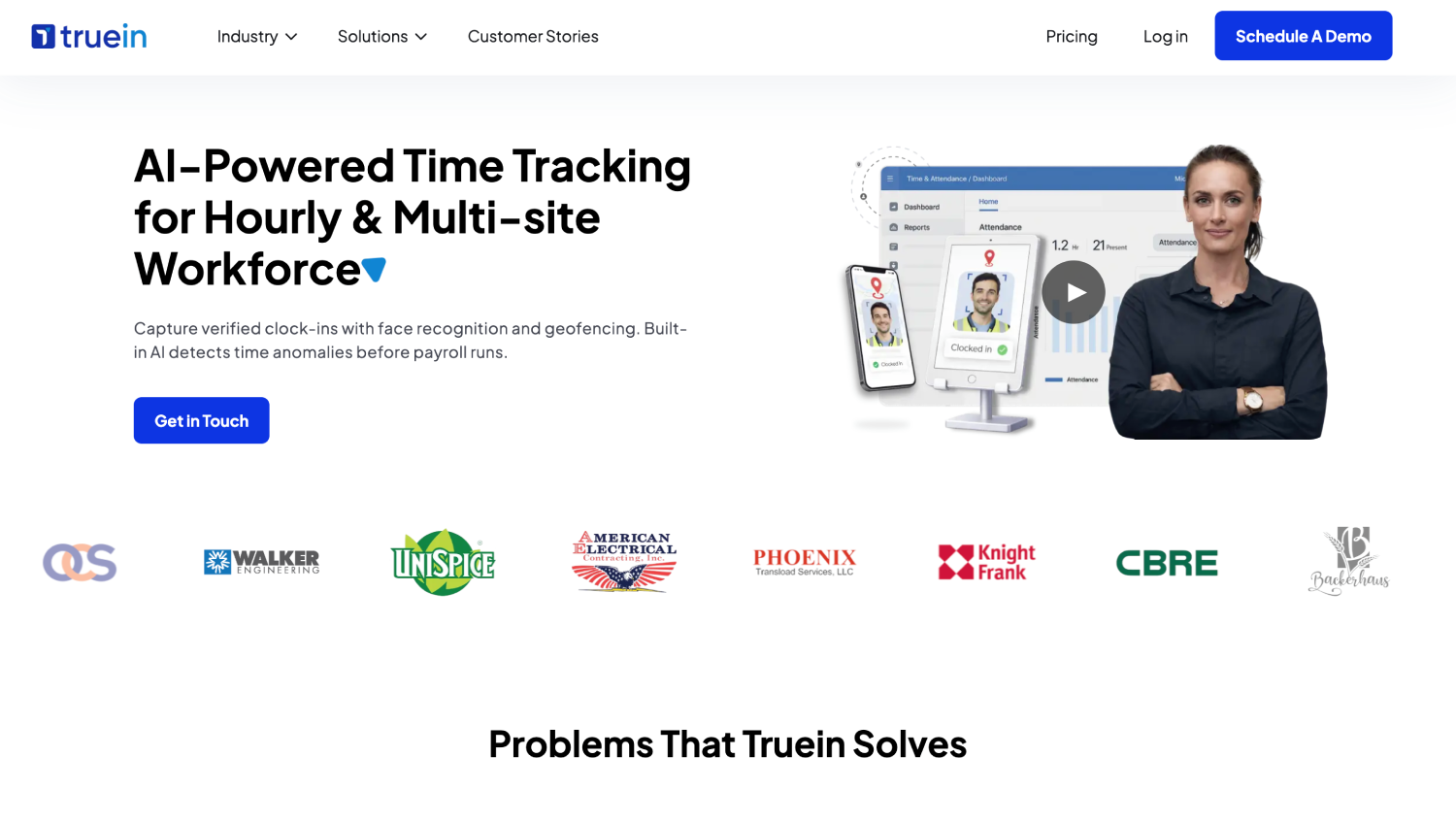
Truein is AI-powered time tracking software for hourly and multi-site workforces that verifies identity at clock-in using face recognition and GPS geofencing, on any Android or iOS phone or tablet, with no dedicated hardware required. In construction terms, it is a face recognition time clock running on the devices a crew already carries.
It is the only documentation here describing a block rather than a flag: a failed face match stops the clock-in and prompts a retry, at a published accuracy of around 95 to 100 percent including with facial hair, masks, changed hairstyles, and hard hats.
AI TimeGuard, Truein's built-in anomaly detection layer, continuously analyzes time tracking data for risk signals such as unusual correction activity and suspicious clock-in patterns, surfacing those findings for manager review based on the account's enabled configuration.
One naming note, since you are coming from VeriClock: VeriClock also ships a feature called Time Guard, which is an automatic clock-out, not an anomaly detector. The names collide. The functions do not.
For construction specifically, time is tagged to a job, task, or activity at the clock-in itself, so hours reach the labor cost report already coded rather than being allocated from memory on Friday. Offline clock-ins are captured on the device and synced on reconnect, marked as ‘captured offline’ so a reviewer knows why a 7 a.m. clock-in landed at 2 p.m.
That is the difference between auditing every timesheet and reviewing the handful that look wrong. Where subcontractor headcount is disputed, subcontractor time tracking runs on scoped per-agency visibility and headcount limits under one account.
Walker Engineering is among its U.S. construction customers, across a platform running 500-plus clients, 25 countries, and more than 10,000 locations. On the question every U.S. contractor asks about a vendor they have not heard of: Truein is India-headquartered with a New Jersey office and U.S.-based account executives.
Limitation: Not payroll software and not a full HRMS, so payroll-ready reports go out to the systems named above and the run happens there. Live location tracking through the shift is a separate add-on, and custom drawn boundaries are created one at a time through the dashboard, so bulk rollouts default to radius geofencing.
2. SmartBarrel: Best for Crews That Do Not Carry Phones
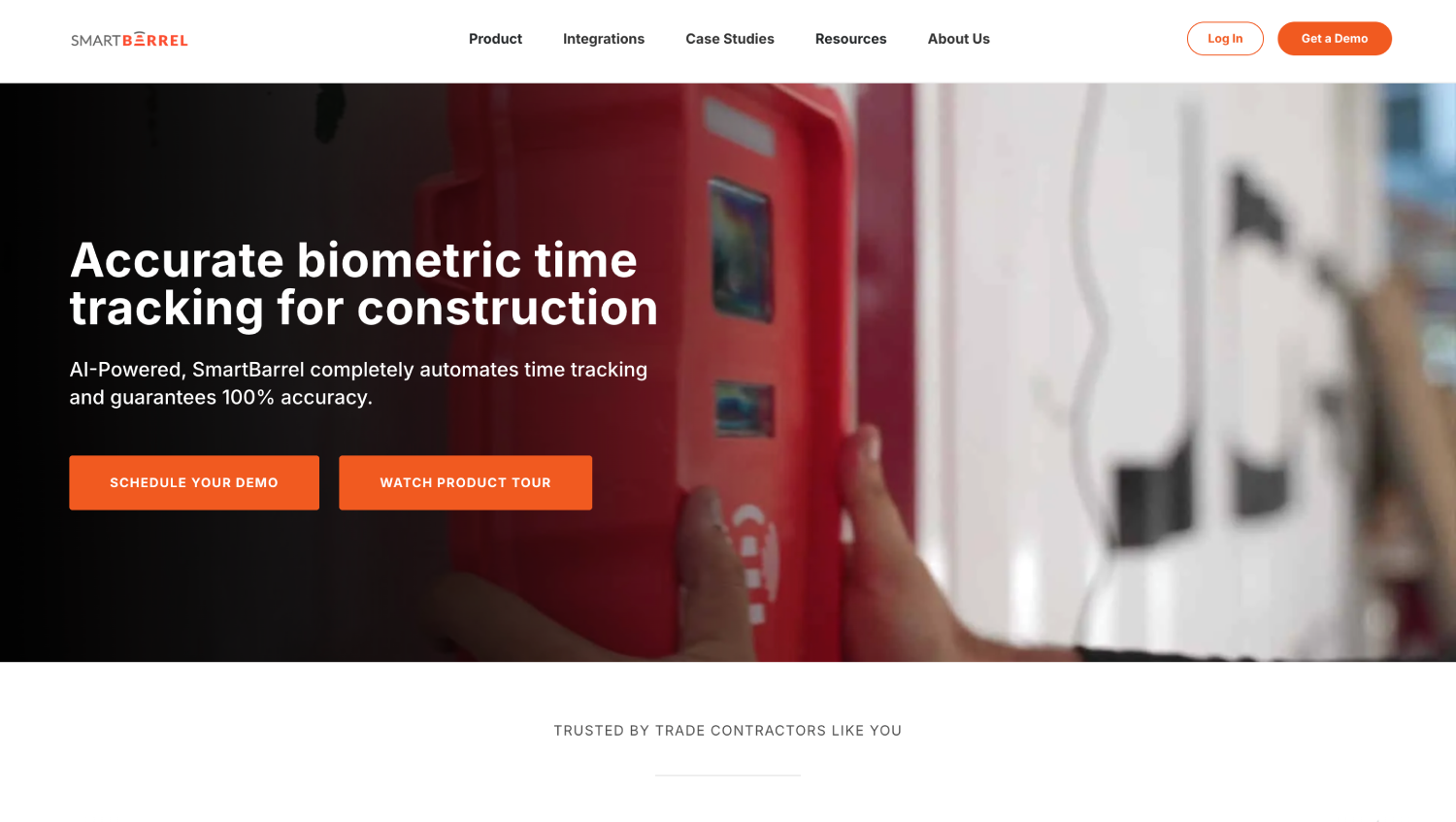
SmartBarrel takes the opposite approach to an app rollout. Its TimeClock 4.0 is a weatherproof, magnetic-mount device running on solar or battery power with built-in LTE, so a new site needs no electrician and no IT involvement.
Crews clock in with a phone number and a picture, and SmartBarrel documents AI biometric facial verification on every clock-in across both the hardware and the app, stating that it works with gloves, hard hats, and safety glasses.
Production quantities, union overtime and double-time rules, and tracking of employees, temp labor, and hourly subs together are all covered.
Limitation: A device per site is a different procurement conversation than software on phones people already own.
3. WorkMax: Best for Cost-Code-Level Labor Tracking With Real Face Matching

WorkMax runs genuine automated facial recognition, patented, comparing a clock-in photo to a stored profile image using facial-geometry measurement and returning a match percentage against an employer-set threshold. That is a clear tier above photo capture.
WorkMax documents instant flagging of discrepancies, not a blocked punch. It does not interrupt the clock-in and a low match score flags the record for a supervisor afterward, presented as a deliberate choice so the field never waits on a match.
GPS location stamps tie clock-ins and task changes to a place, so a disputed hour has a coordinate attached to it rather than just a timestamp.
Limitation: The flag-and-review model means a mismatched clock-in still reaches the timesheet, so someone works the exception queue before payroll closes.
4. ClockShark: Best for Foreman-Led Crew Clock-in
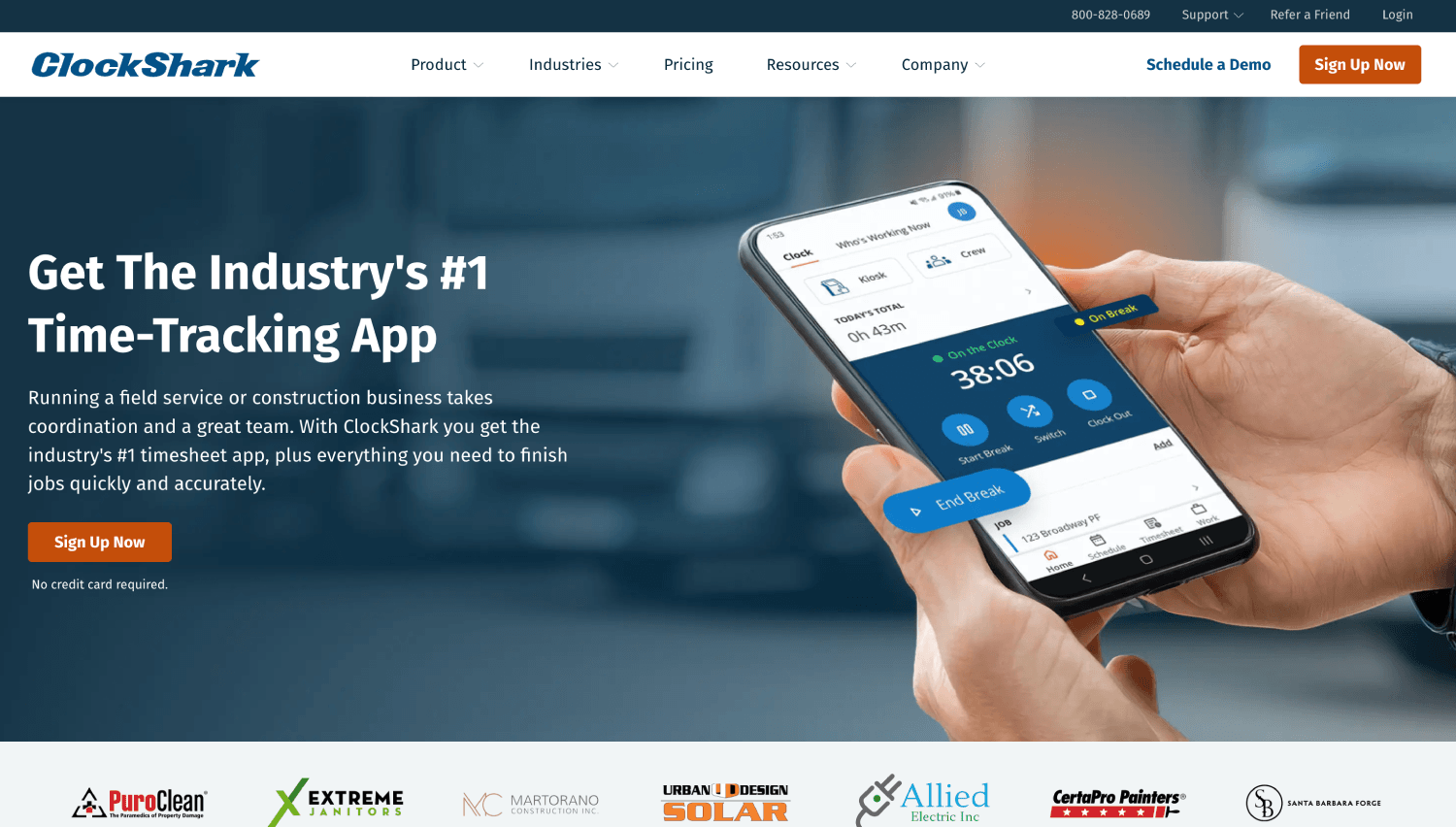
ClockShark is built for contractors and field service teams, and it is the construction-native name that turns up most often in VeriClock alternative lists.
Scheduling, a live who-is-working-now view, and built-in Spanish support mean a foreman can run the day from the same app the crew clocks into, which is why it holds up for contractors who want one tool rather than four.
On identity, mode dependency decides the evaluation: face verification is a shared-kiosk setting where the tablet compares a photo to the worker's first kiosk photo, while clock-ins from a personal phone are GPS-verified rather than face-verified.
A side-by-side look at how live face verification differs across ClockShark, ExakTime, and Truein covers that in more depth.
Limitation: Identity verification is tied to kiosk mode, which is why contractors weighing this one often look at a ClockShark alternative specifically for the verification gap.
5. Workyard: Best for GPS Precision and Labor Cost Accuracy
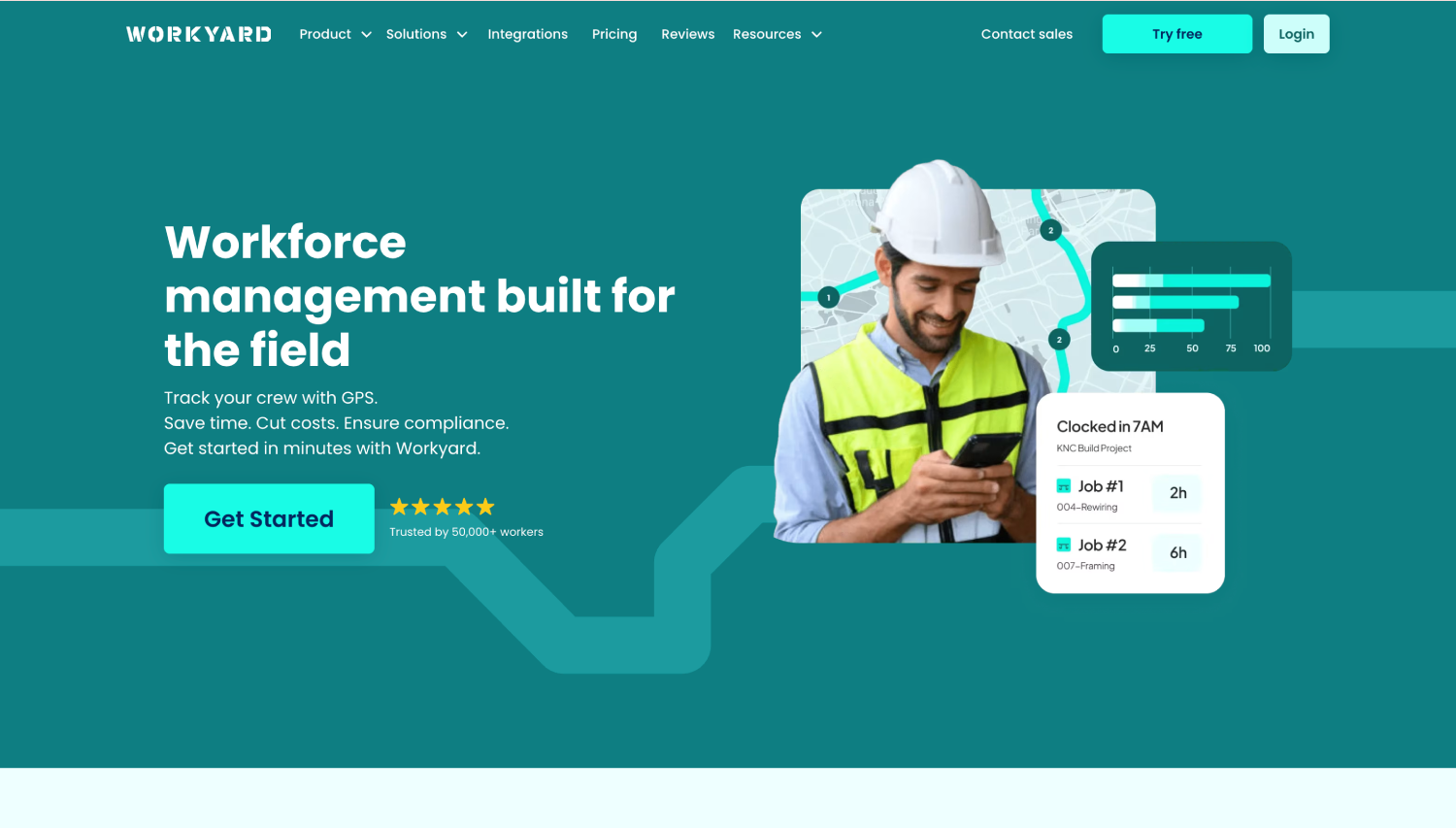
Workyard's GPS work is the most detailed in this group. Rather than dropping breadcrumbs on a map, it reports addresses visited, time on each site, and the driving trips in between with mileage attached, and it enforces cost codes on purchases as well as clock-ins.
On identity, its documentation is worth reading closely: the pricing page describes verifying clock-in with facial photos using face detection so that only facial photos are submitted. That confirms a face is in the picture. It does not confirm whose face it is.
Limitation: No documented comparison against an enrolled reference image, which places it in the photo tier for buddy punching purposes. Geofenced clock-in restriction and the kiosk both sit above the entry plan, so the location controls are not in the cheapest configuration either.
6. busybusy: Best for Equipment Hours Alongside Labor Hours
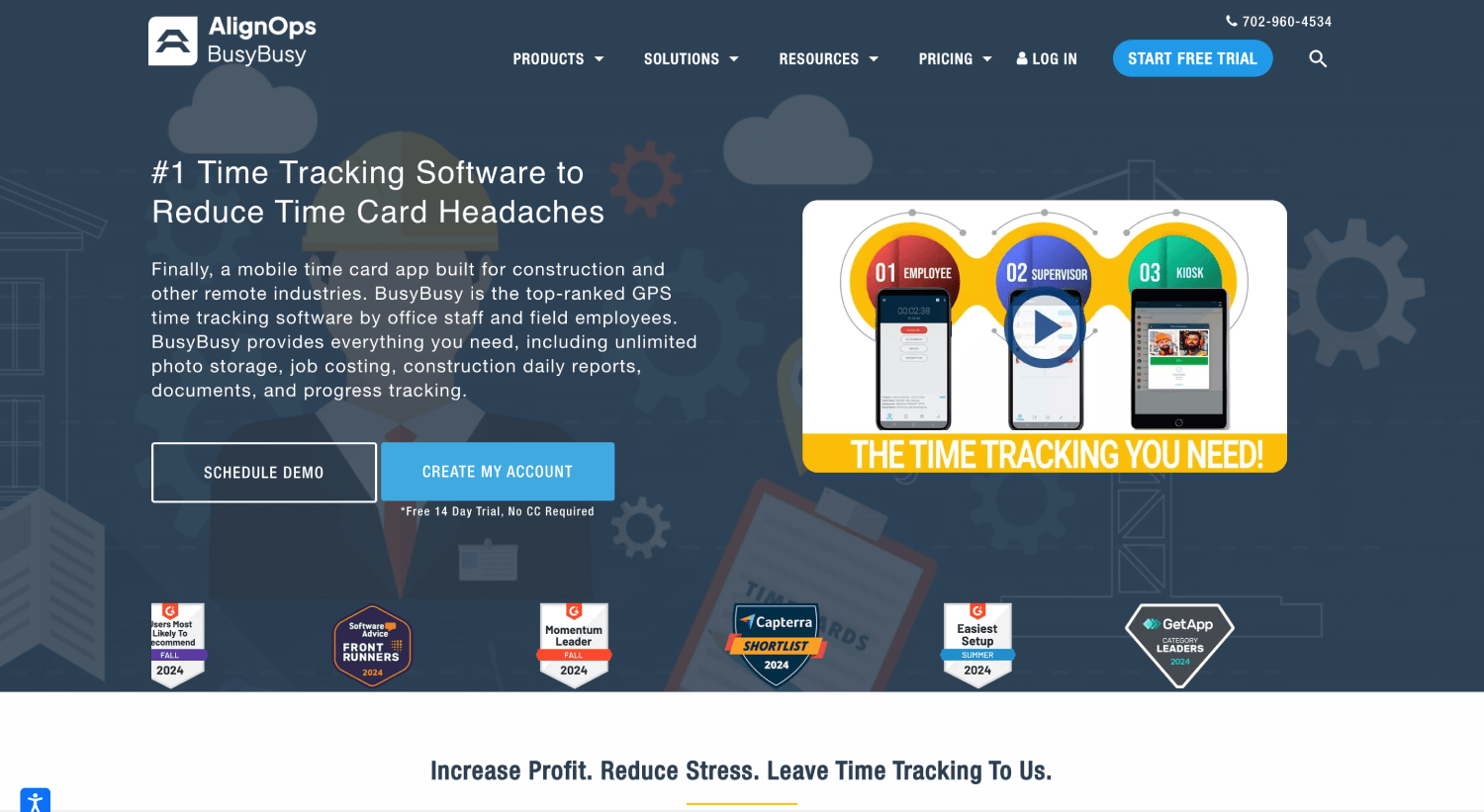
busybusy is the only tool here treating equipment time as a first-class record. Crews assign time to projects, sub-projects, cost codes, and specific pieces of equipment, switching between them through the day, while supervisor tools let a foreman clock a crew in and out, edit time, and split entries.
Job costing and equipment tracking appear even in its free tier. In terms of its facial recognition capability, busybusy has facial recognition available on its Kiosk Mode. However, the AI facial recognition system only flags mismatches for later review; it does not block the clock-in at the moment of a bad clock-in attempt.
Limitation: Two gaps compound here. The comparison runs in Kiosk Mode only, so a clock-in from a personal phone carries no identity check at all, and even in Kiosk Mode a failed match surfaces in a report rather than stopping the clock-in attempt. If buddy punching is why you are leaving VeriClock, this does not solve it.
7. Arcoro Time (formerly ExakTime): Best for Larger Workforces on Rugged Site Clocks
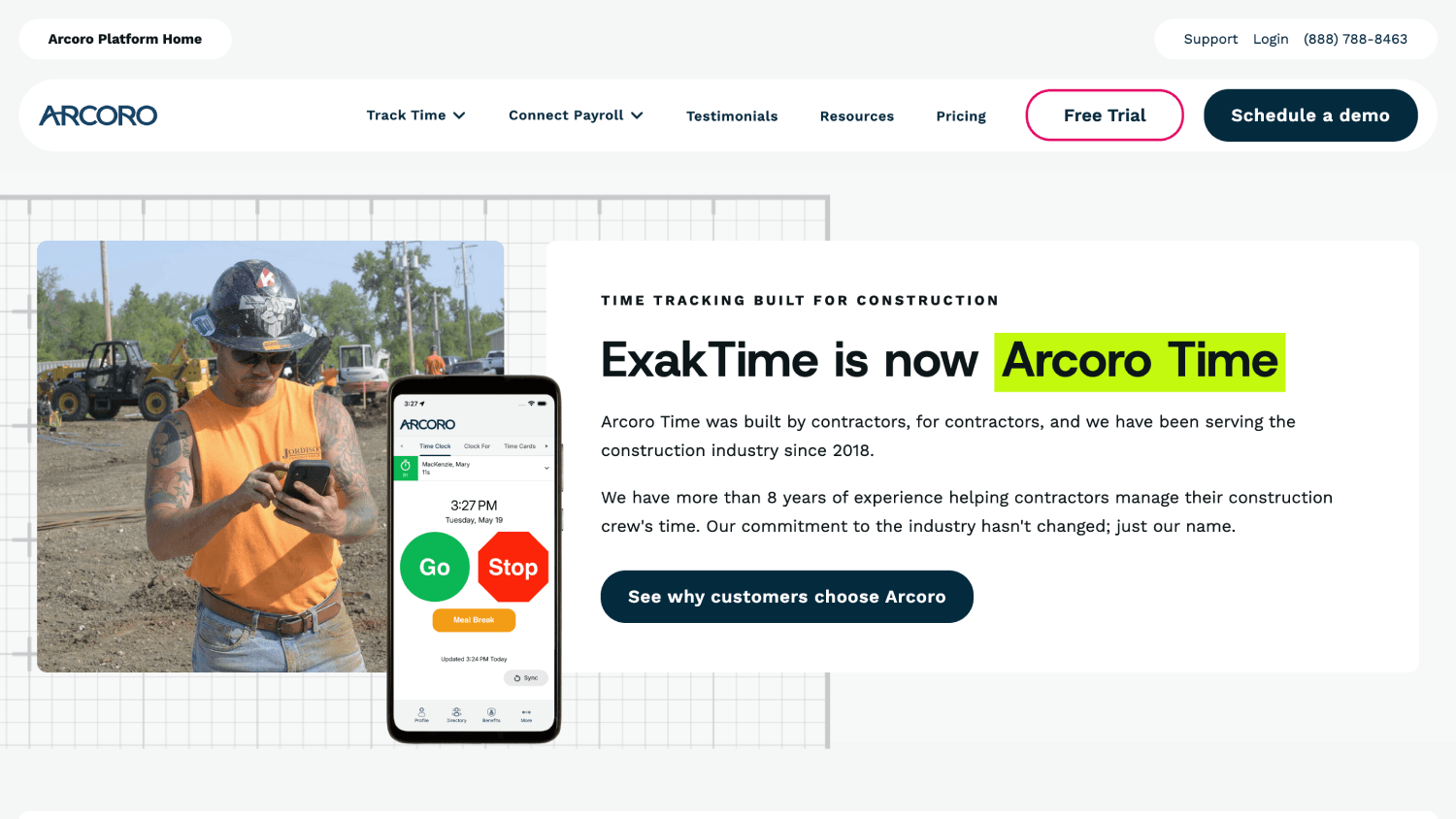
ExakTime describes FaceFront as photographing the employee at every clock-in and clock-out and storing the image in the cloud for review at the office, framing it as photo ID verification that avoids collecting fingerprints or other biometric data.
However, Arcoro states that FaceFront is not facial recognition software. The control is a stored image, and a stored image only works if someone opens it.
The rest of the platform is substantial, particularly for larger operations: meal break tracking with notifications handles the compliance exposure most contractors get caught on, and the rugged on-site clocks cover crews without phones without asking anyone to download anything.
Limitation: No automated identity verification, so buddy punching is caught in review or not at all. Contractors evaluating an ExakTime alternative are usually solving exactly this, wanting the clock-in photo checked against an enrolled image at the moment of the punch rather than filed for someone to open later. Truein, WorkMax, and SmartBarrel all run that comparison. Only Truein documents stopping the clock-in when it fails.
What Are the Three Forms of Identity Verification in Construction Time Tracking?
Photo capture means a picture is taken at clock-in and attached to the record, with nothing comparing it to anything. Someone has to open it, which in practice happens after payroll has run, if at all.
Face detection confirms a human face is in the frame, which stops a crew member submitting a photo of the dashboard or the ground. It does not ask whose face it is.
Face matching compares the captured image to an enrolled reference and returns a match percentage or a pass-fail flag. Real biometric comparison, and a genuine step up. What it does not tell you is what happens next.
Matching and enforcement are separate decisions. Identity verification that blocks the clock-in means a failed match stops the record from being created until it is resolved, normally with a retry prompt, so no unverified clock-in sits on a timesheet waiting to be noticed. Face recognition at clock-in is the tier most contractors think they are buying when they see the words on a feature list. Far fewer actually are.
One qualifier applies to everything in that tier, Truein included: blocking a straightforward mismatch and catching a spoofing attempt are two different safeguards, and spoof detection can surface after the clock-in attempt depending on account configuration.
Watch out: Some version of “prevents buddy punching” appears on all eight vendor sites here, including the one that stores a photo and compares it to nothing. The phrase carries no information. If the answer to the blocked-or-flagged question is flagged, you are buying an audit trail, not a control.
What VeriClock Already Does, and Where Its Own Sources Disagree
Be accurate about what you are replacing. VeriClock documents: clock-in by web, mobile app, tablet, SMS, and telephone IVR, plus GPS controls, a circular geofence with a configurable radius, geofence behavior set to warn or block, automatic clock-out on boundary exit, a full GPS track across the shift, group clock-in, employee scheduling, job and service codes, overtime rules, PTO, job costing, and budget management, with time pushing directly into QuickBooks and Sage 50, and exporting in formats Sage 100 and 300 can import. Contractors who liked it usually liked it for good reasons.
What it does not document is automated facial matching. The location management and time tracking pages cover GPS and geofence functionality in detail and say nothing about comparing a face to an enrolled image. VeriClock’s Apple App Store listing, meanwhile, names facial recognition and photo verification in its feature list, and the separate VeriClock Kiosk app’s release notes describe beta support for facial recognition.
Three sources the same company controls, and the website is the one staying quiet. Ask the vendor directly whether the capability is live, which clock-in modes it covers, and what happens when a match fails.
Why Phone Call or Text Clock-in Cannot Check Identity
Clocking in by phone call or text is genuinely useful. It works on a flip phone, on a carrier whose GPS reporting is unreliable, and for the three guys on the crew who do not own a smartphone and are not about to start.
It is also the only clock-in method in this category carrying no identity signal at all. A geofence cannot evaluate a phone call, or a camera cannot fire over SMS. The flexibility and the exposure are the same feature.
So if phone or text clock-in is load-bearing for your crew, most tools above do not replace it, and the substitute is a shared tablet kiosk or fixed site clock.
Truein, ClockShark, SmartBarrel, and Workyard all support a shared-device mode, and tablet and mobile-based time tracking covers crews without personal devices.
Count how many of your workers actually use phone or SMS clock-in before you shortlist anything. Under 10 percent, and you are protecting a feature almost nobody uses. A third of the crew, and a kiosk is part of your implementation plan, not an afterthought.
Before You Switch: What to Verify on Your Own Site
Four things decide whether a tool survives contact with a real job site.
1. What Happens to a Clock-in When the Site Has No Signal All Day
Two things differ offline: whether the identity check also runs, and what the record looks like once it lands. WorkMax confirms its face matching continues without a connection, not just the raw clock-in capture. Truein captures offline clock-ins on the device, syncs on reconnect, and marks the record as ‘captured offline’ so a reviewer knows why it arrived late.
A clock-in captured offline does not appear on a dashboard until it syncs. A superintendent checking who is on site at 10 a.m. sees connected devices only. Work the example: a crew member clocks in at 7:00 a.m. with no coverage and the phone reconnects at 2:00 p.m. That event now carries four timestamps, clock-in time, sync time, approval status, and payroll export time.
If your approval workflow keys on sync time rather than clock-in time, that crew member's morning disappears from the day it belonged to. Offline clock-in capture on construction sites is reassurance for urban work and decisive on rural highway, mining, energy, and heavy civil projects.
Decision rule: If more than a fifth of your sites lose signal during a shift, treat offline capture as a dealbreaker and ask whether the identity check runs offline too, not just the clock-in.
2. A Geofence Proves the Phone Was on Site. It Does Not Prove Who Was Holding It.
Picture a crew member standing inside an authorized job site, clocking in on a coworker's profile. The GPS check passes cleanly. Location correct, time correct, record perfect, and nothing about the geofence had an opinion about whose thumb was on the screen.
Geofencing is a virtual GPS boundary around a site so a crew member can only clock in when physically inside it, which is how open construction sites tie time tracking to the job location. It answers where. It was never built to answer who.
Geofences also do not behave alike: an out-of-boundary clock-in can be blocked outright, allowed with an alert, or allowed and logged with nothing happening unless someone looks.
VeriClock documents a geofence set to warn or block; Workyard restricts clock-in within geofences above its entry plan. For geofenced clock-in generally, enforcement depends on account configuration rather than the product, so confirm the setting for every tool you shortlist.
Where the real problem is crew members who clock in correctly and then leave, tracking presence through the shift rather than only at the clock-in is what closes it.
Decision rule: If your crew's clock-in from personal phones rather than a shared device, rule out any tool whose identity check only runs in kiosk mode, because the geofence is the only control left on every other clock-in.
3. Five Tests to Run Before You Move a Pay Period
Run these yourself, on one site, before payroll depends on it:
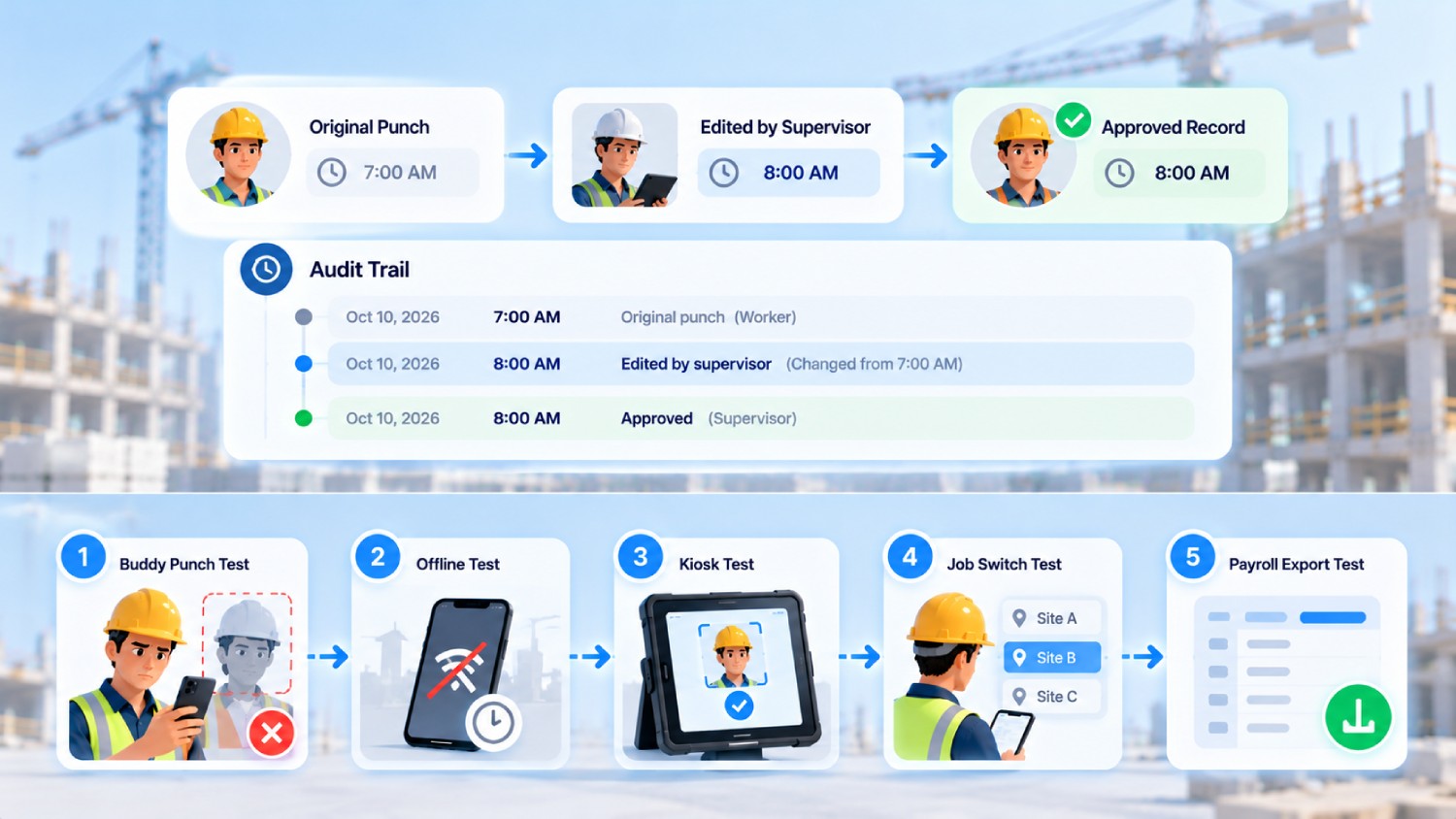
- Attempted buddy punch: Have one crew member clock in on the other's profile, and see whether it is refused with a retry prompt or lands as a flagged exception.
- Disconnected operation: Clock-in in airplane mode, then check whether the identity check ran and how the record looked after sync.
- Crew or kiosk clock-in: Repeat on a shared tablet or site clock and confirm verification behaves as it does on a personal device. For several products, it does not.
- Mid-shift job switch: Move one crew member across two projects and three cost codes in an eight-hour shift, then check the labor cost report for double-counted hours.
- Payroll export: Push the test period into your accounting system and see whether cost codes survive without re-keying.
Then check the audit trail on a corrected clock-in. A defensible record holds the original timestamp, the edited timestamp, the worker ID, the editor ID, the reason, the approval status, and the date of modification, with the original entry preserved.
Ask whether missed and corrected clock-ins keep the original value on file. If a correction overwrites history, you have a timesheet, not an audit trail.
Decision rule: If a tool fails the attempted buddy punch test or the crew kiosk test, stop evaluating it on everything else. Those two are the reason you are leaving VeriClock, and no amount of reporting depth compensates for either one.
4. Whether Subcontractor Hours Stay Separate From Your Own Crew’s
On a site running three subs and your own crew, the time tracking question is not just who clocked in. It is whose payroll each hour lands on, and whether a sub can bill you for headcount that was never on site.
Most tools in this category treat every worker as one flat list. A few let you scope a supervisor’s view to their own people, cap how many workers an agency can enroll, and track document expiry per worker rather than per company.
Ask each vendor two things: can a subcontractor’s supervisor see only their own crew, and can you set a headcount ceiling per agency. If the answer to both is ‘No,’ you are reconciling sub invoices against your own timesheets by hand, which is the job the software was supposed to remove.
Decision rule: If subcontracted labor is more than a quarter of the hours on your sites, treat per-agency scoping and headcount limits as shortlist criteria.
Frequently Asked Questions
1. Does VeriClock have facial recognition?
VeriClock’s own sources do not agree, so the honest answer depends on which one you read.
Its website does not document facial recognition anywhere. The time tracking and location management pages describe GPS controls, a configurable geofence radius, geofence behavior set to warn or block, automatic clock-out on boundary exit, group clock-in, and clock-in by web, mobile, tablet, SMS, and telephone IVR. None of them mention comparing a face against an enrolled image.
Its app store marketing says otherwise. The Apple App Store listing names facial recognition and photo verification in the feature list, and the VeriClock Kiosk app’s release notes describe beta support for facial recognition.
Neither source states the part that decides a buddy punching case: whether a failed match blocks the clock-in or only flags the record. Until VeriClock publishes that, treat the behavior as undocumented and ask the vendor which clock-in modes the feature covers, whether it is live or still in beta, and what happens when a face does not match.
2. What is the best VeriClock alternative for a construction company?
It depends on which problem costs you more, and there are two branches. If crew members clocking in for each other is the issue, start with the tools that verify identity at the moment of the clock-in rather than after it.
Truein is the only one here documenting an outright block with a retry prompt. SmartBarrel verifies every clock-in across its hardware and its apps but does not publish what happens when a check fails, so confirm that behavior directly.
If job costing accuracy is the issue, look at WorkMax or Workyard, both built around cost codes. Decide which branch you are on before booking a demo, because the two groups optimize for different things.
3. Can someone clock in for a coworker if the app only takes a photo?
Yes, in practice. A photo with no automated comparison behind it is stored and attached to the time record, and nothing examines it unless a supervisor opens the file. By then the hour has usually reached payroll.
A stored image is evidence after a dispute, not a control. If the goal is stopping buddy punching on job sites, ask whether the software compares the image automatically and what it does when the comparison fails.
4. Will face recognition work with hard hats, safety glasses, and gloves on?
Mostly yes, with limits worth testing. Truein publishes a range of around 95 to 100 percent accuracy, including with facial hair, masks, changed hairstyles, and hard hats. SmartBarrel states its verification works with gloves, hard hats, and safety glasses.
Neither should be read as a guarantee under every lighting condition and PPE combination a job site produces. Test it at 6 a.m. in winter with a dirty lens before rolling it out, and confirm the fallback clock-in method.
5. Is facial recognition time tracking legal for construction crews in the United States?
Yes, with proper notice and consent. Five states have biometric consent requirements that apply to workplace time tracking: Illinois under BIPA, which uniquely lets individuals sue directly; California, where the CCPA and CPRA employee exemption expired on January 1, 2023, giving employees full rights over biometric data collected at work; Texas under CUBI; Washington under RCW 19.375; and Colorado under HB 24-1130, effective July 1, 2025.
Requirements turn on your jurisdiction and your implementation, so confirm both before deploying.
6. Can construction time tracking software handle union payroll and prevailing wage jobs?
Recording labor hours and producing compliant certified payroll are two different jobs, and most time tracking tools do the first. SmartBarrel documents automatic union overtime and double-time calculation, Truein applies configurable overtime, break, and holiday rules by location and worker category, designed to support compliance with the rules you configure rather than guaranteeing it.
For prevailing wage work, confirm how a vendor handles worker classifications, wage rates, fringe benefits, and reports such as WH-347.
7. How do I move off VeriClock without breaking a pay period?
Run one period in parallel. Export your historical timesheets, map crews and job codes into the new system, configure overtime and break rules, build the site geofences, then run both tools side-by-side for a full pay period and reconcile the outputs line-by-line.
The discrepancies you find there are the configuration problems you would otherwise meet in your first live run. Do not turn the old system off until the parallel period reconciles.
8. Can one crew member split a shift across two jobs and three cost codes?
Yes, and it is worth testing rather than assuming. A crew member spending four hours on Project A under one cost code and four hours on Project B across two more should produce three entries totaling eight paid hours, each landing against the right code, with none of the time counted twice.
Truein handles this by tagging time to a specific job, task, or activity at the clock-in itself. Check how the split appears in both the job costing report and the payroll export, because those two views do not always agree.
9. What is the best ExakTime alternative for construction time tracking?
It depends on what Arcoro Time is not doing for you. If the gap is FaceFront storing a photo instead of checking it, look at the tools that compare a clock-in image against an enrolled reference: Truein, WorkMax, and SmartBarrel.
Truein is the only one documenting a blocked clock-in on a failed match, which matters if the problem is buddy punching rather than record keeping. If the gap is cost-code depth or ERP connections rather than identity, WorkMax and Workyard are closer swaps.
Arcoro’s rugged site clocks are hard to replace with software alone, so price a kiosk or a fixed device into any switch.
The Question That Actually Separates These Tools
Every vendor here has something it is willing to call identity verification. It is whether a mismatched face stops the clock-in before it reaches the timesheet, or gets caught afterward in a review that may or may not happen before payroll runs.
Run the five tests on your two best fits and you will know which group each belongs to within an afternoon.
If a photo sitting in a review queue is not fast enough to catch a bad clock-in before payroll closes, the next step is to see verification that blocks work on a live site, which is what a detailed walkthrough of Truein's multi-site time tracking setup is for.
