



The best time card apps for construction in 2026 are Truein for identity-verified punches across crews and sites, Workyard for continuous GPS precision, ClockShark for scheduling breadth, busybusy for equipment-heavy crews, Buddy Punch for PTO automation, Jibble for a free plan, and QuickBooks Time for QuickBooks payroll shops. The right pick depends on what you need each punch to prove.
What You'll Learn
- The 7 best time card apps compared in one table: what each punch proves, key features, offline support, and pricing
- The criteria behind the list, and where each app honestly falls short
- The decision most rankings skip: verify at the punch, or track crews all day
- What separates a time card app from full construction time tracking software
A paper time card's problem is not the paper. It is proof. A handwritten 8 hours proves nothing to payroll, nothing to a client questioning an invoice, and nothing to an auditor, so disputes get settled by whoever argues best. A time card is a trust document, and the seven apps below are ranked by how well they make it one.
The 7 best time card apps for construction (2026)
Each app below is ranked with its type of proof stated up front, because a time card is only as strong as the punch behind it. The table gives the full comparison; the entries add what each tool honestly does and doesn't do.
| App | Best for | What the punch proves | Key features | Offline | Starting price |
|---|---|---|---|---|---|
| Truein | Verified time cards for construction crews, subcontractors, and multi-site workers | Identity + location (face recognition + geofencing) | Face recognition clock-ins on kiosk or mobile, 70+ policies, payroll-ready export | Yes | $2.25/user/mo (annual) |
| Workyard | Continuous GPS precision and payroll sync | Location, all day (continuous GPS; photo ID option) | Auto clock-in, job costing, mileage, deep payroll integrations | Yes | $6/user/mo + $50 base |
| ClockShark | Scheduling and client management alongside time cards | Location (GPS); identity at kiosk only | Drag-and-drop scheduling, CrewClock, CRM and invoicing | Yes | $9/user/mo + $40 base |
| busybusy | Equipment-heavy crews logging labor and machines together | Location (geofenced clock-ins) | Equipment tracking, GPS breadcrumbs, photo/note log, free plan | Yes | Free; $9.99/user/mo (annual) + $40 admin |
| Buddy Punch | Automated PTO and compliance tracking | Location + optional webcam ID | PTO accrual, OT monitoring, flexible punch methods | No | $4.99/user/mo (annual) + $19 base |
| Jibble | Free time cards for small crews | Identity + location (face recognition + GPS) | Free plan, automated timesheets, kiosk mode | Yes | Free; paid from $1.99/user/mo |
| QuickBooks Time | Crews already running QuickBooks payroll | Location (GPS on paid tier) | Native QuickBooks sync, project tracking, kiosk | Limited | $8/user/mo + $10 base |
Truein
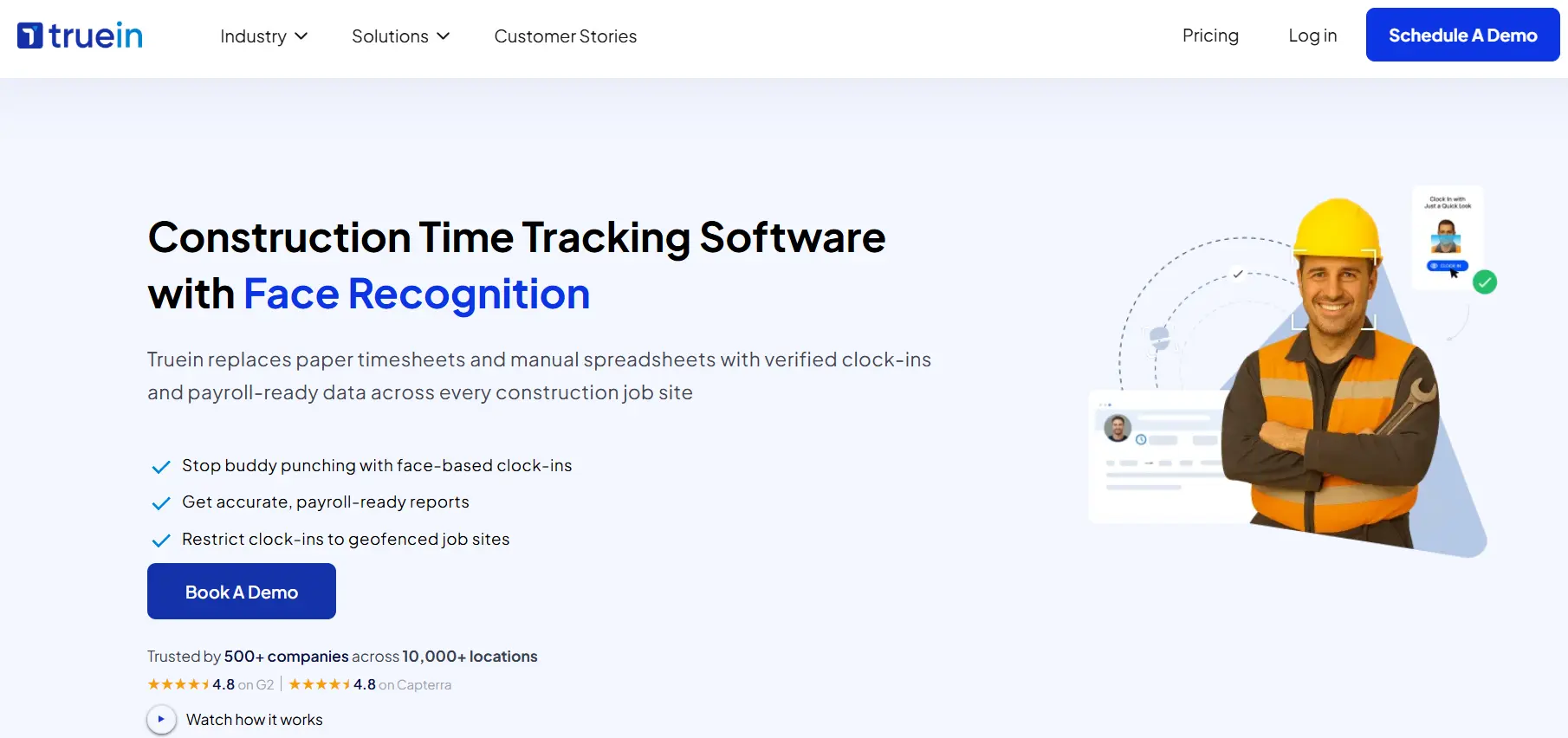
Truein turns every punch into a verified time card. Face recognition confirms the worker and GPS geofencing confirms the site on the same clock-in, from a kiosk tablet at the gate or the worker's own phone, so no dedicated hardware is installed. Subcontractors self-onboard with a face capture on their first morning. For a deep dive on the verification itself, see how Truein's face recognition prevents buddy punching on site.
- Face recognition with GPS geofencing on every punch
- Kiosk mode for shared site entry for multiple workers at single site
- Mobile app-based clock-in from workers own mobile phone
- Clock-ins work offline at remote sites and sync when coverage returns
- More than 70 customizable policies for overtime, breaks, and shift rules
- Verified hours export payroll-ready to any payroll or HRMS system
The honest limit: hours can be tagged to jobs, but there are no job-costing dashboards or project management tools. Contractors who need budget-vs-actual reporting pair Truein with their project software.
Workyard
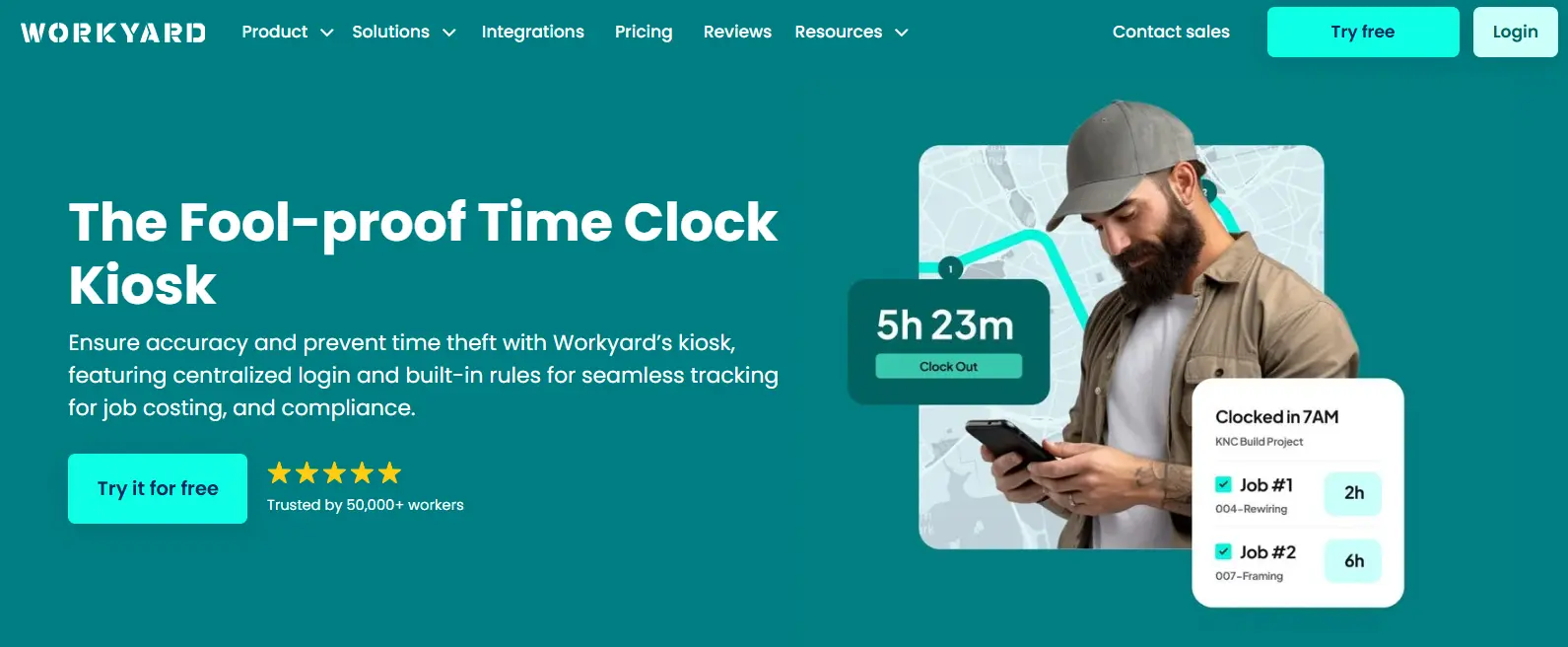
The precision-GPS option. Workyard tracks location continuously through the workday, auto-clocks workers in at geofenced sites, and trims time to the last location visited. Its payroll integrations run deeper than anything else on this list.
- Continuous GPS with mileage capture between job sites
- Automatic clock-in and forgotten-clock-out detection
- Job costing by cost code, worker, and date
- Native two-way sync with QuickBooks, ADP, Gusto, Paychex, and Sage
The honest limit: a $50 monthly base fee before the first worker punches, no free plan, and all-day tracking is the model. Crews who resist continuous GPS resist Workyard.
ClockShark
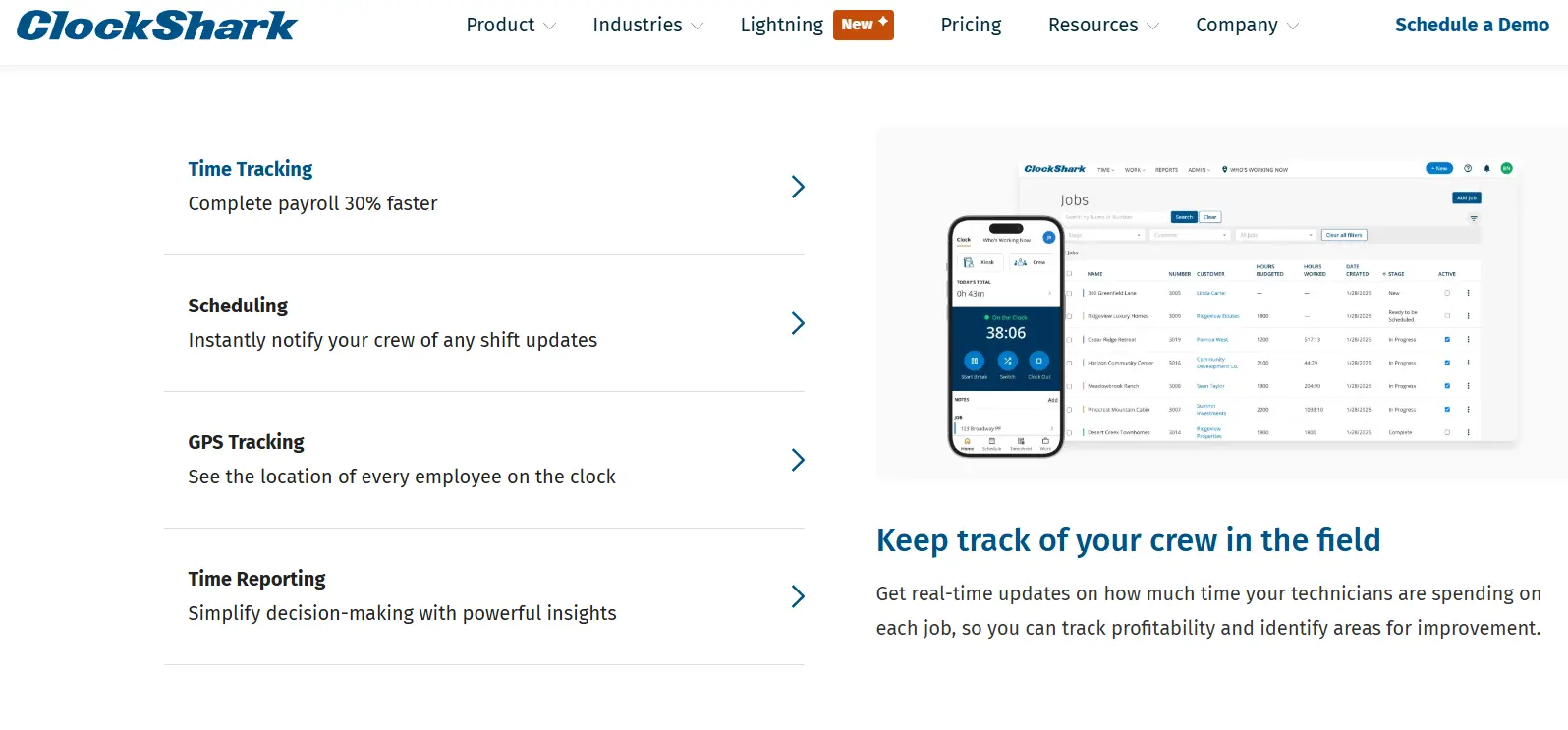
The breadth pick. ClockShark pairs its time cards with drag-and-drop scheduling, CrewClock for supervisors punching whole crews at once, and built-in CRM and invoicing, which lets small contractors run more of the business from one app.
- GPS time clock with geofencing
- CrewClock supervisor punch-ins for full crews
- Scheduling, job costing, CRM, and invoicing in one suite
- Kiosk mode with facial recognition
The honest limit: facial recognition works only on the kiosk, so identity goes unverified on individual mobile punches, and much of the admin backend lives on desktop.
Busybusy

The equipment answer. busybusy logs labor hours and machine hours on the same time card, with GPS breadcrumbs and a photo log for field documentation, and its free plan supports unlimited users.
- Geofenced clock-in enforcement at site boundaries
- Equipment tracking with kiosk mode for machine hours
- GPS breadcrumb trails for crews and equipment
- Free plan with unlimited users
The honest limit: paid plans add a $40 admin license on top of per-user pricing, several features sit behind higher tiers, and a missing project or cost code can bypass the geofence.
Buddy Punch
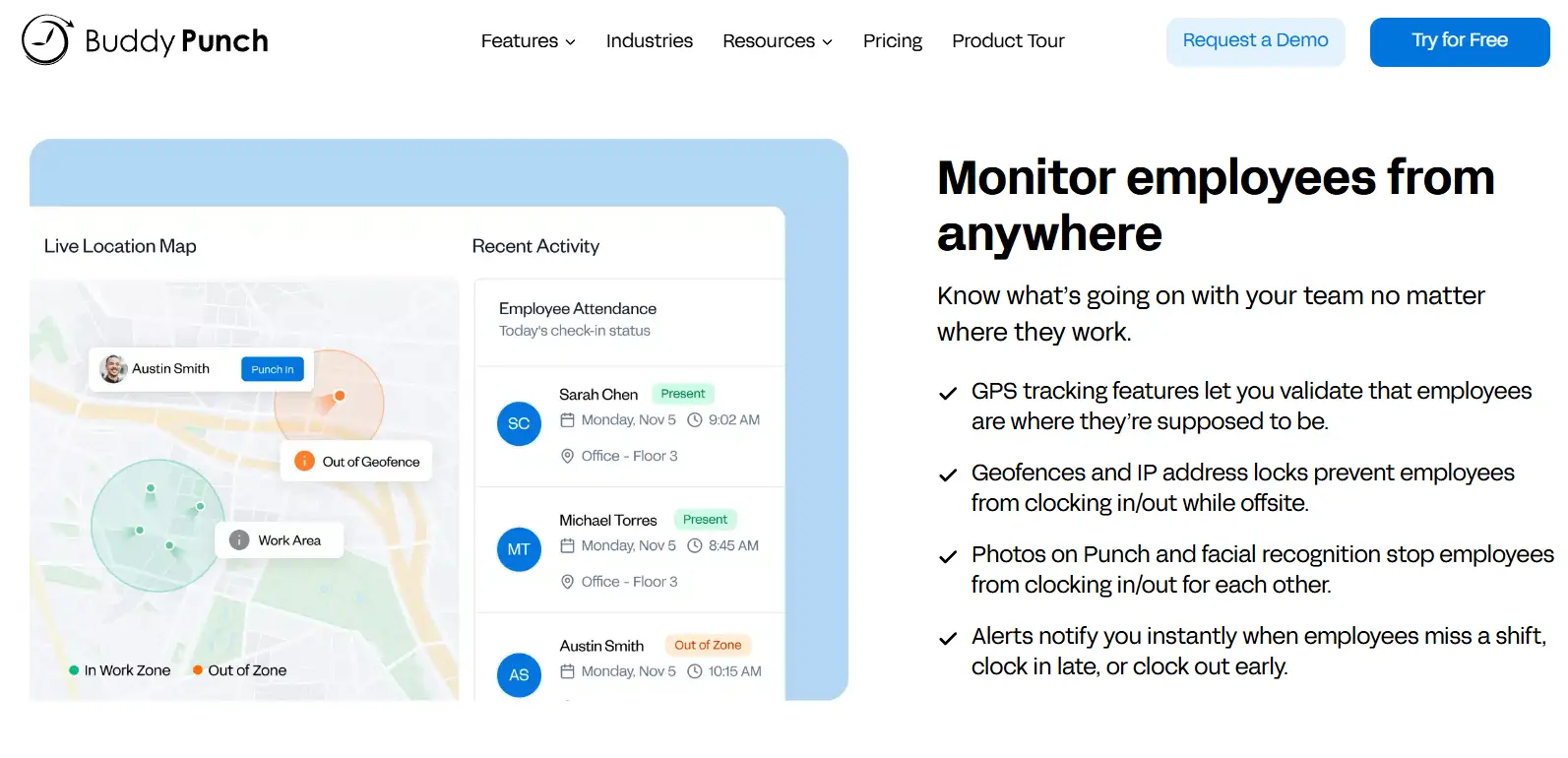
The compliance pick. Buddy Punch automates the PTO accrual and overtime monitoring most time card apps leave manual, with flexible punch methods, from PIN and QR code to webcam ID, that adapt across mixed office-and-field teams.
- Automated PTO accrual and overtime alerts
- Punch via PIN, QR code, or webcam photo ID
- Customizable clock-in restrictions and geofencing on the Pro tier
- Integrated payroll available as an add-on
The honest limit: no true offline mode, per its own documentation. On rural or basement sites, punches wait for signal, which is a structural problem for a construction time card.
Jibble
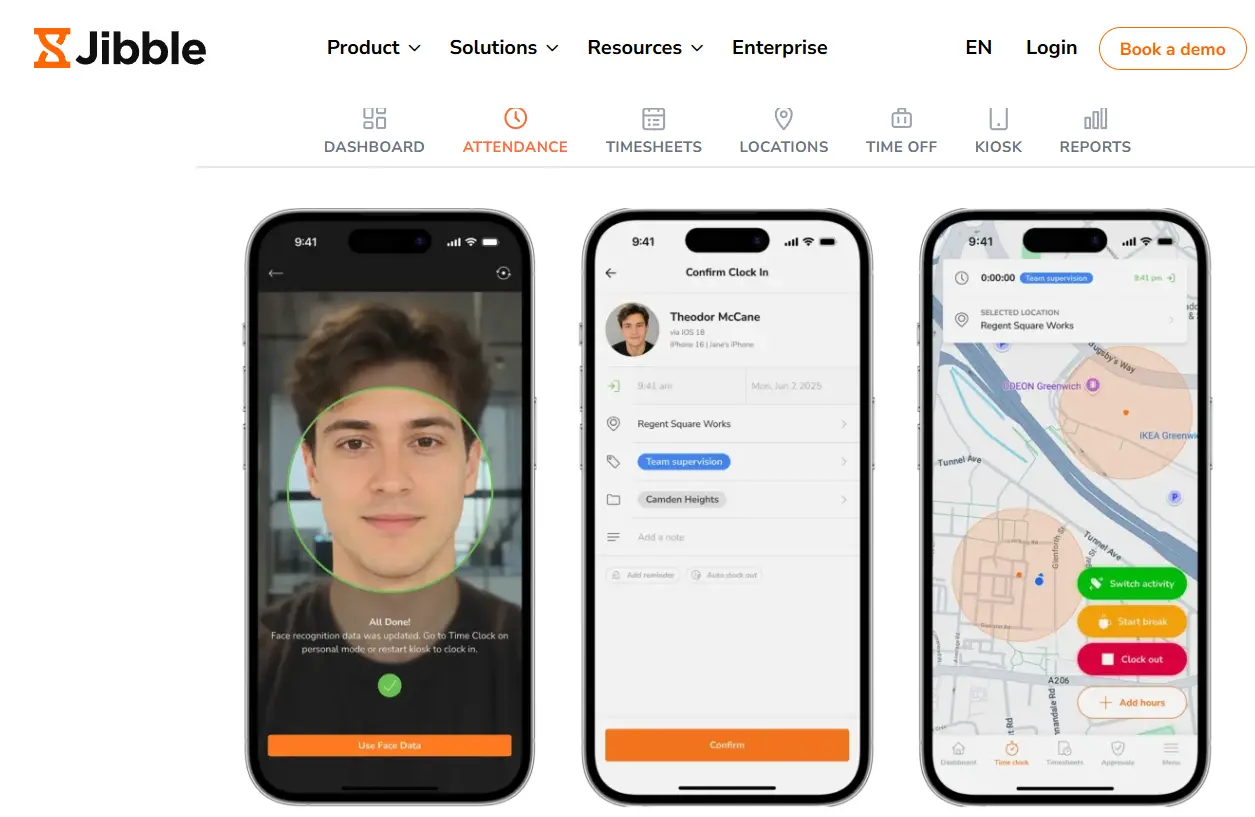
The free pick. Jibble's forever-free plan includes what most vendors charge for: GPS-verified punches, face recognition, automated timesheets, and payroll exports, which makes it the default starting point for small crews.
- Free plan with face verification and GPS geofencing
- Automated timesheets split by regular, overtime, and billable hours
- Kiosk mode for shared site entry
- Offline tracking with automatic sync
The honest limit: no shift scheduling at all, limited exports on the free tier, and construction-specific depth thins out fast. Most crews pair it with a separate scheduling tool.
QuickBooks Time

The ecosystem pick. If payroll already runs through QuickBooks, its time card data flows into payroll and job costing with no re-entry, and that single fact outweighs feature comparisons for a lot of small contractors.
- Native sync with QuickBooks Online and Desktop
- GPS stamps and geofencing on the higher tier
- Project tracking with estimates vs actuals
- Kiosk clock-in option
The honest limit: identity verification is thin, GPS sits behind the paid tier, offline support is limited, and construction-specific features trail every dedicated tool above it.
How we chose these 7
Every app on this list was assessed against the same six criteria, using each vendor's own documentation and current 2026 reviews.
- Verification at the punch. What the clock-in proves: identity, location, or both. Which biometric trait the clock reads matters too, and the guide to biometric time clocks on construction sites covers fingerprint versus face and the consent rules for each.
- Offline capture. A time card app that needs signal fails exactly where construction happens.
- Approvals and payroll-ready export. Hours must reach payroll without manual repair.
- Crew adoption. Taps to punch, shared-device options, and whether workers accept the tracking model.
- Transparent pricing. Per-user rates and the base fees that get left out of comparisons.
- Construction fit. Documented use on real job sites, not adapted office tooling.
No tool passed all six perfectly, which is why every entry above states where it falls short.
What is a time card app (and what it isn't)
A time card app does four jobs: it captures the punch, verifies it, routes the timesheet for approval, and exports payroll-ready hours. That is the whole category, and doing those four well is harder than it sounds on a muddy site with no signal.
It is not the same purchase as full construction time tracking software, which adds job costing, budgets, and project management on top of the punch layer. And solo operators and small subcontractor crews comparing lightweight tools should start with our guide to time tracking apps for contractors instead. This article covers the layer underneath both: the punch itself and the time card it produces. Crews that need a device at the gate rather than an app on a phone should start with the portable time clock for construction comparison, which covers rugged boxes, tablet kiosks, and phone-free setups. When the goal is labor cost by job and cost code rather than the time card itself, the comparison of labor tracking software for construction covers which tools carry hours into job costing.
A time card is a trust document
Three audiences read the same time card, and none of them was there when the punch happened. Payroll pays against it. A client audits invoices against it. And under the FLSA's recordkeeping rules, a labor investigator reads it as the employer's official record of daily and weekly hours.
That is why "what the punch proves" led the table above. A handwritten card proves nothing. A GPS-stamped punch proves a phone reached the site. An identity-verified punch proves the named worker was there, and that is the only version of the record that survives all three audiences without an argument. For the full ranking of verification methods, see our guide to attendance systems that prevent buddy punching, and for where the record goes wrong before anyone argues over it, the five timekeeping errors behind inaccurate labor hours.
Verify at the punch, or track all day?
The seven apps above split into two models, and the split matters more than most feature comparisons.
Track-all-day tools like Workyard, Timeero-class apps, and busybusy's breadcrumb mode record location continuously through the shift. That model earns its cost where you bill travel time, reimburse mileage, or need route history across job sites. The price is paid in phone battery and crew goodwill.
Verify-at-punch tools like Truein and Jibble prove identity and location at clock-in and clock-out, then leave the workday untracked. The record is just as defensible for payroll and client billing, because the trust question lives at the punch, not in the breadcrumbs. A middle option, session-based worker location tracking, checks the site boundary only while the worker is clocked in.
Two questions decide it. Do you bill travel or mileage? If yes, continuous GPS pays for itself. Will your crews accept all-day tracking? A superintendent who rolled out a breadcrumb app to a 60-man crew and watched half of them "forget" their phones in the truck learned that the second question outranks the first. An app your crew works around is worse than paper, because now the record looks digital and trustworthy while being neither.
Conclusion
The best time card apps for construction are the ones that turn a punch into proof. Truein leads for identity-verified time cards across crews, subcontractors, and sites. Workyard leads where continuous GPS and travel billing matter. ClockShark, busybusy, Buddy Punch, Jibble, and QuickBooks Time each win a narrower brief. Choose in that order: what the punch must prove, whether your crew will actually use it, and only then the price. A time card your payroll, clients, and auditors never argue with is the cheapest thing on a job site.
Frequently Asked Questions
What is the best timesheet app for construction?
Truein, Workyard, and ClockShark lead for construction timesheets in 2026. Truein fits crews and subcontractors needing identity-verified punches without dedicated hardware. Workyard fits companies that bill travel and want continuous GPS. ClockShark fits teams that want scheduling and invoicing in the same app.
What is the best app for time cards?
It depends on what the time card must prove. For identity and location verified on every punch, Truein and Jibble lead. For location precision through the whole day, Workyard leads. For a free starting point, Jibble's free plan covers small crews.
What is the difference between a time card app and time tracking software?
A time card app handles the punch layer: capturing, verifying, approving, and exporting worked hours. Construction time tracking software adds job costing, budgets, and project management on top. Small crews often need only the first; companies tracking labor against project budgets need the second.
How do time card apps stop buddy punching?
By verifying identity at the punch. Face recognition confirms the actual worker is clocking in, so one worker cannot punch for another, and geofencing confirms the punch happened on site. GPS or PIN codes alone cannot stop it, because neither proves who was holding the device.
Do time card apps work offline on remote job sites?
Most of the leading ones do. Truein, Workyard, busybusy, ClockShark, and Jibble record punches offline and sync when coverage returns. Buddy Punch does not offer a true offline mode, and QuickBooks Time's offline support is limited, which matters on rural and basement sites.